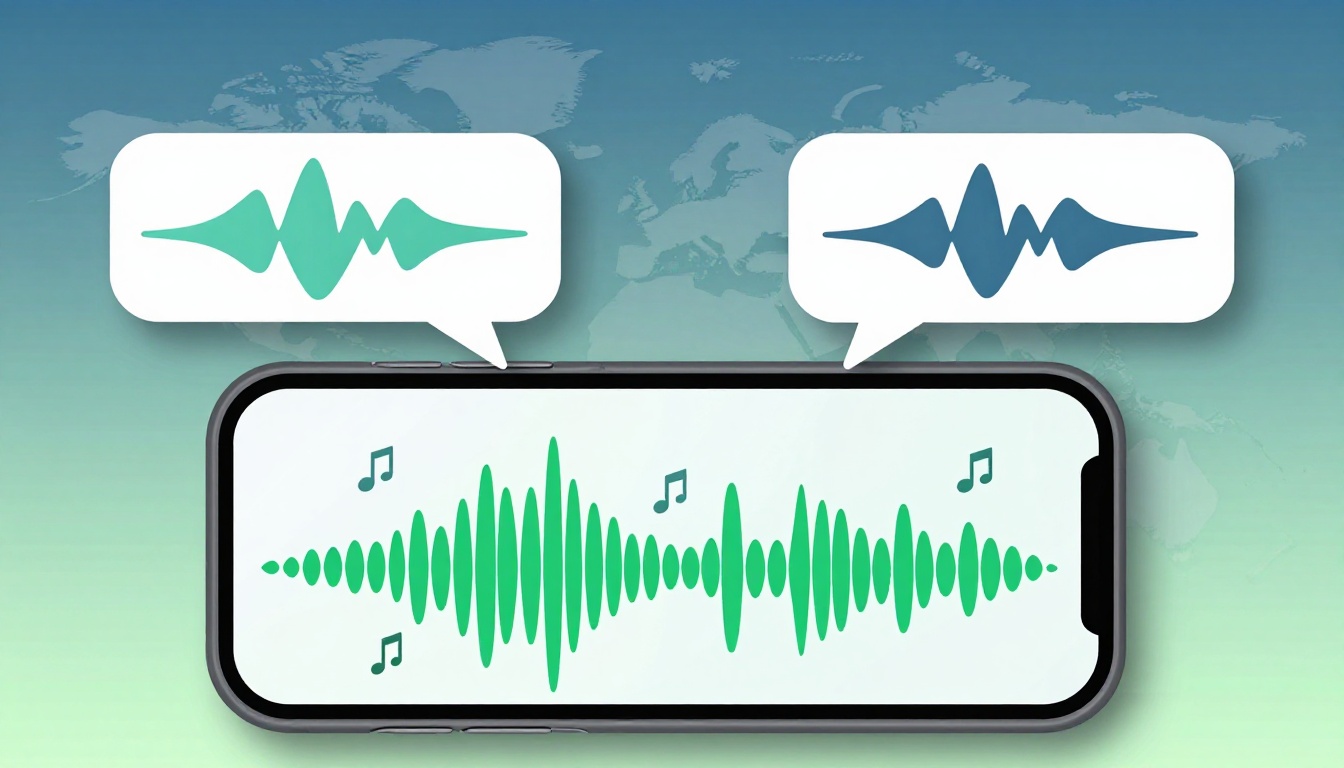
Most speaking apps promise clearer pronunciation. Far fewer show, in a simple way, whether they cover the sound contrasts a learner actually struggles with. That gap is why a pronunciation app test built around minimal pairs works so well.
Minimal pairs are two words that differ by one sound, such as ship and sheep. They are small, but they reveal a lot. In 15 minutes, you can see whether an app teaches the right contrasts, offers real practice, and gives feedback that goes beyond a green checkmark.
Why minimal pairs make a better quick screen
A minimal pair is the shortest useful stress test for pronunciation content. If an app can help a learner hear and say one tricky contrast, it may have real depth. If it can’t, the course may look polished while skipping the hard part.
Target contrasts depend on the learner’s first language and target accent. A Japanese learner may need /r/ vs /l/, as in road and load. A Spanish or Arabic learner may need /b/ vs /v/, as in berry and very. Many learners need /ɪ/ vs /iː/, as in ship and sheep. Word-final voicing also matters, as in cap and cab, or rice and rise. If you want a plain-language refresher, this guide to English minimal pairs is a useful starting point.
A 15-minute check is short on purpose. It helps reviewers compare apps on equal terms. It also helps product teams spot content holes before a launch. Think of it like tapping the walls in a new apartment. You won’t inspect every pipe, but you’ll know fast if a room is missing.
As of March 2026, the gap between pronunciation-focused tools and general study apps is still wide. Apps such as ELSA Speak often surface sound-level practice directly, while broader platforms may offer only light speaking drills. That difference becomes obvious once you stop browsing features and start searching for actual pairs.

How to run the 15-minute pronunciation app test
Keep the same phone, room, and target accent each time. Otherwise, you are testing the setup, not the app.
- Pick four contrasts: Choose four pairs that fit the learner profile. A solid English set is road/load, berry/very, ship/sheep, and cap/cab. If the app targets British English, swap examples to match that accent.
- Search for direct coverage: Spend about four minutes looking for those contrasts in lessons, search, review drills, or sound libraries. Count only what you can actually open and use.
- Check three modes: For each contrast, look for perception, production, and feedback. In simple terms, can the learner hear the difference, say the pair, and get told what was off?
- Run one quick drill per contrast: If the app supports word practice, use the pair alone. If it accepts only sentences, embed the words in short lines, such as “I said ship” and “I said sheep.” Note whether the app catches the contrast or treats both words as close enough.
- Score each contrast from 0 to 3:
0 means absent.
1 means the pair appears, but only as audio or a word list.
2 means the app offers practice, but little or no targeted correction.
3 means the app supports listening, speaking, and useful feedback.
That gives a total score out of 12. Keep brief notes, because the notes often matter more than the number.
If an app seems to fail obvious words at random, stop before blaming the content. That may be a speech engine problem. In that case, run LanguaVibe’s Speech Recognition Accuracy Test first.
How to interpret strong and weak coverage
This simple score band keeps comparisons honest:
| Score | Coverage level | What it usually means |
|---|---|---|
| 0 to 4 | Weak | Minimal pairs are missing or treated as an afterthought |
| 5 to 8 | Usable | The app covers some key contrasts, but depth is uneven |
| 9 to 12 | Strong | The app supports broad contrast practice with real learner support |
A strong result means the app can locate a contrast, model it clearly, let the learner produce it, and respond with helpful correction. In 2026, tools like Say It: English Pronunciation often do well here because they make sound comparison easy. ELSA, BoldVoice, and Speechling also tend to score higher than general apps when the goal is sound-level training.
A weak result usually points to one of three issues. First, the app may lack sound-level content. Second, the content may exist but be hard to find. Third, the app may rely on broad “repeat after me” tasks with no contrast testing. For product teams, those are different problems, and they need different fixes.
A high score means good coverage, not guaranteed learning.
This test reveals breadth, depth, and usability. It does not measure long-term retention, sentence rhythm, or spontaneous speech. It also won’t tell you whether the feedback is truly teachable. For that, pair this framework with LanguaVibe’s Powerful Pronunciation Feedback Test.
A low score isn’t always a deal-breaker. If an app is built for grammar, travel phrases, or open chat, pronunciation may not be its main job. Still, if it claims serious speaking support, this 15-minute screen should not expose empty shelves.
A fast check that cuts through feature pages
If an app can’t cleanly separate ship from sheep, it probably won’t help much when speech gets messy. That’s why this short pronunciation app test is so useful. Run it with the same four contrasts, keep the notes, and compare scores over time. In a crowded app market, a small, repeatable test beats a long list of claims.

