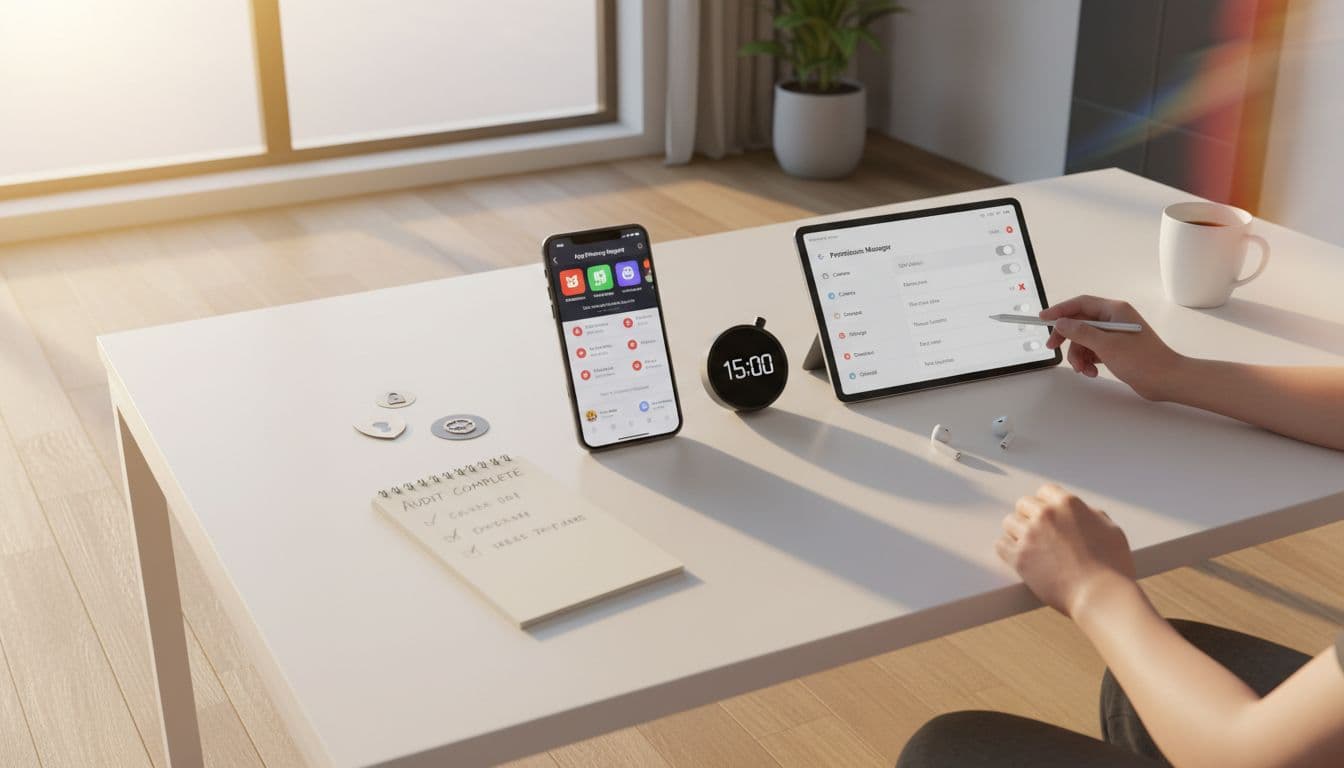
A language app can feel like a quiet tutor in your pocket. Yet behind the flashcards and speaking drills, the app may still phone home. Sometimes it is for syncing progress. Other times it is for ads, analytics, or attribution.
Additionally, regular app privacy audits foster trust among users. By ensuring transparency, developers can enhance their reputation in the marketplace.
This app privacy audit is a fast, repeatable way to spot trackers and risky endpoints on iOS and Android, without reverse-engineering. In about 15 minutes, you can answer three questions: what permissions does the app use, what domains does it contact, and which calls look like tracking versus core function. Conducting an app privacy audit can reveal hidden risks.
If you want a broader baseline first, this language app privacy settings guide pairs well with the audit below.
Set up your 15-minute tracker audit (iOS and Android)
Think of this audit like checking the ingredient label before you eat. You are not trying to prove wrongdoing. You are trying to reduce surprises.
Before you start, use one consistent test routine. Open the app, complete one short lesson, try a speaking prompt, then leave it idle for two minutes. That mix triggers most background calls.
Here’s the step-by-step process:
- Record your test context (30 seconds).
Note device model, OS version, app version, and the exact time. If a child uses the app, note which profile type you picked. - iOS: turn on App Privacy Report (1 minute).
Go to Settings, Privacy & Security, App Privacy Report, then toggle it on. Apple explains what it includes in About App Privacy Report. Let it run while you do the test routine. - iOS: check Tracking, Location, and background access (2 minutes).
In Settings, Privacy & Security, Tracking, deny tracking for the app (or disable requests). Also review Location Services and set the minimum, usually None or While Using. On iOS 26.3, also look for Limit Precise Location under Cellular settings if your device offers it. It is carrier focused, but it still reduces precision in one more place. - Android: review permissions with the tightest option (3 minutes).
Open Settings, Privacy, Permission manager (wording varies). Prefer “Allow only while using the app” or “Ask every time” for sensitive items. For developer context, Google’s guidance is clear in Minimize your permission requests. - Android: check recent access in Privacy Dashboard (2 minutes).
Go to Settings, Privacy, Privacy dashboard. Look for mic, camera, and location access that happens outside active use. Some phones show 24 hours, others show longer ranges. - Run the routine, then inspect the logs (6 minutes).
On iOS, return to App Privacy Report and review Data & Sensor Access and Network Activity for the language app. On Android, you will rely more on permissions history and any in-app privacy toggles, since Android does not offer a single built-in domain list in the same way.
Gotcha: OS reports are helpful, but not complete. Encrypted traffic hides full URLs, and some connections appear as “normal” cloud services. Treat the audit as a signal, not a verdict.
If you are auditing during first-run setup, this privacy mini-audit during onboarding helps you catch early permission grabs before habits form.
How to spot ad SDKs and risky endpoints in minutes
Once you have network domains (iOS) or strong hints (Android), focus on patterns. Tracking infrastructure often looks the same across apps, even when the app’s branding changes.
Start with three quick wins:
First, look for ad and attribution domain shapes. Common patterns include subdomains that contain words like ads, adservice, doubleclick, measurement, analytics, app-measurement, adjust, branch, or appsflyer. One domain does not prove intent, but repeated calls often mean an SDK is active.
Next, watch for repeated background calls. A language app that checks for “new lessons” a few times per day can be reasonable. A call every few minutes while the app sits idle is harder to justify for vocabulary practice.
Finally, separate “lesson-critical” from “marketing-critical.” Audio scoring might contact speech services during a speaking task. That is function linked. An ad call during a paid subscriber session is worth questioning.
This table helps you classify what you are seeing:
| What you notice | Usually necessary | Often tracking or ads |
|---|---|---|
| Domains tied to login, purchases, or content CDN | Account sync, downloads, subscriptions | Rarely (unless bundled with analytics) |
| Calls only when you tap “Speak” | Pronunciation scoring, speech processing | Less likely |
| Calls start at app launch and repeat in background | Sometimes sync or notifications | Often analytics, ads, attribution |
| Many third-party domains per session | Occasional (payments, video hosting) | Higher tracker risk |
When you want to map a suspected endpoint to a known SDK vendor, use a reputable tracker index. εxodus maintains a browsable directory in εxodus tracker listings. Treat it as a starting point, then confirm with additional evidence (timing, feature triggers, and app disclosures).
Also compare what the app claims versus what you observe. On iOS, check the App Store privacy section, and for official context see Apple’s App Privacy Details. Mismatches do happen, sometimes from outdated disclosures, sometimes from bundled SDK updates.
A single domain is only a clue. Stronger evidence comes from correlation, the same domain appearing across sessions, and calls that line up with ad-like screens or install attribution flows.
Document findings, report to developers, and mitigate safely
Good notes turn “I saw something weird” into feedback a developer can act on.
On iOS, take screenshots of the app’s Network Activity list, plus the timestamps shown in App Privacy Report. On Android, screenshot Permission manager settings for that app and the Privacy dashboard access history. Add a short note that ties each observation to what you were doing (for example, “opened app, no lesson started, device on Wi-Fi, still saw repeated network activity”).
For those new to security, an app privacy audit serves as a practical introduction to managing app permissions and data health.
In summary, performing an app privacy audit empowers users to take charge of their data privacy.
When you report it, keep the message tight:
- Describe the user impact (parent concern, classroom policy, company device rules).
- Include evidence (screenshots, app version, times).
- Ask a specific question: “Which SDK triggers calls to X, and can it be disabled for subscribers or kids?”
For users and families, mitigation can be simple:
- Turn off in-app toggles for analytics, personalization, or ads when available.
- Deny permissions that are not needed for your use (contacts and precise location are common overreach in language apps).
- On iOS, deny Tracking requests and keep Location off unless a feature truly needs it.
- On Android, keep permissions to “only while using,” and review access history weekly.
- If you need stronger blocking, consider OS-level Private DNS (Android) or a reputable VPN or firewall app. Be cautious, since blocking can break logins, audio scoring, or downloads.
Google Play Protect can help catch some harmful behavior, although it is not a tracker detector. For basics, see Use Google Play Protect to help keep your apps safe.
Printable 15-minute app privacy audit checklist
- Write down device, OS, app version, and start time
- iOS: enable App Privacy Report, run one lesson plus one speaking task
- iOS: review Tracking and deny, then check Network Activity domains
- Android: set permissions to “only while using” or “ask every time”
- Android: review Privacy dashboard for mic, camera, location access timing
- Flag repeated background calls, especially to third-party domains
- Classify each item as “core function” or “tracking/ads likely”
- Capture screenshots, add notes, include timestamps
- Report to the developer with evidence and one clear question
- Apply mitigations (toggles, permissions, ad settings, DNS/VPN) and re-test
Conclusion
A language app should earn your trust the same way it earns your streak, through clear choices and predictable behavior. This app privacy audit gives you a quick way to spot ad SDK signals, excessive permissions, and suspicious endpoints, then document what you found. Run it again after major updates, since SDKs change quietly. The best outcome is not blame, it is a cleaner app that teaches well without watching so much.
Remember, an app privacy audit should be part of your regular app maintenance schedule.

