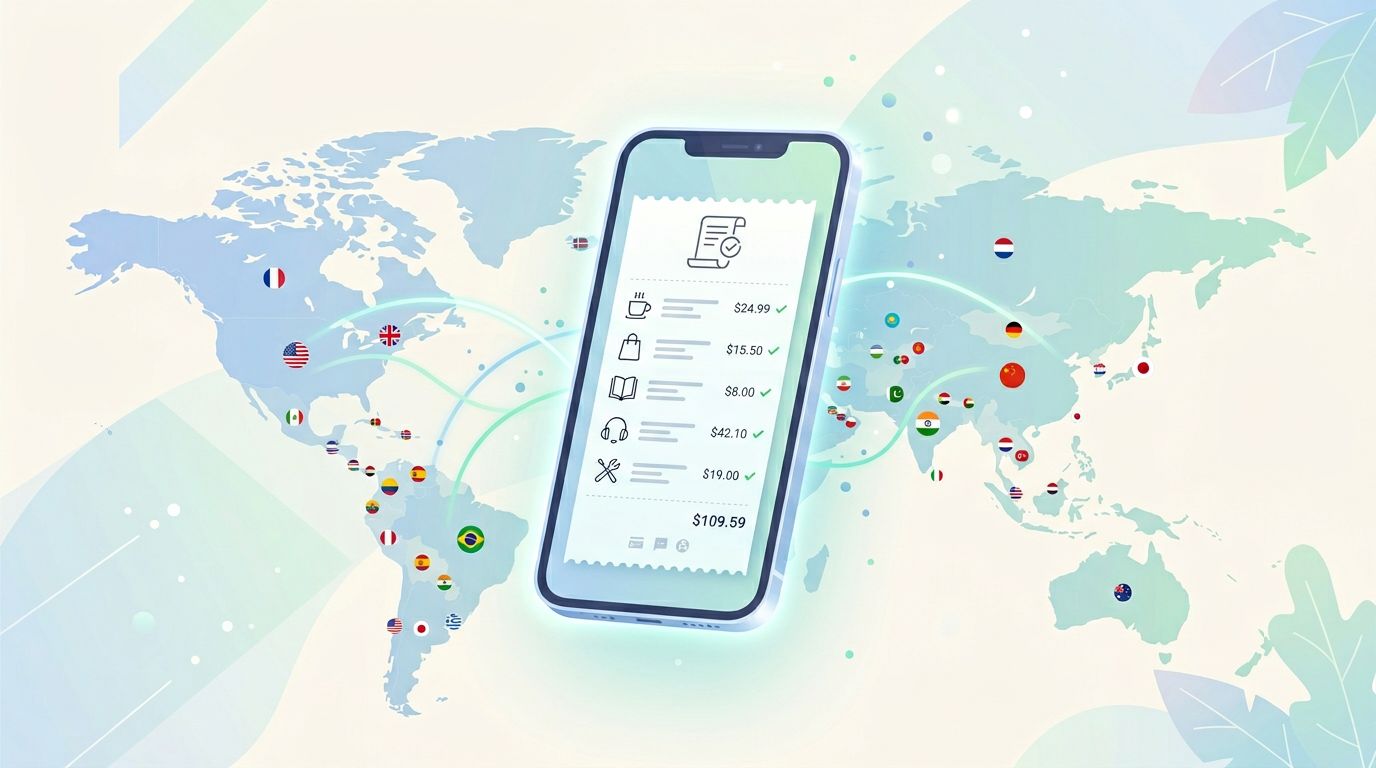
A billing receipt should answer one basic question fast: “What did I just pay for?” When it doesn’t, users feel tricked, even if your pricing is fair.
For language apps, that confusion shows up as refund requests, chargebacks, angry reviews, and support tickets that could’ve been avoided. The fix often isn’t a new policy. It’s billing receipt clarity.
This 10-minute check is a repeatable way for product, UX writing, growth, RevOps, and support teams to spot receipt problems before customers do.
Why billing receipt clarity is a growth metric, not a finance detail
Receipts are the “paper trail” of your paywall. They’re what users screenshot when they’re upset, what banks and app stores review during disputes, and what support agents rely on when they try to help.
When the receipt is clear, support can resolve issues in one reply. When it’s vague, every case turns into a back-and-forth interrogation: Which plan? Which platform? Which email? Which renewal date? Meanwhile, the customer’s patience runs out.
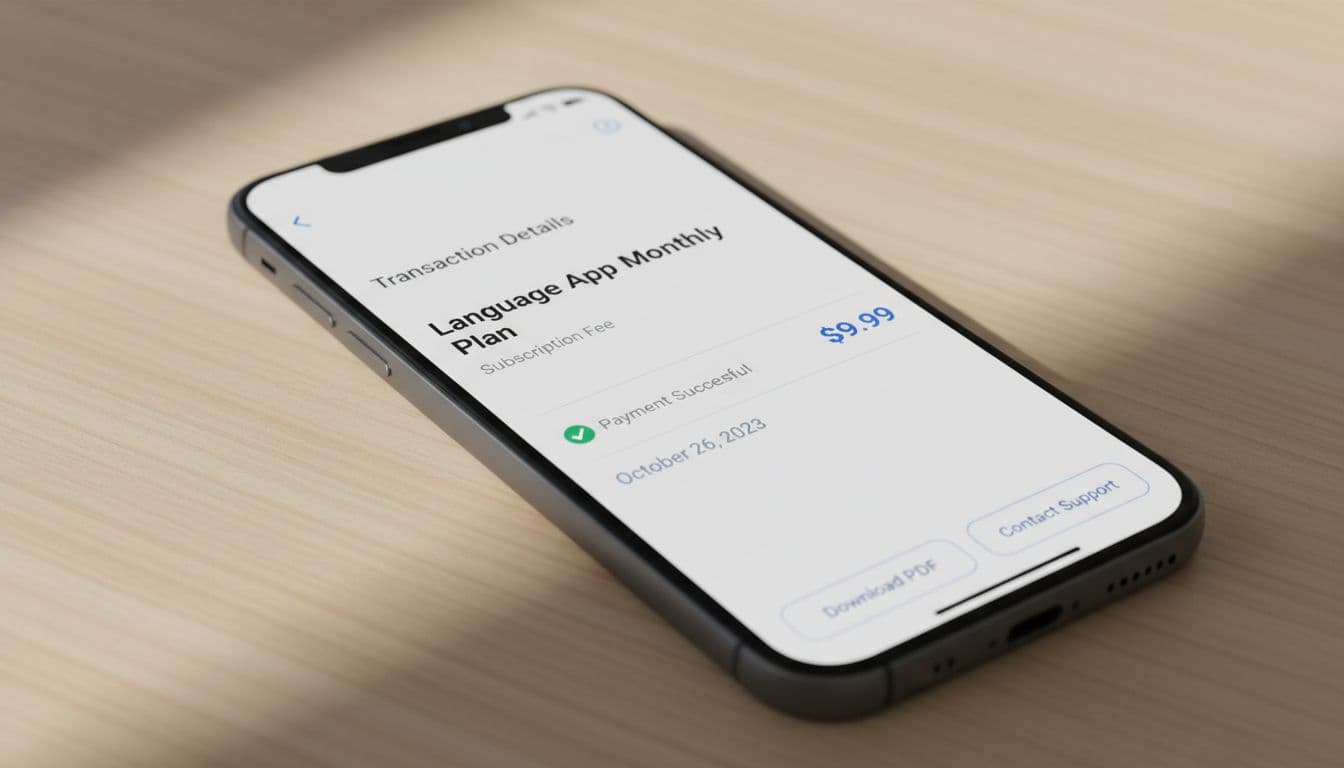
Receipt clarity also protects your funnel. If a learner’s first paid moment ends in confusion, they’re less likely to upgrade again, recommend your app, or try an annual plan. Trust is a habit, and receipts are part of the routine.
There’s another practical angle: many “refund” conversations start as cancellation confusion. If the receipt and follow-up email don’t make the billing source obvious (Apple, Google Play, or direct web), customers cancel in the wrong place and get charged again. If you want a user-facing view of that problem, see this app subscription refunds guide, which highlights how often people can’t tell who billed them.
If a customer can’t identify the plan and billing source in 10 seconds, they’re already halfway to a dispute.
Where language app receipts usually break down
Most receipt problems aren’t dramatic. They’re small gaps that stack up, like a map missing street names.

Here are the patterns that hit language-learning subscriptions especially hard:
Merchant name mismatch. The bank statement shows a parent company, payment processor, or cryptic descriptor. The user searches your app name and finds nothing.
Plan names that sound like marketing. “Max,” “Plus,” and “Pro” don’t mean much at dispute time. Learners remember outcomes (“speaking practice”) more than tier names.
Trial conversion confusion. The receipt confirms a charge, but doesn’t remind the user it followed a trial, or what changed (monthly vs annual, intro price vs renewal price).
Missing service period. Many users accept a charge if they can see what dates it covers. Without that, “I already canceled” claims spike.
Poor identifiers for support. If the receipt lacks an order ID, invoice number, or the purchase email, support has to guess. Guessing looks like stalling.
No clear “how to get help.” Users shouldn’t have to hunt for the one support route that matches their billing path. Pairing receipt cleanup with a support reality check helps, and this 10-minute customer support check is a good companion test.
One more trap: paywall copy and receipt copy drift apart over time. Pricing pages change, plan bundles evolve, and suddenly the receipt describes something your current UI never says. If you want to catch that earlier, run a periodic language app paywall check alongside the receipt audit.
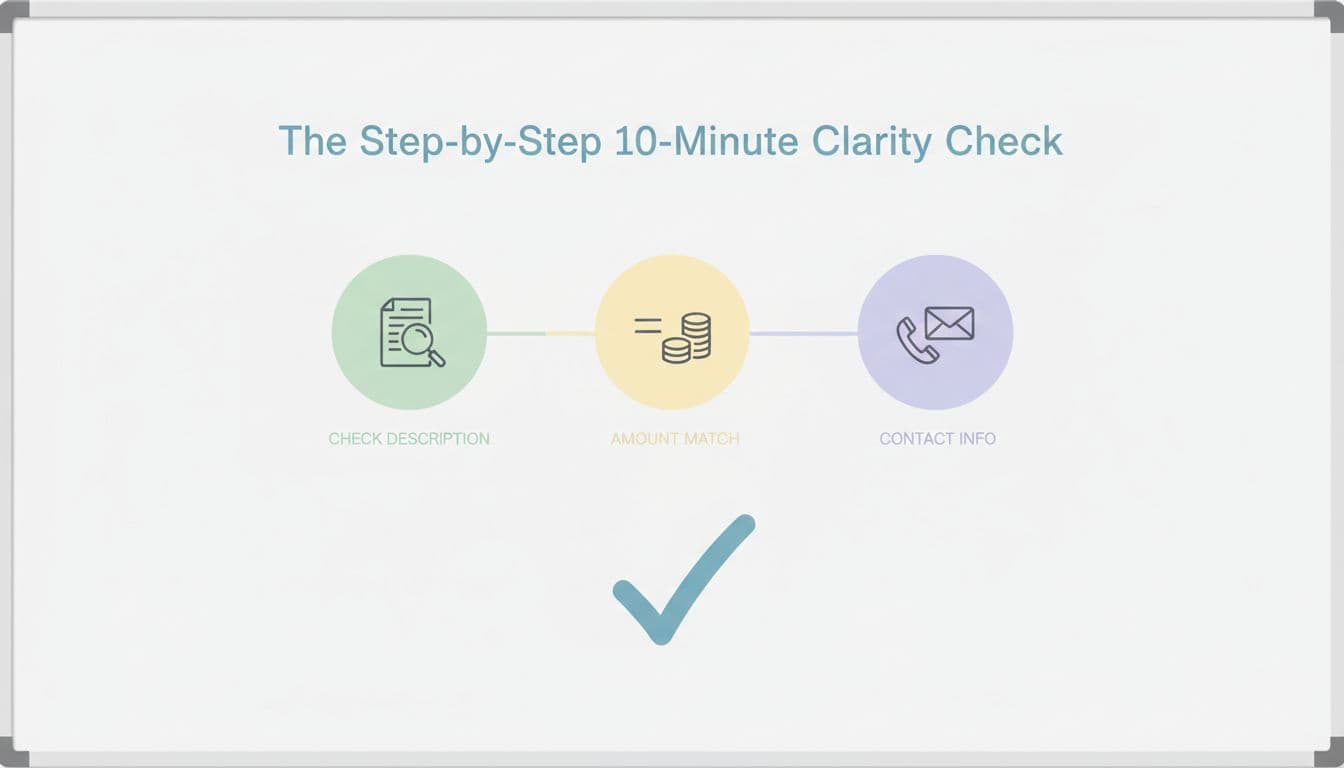
The step-by-step 10-minute billing receipt clarity check
The goal isn’t perfection. It’s to remove the kind of ambiguity that makes honest payments feel suspicious.
Before you start (60 seconds)
Pick one recent purchase for each route you support:
- Apple App Store subscription
- Google Play subscription
- Direct web purchase (if you offer it)
Then open three artifacts: the store or email receipt, the in-app “Manage subscription” area, and a bank statement line (or test card transaction record).
Minute 0 to 2: Can a normal person name the purchase?
Read the receipt like you’re a tired parent scanning a credit card bill. Check whether the app and plan are obvious without context.
Good: “LanguaVibe Spanish Premium, Monthly”
Risky: “LV SUB 00491” or “Premium Max”
Minute 2 to 4: Does the money match what the paywall promised?
Confirm the amount, currency, and tax handling. Also check whether discounts are explained in plain terms.
A simple sanity rule helps: the receipt should make it clear whether the charge is intro pricing or standard renewal. If not, support will eat the difference in time.
Minute 4 to 6: Is the billing period and renewal date unmissable?
Receipts that show “service period” reduce “I didn’t use it” disputes. If your ecosystem doesn’t support a true service period field everywhere, add it where you can (confirmation email, invoice, account page).
Also check timezone. A date that flips at midnight UTC can look like “charged early” to a user in California.
Minute 6 to 8: Can the user tell who to contact and how to cancel?
This is where apps lose people. A receipt that doesn’t clarify the billing owner pushes users into the wrong cancellation flow.
Make sure the receipt experience answers:
- Did Apple bill me, did Google bill me, or did the app bill me?
- Where do I manage renewals?
- Where do I request help?
For broader chargeback reduction tactics that often intersect with billing confusion, this overview of ways subscription businesses reduce chargebacks is a helpful reference point.
Minute 8 to 10: Are support-proof identifiers present?
Your support team needs something they can search. Your customer needs something they can paste.
Use this quick table to score what “complete” looks like:
| Receipt element | What it should answer | Pass test |
|---|---|---|
| App name + plan name | What is this? | A non-user can explain it |
| Amount + currency + tax | How much, and why? | Matches paywall and checkout |
| Billing period / renewal | What dates does it cover? | Visible without scrolling |
| Billing channel | Who charged me? | Apple/Google/web is explicit |
| Order ID / invoice number | How do I reference this? | Copyable identifier exists |
| Help route | Where do I go now? | One clear path is provided |
If you handle disputes often, build your receipt fields around evidence you can assemble fast. This chargebacks and refund handling guide outlines the kinds of records teams commonly need when responding.
What to do with the results (so the check pays off)
After you run the test, don’t file it away. Turn findings into small, shippable edits:
- Rename plans for receipts, not for marketing. Add the language and key benefit (example: “Japanese Premium, Speaking + Review”).
- Align descriptors across surfaces: paywall, receipt email, account billing page, and support macros.
- Add a “billing source” sentence in confirmation emails (Apple, Google, or direct), plus the exact cancellation path.
- Standardize one support contact method for billing issues, even if fulfillment differs by channel.
Small wording changes can work like better street signs. People stop getting lost, and your team stops giving directions.
Conclusion
Receipts are a quiet part of the product, until they aren’t. A quick billing receipt clarity check helps you catch the gaps that trigger refunds, disputes, and support spikes. Set a monthly calendar reminder, sample one transaction per billing route, and fix the highest-friction lines first. If your receipt reads like a clear label, customers treat the charge like a fair trade.

