
The app at the top of the chart often wins your attention first, and your money second. But a leaderboard is like a busy restaurant line, it shows traffic, not whether the meal fits your taste, budget, or goals.
For a smart language app comparison, you need one fast filter: does this app give useful practice for the price? In 15 minutes, you can learn more than a download chart, a star rating, or a shiny streak badge will tell you.
Why top-ranked apps don’t always offer the best value
Public leaderboard data also lags. Full March 2026 app-by-app stats are still patchy, although 2025 reporting continues to show Duolingo far ahead in installs, which fits broader education app benchmarks.
That matters, but installs mostly reward low-friction entry. Free access, school use, brand familiarity, and kid-friendly design can lift an app to the top. None of that proves it will help you speak, write, or stay consistent for six months.
Ratings can mislead too. Many users rate the first week, not the fourth month. An app with fun onboarding may earn five stars even if the review system is weak or grammar help is thin. That is why a simple Rosetta Stone vs Duolingo comparison often reveals more than a generic top-app list.
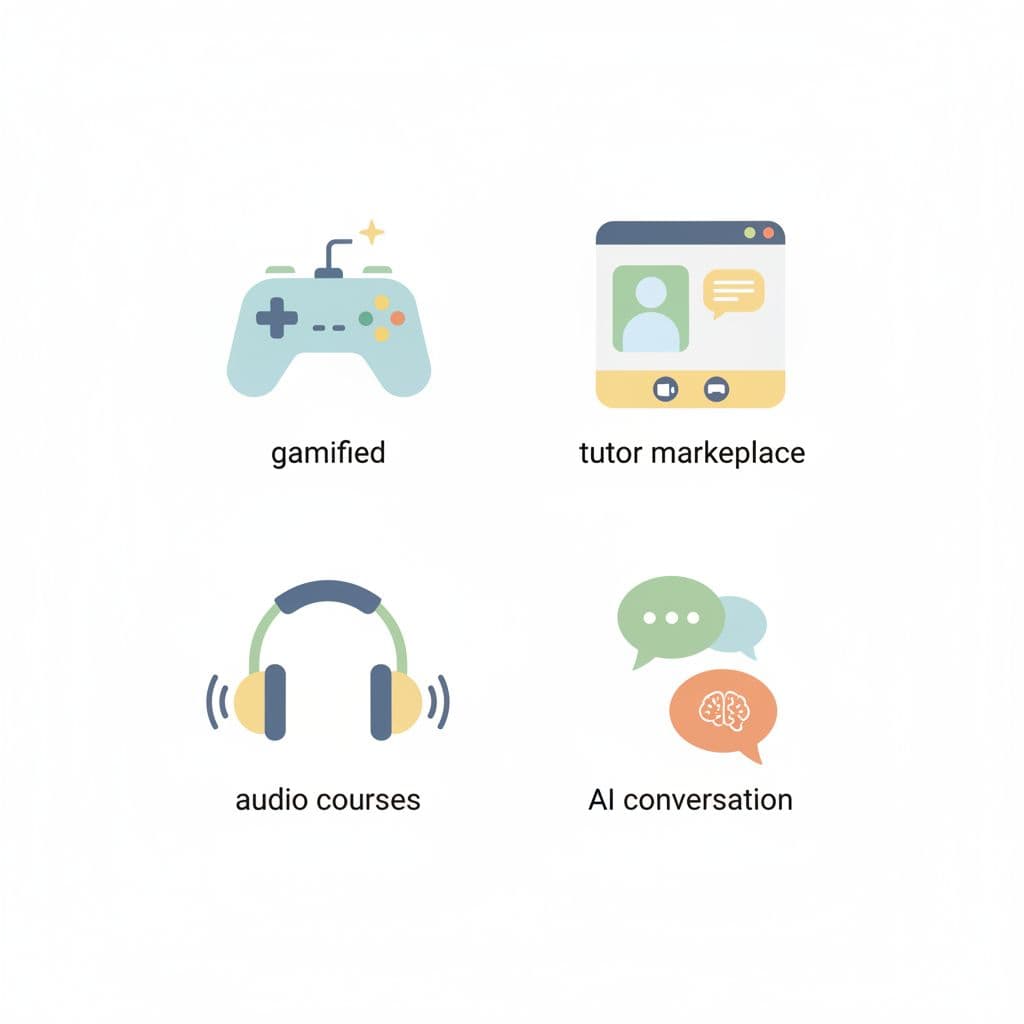
Leaderboards also mix unlike tools. A gamified app sells habit and repetition. A tutor marketplace sells live speaking time. An audio-based course helps commuters train listening and recall. An AI conversation app offers low-pressure chat, but feedback quality can vary a lot. Put those in one chart, and the ranking starts to look like apples, oranges, and headphones in the same basket.
A leaderboard measures attention first. It measures learning value only by accident.
So, use rankings as a starting clue, not a verdict. Popularity can help you spot stable apps, but it can’t choose for your learning style.
Your 15-minute leaderboard value check
As of March 2026, price gaps are wide. Duolingo still has a real free tier, then Super at about $6.99 a month or $83 a year. Babbel usually costs more, around $13.95 monthly or about $7 a month on annual billing. Rosetta Stone sits near $11.99 monthly, with a lifetime option around $199. Busuu, Memrise, Drops, and Mondly cluster in the mid-range, but their free limits differ sharply. Prices vary by region, so trust the checkout screen on your device.

Run this check while the app is still fresh:
- Minutes 1 to 3, inspect the free plan and paywall. Can you finish real lessons, or only taste one screen before the upgrade prompt? A free plan with real review tools often beats a slick trial.
- Minutes 4 to 6, start one lesson cold. Count taps, ads, delays, and wrong turns. If speed matters to your daily habit, pair this with a warm-start speed test for apps.
- Minutes 7 to 9, test the skill that matches your goal. For travel, try listening and phrases. For school, look at grammar help and reading. For speaking, record your voice or open a live or AI chat.
- Minutes 10 to 12, check review depth. Does the app explain mistakes, or only mark them wrong? Does it save weak items for later? Can you review offline?
- Minutes 13 to 15, inspect billing and support. Look for cancellation steps, family options, source-language support, and whether help pages are easy to find.
Use this quick scorecard while the app is open:
| Check | 0 points | 1 point | 2 points |
|---|---|---|---|
| Free plan usefulness | Mostly blocked | Small preview only | Real lessons or solid review |
| Lesson fit | Off-goal | Mixed | Strong fit for your goal |
| Practice depth | Tap-only | Some recall | Recall, feedback, and review |
| Price clarity | Confusing | Acceptable | Clear, fair, easy to cancel |
| Friction | Slow or pushy | Minor annoyances | Fast, calm, easy to use |
A score of 8 to 10 is shortlist material. 5 to 7 means the app may work, but only for a narrow use case. 0 to 4 usually means the leaderboard gave you hype, not value.
Match the app to your goal, budget, and learning style
The best app depends on the job. If you want cheap daily practice, a gamified app may be enough. If you need real speaking, tutor marketplaces and strong AI conversation tools often beat the chart leader. If you study on the bus, audio-first courses can make better use of your time than screen-heavy drills.
Budget matters too. A free app with ads may still be a smart pick for casual review. On the other hand, an expensive plan can be worth it if it replaces tutoring, gives offline access, and keeps you practicing. Parents should also watch for ad pressure, family billing, and whether the app explains in the learner’s native language.
Recent roundups such as Learnables’ 2026 app review and Top10’s language app comparison show the same pattern: different lists reward different goals. That is why your own test beats a generic winner badge.
If grammar clarity decides the purchase, run a second pass with this grammar explanation benchmark for apps. A pretty leaderboard can’t save an app that leaves you guessing.
The strongest takeaway is simple. Value is not the app with the biggest crowd. It’s the app that gives you the right kind of practice, at a price you can keep paying, in a format you’ll return to next week.
Pick two apps, spend 15 minutes on each, and let the score decide. That small habit can save you months of wasted streaks.

