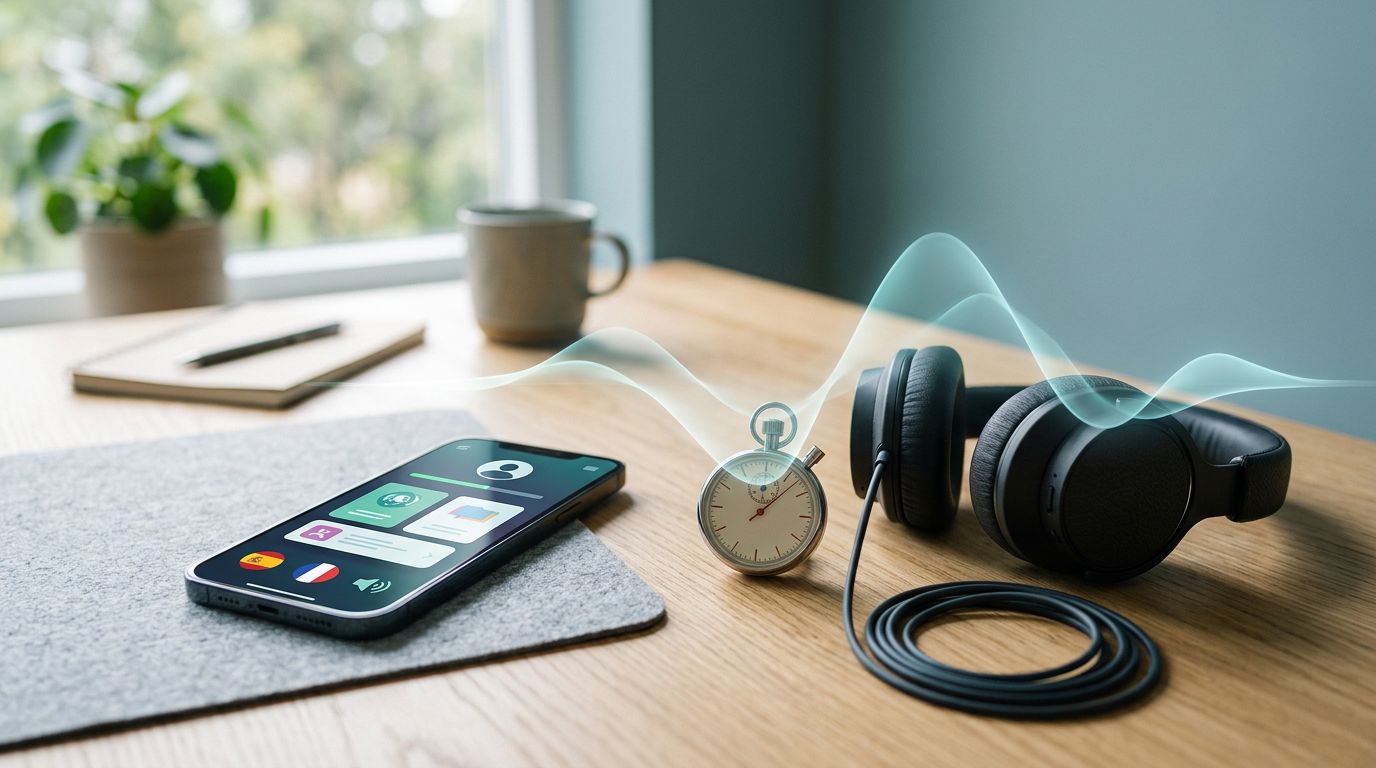
A good dictation task is like a stress test for your ears. In 15 minutes, you can spot whether a language app gives clean audio, fair pacing, and feedback you can use.
That matters because many apps look polished until one sentence falls apart. A short, repeatable language app dictation test gives you something better than a gut feeling: a fair way to compare what happens when you listen, decode, and type under the same conditions.
What dictation reveals faster than a feature tour
Dictation is useful because it combines several skills at once. You need to hear the sounds, hold them in memory, decide what words were said, and then enter them correctly. If any part of the app is weak, dictation exposes it fast.
Broader app roundups, such as this comparison of major language apps, show how much lesson style can vary. Still, dictation cuts through the style differences and tests one simple thing: can the app help you hear language clearly enough to write it back?
Use six criteria every time:
- Audio clarity should sound clean, natural, and easy to parse.
- Pacing should leave enough space between words or offer sensible replay control.
- Transcription difficulty should be clear, not disguised by heavy hints or word banks.
- Answer checking should tell you what was wrong, not only that you failed.
- Accent variety should expose you to more than one voice when the app claims real-world listening.
- Learner feedback should support improvement through replay, slow-down, or visible corrections.
Fairness matters more than speed. Keep the same phone, room, volume, and target language in every run. Also, match the sentence length as closely as you can across apps. If one tool gives you a word bank and another makes you type everything, log that difference. It changes the task.
If you also want to separate app errors from microphone or speech-engine issues, pair this with LanguaVibe’s speech recognition accuracy test.
How to run a fair 15-minute language app dictation test
You don’t need lab gear. You need a timer, a notebook, and the discipline to keep conditions stable.
Minute 0 to 2, lock the setup
Turn off subtitles, hints, and transcript previews if the app allows it. Sit in the same quiet spot for every run. Keep the phone at the same distance and use the same speaker or headphones each time.
Then choose three to five dictation items. A good range is one natural sentence or 5 to 12 seconds of speech. Pick everyday content, not rare names or slang, unless that’s the app’s stated focus.
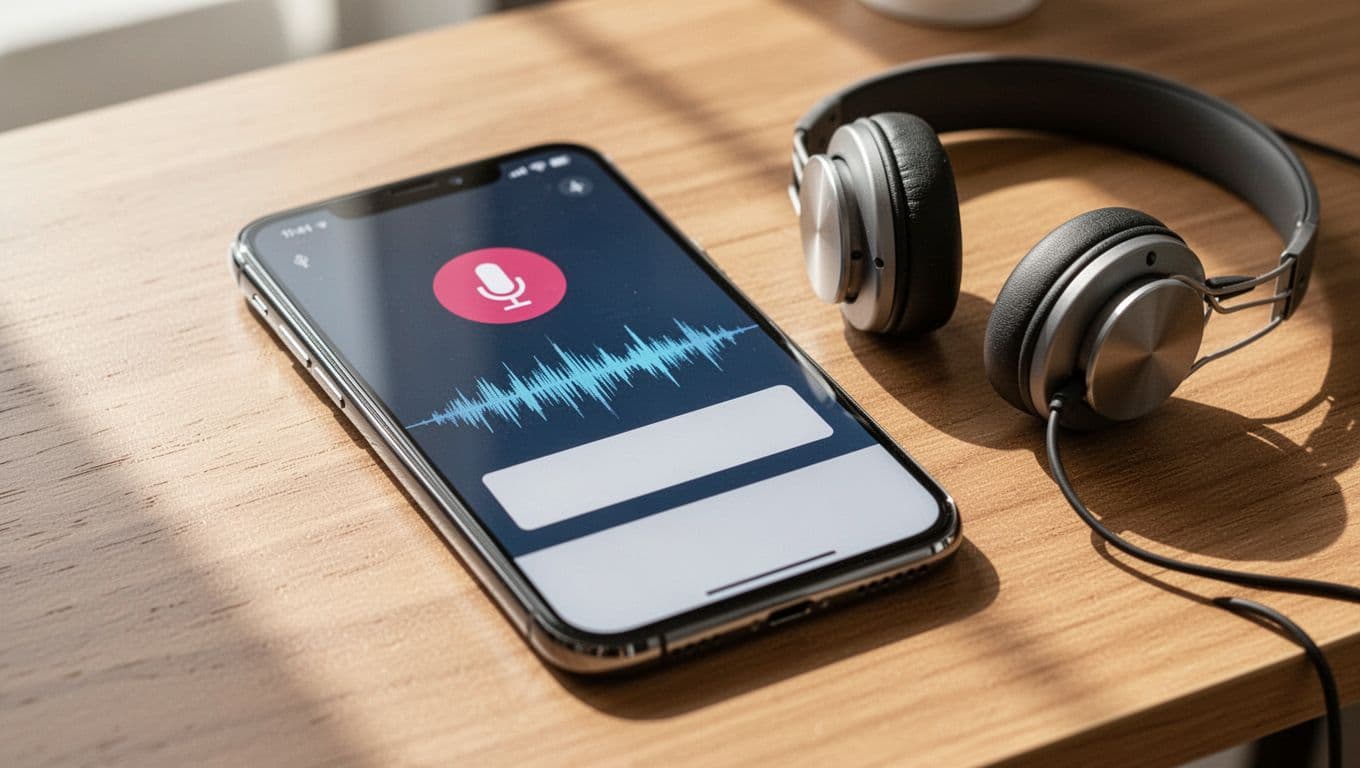
Minute 2 to 10, run the core dictation
Use the same routine in every app:
- Play each item once at normal speed.
- Write what you heard without pausing to edit.
- Replay once, and only once, unless the app forces more listens.
- Submit the answer and record what happened.
Note the small frictions. Did the voice sound clipped? Did the sentence rush past numbers or contractions? Did the app mark punctuation, accents, or apostrophes as critical? Those details shape the learning value.
Some features change the task more than people think. A word bank lowers recall demand. Fill-in-the-blank tasks reduce transcription load. A slow-down button helps beginners, but it also makes cross-app comparisons less direct. That doesn’t make the feature bad. It simply means you should mark it.
Keep the script, device, room, and replay limit the same. Change one variable, and your score becomes harder to trust.
Minute 10 to 13, test one variation
Now add one controlled twist. Use a second speaker, switch to a different accent, or replay one item at a faster pace if the app offers it. This quick variation shows whether the app stays readable when the training wheels come off.
For context on how lesson design can shape these tasks, Migaku’s language learning apps comparison is a useful backdrop.
Minute 13 to 15, write your notes
Don’t rely on memory. Log one sentence about each item. Short notes work best, such as “clear audio, but strict punctuation,” or “good replay, weak correction.”
Score the results without guesswork
Score observable behavior, not brand reputation. A fancy interface can still give weak dictation.
Use this simple 0 to 2 rubric:
| Criterion | 0 | 1 | 2 |
|---|---|---|---|
| Audio clarity | muddy, robotic, or clipped | usable but uneven | clean and easy to parse |
| Pacing | rushed or awkward pauses | mostly workable | steady pace, sensible gaps |
| Transcription depth | mostly choices or hints | mixed input modes | clear full-text dictation, or clearly labeled assist |
| Answer checking | right/wrong only | shows answer with little detail | highlights misses, accepts fair variants |
| Accent variety | one flat voice only | some variation | more than one clear speaker or accent option |
| Learner feedback | no help after error | replay or slow-down only | replay, control, and useful correction |
A total of 10 to 12 suggests strong dictation design. A 7 to 9 score is usable but uneven. Anything below that needs caution, especially if the app markets dictation as a core skill.

Examples help here. An app may score high on audio clarity because it uses studio-grade voice tracks, yet score low on feedback because it only says “try again.” Another may offer natural accents but bury the correct answer after a miss. A third may accept close spelling and punctuation variants, which usually feels fairer for learners.
If dictation scores are strong but spoken correction feels vague, compare the app with a separate pronunciation feedback test scorecard. That helps you tell apart listening quality and speech coaching.
One shaky sentence can tell you more than a polished onboarding flow. That’s the strength of a short, fixed test.
Run this method once, save your notes, and repeat it after major app updates. Repeatability is the real win. When two apps seem close, test them again next week with the same setup and see which one still holds up.

