Most apps promise quick progress. Sometimes a 10-minute session is enough to move you forward. But that only happens when those minutes include real output, not just fast tapping.
This guide gives you a simple way to judge language app practice time for yourself. You’ll separate active practice from passive screen time, run a short test, and see what a good result looks like in 2026. For a wider claims audit, start with LanguaVibe’s what language learning apps really deliver.
Why 10 minutes can feel useful without building much skill
Language apps are great at creating motion. You tap, swipe, hear audio, win points, and keep a streak alive. Because the session feels busy, it also feels productive.
Still, busy isn’t the same as trained. If the app shows hints before you think, or gives you word banks for every answer, your brain may only be recognizing patterns. That’s closer to multiple choice than conversation.
Active practice asks more from you. You have to retrieve a word before seeing it. You have to say a sentence out loud, type a reply from memory, or respond to audio with little support. That effort is the point. It’s like lifting your own weight instead of using a machine that carries half the load.
If you didn’t speak, type, recall, or build a sentence, you probably practiced the app more than the language.
Current roundups such as PCMag’s 2026 language app testing show how much methods differ across apps. Even within one app, practice can change by language course and subscription tier, so a French learner may get a different experience than a Swedish learner.
Active practice vs passive app time
Use this quick split while you test an app.
| Counts as active practice | Usually passive or low-effort |
|---|---|
| Speaking a full answer out loud | Listening without replying |
| Typing from memory | Tapping word tiles |
| Recalling vocab before hints appear | Reading hints first |
| Building a new sentence | Repeating the exact sample only |
| Listening, then answering a question | Playing audio again with no response |
The line isn’t always perfect. For example, repeating a model sentence can help pronunciation, and tapping can support beginners. The issue is proportion. If most of your session stays on the right side of the table, the app may be training comfort more than usable skill.
This is why app comparisons need more than feature lists. A microphone icon doesn’t always mean strong speaking practice. Some apps score pronunciation on short prompts, while others push longer recall. If you want a side-by-side example, this detailed Rosetta Stone vs Duolingo review shows how two well-known apps can feel very different once you look at output, not just design.
Run the 10-minute language app practice time check
The test is simple. All you need is one app session, a timer, and a piece of paper.
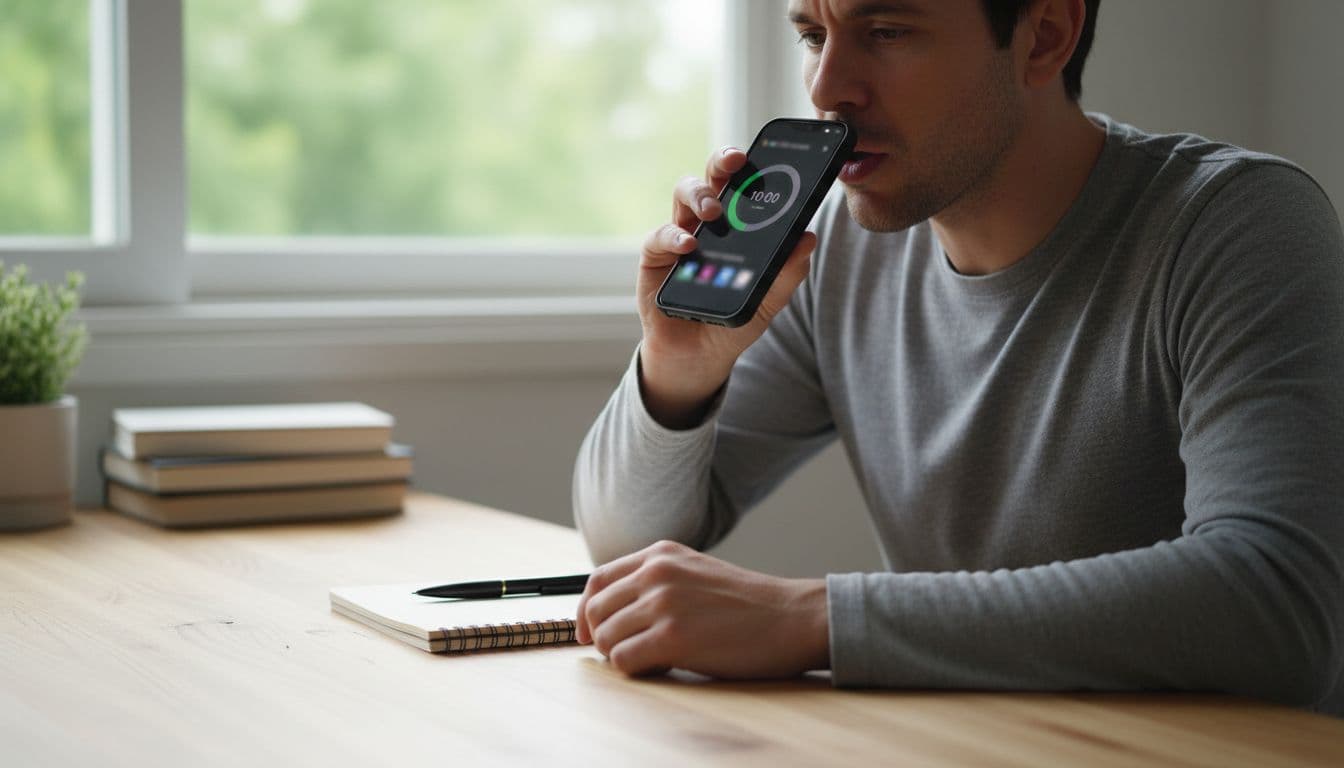
- Set a 10-minute timer. Pick one lesson, review set, or conversation task. Avoid pure onboarding screens.
- Mark only active seconds. Count time spent speaking aloud, typing answers, recalling before options appear, producing sentences, or answering audio prompts.
- Ignore passive time. Don’t count animations, reading explanations, listening with no reply, or tapping through hints.
- Track the mix. On paper, make five tiny columns: speaking, typing, recall, sentence production, interactive listening.
- Finish with a cold check. In the last minute, say or type three original sentences without hints. If you freeze, the lesson may have supported you too much.
A fair result needs both quantity and variety. Ten minutes of only repeating single words is better than nothing, but it won’t tell you much about real use. On the other hand, four active minutes spread across speaking, typing, and recall can reveal solid lesson design.
For cleaner comparisons, run the same test on two apps using the same topic, such as greetings, food, or past tense. Then pair it with LanguaVibe’s 10-minute lesson resume test to see whether the app still helps you retrieve what you learned after a short break.
What a good result looks like in 2026
A good short-session result is usually 6 or more active minutes out of 10, with at least two kinds of production. You should also manage one brief unsupported task at the end, even if it isn’t perfect.
Here is a simple way to read your result:
- 0 to 2 active minutes: mostly passive, habit-building more than skill-building
- 3 to 5 active minutes: mixed quality, useful but easy to coast through
- 6 to 8 active minutes: strong for daily app practice
- 9 to 10 active minutes: excellent, but rare in beginner-friendly apps
One more sign matters, feedback quality. A strong app lets you retry after an error and makes the correction clear. If a paywall removes typing, speaking, or review modes, score the free and paid tiers separately.
As of March 2026, active practice shows up in different forms. Pimsleur remains strong for spoken response and timed listening. Rosetta Stone and Mondly offer guided speaking work. Taalhammer pushes full-sentence recall. HelloTalk gives real conversation through text and voice, but little built-in structure. Duolingo and Memrise can still help with habit and review, yet many sessions stay recognition-heavy unless you turn on every production option available. Babbel often sits in the middle with guided dialogues and short written tasks, as noted in this Babbel in-depth review. Broader 2026 roundups, such as Learnables’ app category overview, point to the same pattern: different tools train different skills.
Choose minutes that make you answer
Ten minutes can move you forward, but only if most of that time is active. When language app practice time is built on speaking, typing, recall, and response, short sessions add up. Run the check this week, keep the apps that demand output, and drop the ones that mostly reward tapping.

