
If your app’s audio cast sounds like the same person in different outfits, learners notice. They might not name it, but they feel it as friction. Comprehension drops, trust drops, and “real-life readiness” starts to look like marketing.
This speaker diversity audit is a fast, repeatable check you can run in 15 minutes. It won’t replace a full catalog review, but it will tell you if you have a coverage problem, a balance problem, or a “one-voice-is-the-default” problem. You’ll leave with a score, a short list of fixes, and a clear way to report results.
Run the 15-minute audit with a minimum viable sample
Think of your audio like a film cast. If only certain voices get the lead roles, your product teaches that bias, even if the script looks neutral.
Start by fixing your sampling, because random browsing hides gaps. Use one of these minimum viable options:
| Audit tier | What you sample (stratified) | Minimum sample size | Typical time |
|---|---|---|---|
| Quick (15 minutes) | 1 beginner unit, 1 mid unit, 1 advanced unit (or equivalent), plus 1 “review/mixed” area | 15 clips total, 5 to 20 seconds each | 15 min |
| Standard (45 minutes) | 3 units per level, plus speaking prompts and listening stories | 45 clips total | 45 min |
| Deep (half-day) | Full coverage across levels, topics, and voice features | 120+ clips | 3 to 5 hrs |
For the 15-minute version, pick clips that reveal roles and variety fast:
- 6 isolated lines (vocab, translation, or pronunciation models)
- 6 dialogue turns (two-person conversations, story scenes, service scenarios)
- 3 speaking prompts (ASR or “AI conversation” feature)
While you sample, write down “speaker tokens,” not guesses about identity. You’re tracking what users hear. Use tags like: Speaker A, B, C… plus perceived traits that matter for comprehension and representation (regional accent, age range, gender presentation, speech rate).

Before scoring diversity, confirm you’re not counting synthetic “clones” as different speakers. If needed, run a quick authenticity pass using this guide to spot fake “native speaker” audio.
A useful rule: if a learner can predict the next voice, you don’t have enough variety.
The scorecard: metrics that matter (and a one-page template)
You’re not trying to “win” diversity. You’re trying to avoid audio that trains learners on a narrow slice of real speech. The table below gives you observable metrics you can score without debate.
Here’s the core metric set for a 15-minute speaker diversity audit:
| Metric | What to look for in-app | Score 0 | Score 1 | Score 2 |
|---|---|---|---|---|
| Representation | More than one “default” accent and voice type | One dominant voice type | Some variety, still narrow | Clear mix across speakers |
| Balance | Share of total clips by speaker | One speaker drives most audio | Two speakers dominate | No single speaker dominates |
| Role prominence | Who gets to be expert, narrator, “correct” model | Same voice always “teacher” | Mixed roles, some patterns | Diverse voices in key roles |
| Comprehension supports | Transcripts, replay, speed, clear segmentation | Few supports | Some supports, inconsistent | Strong supports across audio |
| Stereotyping and red flags | Accents tied to errors, jokes, or “otherness” | Clear pattern appears | One-off issues | No pattern, respectful casting |
| Consistency across levels | Variety present at beginner, not only advanced | Only advanced has variety | Uneven by level | Variety across levels |
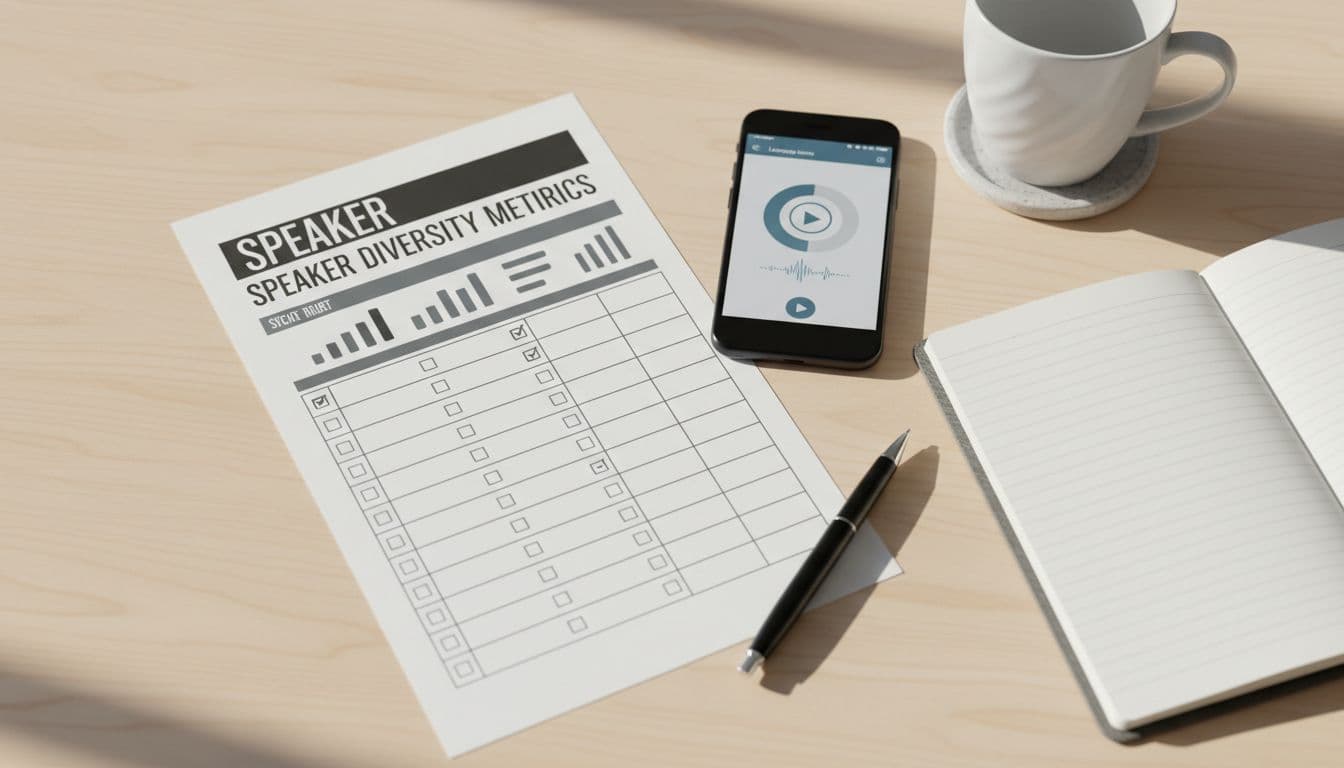
Copy/paste this one-page scorecard into a doc:
15-Min Audio Speaker Diversity Scorecard (copy/paste)
App / course:
Language + target region(s):
Date:
Reviewer(s):
Sample tier: Quick (15 clips) / Standard / Deep
Sample notes (levels, units, features):
| Category | Score (0-2) | Evidence (speaker tags, clip IDs, timestamps) | Fix idea |
|---|---|---|---|
| Representation | |||
| Balance | |||
| Role prominence | |||
| Comprehension supports | |||
| Stereotyping/red flags | |||
| Consistency across levels |
Total (0-12):
Top 2 issues to fix next: 1) 2)
One thing done well:
If you need help defining accent goals by learner intent, link your findings to product positioning. For example, a “travel French” path should not sound like one city forever. This roundup of regional accent learning apps helps teams describe accent scope in plain language.
Turn results into changes people can ship (without tokenism)
Scores are only useful if they lead to decisions. Start with fixes that change the learner experience quickly, then plan production changes that keep coverage stable.
Quick wins (days to weeks)
Small moves can shift perception fast:
- Rebalance “model” voices: Put different speakers in core examples, not only bonus content.
- Add comprehension supports everywhere: Consistent transcripts, variable playback speed, and easy replay loops matter as much as casting.
- Patch role patterns: If one accent always plays “shop clerk” or “mistake maker,” swap roles in a few dialogues first.
- Audit speaking features for bias signals: If ASR grades some accents harshly, learners will self-censor. Pair this diversity check with a pronunciation feedback scorecard to see whether feedback stays consistent.
For context on why coverage matters in speech systems, see why speaker diversity is critical in speech data.
Longer-term production changes (weeks to quarters)
These make diversity durable:
- Casting matrix by level and role: Define who appears where, then prevent “default voice creep.”
- Dialect labeling policy: Label dialects when it helps learners set expectations, and avoid implying one “correct” variety.
- Content ops checks: Add a speaker coverage gate in release QA, just like audio loudness checks.
Consent, ethics, and avoiding tokenism
Voice work has real people behind it, even when it sounds “clean.” Build safeguards:
- Get clear consent for recording use, reuse, and duration. Put it in contracts.
- Pay fairly, and avoid “we need one X voice” requests that reduce people to a checkbox.
- If you use AI voices, label them clearly and avoid “native speaker” claims that can mislead. Also learn the risks of accent gaps using guidance on managing accents and dialects in speech data.
Accessibility notes you shouldn’t skip
Diversity fails when learners can’t control playback:
- Provide transcripts for all key audio, including dialogues and prompts.
- Offer speed control without pitch distortion when possible.
- Keep noise and loudness consistent, and avoid background music that masks consonants.
- Use short clips with repeat and loop, so learners can focus on tricky parts.
Communicating results to stakeholders
Make it easy to say yes. Share:
- The scorecard total, plus 2 supporting examples
- The user impact (“who struggles, where, and why”)
- A two-part plan: quick wins now, production fixes next cycle
- A re-test date (same 15-minute method) to show progress
Conclusion
A 15-minute audit won’t fix your entire audio catalog, but it will surface patterns you can’t unhear. When you run a speaker diversity audit on a schedule, you stop arguing from opinions and start shipping coverage. Pick your sample, score what learners actually experience, then change who gets the “lead roles” in your audio. Your users will feel the difference in the first lesson.

