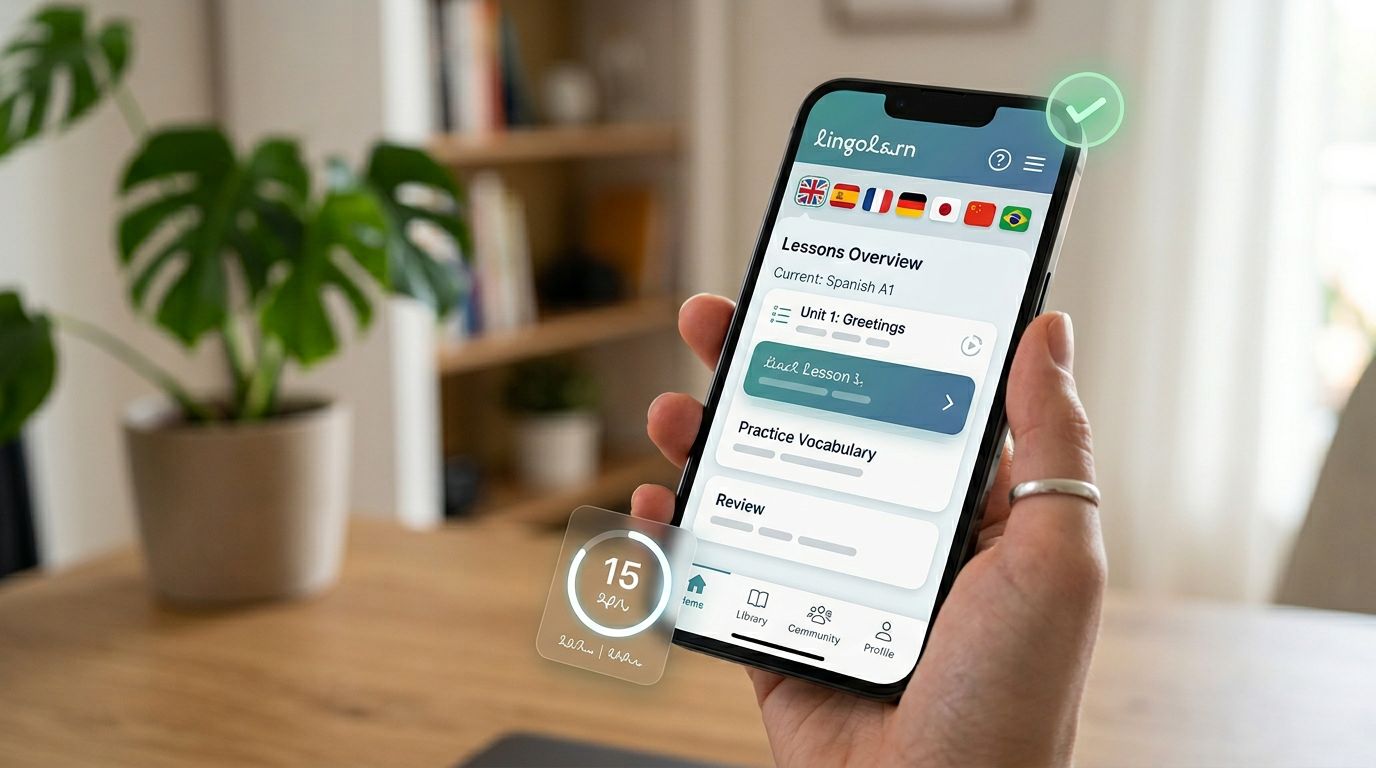
Can you use a language app if it teaches Spanish, but explains everything in English? Sometimes yes, often no. That gap is why source language support matters.
In 15 minutes, you can tell whether an app supports your native language well enough to use, review, or recommend. The key is simple: don’t trust the language list alone. Check onboarding, lesson hints, account pages, and help content, because support changes over time.
Why language lists can mislead you
Many apps advertise the languages you can learn. Far fewer spell out the language you learn from. Those are not the same thing.
If an app says “Learn French, German, and Japanese,” that often means target languages only. It may still expect every learner to read English menus, grammar tips, emails, and billing screens. On sites like Babbel’s homepage, that’s easy to miss, because marketing usually highlights course variety first. Even broad roundups such as this best language learning apps overview focus more on features than source-language details.
An app can support your target language without supporting your source language in a practical way.
For example, a Portuguese speaker might pick Japanese, then discover that every explanation and hint is in English. The app technically offers Japanese, but not in a way that fits that learner. Reviewers, teachers, and product teams should flag that difference.
As of March 2026, public information still suggests that most big apps stay English-first. Duolingo offers some courses from Spanish or French, but most paths start from English. Babbel, Memrise, Busuu, Rosetta Stone, Drops, and Mondly also appear to center English in their public materials. Because published lists are often incomplete, you should confirm the current setup before you subscribe or recommend.
The fast 15-minute source language support check
This check works like a pre-flight scan. You are not testing everything. You are looking for the deal-breakers first. Also, test on the device and region that matter to you, because web, iPhone, and Android versions don’t always match.
Fast-start checklist:
- Can you set the app interface to your native language?
- Do lesson instructions and grammar tips appear in that language?
- Do hints, translations, and feedback use that language?
- Is support content, billing help, and account email available in that language?
- Does the app keep that language after sign-up, not just on the landing page?
Then run this timed check.
- Minutes 1 to 3, scan the website and app store page. Look for phrases like “for English speakers” or “learn English from Spanish.” Screenshots and FAQ sections often reveal more than the headline.
- Minutes 4 to 8, install and open the app. During onboarding, check whether you can choose your interface language, not just your target language. If the app skips that choice, that’s a warning sign.
- Minutes 9 to 12, preview an actual lesson. Open one beginner lesson and verify the language of tips, hints, correction messages, and speech prompts. A single translated menu does not count as full support.
- Minutes 13 to 15, inspect account and help pages. Visit settings, billing, privacy, and support. If those pages fall back to English, users may struggle later.
If an app makes broad claims, pair this with LanguaVibe’s language learning apps reality check so you can test claims, not just presentation.
What to verify before you pay or recommend
A good source-language check goes past the home screen. Think of it like testing the lights in a hotel room. One lamp working doesn’t mean the room is ready.
First, verify instruction quality. Are grammar notes clear, or roughly translated? Bad support can confuse beginners more than no support at all.
Next, check hint language. Some apps localize menus but keep vocabulary hints and error feedback in English. That may work for a bilingual reviewer, but not for a new learner, a child, or a parent helping with homework.
Also verify support outside lessons. Placement tests, password resets, subscription emails, refund rules, and family settings matter. A recommendation falls apart if the learner gets stuck before lesson two.
Finally, revisit the app a week later if possible. Language support can expand, shrink, or move behind certain plans. If you only need simple menus, partial support may be fine. If you need grammar explanations in your native language, partial support is usually not enough. After source-language screening, LanguaVibe’s 15-minute app difficulty audit is a smart next check.
A 2026 snapshot of major apps
Public information gives you a starting point, not a verdict.
| App | Public March 2026 signal | What to verify yourself |
|---|---|---|
| Duolingo | Mostly English-first, some courses from Spanish or French | Exact source-language menu for your target course |
| Babbel | English-first in public materials, non-English details limited | Which native-language interfaces and course pairs are live |
| Memrise | Mostly English-based support | Lesson hints, translations, and support pages |
| Busuu | Usually English-first, some multi-language pairs reported | Whether your chosen pair has full tips and feedback |
| Rosetta Stone | Interface and guidance mainly English in public info | Setup language, help pages, and subscription screens |
| Drops | English-first public signal | Whether the learning flow changes by source language |
| Mondly | Broad catalog, source-language detail unclear publicly | Actual language-pair selection inside onboarding |
The table tells a simple story. Big catalogs do not always mean broad source language support. Public pages can lag behind the app, and the app can differ by market, device, or course pair.
That is why a live check beats a screenshot. If you are already comparing major tools, this Rosetta Stone vs Duolingo comparison can help you compare teaching style after you confirm source-language fit.
A 15-minute check is small, but it saves money and bad recommendations. Before you subscribe, publish a review, or suggest an app to a student, confirm what the learner will actually see. Language support changes, and the only reliable answer is the current one inside the app.
Ready to Take Your Language Learning Further?
Your favorite language-learning app is a great place to start. Rocket Languages can help you go further with interactive audio lessons, pronunciation practice, real-world conversations, and structured learning.
Explore Rocket Languages →Affiliate disclosure: We may earn a commission if you purchase through this link, at no additional cost to you.
