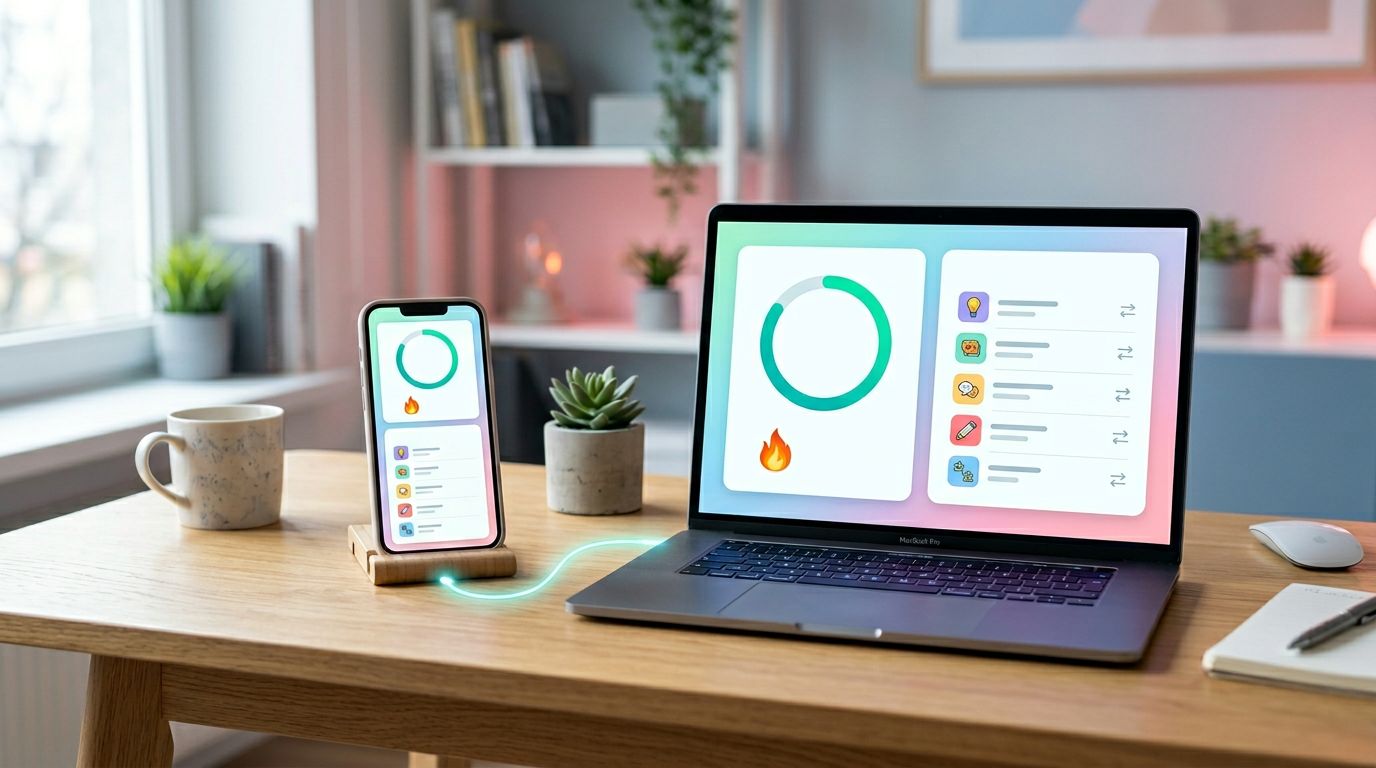
Phone first, web second. That’s how many language apps grow, and it’s where drift starts. Web mobile parity is a quick way to see whether learners get the same account, progress, and value on both surfaces.
If streaks reset on web, saved words vanish on mobile, or premium looks locked in one place and open in another, trust drops fast. That mismatch is easy to miss in sprint reviews because each platform can look fine on its own.
Parity means matching outcomes, not pixels
A web app doesn’t need to copy iOS or Android. Desktop can show wider lesson maps, keyboard shortcuts, and more context. Mobile can use native mic prompts, haptics, and offline controls.
Still, the learner’s state should travel intact. If a placement test says B1 on mobile, web shouldn’t reopen it like day one. If a speaking exercise grants progress on phone, web should show that progress too.
In language apps, parity breaks in places that feel personal: streaks, lesson completion, review queues, saved phrases, subscription gates, and course level. Those breaks don’t look like bugs at first. They look like doubt.
For a solid framing of shared meaning over copied pixels, this cross-platform UI parity checklist matches what product teams often see in the field.
If a learner has to relearn the product on each platform, parity is already broken.
That’s why parity shapes activation, upgrade confidence, and return rate. It also saves support time, because fewer users ask which version is “right.”
The 10-minute web and mobile parity checklist
Use one phone and one desktop browser. Log into the same account, then note three markers: current streak, last completed lesson, and premium status. Next, create one fresh event on each side and watch whether the other side agrees.
This table works as both a pass/fail sheet and a simple scorecard.
| Area | Fast check | Pass if | OK to differ | Score |
|---|---|---|---|---|
| Account and course | Open profile on both | Same account, language pair, level | Menu layout | 0 to 2 |
| Lesson progress and streak | Finish one short lesson on mobile | Web shows completion and streak within 2 minutes | Badge style, animation | 0 to 2 |
| Saved words and review queue | Favorite one new word | Same word appears, due count stays close | Sort order | 0 to 2 |
| Speaking exercise results | Complete one speaking prompt | Result and progress credit match | Mic UI, waveform | 0 to 2 |
| Placement test state | Start or resume placement flow | Resume point and recommended level match | Screen count | 0 to 2 |
| Subscription and paywall | Open premium lesson or restore page | Same entitlement and gate logic | Store sheet design | 0 to 2 |
Run it in this order:
- On mobile, finish a micro-lesson and save one word.
- Refresh web, then check the course map, streak, and review list.
- On web, change one low-risk setting, such as daily goal or reminder time.
- Reopen mobile and confirm the setting and state update.
Score each row from 0 to 2. A 12 means the core learning loop matches. A 9 to 11 means minor drift. An 8 or lower usually means users can feel the split. Most teams can run this during standup and log the result in one short note.
If the score is shaky, run LanguaVibe’s cross-device sync test for language apps to see whether the break sits in upload, cache, or offline state.
Where intentional differences are fine
Not every mismatch is bad. Web can go deeper on reading-heavy lessons, side-by-side translations, typed answers, and dashboard views. Mobile can handle push reminders, camera permissions, speech input, and downloaded lessons in a more natural way.
What must stay aligned is the meaning of the action. A desktop speaking exercise may use a larger waveform and a wider feedback panel. That’s fine. The pass or retry result, awarded progress, and next recommended lesson still need to match mobile.
The same rule applies to placement tests. Input patterns may differ, but the resume state and level result should not. Subscription purchase steps can also differ because Apple and Google store flows are fixed. Yet entitlement, trial messaging, and restore logic should line up fast on web and mobile.
Content teams should watch label drift too. If web says “Vocabulary Review” and mobile says “Practice,” users may think they’re different modes. Broader cross-platform product consistency guidance makes the same point: consistency cuts guesswork, while platform fit cuts friction.
The gaps that hit conversion and retention first
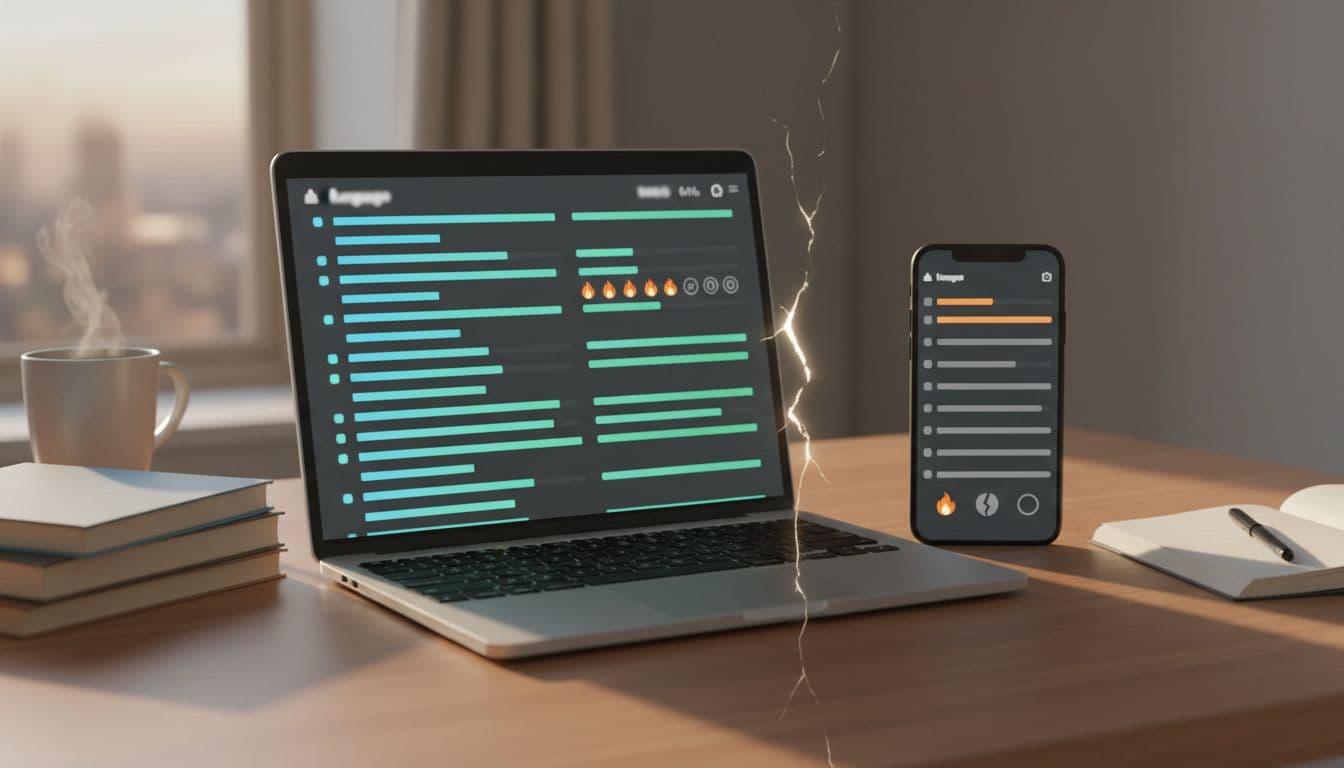
The worst parity bugs sit near moments of trust. A learner finishes day one on mobile, opens web at work, and sees no progress. Now the app feels flaky. Another learner taps a premium speaking lesson on web, then finds the same lesson locked on phone. Now the paywall feels unfair.
Three gaps show up most often. Lost progress hurts habit loops fast. Broken review state makes spaced repetition feel random. Entitlement drift slows conversion and drives refund requests. Because these bugs feel random, support teams struggle to calm users with generic advice.
Placement tests are another quiet leak. If web restarts the test while mobile resumes in the middle, new users doubt the app before they build a streak. In the same way, mismatched level labels or plan names can make support threads longer and harder to close.
When a fix lands, don’t stop at QA notes. Re-run a quick 10-minute progress sync verification after release, because parity bugs often return through caching, feature flags, or subscription code.
Conclusion
A parity check should feel boring, like balancing a scale before anyone notices it was off. In ten minutes, you can learn whether web and mobile act like one product or two partial stories. Score the core flows, fix state before polish, and watch what happens to retention. When progress, review, and premium access line up, users stop second-guessing the app and get back to learning.
Ready to Take Your Language Learning Further?
Your favorite language-learning app is a great place to start. Rocket Languages can help you go further with interactive audio lessons, pronunciation practice, real-world conversations, and structured learning.
Explore Rocket Languages →Affiliate disclosure: We may earn a commission if you purchase through this link, at no additional cost to you.
