A grammar drill can score 100 percent and still teach phrases no one says. That gap is why a collocation quality check matters.
If an app teaches words as loose bricks, learners build shaky sentences. Product managers, curriculum teams, and localization reviewers can spot that problem fast, often in one short session.
You don’t need a full content audit. You need a small sample, a few sharp questions, and a clear pass or fail bar.
Why collocations reveal app quality so quickly
Collocations are words that usually travel together. Learners may know both words, yet the pairing still sounds off.
That matters because users copy what apps model. If the model is odd, the learner sounds odd. In 2026, that risk is higher because many apps mix fixed lessons with AI-generated examples.
A fast test catches weak phrasing before it spreads through lessons, review queues, and chat features. It also helps localization teams catch direct-translation artifacts early. For a plain-language refresher, Professor Scott’s overview of collocations is a useful reference.
These quick contrasts show what you should flag:
| Unnatural app phrase | Natural alternative | Why it matters |
|---|---|---|
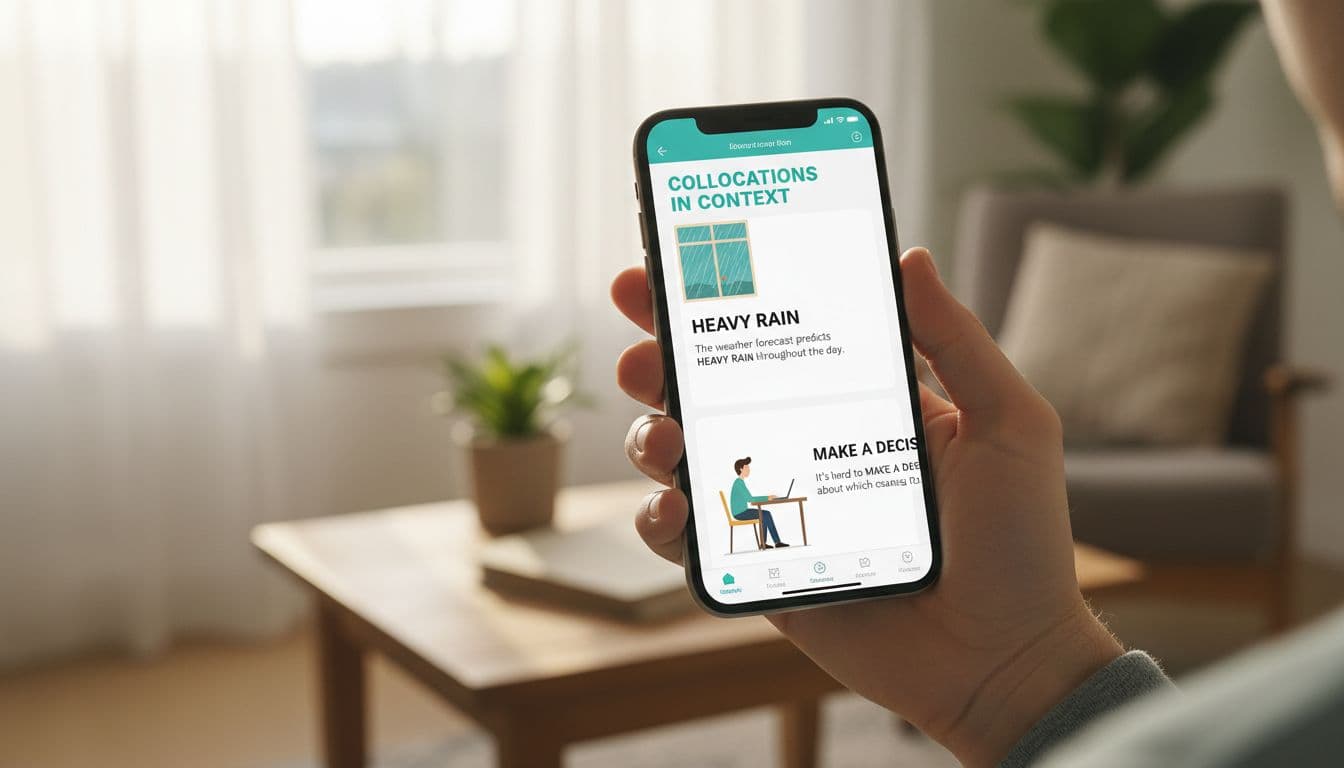
| strong rain | heavy rain | Same meaning, wrong pairing |
| do a decision | make a decision | Verb choice sounds translated |
| open the TV | turn on the TV | Common action uses a different verb |
| high traffic | heavy traffic | Grammar is fine, usage is not |
The pattern is simple: grammar can be correct while phrase choice is wrong. If you want a broader companion screen, LanguaVibe’s 12-sentence naturalness test for language apps checks collocations alongside register and politeness.
Also watch frequency. High-use pairings like “make a decision” or “catch a bus” should appear early and often. Rare, stiff, or overly literal combinations shouldn’t dominate beginner content.
How to run a 15-minute collocation quality check
Run the check on one lesson and one review area. Don’t cherry-pick the app’s best screen.
- Sample 15 to 20 sentences: Mix new items with review items. If common chunks are missing, pair this with a frequency-based vocabulary audit for apps.
- Check context: “Make an appointment” fits a clinic. “Book a table” fits a restaurant. A good app ties the pairing to a believable scene, not a floating translation.
- Check spacing: Does the app bring the phrase back two or three sessions later, in a new sentence? Immediate repetition helps short-term recall, but spaced return builds usable memory.
- Check feedback: Strong feedback doesn’t only mark an answer wrong. It shows the better pairing, explains why, and contrasts near misses. If grammar and word choice blur together, use this 10-minute grammar audit checklist.
- Check learner level: A1 users need everyday chunks like “take a seat” and “catch a cold.” B2 users need register-aware options such as “raise a concern” versus “bring up a problem.”
This step matters because collocations are level-sensitive. Beginners need high-frequency, concrete chunks. Advanced learners need subtler distinctions, tone control, and region-aware phrasing.
If an app only accepts one memorized phrase, it may teach recall, not usable combinations.
Look closely at the UX around wrong answers. A weak app says “Incorrect” and moves on. A stronger one says, in effect, “Your choice is understandable, but this is the phrase people usually use.” For more examples of learner-facing error patterns, common collocation mistakes can help your team calibrate what to flag.
What strong app design looks like after the check
Good collocation design feels less like flashcards and more like coaching. The app shows the chunk, places it in context, asks the learner to use it, then brings it back later.
Better products also accept more than one natural answer when the scene allows it. That matters for AI chat, open-text input, and localized content, where there may be two good options.
Regional labels help too. If an app teaches two common pairings, it should signal where each fits. Without that note, the content may be correct but still feel misplaced.

Look for small UX choices that reveal real quality. A usage note after an error is a good sign. So is a compare prompt with near-synonyms, or a review card that recycles the same phrase in a fresh setting. For a teaching-focused angle, EFL Magazine’s guide to teaching collocations lines up well with what strong app QA should catch.
Use this simple checklist right away:
- Yes if early lessons use high-frequency word pairings.
- Yes if examples match a clear real-world situation.
- Yes if phrases return after a time gap, not only right away.
- Yes if feedback explains why a pairing sounds off.
- Yes if the app offers a better alternative, not only a red X.
- Yes if beginner and advanced content use different collocation targets.
- Yes if localized content avoids literal translation patterns.
If you mark yes on six or more items, the app likely treats collocations as teachable patterns, not random phrase garnish. Four or five means mixed quality. Three or fewer usually means learners are memorizing fragments.
The fastest way to judge sentence quality is to stop asking whether an example is grammatical and start asking whether it sounds normally paired. A solid collocation quality check exposes weak content, weak review design, and weak feedback in one pass.
Run it on your next app trial or vendor demo.
Fifteen minutes is enough to see whether learners will build usable phrases, or collect words that don’t fit together.
Ready to Take Your Language Learning Further?
Your favorite language-learning app is a great place to start. Rocket Languages can help you go further with interactive audio lessons, pronunciation practice, real-world conversations, and structured learning.
Explore Rocket Languages →Affiliate disclosure: We may earn a commission if you purchase through this link, at no additional cost to you.
