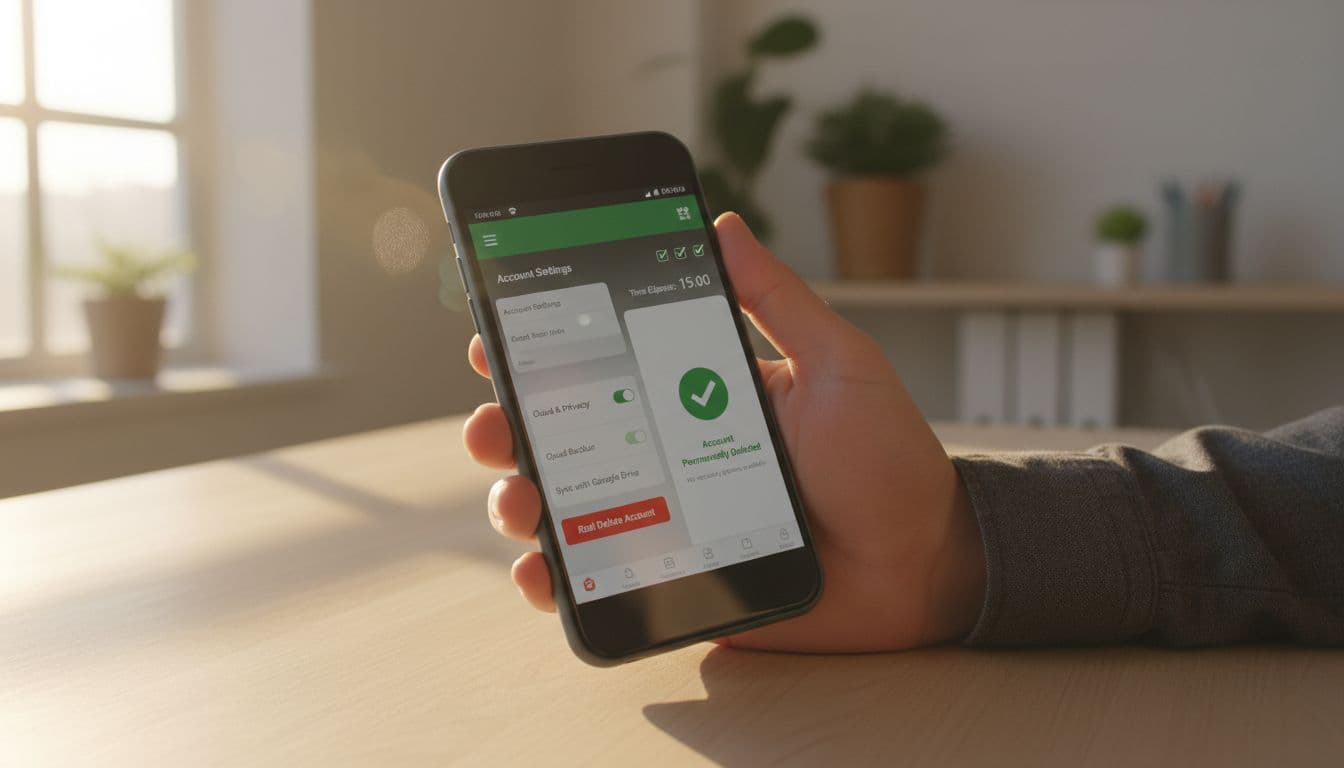
Deleting a language-learning app can feel like throwing away a key and hoping the door locks itself. Many people uninstall the app, assume they’re done, then get an email months later, or see their account still appear when they sign in again.
This 15-minute check is a practical way to delete language app account data with less guesswork. It’s designed to work across popular apps, even when the exact menu labels differ. You’ll find the real delete option, handle Apple or Google sign-in, remove leftover access and backups, and verify the deletion actually went through. If you need to delete language app account details for any reason, ensure all steps are followed closely.
Mini callout, deactivation vs deletion: Deactivation usually means your profile is hidden and you can log back in anytime. Deletion means your account and personal data are erased after a processing window. If you want the data gone, don’t accept “deactivate” as a substitute.
The 15-minute “account deletion” runbook (what to do, in what order)
For those looking to delete language app account, it’s important to remember that each app may have its own process. Therefore, always check the specific guidelines presented by the app you are using to ensure a successful deletion.
This is the fastest order that prevents common mistakes, like deleting the account but leaving a paid subscription running.
| Minute | Action | Why it matters |
|---|---|---|
| 0 to 2 | Identify how you sign in (email, Apple, Google) | Prevents getting locked out before confirming deletion |
| 2 to 6 | Cancel the subscription in the app store | Account deletion often does not cancel billing |
| 6 to 10 | Find and submit the deletion request | This is the actual “delete” step |
| 10 to 12 | Remove connected sign-in access (Apple/Google) | Stops future sign-ins and data sharing |
| 12 to 15 | Document, then set a reminder to verify | Proof protects you if support pushes back |
Once you decide to delete language app account, persistence is key. Make sure to revisit the app’s settings until you find confirmation of your account’s deletion.
Keep one rule in mind: don’t uninstall yet. Uninstalling early can remove the only screen that shows deletion status, ticket numbers, or the confirmation prompt.
If you used a web version at any point, plan to check both places. Some apps hide deletion behind a browser page even if the mobile app has settings.
How to find the real delete button (and what to do when it’s “missing”)
Most language apps tuck deletion under one of these paths:
- Profile or Me tab, then Settings (gear icon)
- Account, then Privacy
- Security, then Data controls
- Help, then Account management
Start in the app, but don’t stop there. If you don’t see a clear “Delete account” option, open the company’s website in a browser, sign in, and check account settings there too.
Mini callout, the hidden web delete: If the delete option isn’t in the mobile app, the web account page is often the real control panel. For Duolingo, the official guidance points users to a dedicated deletion flow, including their data tools and deletion steps in the help center: Duolingo account deletion and data info. (Duolingo also notes processing can take time, and subscriptions are separate.)
iOS vs Android: what changes in practice
Remember that after opting to delete language app account, you may still receive emails for a short time as the process completes, so it’s best to be patient.
On iOS, apps often route privacy actions through in-app settings, then confirm by email. iOS also adds a second layer: Apple sign-in settings can keep a connection alive even after you delete inside the app.
On Android, deletion is still usually inside the app or on the web, but Google account access can remain approved until you revoke it. Also, Play Store subscriptions can stay active if you only delete the account.
Watch for these “not really delete” traps
Language apps sometimes offer options that sound final but aren’t:
- “Log out” (no data deletion)
- “Remove course” (keeps the account)
- “Reset progress” (keeps profile and identifiers)
- “Deactivate” (account can come back)
If the screen doesn’t say your data will be erased, treat it as non-deletion.
Cancel billing first, then revoke Apple or Google sign-in access
Account deletion and billing are separate systems. Many apps warn about this, and support pages repeat it for a reason. For example, Babbel explicitly notes that deleting an account won’t cancel third-party payments: Babbel instructions for deleting an account.
Subscription cancellation (do this before deletion)
- iPhone or iPad: Settings, your name, Subscriptions, then cancel the language app subscription.
- Android: Google Play Store, profile icon, Payments and subscriptions, Subscriptions, then cancel.
If you subscribed on the company website (not the app store), also check the app’s web account page for billing, or email support and ask for cancellation confirmation.
Apple sign-in vs Google sign-in (two quick paths)
A vital step in the journey to delete language app account is ensuring that all subscriptions are canceled prior to proceeding with the deletion request.
If you used Sign in with Apple:
- iOS Settings, your name, Sign-In & Security, Sign in with Apple
- Find the language app, then choose Stop Using Sign in with Apple
- If you used “Hide My Email,” keep that relay address searchable in your mailbox for deletion confirmations
If you used Sign in with Google:
- Google Account settings, Security, Your connections to third-party apps and services
- Remove the language app’s access
This step matters even after deletion because it stops stray re-auth prompts and reduces data sharing if the account isn’t fully processed yet.
Mini callout, grace and processing windows: Many services apply a grace period (often 7 days) where you can reverse the request by logging in, and a longer processing window (often up to 30 days) for full data erasure. Plan to verify twice, once right away, and once after the window ends.
Remove backups and “extra copies” that keep your data alive
Deleting the account deletes data on the company’s servers, but it doesn’t always remove copies elsewhere. Think of it like shredding a document but leaving photocopies in a drawer.
Here are the places worth checking:
Cloud and device backups
- iOS iCloud backup: If you restore a full device backup, some app data can reappear locally. You usually don’t need to delete iCloud itself, but avoid restoring old backups if you want a clean break.
- Android device backups: Google One backups can restore app settings during setup. After deletion, consider setting up as new, or at least don’t restore the language app.
Email inbox “data trails”
Deletion confirmations often arrive by email. Save them. Also search your inbox for:
- Welcome emails (proves the sign-up email)
- Payment receipts
- Support tickets
- Exported progress reports
If an app offers a data export tool, request it before deletion. Duolingo describes export timing and deletion tools in their help materials: Duolingo help article on erasing data.
Community profiles and public posts
Some apps include community features. Even after deletion, posts may remain anonymized. If that matters to you, ask support what content is removed vs anonymized.
Busuu’s support page, for example, is direct about deletion being permanent and what you lose: Busuu account deletion help.
Document the deletion request (and use this copy-paste email if needed)
As you prepare to delete language app account, confirm that you have saved any important data you might need in the future.
If the deletion button works, still document it. If the delete option is missing or support must do it, documentation is essential.
Take:
- A screenshot of the deletion screen before you confirm
- A screenshot of any “request received” message
- The confirmation email (full headers if possible)
- Any ticket number from support chat or email
Sample deletion-request email (GDPR and CCPA wording)
Subject: Request to delete my account and personal data
After you officially delete language app account, check if there are any remaining data traces that need addressing.
Hello Support Team,
I’m requesting deletion of my account and associated personal data for the email address: [your email]. Please permanently delete my account and erase personal data linked to it.
If you need to verify identity, tell me what information you require. Please confirm:
- that the deletion request is received,
- the expected processing timeline and any grace period,
- whether any data is retained for legal or billing reasons, and for how long.
If applicable, I’m making this request under GDPR (right to erasure) and or CCPA/CPRA (right to delete). Please reply with a confirmation when deletion is complete.
Thank you,
[your name]
Keep the reply. If support says “we deactivated you,” ask them to confirm deletion and the date it will finalize.
Final verification checklist (proof that deletion actually worked)
You’re done when the account can’t be used, billing is off, and access is revoked. Run this checklist now, then again after the stated processing window.
- Subscription canceled: App Store or Google Play shows the plan as canceled (or expires on a known date).
- Deletion confirmation saved: You have an email or ticket number confirming the request.
- Login test fails: After logging out, a new login attempt either fails, or prompts account creation, not a profile.
- Apple/Google access revoked: The app no longer appears in Sign in with Apple or Google third-party access.
- Password reset doesn’t work: “Forgot password” doesn’t send a reset for that account (after processing completes).
- Public profile gone: Any profile URL or community page is removed or anonymized, based on the app’s policy.
- Backups won’t restore it: You won’t restore an old device backup that brings local app data back.
Deleting a language app account shouldn’t take a weekend project. With a tight 15-minute pass now, plus one follow-up check after the grace period, you can close the loop and keep your data, identity, and payments under control. The key is simple: delete, then verify.
After you initiate the delete language app account process, it’s advisable to take a screenshot for your records.
In case of any issues when attempting to delete language app account, keep a record of your communications with support for reference.
To ensure a smooth delete language app account experience, always read the FAQs associated with account deletion for your specific app.
Finally, to fully delete language app account, ensure that you have followed all the necessary steps outlined on the app’s support page.

