
Feedback can miss the moment, even when the advice is correct. In language apps, that feels like a coach speaking after the play is over.
If you work on app retention or learning UX, timing matters as much as message quality. A pronunciation score, a writing correction, a quiz review, or a streak reminder can help, but only if it arrives when the learner can still use it. This quick check helps teams judge feedback timing in language apps without a long pilot.
Why timing matters more than feedback volume
Most language apps already have plenty of feedback. They show scores, green checks, red underlines, review cards, lesson recaps, and reminders. Still, learners quit when the timing feels off.
A simple rule helps: feedback should land when the learner still remembers the choice they made, but not so early that it breaks the task. That gap is small. In a pronunciation drill, a score right after the spoken line can help. A pop-up after every syllable often feels like someone tapping your shoulder mid-sentence.
The same problem shows up in writing. If the app flags grammar as the learner types, it may stop them from finishing the idea. Yet if the app waits until the end of the lesson, the sentence may already be forgotten. Good timing respects the shape of the task.
Quiz review works the same way. After one item, feedback helps fix a local error. After five items, a batch can show a pattern, like weak verb endings or missed gender agreement. By contrast, streak reminders are not skill feedback at all. They support habit, so they should sit outside the learning loop, not interrupt it.
That distinction matters for product teams. Fast isn’t the goal. Usable timing is.
When instant, delayed, and batched feedback each work best
Different tasks need different clocks. If every feature uses the same timing rule, the app starts to feel clumsy.
Instant feedback works for tight loops
Use instant feedback when the learner can act right away and the error is narrow. Pronunciation scoring is the clearest case. After a learner says a word or short sentence, the app should respond within seconds, show what it heard, and offer one focused retry.
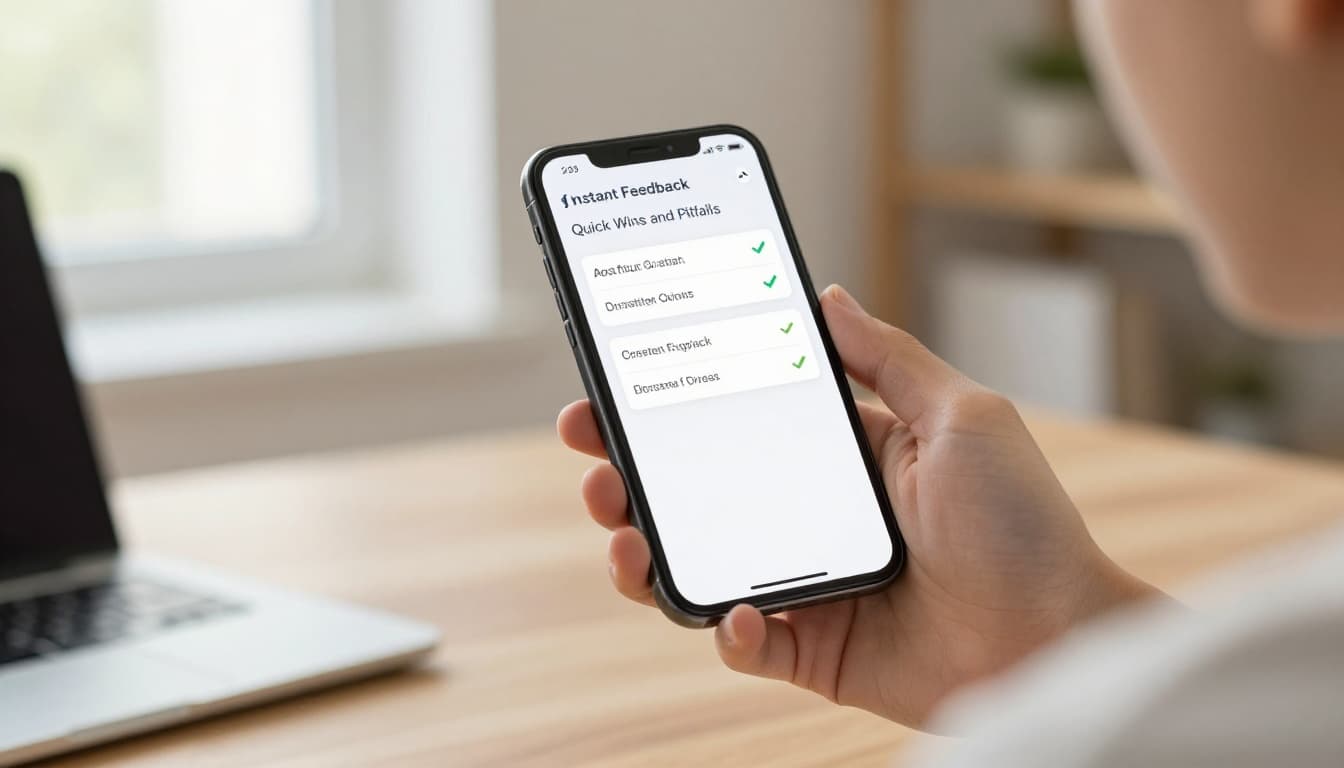
This works because the sound is still fresh in memory. However, instant feedback should stay small. A score plus one hint often beats a wall of phonetic detail. If you want a stronger way to judge this area, LanguaVibe’s pronunciation feedback test is a useful companion.
Instant timing also fits short quizzes with one clear answer. Think vocabulary recall, article choice, or verb form selection. The learner answers, sees the result, and moves on.
Delayed feedback protects fluency and thinking
Delay feedback when the learner is trying to express meaning. Writing corrections are the best example. If the app interrupts every few words, the learner starts editing instead of thinking. That hurts output.
For sentence writing, open speaking, and role-play chat, let the learner finish first. Then return one to three high-value corrections. Show what changed, why it changed, and let them retry. This keeps the mental thread intact.
The same rule applies to speaking prompts that ask for a full answer, not simple repetition. If the task is “Describe your weekend in four sentences,” don’t grade each sentence as it lands. Wait, then coach the whole response. If your app rarely asks users to produce language at all, run a language app output test before tuning timing, because the loop may be too thin from the start.
Batched feedback reveals patterns
Batched feedback works best when the point is pattern spotting. Quiz review after five to ten items, lesson recaps, and weak-skill summaries all belong here. The learner no longer needs a single correction. They need a map.
A good batch shows themes, not noise. For example, “You missed past-tense endings three times” is useful. A long list of every wrong tap is not. Lesson recaps should also suggest the next move, such as one short review set or one targeted retry.
The right timing lets learners fix the last move without losing the next one.
Streak reminders fit here too, but keep them separate from skill feedback. A reminder can support return rate. It can’t explain why a learner keeps missing word stress.
Run the 10-minute feedback timing check
This check works on one feature at a time. Pick a pronunciation drill, a writing correction flow, or a quiz review, then test it in ten minutes.
- Spend two minutes choosing one task with a clear goal.
- Spend three minutes completing it once, and note when the first feedback appears.
- Spend two minutes repeating the task with one intentional mistake.
- Spend three minutes scoring what happened.
While you test, watch for one thing above all: did the feedback help the learner recover, or did it steal attention?

Use this simple rubric for each flow:
| Check | 0 points | 1 point | 2 points |
|---|---|---|---|
| Timing fits the task | Clearly wrong | Mixed | Strong fit |
| Feedback arrives soon enough to use | Too late or too early | Sometimes useful | Consistently usable |
| Interruption cost stays low | Breaks flow | Mild friction | Keeps flow intact |
| Guidance is actionable | Vague | Partial | Clear next step |
| Retry loop exists | No retry | Retry without guidance | Guided retry |
A score of 8 to 10 usually means the timing supports learning. A 5 to 7 suggests one weak point, often too much interruption or not enough detail. Anything below 5 means the team should rethink the timing model before polishing copy or visuals.
For a fuller product review, pair this with a 10-minute retention check. Timing can improve learning, but it can’t rescue a lesson that doesn’t stick.
A fast response isn’t always good feedback. In language apps, the better question is simpler: can the learner still use it?
That’s why this 10-minute check works. It forces teams to look past green checkmarks and ask whether feedback lands at the point of action. When timing is right, corrections feel teachable, recaps feel useful, and learners keep going for the right reason.

