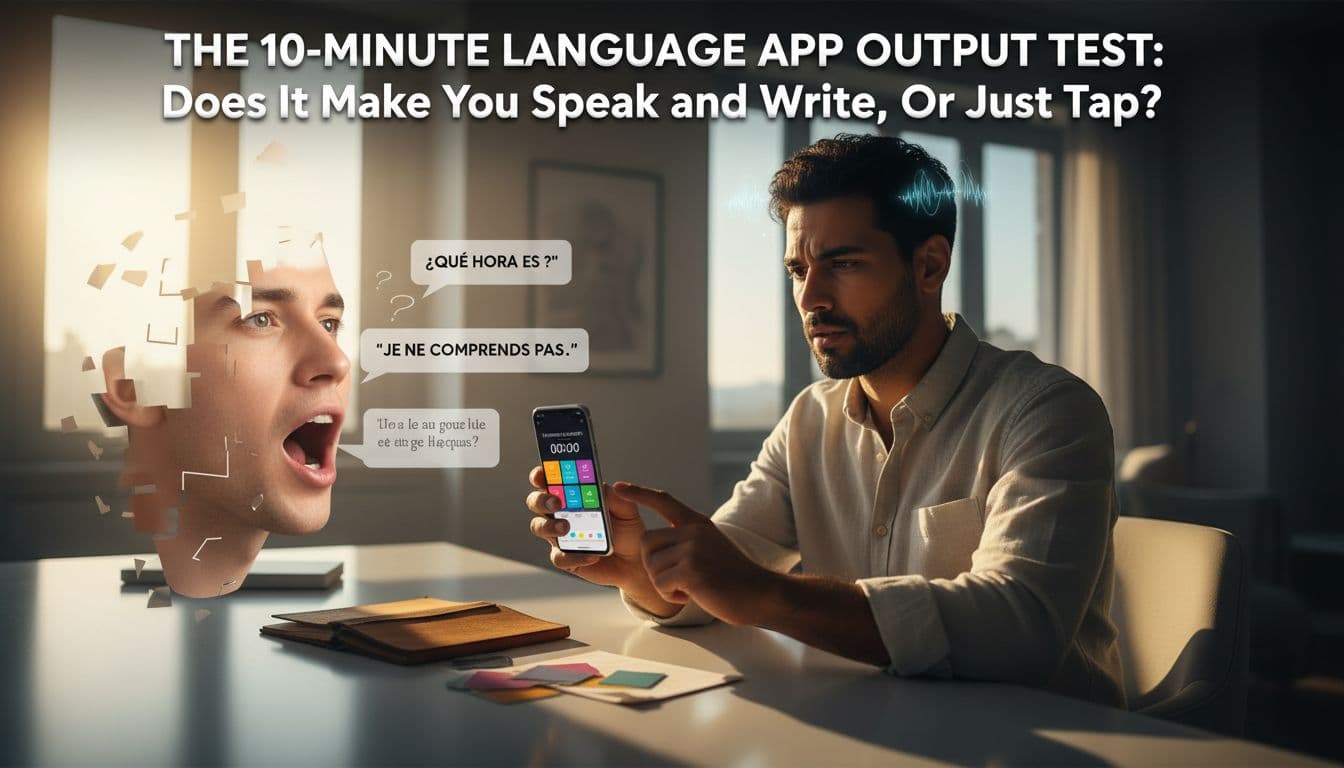
If a language app feels productive, it’s easy to assume it’s working. You tap quickly, keep a streak, and “finish” lessons. But when someone asks a simple question in your target language, your mind goes blank.
The fix isn’t a new app. It’s a fast way to check whether an app creates real output, meaning you can produce your own sentences on demand. This 10-minute language app output test lets you compare apps in one sitting, even if you’re shy, busy, or learning at A1 to B2.
If you’re choosing between popular options from lists like PCMag’s best language learning apps for 2026, this test helps you judge what matters: speaking and writing, not just recognition.
What counts as output (and what doesn’t)
Output is when you produce language that wasn’t handed to you on a plate. It has three parts:
1) Novel production
You create a sentence from your own head, not from a word bank or multiple-choice options. Even a short line like “I went to the pharmacy because I had a headache” counts if you built it yourself.
2) Retrieval under time pressure
You have to pull words and grammar out of memory. Tapping the right answer from four options is recognition. Speaking or typing without hints is retrieval.
3) A feedback loop
You get corrected, or you can clearly see what’s wrong. Feedback can come from speech recognition, model answers, human corrections, or even your own recording plus a transcript. The key is that you notice the gap and try again.
So what doesn’t count?
- Tapping to match words, reorder tiles, or pick A/B/C.
- Copying a model sentence letter-for-letter.
- Repeating one word at a time with heavy cues.
Some apps do include real output moments, but they’re often buried. For one example of how a mainstream app handles speaking and writing activities (and where it may fall short), see this Babbel review: pros, cons, and speaking practice.
The 10-minute language app output test (timer-based checklist)
Set a timer for 10 minutes. Use the same topic each time you test an app. Don’t study first. You’re measuring what the app pulls out of you, not what you can cram.
Timer checklist (10 minutes total)
- 00:00 to 01:00, Setup
- Turn sound on.
- Turn off “word bank” if the app allows it.
- Grab notes app or paper.
- Choose a lesson labeled “conversation,” “speaking,” “writing,” “review,” or “checkpoint.”
- 01:00 to 04:00, Speaking burst (3 minutes)
- Do speaking tasks if offered.
- If none exist, use the prompts below and record yourself on your phone.
- 04:00 to 07:00, Writing burst (3 minutes)
- Type your answers, no autocomplete from the app.
- If the app gives tiles, force yourself to type the full sentence elsewhere.
- 07:00 to 09:00, Feedback and retry (2 minutes)
- Re-say and re-write the same content once, using corrections.
- If there’s no correction, compare to a model answer (if shown) and fix one thing.
- 09:00 to 10:00, Score it (1 minute)
- Use the scoring sheet below.
Copy and paste speaking prompts (pick 2)
- “Introduce yourself in 4 sentences. Include your job and one hobby.”
- “Explain your plan for this weekend. Mention time, place, and one reason.”
- “Tell a short story about a problem you had and how you solved it.”
- “Give advice to a friend who wants to get healthier.”
Copy and paste writing prompts (pick 2)
- “Write 5 sentences about your day. Use past tense at least twice.”
- “Write a short message to a coworker to reschedule a meeting.”
- “Describe a place you like. Use 3 adjectives and 2 reasons.”
- “Write 3 questions you’d ask a new neighbor.”
If you want a feel for how formal 10-minute skill checks are structured, compare your results to a sample automated assessment like Speechace’s 10-minute speaking and writing test. You’re not trying to get a score like theirs, you’re checking whether the app forces output and gives usable feedback.
Simple scoring sheet (screenshot this)
Score each line from 0 to 2.
| Output signal | 0 | 1 | 2 |
|---|---|---|---|
| You spoke in full sentences | None | Some | Mostly |
| You wrote without a word bank | None | Some | Mostly |
| You had to retrieve (no hints) | Rare | Sometimes | Often |
| You got clear feedback | None | Vague | Specific |
| You did a retry with fixes | No | Partial | Yes |
Total (0 to 10): ____
How to interpret your score (with worked examples)
A single 10-minute run doesn’t prove an app is “good” or “bad.” It shows what the app makes you do when you’re tired, busy, and tempted to tap.
Worked example 1: The “tap treadmill” (score: 2 to 4)
You open the app and get matching, tile ordering, and translation with a word bank. You finish fast and feel accurate.
During the language app output test, you realize you didn’t say more than a couple of isolated words. Writing is mostly rearranging tiles, so retrieval stays low. Feedback is “correct” or “incorrect,” not “here’s what to change.”
Result: Great for habit and exposure, weak for speaking and free writing.
Worked example 2: Output appears, but it’s fragile (score: 5 to 7)
The app asks you to speak short lines and type a few sentences. You do produce language, but you notice two issues:
- Speaking prompts are predictable, so you memorize patterns.
- Feedback is inconsistent, so you don’t always know what to fix.
Result: Solid mid-range, especially at A1 to A2, but you may plateau unless you add real conversation or better correction.
Worked example 3: Output-heavy with a real feedback loop (score: 8 to 10)
The app pushes you to answer open prompts aloud, then type responses, then fix errors. It might ask you to re-record, or it may show exactly which part is off.
Result: You leave the session slightly tired, like after a mini workout. That’s often a good sign.
If you’re comparing two big-name apps with different learning styles, this Rosetta Stone vs Duolingo feature comparison is useful context, then use your test score to decide which one actually produces output for you.
Common constraints (and how to control for them)
Shyness: Don’t start with “talk to strangers.” Record a 60-second voice note to yourself. The output still counts.
Accent and speech recognition errors: ASR can misread you, especially with noise or certain accents. Control variables: same room, same mic distance, speak slightly slower, and repeat once. Research on automated scoring shows these systems don’t always match human ratings, so treat ASR as a practice mirror, not a judge. See this open-access review on automated spoken English evaluation vs human raters.
Typing speed: If typing is slow, handwrite your 5 sentences. Output is output.
Hint addiction: If an app offers hints, do a “no-hints pass” first. Then do a second pass with hints only to correct.
One-page summary and low-friction output routines (use with any app)
Use this as your quick reference.
The 10-minute test, in one line: 3 minutes speak, 3 minutes write, 2 minutes fix and retry, 1 minute score, 1 minute setup.
Green flags (output-heavy)
- Open prompts, not just multiple choice
- Forced full sentences in speech and writing
- Corrections you can act on
- A built-in retry step
Red flags (tap-heavy)
- Most tasks are recognition
- Writing is mostly tiles
- Speaking is optional or rare
- Feedback stops at “wrong”
If your favorite app scores low, keep it and add one routine:
- Shadowing to retell (4 minutes): Repeat 3 to 5 lines of audio, then retell the meaning in your own words for 30 seconds.
- Daily 5-sentence journal (3 minutes): Same structure every day (today, yesterday, tomorrow, one opinion, one question).
- 2-minute voice note (2 minutes): One topic, no stopping, then listen once and mark one fix.
Your app should make you do the hard part. If it doesn’t, your routine can.
A language app output test won’t pick a perfect app for everyone, but it will reveal the truth quickly. Choose the tool that forces output, then keep your progress steady with a tiny speaking and writing habit you’ll actually repeat tomorrow.
Ready to Take Your Language Learning Further?
Your favorite language-learning app is a great place to start. Rocket Languages can help you go further with interactive audio lessons, pronunciation practice, real-world conversations, and structured learning.
Explore Rocket Languages →Affiliate disclosure: We may earn a commission if you purchase through this link, at no additional cost to you.
