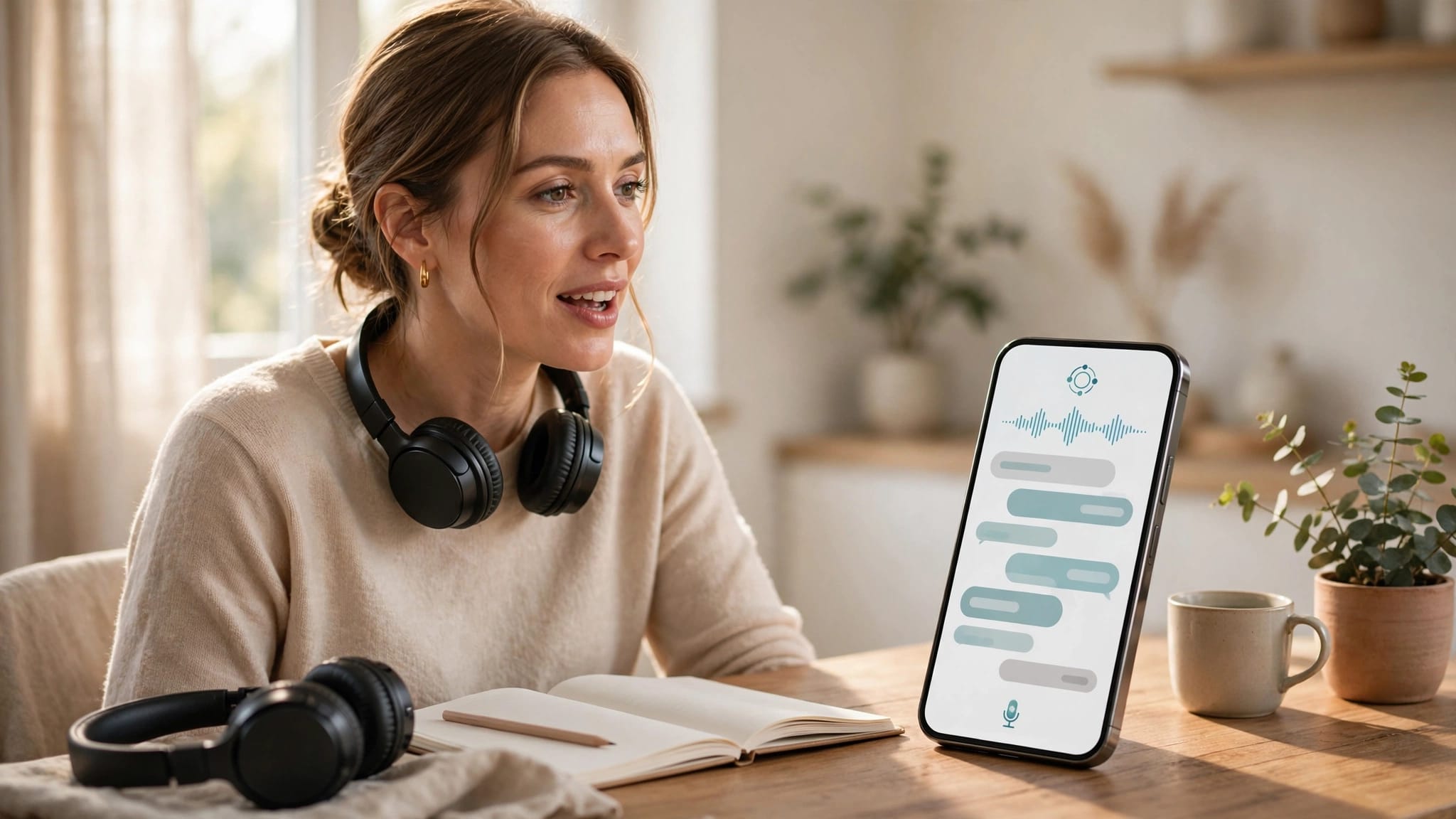
You can recognize hundreds of words and still freeze when someone expects an answer. If you want to practice speaking, the appeal of Gliglish is clear: an AI conversation partner is available whenever you are.
Gliglish is worth trying for low-pressure speaking practice, especially if you already know some useful phrases. It can’t replace a course that teaches you what to say or a person who can judge how well you communicate. The free plan gives you enough time to find out whether its conversations fill a gap in your routine.
Gliglish review: the short verdict
The Gliglish AI language tutor lets you speak, get replies, and practice everyday exchanges aloud. As a language learning app, Gliglish helps turn studied knowledge into answers you can produce without a script. You can rehearse the same situation repeatedly without arranging a call or worrying about another person’s patience.
That convenience has limits. AI replies can keep a conversation moving, but they don’t prove that your pronunciation is clear to people or that you’ll understand unfamiliar accents. Gliglish also isn’t a step-by-step beginner course.
Creator Fabien Snauwaert describes Gliglish on its About page as a one-person project built around an AI teacher that listens, answers, and corrects. The idea fits a common problem: learners need speaking time, yet speaking time with another person isn’t always easy to arrange.
How a Gliglish conversation works
You speak instead of selecting an answer
Gliglish is a voice-first app. You choose a language and conversation topic, speak your response, and continue as the AI replies. You can use it in a browser without installing anything; Gliglish also has an iOS listing for its mobile app.
Its paid plan advertises 50 conversation topics. These role-play scenarios give you a starting point when an open-ended chat feels difficult. For example, you could rehearse daily conversations, like ordering food, or practice responding in a job interview. Repeating a situation helps you spend less effort finding basic words and more effort answering naturally.
Short sessions suit repeated practice
A ten-minute exchange is long enough to discover where your speech stalls. Perhaps you can’t explain a change of plans, ask a follow-up question, or say a familiar word aloud. Those are useful problems to find before a real conversation.
Keep a note of two expressions you needed but couldn’t produce. Then try the same topic again without reading your notes. Improvement shows up in what you can retrieve unaided, not simply in how long you kept the chat going.
Which languages and levels does Gliglish support?
Check your exact target language
Gliglish promotes practice in languages including English, Spanish, and French on its free speaking page. Published descriptions of its wider language lineup don’t always agree, so an old total isn’t a reliable reason to subscribe. Check the current selector for supported languages, including your target language and any accent or regional variety you need.
The same caution applies to feature depth. A language appearing in the selector doesn’t tell you how useful its speech recognition, replies, or corrections will be for your goals. Try your target language in a few sessions before judging the paid plan.
Beginners need material to draw on
A new learner may struggle to sustain a conversation without basic words and sentence patterns. Gliglish Plus includes a Beginner-Friendly Mode, but it isn’t a complete first course. Pair it with guided lessons, a coursebook, or a language tutor if you can’t yet form simple answers.

Lower-intermediate learners are often better placed to benefit immediately. They may understand familiar topics but need practice producing longer replies. Advanced learners can use familiar role-play scenarios to see the difference between knowing a phrase and using it under pressure.
How useful are Gliglish’s corrections?
Grammar feedback gives you a starting point
Gliglish says its AI teacher corrects learners, and its conversations can expose mistakes you might miss while speaking. Its grammar corrections are most useful when you focus on one recurring error. If you keep mixing up past-tense forms, make several new sentences using the corrected pattern.
Don’t treat every AI correction as a rule to memorize. A suggested sentence may be more natural in one context than another. When a correction surprises you, check it against a trusted grammar source or ask a teacher before building a habit around it.
Pronunciation feedback needs a reality check
Speech recognition can help you notice when the system struggles to understand a word. Yet recognition is not a complete pronunciation assessment. Noise, microphone quality, speaking speed, and the language variety you use can all affect what a system hears.
No verified accuracy rate or long-term learning data establishes how well Gliglish recognizes every language it offers. Be wary of any Gliglish review that turns automated feedback into a guarantee of fluency. If other people often misunderstand you, a tutor or pronunciation coach can identify whether the problem is a sound, stress pattern, or word choice.
When a speaking app accepts your sentence, you’ve cleared its recognition system. You haven’t necessarily tested how that sentence lands with a person.
Gliglish pricing in 2026
Gliglish has a free tier and a paid Gliglish Plus plan. These subscription plans are listed on its current web offer and the US Apple App Store listing. Prices can vary by location, so check the amount and terms shown at checkout.
| Plan or purchase route | Listed price | Main access |
|---|---|---|
| Free | $0 | 10 minutes per day; conversations capped at 50 messages |
| Plus, monthly on the web | $29 per month | Unlimited speaking and conversation length |
| Plus, annual on the web | $16 per month, billed as $192 yearly | Plus access with annual billing |
| Plus, annual through the US App Store | $192.99 per year | Annual in-app subscription |
At the listed monthly web rate, Plus costs $348 over twelve months. Annual web billing saves $156 compared with that total, if you keep using Gliglish for the year. The US App Store lists its annual price at $0.99 more than the web price.
Plus also includes 50 conversation topics, mini-classes, Beginner-Friendly Mode, multilingual speech recognition, and priority access during busy periods. Free access may be limited at peak times. Start with the free tier if it fits your schedule: ten minutes a day is enough to test the habit, even if you later want longer conversations.
Where Gliglish helps, and where it falls short
Its strength is easy access to speaking time
With Gliglish, you can practice a difficult exchange several times before trying it with someone else. That low-pressure repetition may support confidence building. This could help if embarrassment keeps you silent in class or you have little time to arrange language exchanges. You can also pause your practice between sessions and return to the same topic.
The app is particularly useful alongside other study. After learning travel phrases or grammar in a course, use Gliglish for vocabulary practice and to retrieve what you’ve learned in conversation. This gives your language skills a job to do outside a lesson screen. Advanced learners can also use it to keep familiar material active in spontaneous replies.
It doesn’t supply every part of fluency
Gliglish doesn’t offer the same visible progression as a structured course. If you need a sequence of grammar lessons, vocabulary review, and assessments, conversation alone leaves planning to you. Nor should you expect every correction to explain the underlying mistake in depth.
AI speech is easier to manage than a café or group conversation, so it can’t prove conversational fluency in real life. People interrupt, use unfamiliar expressions, change topics, and react to social cues. Gliglish can prepare you for some of that pressure, but it can’t reproduce the full exchange.
Gliglish vs. other ways to practice
ChatterFox, FluentU, and other AI apps solve different problems
Choose Gliglish when your immediate goal is to practice spoken English and answer aloud more often. If you’re looking for a ChatterFox alternative, remember that ChatterFox is an American accent coach focused on pronunciation, not a like-for-like substitute. FluentU takes a different route: its captioned videos of a native speaker support listening and vocabulary study, but watching clips won’t provide the same back-and-forth speaking time.
For another AI conversation option, the TalkPal app review looks at its role-play scenarios and feedback. Langua is another speaking-focused tool covered among our language apps for speaking practice. Compare the kind of task you’ll repeat weekly, rather than subscribing to several apps with overlapping chats.
A human partner tests different skills
A tutor can notice when you avoid a word, speak too formally, or misunderstand a question. A language-exchange partner brings their own interests and speaking habits. Neither is available on demand in quite the way an AI partner is, so the two forms of practice can work together.
Try rehearsing a topic with Gliglish, then discussing it with a person. Ask for feedback on one or two recurring problems. That gives you frequent repetitions without treating an automated conversation as the final test of real-world communication.
Who should pay for Gliglish Plus?
Paying makes sense when the free limit regularly cuts off useful time to practice speaking. A learner preparing for interviews, travel, or workplace calls may want longer sessions and more topics. Plus is harder to justify if you rarely finish the free ten minutes or still need a course to teach basic sentence building.
Use the monthly plan to test whether longer conversations change your routine before choosing annual billing. If you’re comparing subscriptions, our guide to AI language learning apps can help you decide whether speaking, pronunciation, or structured lessons deserve your budget.
Key takeaways
- Gliglish is strongest as a convenient partner for rehearsing spoken answers, particularly at lower-intermediate level and above.
- The free plan provides 10 minutes daily. Plus removes speaking limits and adds topics and beginner support, with web pricing listed at $29 monthly or $192 annually.
- Use AI corrections as prompts to investigate mistakes. Keep human conversation in your routine if communicating with people is the goal.
Frequently asked questions
Can I use Gliglish as a complete beginner?
You can try it, but speaking will be difficult without basic vocabulary and sentence patterns. Plus includes Beginner-Friendly Mode. A guided course alongside Gliglish will give you material to use in those conversations.
Is the free plan enough to improve speaking?
It can provide a useful daily speaking habit if you use the time actively. The free tier allows 10 minutes per day and caps conversations at 50 messages. Repeat a topic and revisit words you couldn’t recall rather than starting a new chat each time.
Does Gliglish replace a human tutor?
No. It gives you flexible practice between lessons or conversations. A human language tutor can tailor sessions to your goals and explain persistent mistakes. They can also judge whether your speech works with another person.
Final verdict
If you freeze when it’s time to answer aloud, Gliglish offers a practical place to rehearse. Its best value is regular speaking time, not a promise that AI will make you fluent on its own.
Try the free sessions in your target language before paying. If they help you speak more often, Plus may be worth the cost; keep testing that progress in conversations with people.
Ready to Take Your Language Learning Further?
Your favorite language-learning app is a great place to start. Rocket Languages can help you go further with interactive audio lessons, pronunciation practice, real-world conversations, and structured learning.
Explore Rocket Languages →Affiliate disclosure: We may earn a commission if you purchase through this link, at no additional cost to you.
