
Gamified language apps can feel smooth and still teach shallow habits, even with vocabulary in context. If every screen asks the same kind of question, your brain may be cruising instead of learning.
That’s why interleaving language apps matter, especially for intermediate language learning apps. The best ones mix task types, make you use active recall to retrieve answers, and bring old material back in fresh ways. This 15-minute check shows whether your app is building memory, or only rewarding fast taps.
Key Takeaways
- Interleaving beats blocked practice: Mixing task types like vocab review, sentence building, listening, and grammar in short spans boosts retention, recall, and transfer to real use—essential for intermediate learners past the beginner plateau.
- Run the 15-minute check: Watch for task variety (minutes 1-5), active recall demands like typing or speaking (6-10), and old material returning in fresh contexts like dialogues or audio (11-15) to spot shallow habits.
- Score across exercise types: Pass if apps alter contexts, reduce support, and shift skills; low scores mean supplement with output tasks, native content, or switch apps for conversational fluency.
- Research backs it: Studies on mixed grammar, vocabulary SRS, and pragmatics show interleaving supports long-term memory and flexible language use aligned with immersion and higher CEFR levels.
What interleaving looks like inside a lesson
Interleaving is simple. Instead of practicing one thing in one format for a long block, you mix related tasks in a short span. In language learning, that might mean moving from vocabulary review to sentence building, then to listening, then back to the same words in a grammar prompt.
Blocked practice feels easier because it emphasizes recognition vs recall; the pattern stays fixed. You see the same cue, the same hint style, and often the same answer order. Interleaving feels harder, but that extra effort supports retention, recall, and transfer. In plain terms, you remember more later, produce more without help, and use the material in new situations.
Some repetition is still useful. Absolute beginners need a first pass, and learners facing the intermediate plateau often need a second look. The key difference is whether the app changes the demand. Good repetition alters the context, such as presenting vocabulary in context through sentences modeled after native speakers, removes support, or shifts the skill. Bad repetition asks you to tap the same answer again with the training wheels still on.
That pattern fits language learning research. Nakata and Suzuki’s study on mixed grammar practice found gains in long-term memory retention from mixing exercise types, echoing an immersion approach with native content, and a 2024 paper on interleaved spaced repetition for vocabulary in a spaced repetition system points in a similar direction.
If your current app feels stuck in copy-paste review loops, this pairs well with LanguaVibe’s guide to spot app lesson redundancy.
If an app only changes the item, not the task, it may be drilling recognition, not building usable language.
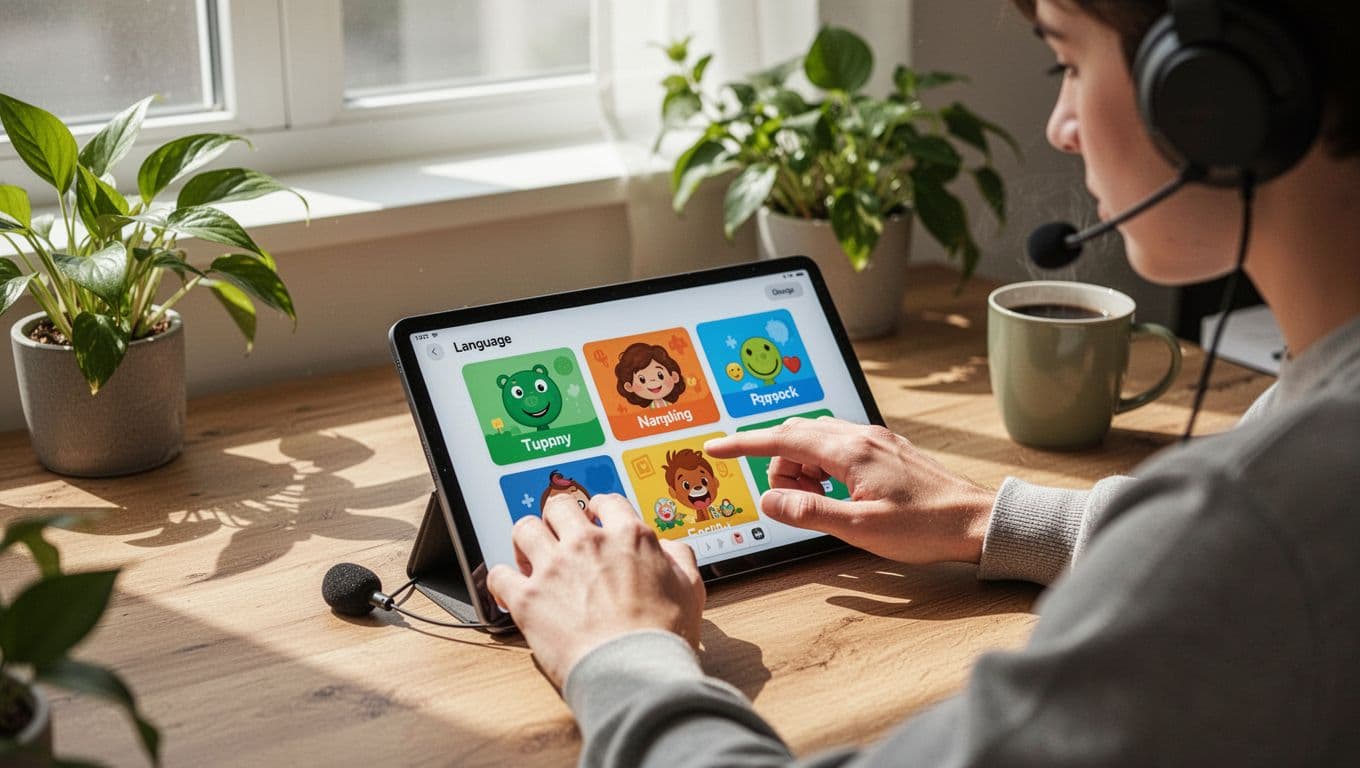
Run the 15-minute interleaving check
Use one lesson or review mode. Pick content with at least a few words, one sentence pattern, and some audio if the app offers it. Then set a timer and take quick notes.
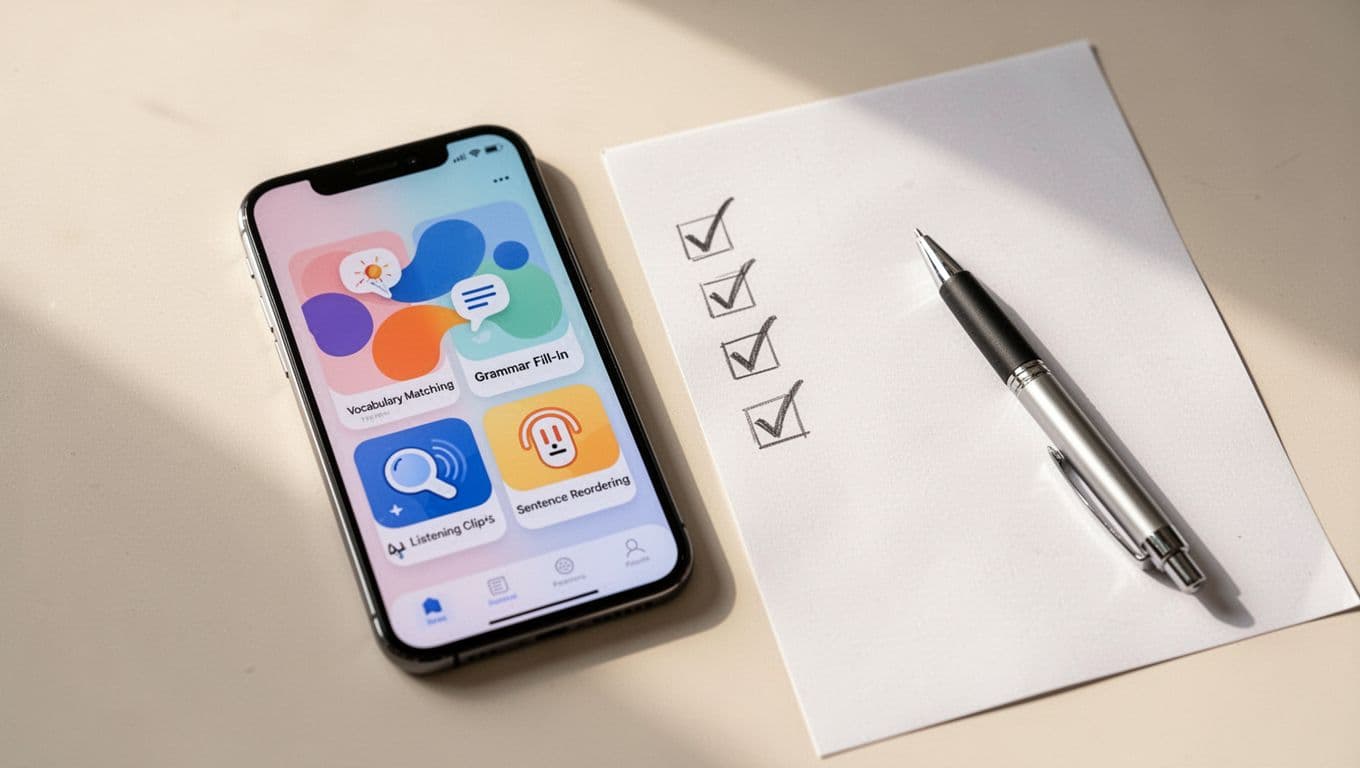
- Minutes 1 to 5, watch the mix.
Start normally. A pass means you see at least two or three task types, such as vocab review, sentence building, and listening. A fail means five straight minutes of matching, tapping, or identical word-bank prompts. - Minutes 6 to 10, watch for retrieval.
Now check whether the app prompts active recall by asking you to produce language. Strong apps make you type, speak, reorder, or answer from audio before showing help. Weak ones let you survive on recognition alone. - Minutes 11 to 15, watch how old material returns.
Earlier words or forms should come back in a new context, such as real-world scenarios or native content. A food word might return in a restaurant dialogue. A past-tense form might show up in listening after a grammar drill. If the app repeats the exact same prompt with the same support, mark that as a fail.
This quick table makes scoring easier.
| Exercise type | Pass signal | Fail signal |
|---|---|---|
| Vocabulary review | You recall from meaning, audio, a new sentence, or cloze tests | You only match the same pair again |
| Sentence building | You build or adapt a sentence with less help | You rebuild the same sentence twice |
| Pronunciation | You repeat with pronunciation feedback, then produce from a cue or image | You only mimic audio while reading full text, without pronunciation feedback |
| Listening | You answer from sound in audio-based learning, not just from the transcript | You tap while reading every word |
| Structured grammar lessons | The pattern appears across mixed prompts | Ten near-identical items appear in a row |
A clean pass does not require perfect balance. Short clusters are fine. What you want is movement across skills and a steady rise in recall. If the app passes this check, confirm it with a 10-minute lesson retention test to see whether the learning still holds after a short break.
What your result means, and what to do next
Count your passes across the five exercise types in intermediate language learning apps. If you get four or five, the app probably uses interleaving well enough to support conversational fluency and memory beyond the session. This builds language proficiency aligned with higher CEFR levels, setting you up for AI-powered conversations that mimic real interactions.
Two or three passes means the design is mixed in intermediate language learning apps. Zero or one usually means blocked drilling in a nicer outfit.
Still, don’t punish every bit of repetition. A good app may briefly group one pattern so you understand it first. The problem starts when it never lets go of that support. Interleaving language apps should make you work a little, then reward that effort with better recall later for conversational fluency.
A low score doesn’t mean the app is useless. It means you should change the job you give it. Use it for warm-up review, pronunciation, or quick listening, then add one short output task outside the app. For example, say five sentences from memory to native speakers, or rewrite today’s pattern without hints while engaging with native content. For advanced learners, supplement with online tutoring sessions or community feedback to boost flexibility.
If reviews are piling up and the app feels stale, LanguaVibe’s advice on spaced repetition without burnout can help you reset the load with a proper spaced repetition system.
Research outside grammar points the same way. A Cambridge study on interleaved and blocked L2 pragmatic practice suggests mixed practice can also help learners apply language more flexibly.
Frequently Asked Questions
What is interleaving in language apps?
Interleaving mixes related tasks like vocabulary recall, sentence building, listening, and grammar within a short lesson, unlike blocked practice that repeats the same format. This added challenge strengthens memory retention, active recall, and application in new situations. It’s key for intermediate language learning apps to break shallow recognition habits.
How do I perform the 15-minute interleaving check?
Start a lesson or review, time 15 minutes, and note task variety (1-5 min), active recall prompts like typing or speaking (6-10 min), and reuse of old material in new contexts (11-15 min). Use the article’s table to score vocab, sentences, pronunciation, listening, and grammar. A pass across most types signals effective design for deeper learning.
What if my app fails the check?
Low scores indicate blocked drilling; don’t ditch it entirely—use for warm-ups, pronunciation, or listening, then add external output like speaking sentences from memory or rewriting without hints. Pair with native content, tutoring, or reset spaced repetition to avoid burnout. Test alternatives weekly to build conversational fluency.
Why focus on interleaving for intermediate learners?
Intermediates hit plateaus with repetitive reviews; interleaving mimics immersion by varying demands, reducing support, and reusing items in real scenarios for fluency at higher CEFR levels. It counters gamified apps’ shallow taps, aligning with research on mixed practice for vocabulary, grammar, and pragmatics. This sets up AI chats and real interactions.
Does research support interleaving?
Yes, studies like Nakata & Suzuki (2019) on mixed grammar show long-term retention gains, a 2024 paper on interleaved SRS for vocab, and Cambridge research on L2 pragmatics confirm flexibility benefits. It echoes native content approaches over fixed drills.
The bottom line
Easy sessions can feel good. Useful sessions powered by gamified language apps and adaptive algorithms make you retrieve, switch, and adapt. That’s the difference this check is trying to catch.
The best app is not the one that feels effortless for 15 minutes. It’s the one with speech recognition technology and native content that helps you remember and use the language tomorrow.
Run this test on your main app, including intermediate language learning apps for advanced learners and native speakers, this week. If it fails, change how you use it, or change apps before another month of empty tapping stalls your conversational fluency and immersion approach.

