
The same language learning app can look cheap in one country and pricey in another. That’s the hidden problem with language app pricing in 2026.
If you only scan the headline price, you can miss taxes, intro offers, family seat rules, and platform markups. A fast regional check fixes that. In ten minutes, you can tell whether a plan offers value for money, is inflated, or only cheap on the first screen.
Key Takeaways
- Language app prices vary widely by region, local taxes, billing platform, and checkout path—always run a quick check on your local web page and app stores for the real cost.
- Compare the same plan types (annual to annual, monthly to monthly) and focus on renewal totals, not headline teasers or intro offers.
- Watch for common traps like VAT/GST inclusion, app store markups, short trials rolling into higher renewals, and family plan limits.
- A 10-minute regional pricing check with screenshots of final checkout screens ensures you spot the true bill before paying.
- If prices are close, follow up with a features value check for AI tutors, speaking practice, and structured paths.
Why regional prices drift so much
Language learning apps rarely use one global price. These language learning apps adjust for local buying power, local tax rules, and billing channels. So a price you see in a US article may not match what appears in the UK, Germany, India, or Brazil.
Recent April 2026 spot checks show wide spreads. Duolingo Super’s monthly subscription in the US often lands around $12.99, while annual subscription pricing can show anywhere from $59.99 to $83.99, with a family plan around $119.99. Babbel and Rosetta Stone also shift by market, and both say location and checkout path affect price. You can see that on Babbel’s pricing help page and Rosetta Stone plans and pricing.
Tax treatment adds another layer. UK and German prices often include VAT in the listed amount. India may fold GST into the local price. If you compare one tax-included price with one pre-tax price, you’re not comparing like with like.
Then comes billing route. Apple and Google subscriptions are often higher than direct web checkout, sometimes because of app store fee, tax handling, or different promo logic. That matters even more if the premium features of the paid tier don’t add much beyond the free version. For that part of the decision, this free vs paid language apps checklist is a useful second filter.
Family plans can flip the math, too. Duolingo covers up to six users on one family plan, while many rivals still focus on solo billing. If two people will study, the lowest single-user price may still be the worse deal.
Compare the renewal total, not the small monthly teaser.
The 10-minute pricing check
You don’t need a long spreadsheet session when checking prices for language learning apps. You need one timer, one note app, and the same plan type across every app. Compare annual to annual, monthly to monthly, and family to family. Never mix them.
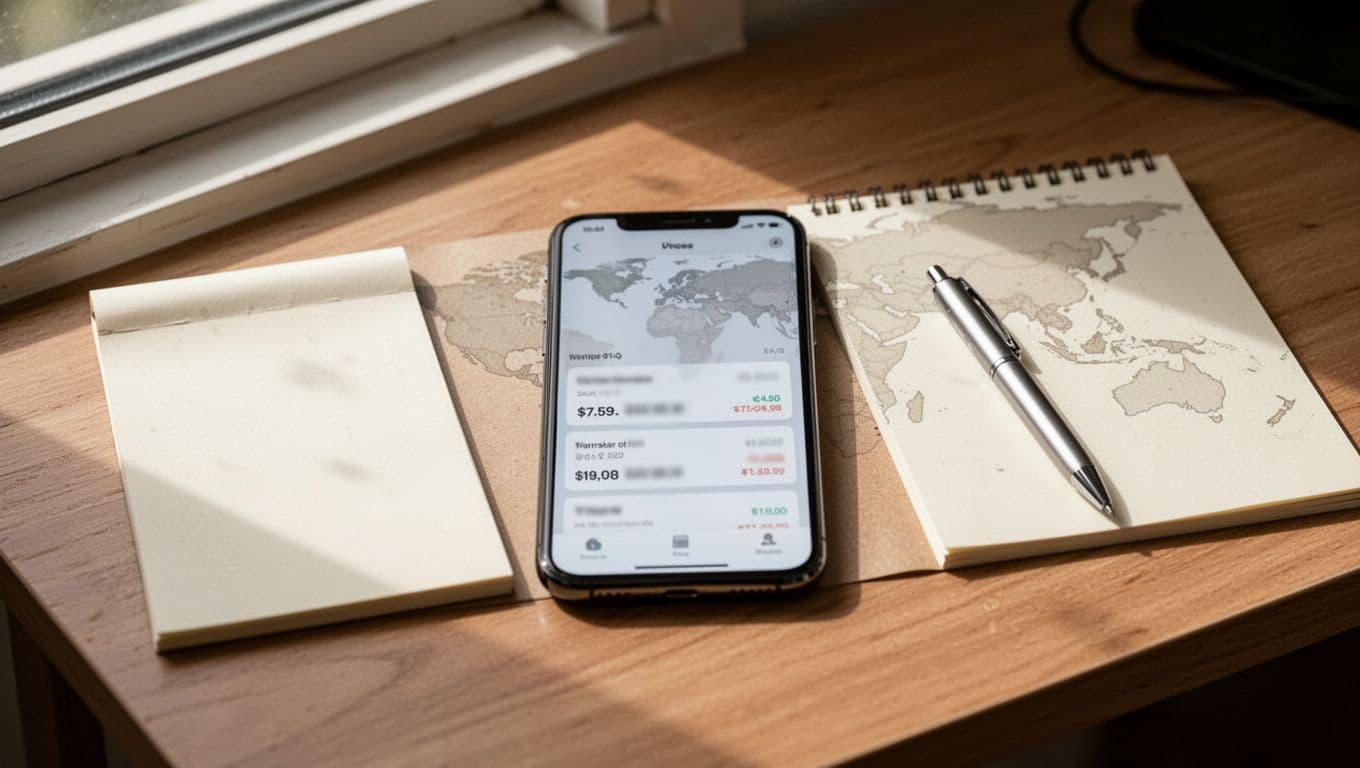
Use this order and keep each step short:
- Open the official web pricing page for your country. Write down the annual total, monthly total, and whether the charge is billed upfront.
- Check the Apple App Store on your device. Look at the in-app purchases listing and note the local currency and trial length.
- Check Google Play if you use Android. Prices can differ from iOS, even for the same app and same country.
- Mark taxes and extras. Is VAT or GST already included? Is there a free trial period that rolls into a higher renewal?
- Check plan rules. Look for family seats, offline access, AI chat caps, refund path, and how cancellation works.
- Screenshot the final checkout screen before you pay. That’s the number that matters most.
This method works because it removes guesswork. It also stops you from comparing a web promo with an app-store renewal or a one-week trial with a full annual plan.
For Duolingo, where pricing can vary a lot by region and store, a recent Duolingo cost breakdown for 2026 can help you sanity-check the range. Still, your local store page or live checkout screen should always win.
If two language learning apps land close on price, don’t stop there. Run a second pass with this 15-minute value check before paying so you can judge features like AI language tutor, speaking practice, pronunciation feedback, and structured learning path, not only cost.
Copy this comparison sheet, then spot the traps
This quick table is enough for most buyers. Fill it in while each checkout page is still open.

| App | Region and channel | Sample April 2026 subscription costs range | What to verify fast |
|---|---|---|---|
| Duolingo Super | US, web or app store | $12.99 monthly, $59.99 to $83.99 annual, $119.99 family annual | Is the annual price a promo, and what is the renewal price? |
| Babbel | US, web | $13.95 to $17.95 monthly, about $107.40 annual | Is the full year billed today, and is Apple or Google higher? |
| Rosetta Stone | US, web | $19.95 monthly, about $119 to $131 yearly, lifetime access often on sale | Is the sale temporary, and does lifetime access include all languages? |
The takeaway is simple. Annual plans often look cheap because the monthly number is only a divided total. Your card still gets charged the full amount at once.
Now flag these common traps before you compare apps like Busuu, Memrise, or Drops:
- Intro offers can hide a much higher renewal after 7 days or 14 days.
- VAT, GST, or local taxes may sit inside one price but outside another.
- Family plans may limit seats, logins, or same-store households.
- Money-back guarantee terms often vary between platforms and trial periods.
- Exchange rates can shift the final card charge if billing happens in another currency.
- Apple, Google, and direct web checkout can have different cancellation and refund rules.
After spotting traps, do a quick second pass to judge quality: check for native speakers, grammar explanations, vocabulary building, CEFR levels, and conversational fluency tools.
A good check treats the app like a plane ticket. The first number gets your attention. The final checkout shows the real cost.
A smart regional pricing check isn’t about finding the lowest number on the internet. It’s about finding the real bill for affordable language apps in your country, on your device, with your preferred billing path.
Prices move fast, especially with promos and currency changes. So verify the final amount in your local app store or official pricing page on the day you buy. That’s the price worth trusting.
Frequently Asked Questions
Why do language app prices differ so much by country and platform?
Apps adjust for local buying power, tax rules like VAT or GST, and billing channels. Web checkouts often beat app store prices due to lower fees, but trials and promos can vary. Always verify your region’s web pricing page and device stores for accurate comparison.
How can I do a quick pricing check in 10 minutes?
Start with the official web pricing page, then check Apple App Store and Google Play for in-app rates. Note annual/monthly totals, tax inclusion, trial lengths, and family rules. Screenshot the final checkout to confirm the real charge.
Are annual plans always the best value?
They often look cheaper per month but bill the full amount upfront—check renewal rates post-promo. Family plans can flip the math for groups, covering multiple users. Compare like-for-like and verify if features justify the lock-in.
What pricing traps should I avoid?
Intro offers hide higher renewals after 7-14 days, taxes may be bundled or extra, and app stores add markups. Family seats might limit households, and cancellation rules differ by platform. Spot these before comparing apps like Duolingo, Babbel, or Rosetta Stone.
Should I trust prices from articles or review sites?
No—use your local store or live checkout, as regional drifts, currency shifts, and promos change fast. Spot checks like April 2026 US ranges help as benchmarks, but your screen shows the bill that hits your card.
Ready to Take Your Language Learning Further?
Your favorite language-learning app is a great place to start. Rocket Languages can help you go further with interactive audio lessons, pronunciation practice, real-world conversations, and structured learning.
Explore Rocket Languages →Affiliate disclosure: We may earn a commission if you purchase through this link, at no additional cost to you.
