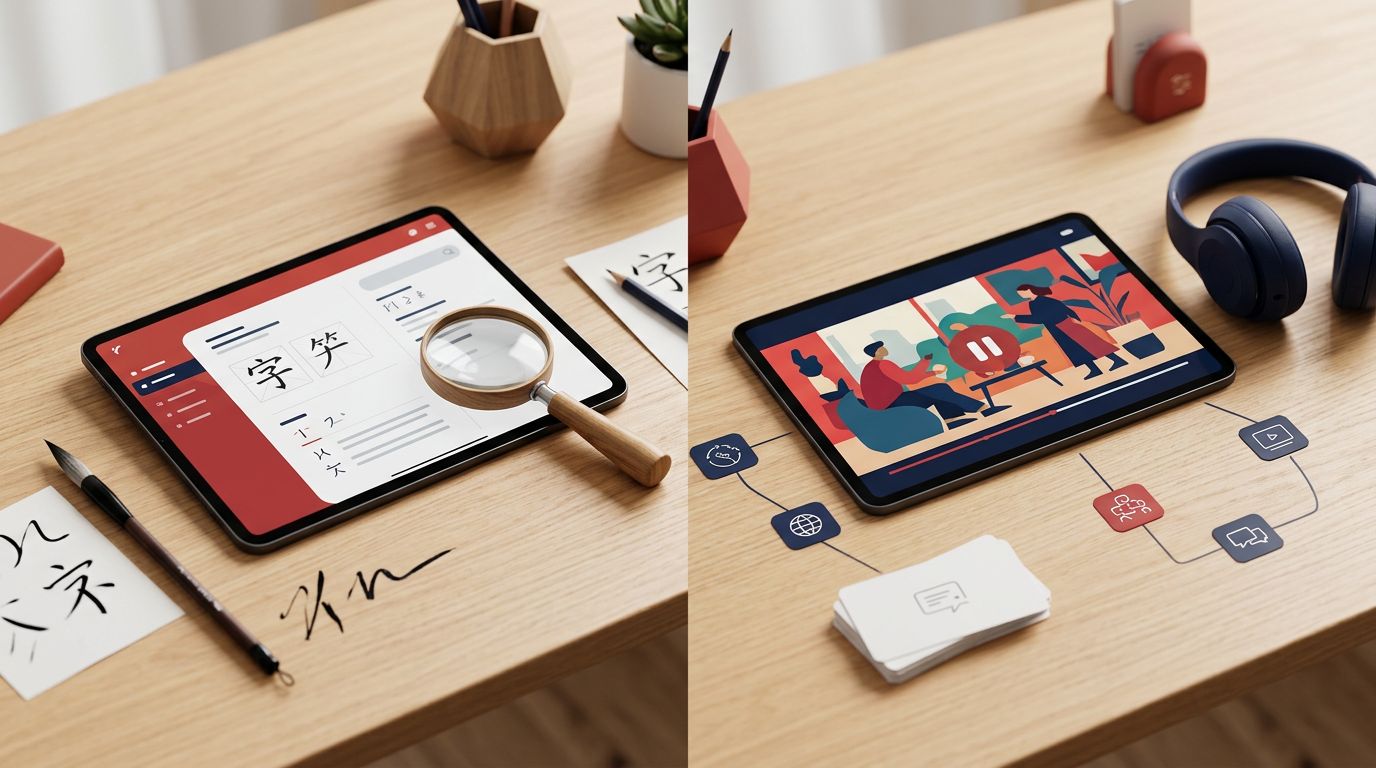
Chinese character study can mean several different things. You might need to identify an unfamiliar hanzi, remember its meaning, learn its stroke order, or recognize it faster in native content. Pleco vs Dong Chinese is therefore less about choosing a universal winner and more about matching the app to the kind of practice you need.
Pleco is primarily a dictionary and lookup tool. Dong Chinese connects character learning with videos, subtitles, sentences, frequency information, and review. Both can support Mandarin learners in 2026, but they guide your study in different directions.
Key Takeaways
- Pleco is stronger for fast lookup, OCR, handwriting search, and dictionary depth.
- Dong Chinese is stronger for learning characters through native media and connected sentences.
- Pleco’s handwriting input helps you identify characters, while Dong Chinese includes handwriting practice in the learning process.
- Pleco requires more manual setup for flashcards. Dong Chinese provides a more structured review path.
- Serious learners may use Pleco as their reference tool and add Dong Chinese or a writing app for regular practice.
Pleco and Dong Chinese follow different study models
Pleco waits for you to encounter a problem. You see an unknown character in a book, on a menu, or in a message, then search for it. Dong Chinese takes a more proactive route by presenting characters through video subtitles, example sentences, and frequency-based learning.
That difference affects your daily routine. Pleco feels like a well-organized reference shelf. Dong Chinese feels closer to a guided reading and listening course built around real media.
| Character-study need | Pleco | Dong Chinese |
|---|---|---|
| Unfamiliar character lookup | Excellent, with handwriting search and OCR | Available within its learning content |
| Dictionary depth | Strong, with multiple dictionary sources and search methods | Standard entries tied to sentences and media |
| Handwriting | Handwriting recognition for lookup | Practice with handwriting validation |
| Stroke order | Paid add-on | Integrated into the learning flow |
| Flashcards and review | Built in, but cards require manual creation | Structured review connected to content |
| Native video study | Not its main focus | Central to the experience |
| Character analysis | Outlier Linguistics add-on available | No equivalent add-on noted |
| Pricing model | Free core with paid add-ons | App or subscription model, with prices subject to change |
Pleco’s free version is already useful for most basic searches. Paid tools add functions such as stroke-order animations, advanced flashcards, and the Outlier Linguistics dictionary. Current research places Pleco’s professional add-ons at about $29.99 in total, although store prices can vary by platform and region.
Dong Chinese has a different cost structure. Current information points to an app or subscription model, but no fixed price should be treated as permanent. Check the current listing before subscribing.
A Pleco user discussion also shows why learners often keep the app installed even when they use other study tools. Its value often begins with a single fast lookup, then grows as learners save words and build a personal reference system.
Why Pleco works well for character lookup
Pleco is the better choice when your immediate problem is identifying a character accurately. You can search by typed Chinese, Pinyin, English meaning, tones, radicals, or handwriting. Fuzzy searches also help when you remember only part of a word or aren’t sure which character you saw.
Its handwriting search is especially useful for beginners. Draw a character with your finger, select a likely match, and check the definition. This is recognition support, rather than handwriting training. Pleco helps you find the character, but it doesn’t automatically require you to reproduce it from memory.
OCR adds another practical option. You can point your phone at printed Chinese and inspect text without typing every character. That makes Pleco useful for graded readers, restaurant menus, signs, paper textbooks, and screenshots. OCR quality can depend on lighting, font style, spacing, and the device’s camera, so you should still confirm unfamiliar results.
Pleco also handles simplified and traditional characters, allowing learners to compare forms while reading. Its dictionary sources include established resources such as the ABC Chinese-English Dictionary and CC-CEDICT. Learners who want character structure and historical explanations can purchase the Outlier Linguistics add-on.
The flashcard system is more flexible than automatic. After looking up a word, you generally need to use the card-generation function and choose what to save. That extra step gives you control over definitions, example sentences, audio, and card content, but it also makes review less automatic.
Pleco’s Chinese character lookup features suit learners who read widely and want answers without leaving their text. It also works well for people who prefer building their own review lists rather than following a fixed course.
Pleco is strongest when a character appears in front of you and you need a reliable answer quickly.
For isolated character study, pair the dictionary entry with a deliberate action. Look up the character, inspect its component information, write it several times, and add a card only if you expect to meet it again. Without that final review step, Pleco can become a search tool rather than a memory tool.
How Dong Chinese connects characters to native content
Dong Chinese treats character study as part of listening and reading. Its interactive Hanzi subtitles connect words to YouTube videos, so you can inspect a character within a spoken sentence instead of studying it alone.
That context can answer questions a dictionary entry cannot. You hear how a word sounds, see how fast native speakers use it, and observe which words appear around it. Dong Chinese also provides sentence links and frequency information, helping you decide which vocabulary deserves attention first.
The app’s learning model is more proactive than Pleco’s. Rather than waiting for you to create every card, it can bring words into a structured review system through media-based study. This reduces setup time for learners who want a ready-made path.
Dong Chinese also includes handwriting practice with validation. That distinction matters. Pleco’s handwriting feature primarily recognizes what you draw so it can find a dictionary entry. Dong Chinese asks you to practice producing characters as part of learning. The two functions may look similar on a feature list, but they serve different purposes.
Stroke order is integrated into Dong Chinese’s study flow, according to current product information. Pleco offers stroke-order support through a paid add-on. In both cases, learners should treat animated strokes as a guide, not a substitute for writing from memory.
Dong Chinese is less suited to scanning a page or searching an isolated character from a physical book. Video subtitles are its main content pathway, while OCR is a core Pleco function. It also doesn’t provide the Outlier Linguistics character-analysis add-on found in Pleco.
A HanziFeed comparison of character-learning tools is useful for seeing how frequency data, SRS, character analysis, and reading-focused study can lead to different app choices. These categories matter because a learner who wants to understand why a character is shaped a certain way needs different support from someone who wants to recognize it in fast speech.
Dong Chinese makes the most sense when you already want to study native media. Beginners may find the video-based approach motivating, but they can also face more vocabulary than they can absorb at once. Start with short clips and review a limited number of characters rather than saving every unfamiliar word.
Which app fits your character-study goal?
Choose Pleco first if your study sessions involve frequent lookups. It is particularly practical for learners who read graded readers, web pages, textbooks, or messages and need handwriting input or OCR. Its dictionary depth also helps when one English translation doesn’t capture the meaning of a Chinese word.
Pleco is also a good fit for learners who want to control their flashcards. You can decide which words matter, which definition to display, and whether a card tests recognition, meaning, or production. The trade-off is that you must create and maintain that system.
Dong Chinese fits better if you want characters attached to spoken language and native examples. Its subtitles and review flow can turn video watching into study without requiring you to design every card. Learners who struggle to remember isolated hanzi may benefit from seeing the same word in meaningful sentences.
The right choice also depends on your production goals:
- For character identification, choose Pleco’s handwriting search and OCR.
- For stroke-order practice, compare Dong Chinese’s integrated writing flow with Pleco’s paid stroke-order add-on.
- For reading vocabulary, Pleco gives you more control over lookup and saved cards.
- For contextual learning, Dong Chinese offers the stronger connection to videos and sentences.
- For character etymology and component analysis, Pleco with Outlier Linguistics has the clearer option.
Neither app replaces consistent recall practice. A learner can spend weeks reading definitions without becoming able to write or recognize characters quickly. Review must include retrieval, not only exposure.
If handwriting is your main weakness, a dedicated tool may work better than either app alone. LanguaVibe’s Skritter Chinese writing app review covers a system built around producing characters, including stroke order and writing recall. That makes it a useful comparison for learners who want more demanding handwriting drills.
A practical Pleco and Dong Chinese setup
You don’t have to use one app for every task. A combined workflow can divide the work cleanly.
Use Pleco when you meet an unknown character in a book, sign, or message. Search it with handwriting or OCR, compare the definitions, listen to the audio, and check whether the word uses simplified or traditional forms. Save only vocabulary that fits your current reading or listening goals.
Use Dong Chinese for scheduled media sessions. Watch a short video with interactive subtitles, review the words that appear often, and practice the included handwriting activities. The sentences and frequency information can help you avoid spending equal time on rare and common characters.
For flashcard-heavy study, compare Pleco with other options in a guide to the best Chinese flashcard apps. Pleco works well when you want cards created from your own lookups. Dong Chinese is more convenient when you want review connected to content.
Platform access deserves a final check before you commit. Current research confirms both apps on Google Play for users in the United States, while features, pricing, and availability can differ by operating system and region. Android users should review the current store listings. iPhone and iPad users should confirm availability and add-on support directly in their local App Store.
Conclusion
Pleco is the stronger dictionary and lookup tool, while Dong Chinese is the more connected option for learning characters through video, sentences, and frequency data. Pleco gives you more control and reference depth. Dong Chinese gives you more structure and context.
For many learners, the most practical answer isn’t choosing one forever. Use Pleco to solve character problems as you read, then use Dong Chinese or a writing-focused app to turn recognition into active recall. The best setup is the one that makes each unfamiliar hanzi lead to another useful encounter.