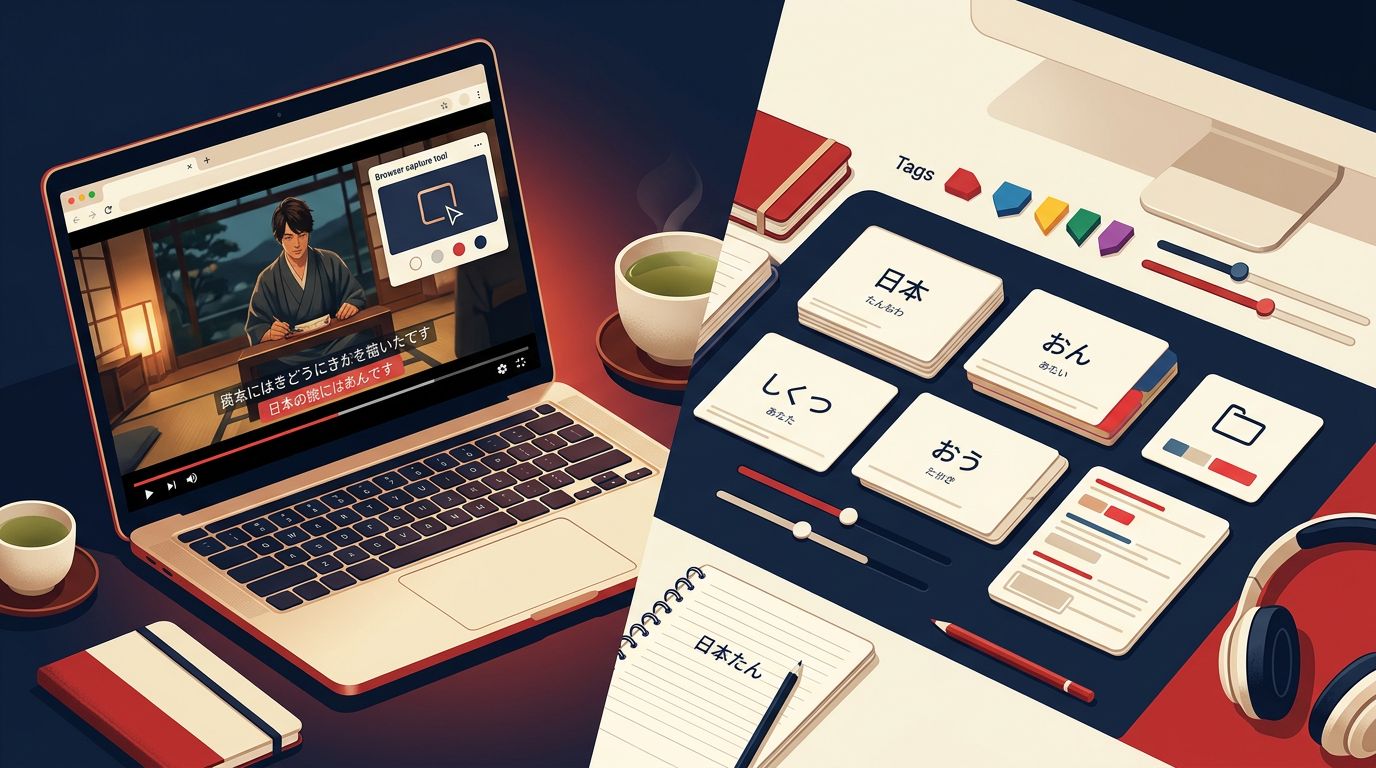
Choosing between Migaku and Anki can change how quickly you turn Japanese immersion into useful review cards. Migaku focuses on capturing sentences while you watch and read. Anki gives you greater control over how those cards work after you create them.
Both tools can support serious Japanese study, but they suit different habits. The better choice depends on your content sources, tolerance for setup, budget, and need for customization.
Key Takeaways
- Migaku is easier for capturing Japanese sentences from videos and websites.
- Anki offers deeper control over card templates, scheduling, tags, and data.
- Migaku costs a recurring subscription, while Anki follows a separate client and sync model.
- Use Migaku for low-friction immersion, Anki for a carefully engineered long-term deck.
- You can combine both, but check how cards and reviews will sync before building a large collection.
What Sentence Mining Means for Japanese Learners
Sentence mining means saving useful sentences from Japanese material you can mostly understand, then reviewing them with spaced repetition. Instead of memorizing a word such as 降る in isolation, you save a sentence like:
明日は雨が降るかもしれません。
“It might rain tomorrow.”
The sentence shows the word’s reading, grammar, and natural context. It also gives you a memory connected to something you watched or read.
A useful mined card usually contains the original sentence, audio, a translation, and one clear target item. For the example above, you might focus on かもしれません rather than testing every word. If you add five unknown words from every sentence, reviews become slow and unfocused.
Sentence mining works best when the material sits slightly above your current level. A beginner may mine from graded readings or simple learner videos. An intermediate learner may use anime, podcasts, manga, or Japanese social media. Satori Reader’s Japanese reading tools can also help learners collect sentences from content with furigana, audio, and built-in explanations.
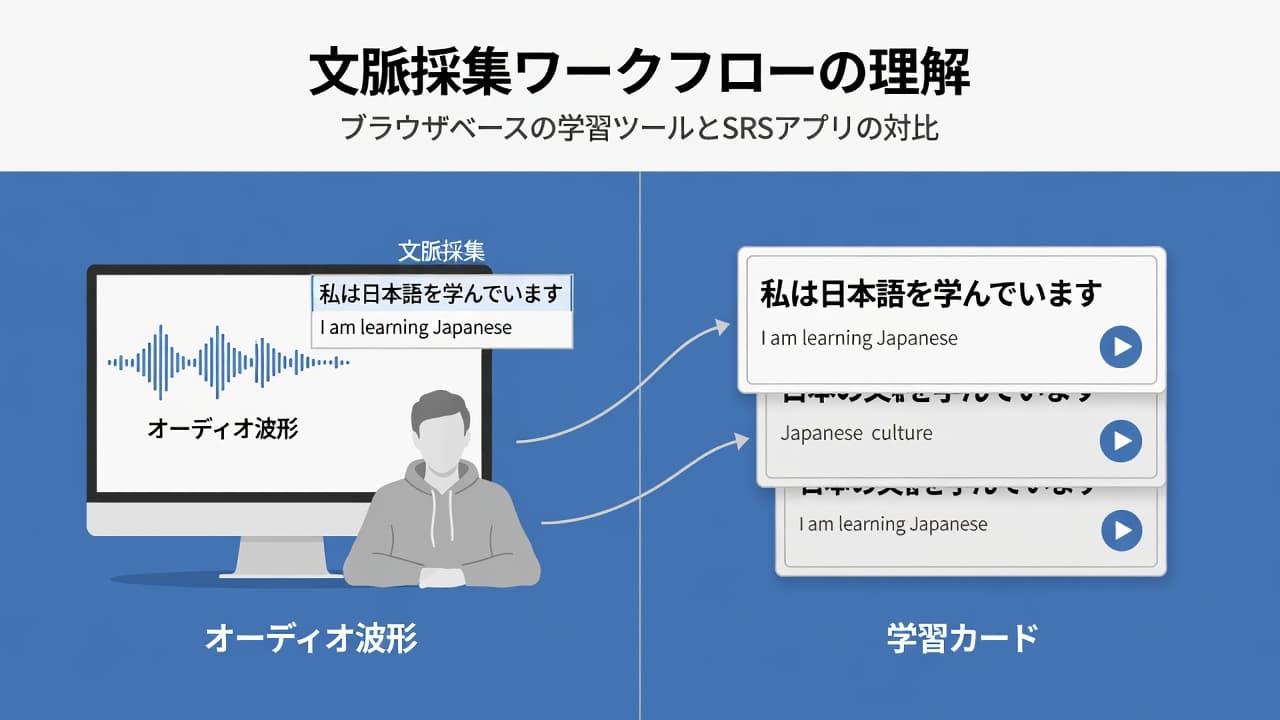
The process has four parts: find a sentence, understand it, create a card, and review it later. Migaku reduces the work between the first and third steps. Anki gives you more control over the third and fourth.
How Migaku Handles Japanese Sentence Mining
Migaku combines a Chrome extension, video integrations, a built-in spaced-repetition system called Migaku Memory, and the Migaku Academy course series. Its current content support includes Netflix, YouTube, Disney+, Rakuten Viki, Reddit, X, and Japanese webpages.
When you watch a supported video, Migaku can display interactive subtitles. Clicking a word opens dictionary information, while the surrounding sentence remains available for review. You can save vocabulary or sentence cards with context instead of copying lines manually.
Current Migaku features also include automatically generated cards with the original sentence, audio, and screenshots. The system can identify grammar patterns, mark unknown vocabulary, and calculate page comprehension scores. These tools can make the capture stage much faster, especially when your study material comes from video.
Migaku offers two main destinations for cards. You can review inside Migaku Memory, or use its Card Creator to send cards to Anki. Field maps let you assign information such as the front, back, audio, and sentence to the fields you want. You can also shift-select words in a sentence and create a card with only those items marked unknown.
The trade-off is that Migaku asks you to accept its workflow and subscription model. Current listed pricing is $9 per month for Standard, $15 to $20 per month for Early Access, and about $399 for a Lifetime option. Prices and plan details can change, so verify them before subscribing.
Migaku also requires judgment. Automatic cards can include too much information, an awkward translation, or a target word you already know. This Migaku review for Japanese learners covers the same practical limitation: capture tools save time, but selective mining still matters.
How Anki Works for Japanese Sentence Mining
Anki is primarily a flashcard and scheduling system. It doesn’t provide the same built-in immersion layer as Migaku, so you choose how to find Japanese sentences and how to turn them into notes.
That extra work gives you control. You can create separate fields for Japanese text, furigana, translation, audio, screenshots, pitch accent, grammar notes, and tags. Card templates can then show or hide those fields in almost any arrangement.
Many Japanese learners pair Anki with Yomitan and AnkiConnect. A dictionary lookup on a Japanese webpage can send the selected word, sentence, reading, definition, and audio to Anki. The Yomitan and Migaku comparison for sentence mining explains how this setup fits learners who want Anki to remain the center of their workflow.
Anki’s current 25.02 release line also includes AI-assisted auxiliary card generation, a Rust-optimized scheduling implementation, FSRS improvements, media caching, dark-mode customization, and updated AnkiWeb security features. AI can generate example sentences or explanations from text and images, but you should check every result. An incorrect reading or unnatural sentence can teach the wrong pattern.
Anki’s main weakness is setup and maintenance. You may need to install extensions, configure note types, troubleshoot audio, manage duplicate cards, and keep your templates readable. A carefully built deck can work for years, but a complicated deck can become a second hobby.
The choice often comes down to convenience versus control. A community comparison of Migaku and Anki reflects a common learner view: Migaku makes capture easier, while Anki offers more customization.
Migaku vs Anki: Feature Comparison
The following table shows where each tool fits in a Japanese sentence-mining workflow.
| Category | Migaku | Anki |
|---|---|---|
| Best use | Capturing sentences during immersion | Reviewing a customized card collection |
| Video support | Interactive subtitles and media context | Usually requires tools such as Yomitan or manual capture |
| Card creation | Automated and guided | Manual or extension-assisted |
| Card control | Good, with field maps and note types | Extensive templates, fields, and card types |
| Built-in review | Migaku Memory | Anki scheduler and FSRS |
| Setup time | Lower for supported content | Higher, especially with add-ons |
| Pricing model | Subscription options and Lifetime plan | Separate app and sync arrangements by platform |
| Main limitation | Less control over the full system | More setup and maintenance |
Migaku is the stronger fit when you want to pause a video, inspect a word, save the sentence, and continue watching. Anki is stronger when you want precise control over every field and review rule.
Neither tool automatically solves comprehension. You still need to understand why a sentence means what it means. A card that looks polished but contains a misunderstood grammar point remains a weak card.
Which Tool Should You Choose?
Use this decision framework before committing to a large deck.
- Start with your main content source. If most of your Japanese comes from Netflix, YouTube, or supported websites, Migaku can reduce interruptions. If you read books, PDFs, imported texts, or many unrelated websites, Anki with a dictionary extension may give you broader control.
- Decide how much customization you need. Migaku suits learners who want useful cards quickly. Anki suits learners who care about custom prompts, multiple answer formats, pitch-accent fields, leech handling, and detailed tags.
- Consider your study budget and patience. Migaku’s subscription buys convenience. Anki demands more setup but gives you a system you can shape around your preferences. Choose the tool you will still use after the novelty fades.
- Match the tool to your level. Beginners often benefit from Migaku’s guided capture, provided they mine only understandable sentences. Experienced Anki users may prefer keeping one established deck rather than moving reviews into another system.
A hybrid workflow can work well. Use Migaku to capture video sentences, then send selected cards to Anki for long-term review. However, avoid maintaining two independent review queues. Decide which application owns your daily schedule.
A Practical 2026 Workflow for Japanese Sentence Mining
Begin with material you can follow without translating every line. Watch a short video or read a few pages, then save only sentences that contain one useful unknown item.
Aim for roughly 10 to 15 new cards per day at first. That limit gives you room to review older cards and continue consuming Japanese. If reviews start taking longer than your immersion, reduce new cards before adding more automation.
For a Migaku workflow, click a word in the subtitle, inspect the sentence, remove unnecessary fields, and save the card. For Anki, use a consistent note type with Japanese, reading, meaning, audio, and source fields. Keep the target item obvious.
Review the sentence aloud when possible. For example, a card containing 今日は早く寝ます can reinforce 早く as an adverb, not only the meaning “early.” After several reviews, you should recognize the pattern in new sentences.
Delete cards that remain confusing after multiple reviews. A smaller deck filled with clear, useful Japanese is easier to maintain than a large archive of every lookup.
Conclusion
Migaku and Anki solve different parts of sentence mining. Migaku makes it easier to capture Japanese from immersion, while Anki gives you greater control over card design and long-term review.
Choose Migaku when speed and video context matter most. Choose Anki when customization, portability, and a carefully managed deck matter more. If a sentence takes seconds to capture but stays meaningful months later, your workflow is doing its job.
Ready to Take Your Language Learning Further?
Your favorite language-learning app is a great place to start. Rocket Languages can help you go further with interactive audio lessons, pronunciation practice, real-world conversations, and structured learning.
Explore Rocket Languages →Affiliate disclosure: We may earn a commission if you purchase through this link, at no additional cost to you.
