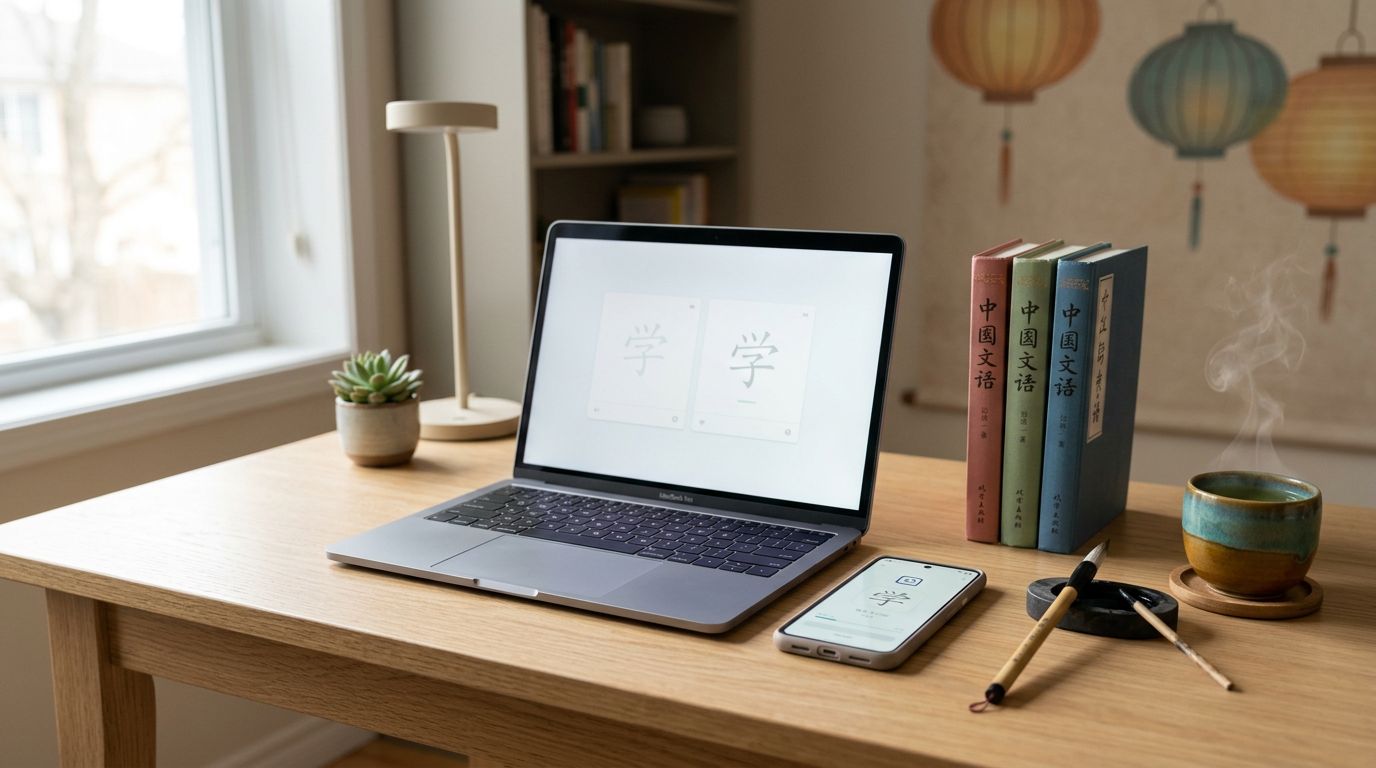
Chinese flashcards stop working when they turn into a random pile of words. In 2026, serious learners need a system that keeps characters, tones, and sentences alive long enough to stick.
If you study with graded readers, subtitles, HSK lists, or handwritten notes, the app matters as much as the deck. The wrong one wastes time, while the right one fits your reading, listening, and review habits.
This guide looks at the Chinese flashcard apps that matter for long-term study, not flashy streaks. The focus is on control, audio, script support, and real review speed.
What serious Chinese flashcard apps need
A serious flashcard app should do more than show you words in random order. It should help you remember what you learned, keep your decks clean, and make review feel like part of study, not a separate chore.
If you want a second view on why spaced repetition still dominates serious study, this 2026 Chinese flashcard comparison lays out the same logic from another angle.
A strong app should give you a few basics without getting in the way:
- Spaced repetition that behaves well. Weak cards should come back sooner, while easy cards should cool off.
- Simplified and Traditional Chinese support. You should not have to fight the app just to switch scripts.
- Audio and example sentences. These help with tones, context, and recall.
- Fast sentence mining. If you meet a useful word in reading or listening, saving it should take seconds.
- Import, export, and sync. Your deck should follow you across devices, and it should be easy to back up.
A deck can become a junk drawer fast. Tags, filters, notes, and card templates keep it usable over months, not days.
A good flashcard app disappears into the study routine. A bad one becomes a second job.
Quick comparison of the top apps
The fastest way to compare Chinese flashcard apps is side by side.
| App | Platforms | Pricing model | Simplified / Traditional | Decks, sentence mining, audio | Review control, import/export, sync | Best fit | Main limitation |
|---|---|---|---|---|---|---|---|
| Anki | Windows, Mac, Linux, iOS, Android | Free on desktop and Android, paid on iPhone/iPad | Yes, through your own cards | Excellent for custom decks, sentence mining, and embedded audio | Deep review settings, strong import/export, sync via AnkiWeb | Power users who want full control | Setup takes time |
| Pleco | iOS, Android | Free core app, paid add-ons | Yes | Strong dictionary lookups, sentence mining, native audio, and stroke-order support | Good review tools, export options, sync supported | Readers and vocabulary miners | Less flexible than Anki |
| Skritter | iOS, Android, web | Subscription | Yes | Strong handwriting practice, decent audio, limited sentence mining | Moderate review controls, limited import/export, sync supported | Learners who need to write characters | Narrower than Anki |
| Pandanese | Browser-based | Paid plan, current offer varies | Mostly yes, based on your content | Mnemonic character cards, lighter audio focus, limited mining | Basic review tools, limited import/export, account sync | Learners who like memory stories | Smaller ecosystem |
The table makes one thing clear. Anki is the control choice, Pleco is the Chinese workflow choice, Skritter is the handwriting choice, and Pandanese is the mnemonic choice. If you only want one app, start with the one that solves your real bottleneck.
Anki for maximum control
Anki is still the benchmark for serious learners because it gives you total control over the card and the review queue. It is free on desktop and Android, with a paid iPhone app, and it works across Windows, Mac, Linux, and mobile.
That flexibility matters when you mine vocabulary from real input. You can build cloze cards, add screenshots, drop in audio, tag by source, and sort cards by HSK level, textbook, or reader. If you want to study the sentence first and hide the character later, Anki lets you do that.
It also handles Simplified and Traditional Chinese without fuss, because the language support comes from your own cards, not a fixed template. Import and export are strong, and sync through AnkiWeb keeps decks lined up across devices. That is why power users keep circling back to it, a pattern echoed in this 2026 Chinese flashcard comparison.
The trade-off is setup time. Anki looks plain at first, and a new learner can get lost in options. Still, that plainness is also the point. You are building a study machine, not playing with a mascot. If you want the deepest control and don’t mind shaping the system yourself, Anki is hard to beat.
Pleco for dictionary-driven study
Pleco is the best Chinese-specific choice for readers. It starts as a dictionary and reader, then adds flashcards on top. That matters because the best decks often come from texts you already care about, not from premade word lists.
The app supports Simplified and Traditional Chinese, native audio, stroke-order animations, and flashcard creation from lookups. The flashcard add-on also gives you tone drills and handwriting practice, which helps when a word looks familiar but still slips at the review stage. If you read a lot, that workflow feels natural. Tap a word, save it, and turn it into review without leaving the app.
The core app is free, with paid add-ons for advanced dictionary packs and study tools. Review control is solid, import and export are available, and sync works across devices. The full Pleco review for serious learners goes deeper into how its flashcard system fits long-term Chinese study.
Pleco is less flexible than Anki if you want elaborate card templates or unusual review rules. Even so, many learners prefer it because the workflow stays clean. Other 2026 roundups reach the same conclusion, including this Chinese flashcard comparison. If your main habit is mining words from real material, Pleco may be the most efficient choice.
Skritter for handwriting and character form
Skritter is the right pick when writing characters matters more than building giant decks. It drills stroke order and shape recognition, so you get feedback on the part many learners skip.
It supports Simplified and Traditional Chinese, works across iOS, Android, and the web, and uses a subscription model. Audio is useful, but the heart of the app is writing practice. Review scheduling is decent, sync is built in, and import options exist, though the workflow is narrower than Anki or Pleco.
That narrower focus is the point. If you are preparing for character-heavy study, correcting handwriting habits, or tightening up form after years of recognition-only learning, Skritter saves time. Heritage learners who understand spoken Chinese but want character confidence often like it for the same reason.
The main limitation is scope. Skritter does not replace Anki if you want deep custom decks, and it does not replace Pleco if you live in reading mode. It works best as the app you use when character production is the problem you want to solve.
Pandanese and mnemonic character learning
Pandanese takes a different route. It uses mnemonic stories to help you remember characters and vocabulary, then repeats them with spaced review. That can work well if raw repetition has failed you before.
The app is lighter than Anki and less tied to dictionary workflows than Pleco, but it can still support serious memory work. It is browser-based, so access is simple, and its content is centered on Chinese characters that can fit either script style when your deck is built that way. Because plans can change, check the current offer before you commit.
Pandanese is also more limited for power users. Review options are basic, import and export are limited, and sentence mining is not its strong point. Audio support is lighter than what you get in Pleco or a well-built Anki deck.
That makes Pandanese a better side tool than a full system for many learners. It can rescue stubborn characters and give you a clearer picture of how a graph looks and feels. If stories help you remember, it has a place. If you want a broad study hub, the bigger apps give you more room.
Choosing the right tool for your study plan
Many serious learners use two apps instead of one. Pleco can handle reading and lookups, Anki can handle long-term review, and Skritter can fix handwriting gaps. If you want a guided lesson layer on top, SuperChinese vocabulary review features can help, but it should sit beside a real flashcard system, not replace it.

If you mine vocabulary from novels, articles, or subtitles, start with Pleco or Anki. Pleco keeps the reading flow tight, while Anki gives you more control over card design and review rules. If your writing is weak, add Skritter before anything else. If memory stories help you stick with review, test Pandanese on a small deck first.
The best setup is usually boring in the right way. It opens fast, syncs without drama, and gets out of the way while you study. That matters more than fancy animations or streak badges, because long-term retention comes from steady reviews, not excitement.
For HSK learners, a simple workflow often works best. Use Pleco for lookup and audio, then send the words you truly need into Anki. For heritage learners, character form and stroke order may matter more, which makes Skritter worth a close look. If you already read a lot in Chinese, the app that saves time during mining is the one you will keep using.
Conclusion
The best Chinese flashcard app in 2026 depends on the job you need it to do. Anki gives you the deepest control, Pleco gives you the cleanest Chinese workflow, Skritter fixes handwriting, and Pandanese helps if stories stick better than rules.
That is the real choice. Pick the app that removes friction from your study routine, then build a review habit you can keep for months.
The smartest flashcard setup is the one you stop thinking about.
Ready to Take Your Language Learning Further?
Your favorite language-learning app is a great place to start. Rocket Languages can help you go further with interactive audio lessons, pronunciation practice, real-world conversations, and structured learning.
Explore Rocket Languages →Affiliate disclosure: We may earn a commission if you purchase through this link, at no additional cost to you.
