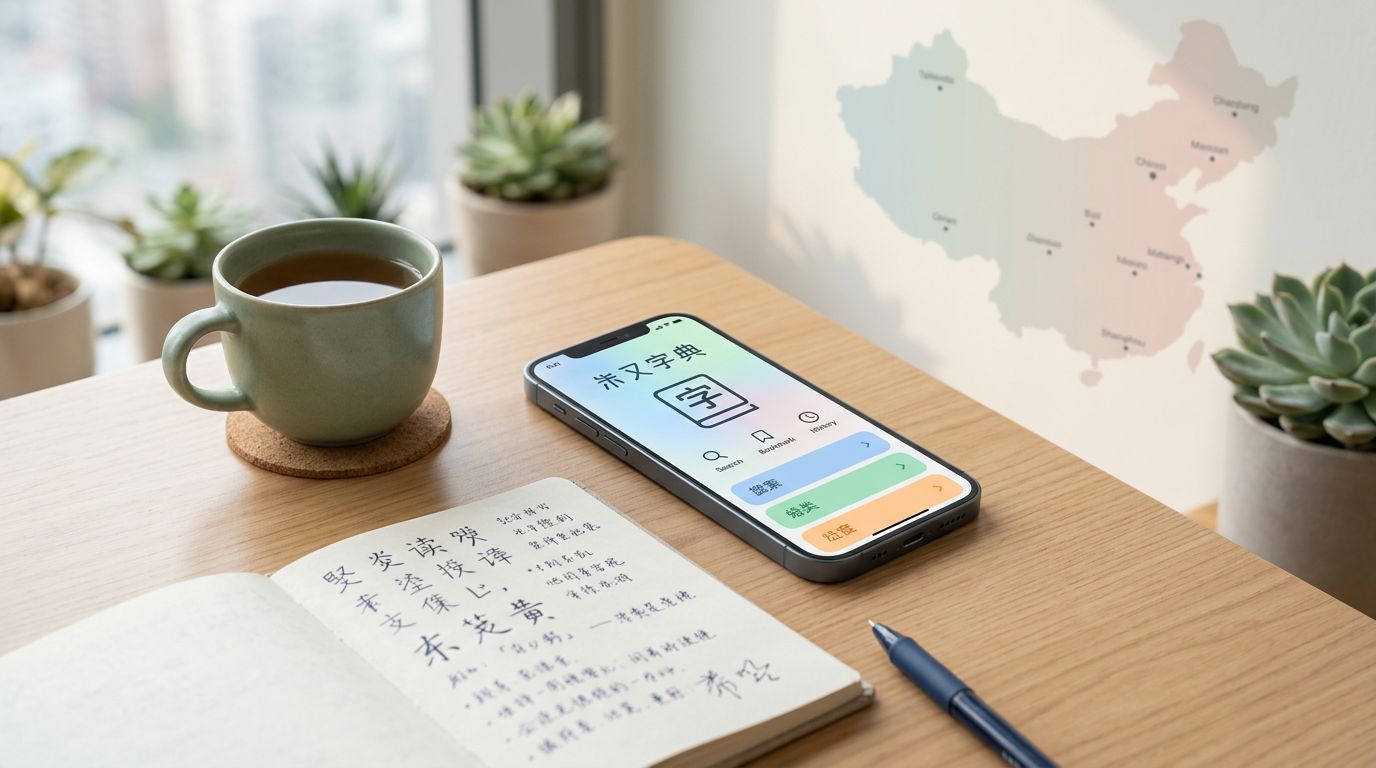
Pleco, the leading Chinese dictionary app, still sits near the top of any serious Mandarin Chinese learner’s phone in 2026. It solves Chinese characters lookup fast, and it does so without turning every question into a lesson detour.
That matters once you read native text every day. You need a tool that handles characters, Pinyin, examples, review, and offline use without wasting time.
This review looks at where Pleco still leads, where it feels old, and where it fits best for intermediate and advanced learners.
Key Takeaways
- Pleco remains the top Chinese dictionary app in 2026 for serious Mandarin learners, excelling in fast lookups, offline use, and reading support without unnecessary distractions.
- Its dictionary engine handles fuzzy searches, multiple senses, simplified/traditional characters, and add-on dictionaries, making it ideal for real-world reading and detail work.
- OCR, handwriting input, and a focused flashcard system with spaced repetition turn lookups into efficient review, bridging reading and retention.
- One-time add-on purchases (no subscription) and active maintenance across iOS/Android ensure long-term value for intermediate and advanced self-directed learners.
- The functional but dated interface suits those prioritizing speed over polish, not true beginners needing guided lessons.
Why Pleco Still Matters in 2026
Pleco works because it knows its job. It is a reference tool first, so it helps you find answers fast and move on.
That sounds plain, but it is rare. Many language apps try to teach, entertain, and track habits at the same time. Pleco mostly stays focused on lookup, reading, and review.
The current Pleco’s product page still describes the basic Chinese dictionary app as a free download with no ads, and it includes the core dictionary engine plus a light reader. The Pleco’s App Store listing also shows that the app is still actively maintained on Android and iOS.
For Mandarin Chinese learners, that kind of stability matters more than novelty. You want one app that keeps working after the excitement wears off.
Pleco also has a long shelf life. A beginner might use it for single words. An advanced reader might use it to check idioms, compare senses, or scan old notes. The same app supports both habits.
The Dictionary Engine That Serious Learners Trust
Pleco’s strongest feature is still its dictionary engine, powered by trustable sources like the ABC Chinese-English Dictionary and CC-CEDICT. Its advanced search functionality lets you search by Chinese characters, Pinyin with tone marks, tones, or a mix of the two. If your memory is fuzzy, wildcard and definition search, plus radical lookup, can still get you to the right entry.
That makes a big difference in real reading. Maybe you heard a word in class but forgot the Chinese characters. Maybe you can recognize the characters but not the pronunciation. Maybe you only remember part of a compound. Pleco handles those half-remembered moments well.
The app is also good at the details that matter later. It shows example sentences, parts of speech, and multiple senses for a word. That helps when one English gloss is too flat and the Chinese word has a wider range.
For learners who work with both simplified and traditional characters, the support is clean. The app handles both systems without forcing you to switch mental gears. It also supports Zhuyin as well as Pinyin, which helps Taiwan-focused learners.
That depth is why serious users often add more dictionaries. One source rarely answers every question. A word can feel common in one context and technical in another. Pleco lets you compare sources quickly, with rich example sentences that make the difference between a guess and a real understanding.
You can also inspect character details and stroke order diagrams, which helps when recognition and writing are not at the same level. That is common for heritage learners and self-study students. They can read more than they can write.
Reading Support, OCR, and Offline Lookup
Pleco becomes much more useful once you stop treating it like a dictionary only. The document reader and clip reader move it closer to a reading companion.
Open a text, tap a word, and keep going. That sounds small, but it changes the pace of study. You stop breaking flow every few seconds. Instead, you keep your eyes on the text and only pause when you need to.
The OCR camera reader is the feature that saves the most time for many learners. You point your camera at a menu, worksheet, textbook page, or screenshot, and Pleco’s OCR camera reader tries to read the Chinese characters instantly. That is especially useful when you study from paper or from images sent in chat apps.
Handwriting recognition matters in a different way. It helps when you know a character but cannot type it yet, or when you see a form that resists Pinyin input. If you want to see how that feature behaves across Chinese apps, compare it with testing handwriting input for Chinese.
Offline functionality is another quiet strength. Once the dictionaries are downloaded, the app still works without a connection. That makes it useful on planes, in subway tunnels, or during travel days with bad Wi-Fi. For a broader look at that kind of setup, see using offline dictionary apps for travel.
Pleco is strongest when your reading creates the next study session.
Native speaker audio also helps here. Pronunciation support gives you a quick reminder of tone and rhythm. For Mandarin and some Cantonese use cases, that is a practical bonus rather than a flashy one.
Flashcards That Fit a Real Study Routine
Pleco’s flashcard system is not designed to impress you. It is designed to keep words from slipping away.
You can turn lookups into review items, then work through them with the spaced repetition system. The flashcard add-on includes tone drills and handwriting practice to give you extra ways to work on words that keep tripping you up. That matters for Chinese, because recognition and recall are not the same skill.
For intermediate learners, the best workflow is simple. Read something real, save the words that matter, and review them in short bursts later. That keeps your deck focused on Chinese vocabulary building. It also stops your review list from becoming a junk drawer.
Advanced learners can use the flashcard system in a more exact way. You can target near-synonyms, terms from your field, or characters that keep getting mixed up. A business learner might save contract terms. A heritage learner might save characters that look familiar but still fail in writing.
Many people keep Anki for large custom decks and use Pleco for live reading. That can work well. Still, Pleco’s built-in customizable tests are strong enough for learners who want one place to look up, save, and review.
The key is consistency. If you read often, Pleco gives you a clean loop between unknown word and remembered word. That loop is what makes the app last.
Pricing, Add-ons, and Platform Support in 2026
As of May 2026, Pleco is still free to download, and the core app is useful on its own. The paid tools are still sold through the one-time purchase model, not a subscription.
That one-time purchase model is one reason it keeps long-term value. You can start free, then buy only the parts you use. For most serious learners, that means OCR or handwriting comes first, while other extras can wait.
The app is also still available across Android and iOS. The Pleco’s Android version keeps the same core idea on Android devices, so the workflow is not locked to one phone family.
Here is the current shape of the product in practical terms:
| Area | 2026 status | Why it matters |
|---|---|---|
| Core dictionary | Free download, ad-free | Good enough for daily lookup right away |
| OCR | Paid add-on | Best for printed text, menus, screenshots, and textbook pages |
| Handwriting input | Paid add-on | Useful when you know a character but cannot type it |
| Flashcards and review | Paid add-ons | Keeps reading and review in one app |
| Offline use | Supported after download | Helpful for travel and weak connections |
| Maintenance | Active, with recent OCR refinements and compatibility fixes | The app is still being updated |
The add-ons usually land in the $10 to $30 range, depending on the bundle. Pricing tiers include the basic bundle for essentials like OCR and handwriting input, and the professional bundle that adds premium dictionary add-ons and advanced features. That is easier to justify than a monthly fee with the one-time purchase model, especially if you plan to keep the app for years.
Pleco also keeps expanding its reference content. The add-on ecosystem is still alive, which is a strong sign for any long-term study tool. It does not feel like a product left on autopilot.
Best Use Cases for Intermediate and Advanced Learners
Pleco pays off most for Mandarin Chinese learners when Chinese is already part of your day. It is a tool for people who read, check, and return.
- HSK 4 to HSK 6 students use it for HSK preparation to read longer passages without getting stuck on every line.
- Heritage learners use it to reconnect pronunciation, form of Chinese characters, and meaning.
- Professionals use it for emails, chat messages, notices, and short documents.
- Advanced readers use it to compare senses, collocations, and example sentences of Chinese characters.
That is why it feels so strong in real use. It supports the moments between your other study tools.
If you still need guided lessons, grammar cues, and more hand-holding, a course app may suit you better. A LingoDeer review for Chinese learners makes that tradeoff clear. Pleco and lesson apps solve different problems.
Pleco is a magnifier, not a textbook. It helps you see Chinese more clearly once you already have some momentum.
Where the Interface Still Feels Dated
Pleco’s weakest point is not performance. It is presentation.
The user interface is functional, but it can feel dense. A Mandarin Chinese learner who is new to the app may need time to learn where settings live and which tools they actually need. That is fine for serious learners, but it does raise the entry bar.
The app also expects you to be self-directed. It does not walk you through a course. It does not give you a daily lesson path. It does not try to keep you hooked with streaks and reward loops.
That is a strength for some people and a weakness for others. If you want a clean, guided path from day one, Pleco may feel sparse. If you want control and speed, it feels focused.
I would not choose it as the only app for a true beginner. I would choose it once I was reading enough Chinese to need fast, reliable lookup all the time. That is where its design starts to make sense.
Frequently Asked Questions
Is Pleco free to use, and how does pricing work?
Pleco’s core dictionary app is a free, ad-free download with essential lookup features. Paid add-ons like OCR, handwriting, flashcards, and premium dictionaries are one-time purchases in the $10-30 range, often bundled for essentials or professional use. This model keeps it cost-effective for long-term study without subscriptions.
Does Pleco work offline?
Yes, after downloading dictionaries and add-ons, Pleco functions fully offline. This makes it reliable for travel, subways, or areas with poor Wi-Fi. It’s a key strength for learners reading on the go.
Is Pleco suitable for beginners?
Pleco shines for intermediate and advanced learners (HSK 4+), heritage students, and professionals handling real texts. Beginners may find the dense interface and lack of guided lessons challenging. Pair it with a course app like LingoDeer for structured starting points.
What platforms does Pleco support?
Pleco is actively maintained on both iOS and Android, with the same core workflow across devices. Recent updates include OCR refinements and compatibility fixes. Check the App Store or Pleco’s Android page for the latest.
How does Pleco’s flashcard system compare to Anki?
Pleco’s flashcards focus on words from your live reading, with spaced repetition, tone drills, and handwriting practice in one app. Many use it alongside Anki for quick reviews from lookups. It’s streamlined for consistency without large custom decks.
Conclusion
As this Pleco review shows, Pleco still earns its place in 2026 because it solves the part of Chinese study that never goes away, looking things up fast, reading without friction, and turning confusion into review.
The Chinese dictionary app is not the prettiest option, and it is not the best teacher. It is still one of the best tools for learners who work with Chinese every week.
For serious students, that mix of dictionary depth, offline reliability, and its flashcard system for Chinese characters is hard to beat. When the goal is long-term use, Pleco still feels like the right kind of boring.
Ready to Take Your Language Learning Further?
Your favorite language-learning app is a great place to start. Rocket Languages can help you go further with interactive audio lessons, pronunciation practice, real-world conversations, and structured learning.
Explore Rocket Languages →Affiliate disclosure: We may earn a commission if you purchase through this link, at no additional cost to you.
