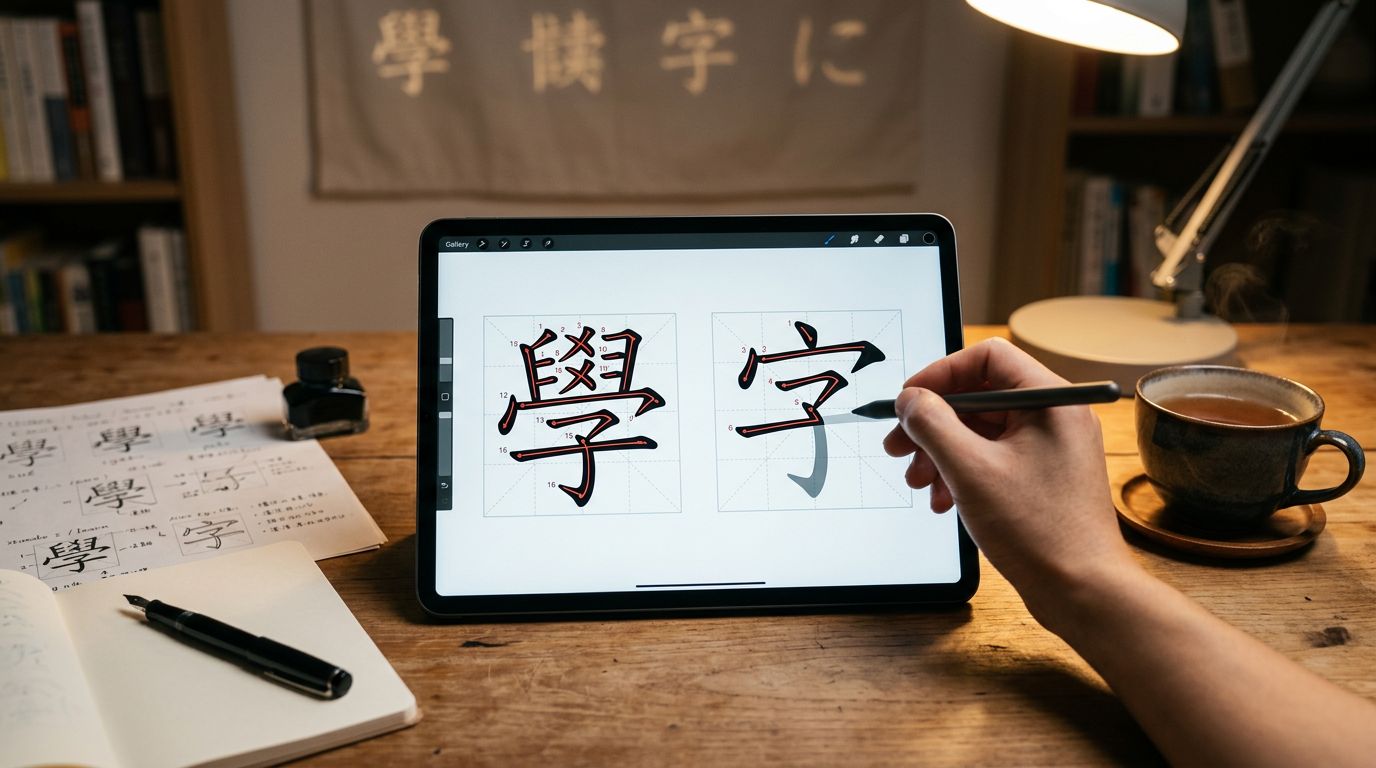
If you need to write Chinese characters or Japanese kanji by hand, most apps stop too early. They help you recognize characters, then leave writing practice to memory.
A good Skritter review should answer one question first: does it help you produce characters later, not just see them again? For serious learners building handwriting skills, that is the real test. If you are studying for HSK or JLPT, the answer matters even more, because time and focus are limited.
This review looks at retention, handwriting, vocabulary reinforcement, motivation, customization, pricing, and long-term value. The short version is simple, Skritter is strong when handwriting is part of your goal, and much less convincing when it is not.
Key Takeaways
- Skritter excels at handwriting practice for Chinese characters and Japanese kanji, using stroke-order feedback and spaced repetition to build active recall and long-term retention—ideal for serious HSK, JLPT, or heritage learners who need production skills beyond recognition.
- It fits best as a focused drill tool alongside broader study routines, but its narrow scope (no grammar or speaking), dry interface, and review backlog make it less suitable for casual users or inconsistent study habits.
- 2026 updates add value with character insights from Outlier Linguistics, improved deck organization, exam tagging (HSK/TOCFL/JLPT), and quality-of-life tweaks like customizable input options.
- Pricing favors annual plans ($99.99–$119.99) for regular users across web, iOS, and Android; free trials help test if handwriting drills suit your goals.
What Skritter trains well
Skritter is built for one narrow job, and it does that job well. You write characters on screen, the app checks stroke order and shape, and it brings difficult items back through its spaced repetition system. That loop matters because it forces active recall. You cannot coast on recognition alone.
Skritter’s own feature page highlights stroke-level feedback, textbook lists, and SRS scheduling, with native pronunciation as a supplementary benefit during the review process. Those are not flashy features, but they are the ones serious learners care about. If you have ever known a character in class, then blanked on it in a notebook, you already know why this matters.
For Chinese learners, the app helps with simplified characters and traditional characters, plus vocabulary lists tied to common textbooks. For Japanese learners, it does the same job with kanji and vocabulary. The best part is the writing itself. You have to produce the shape and stroke order from memory, not just tap the right answer.
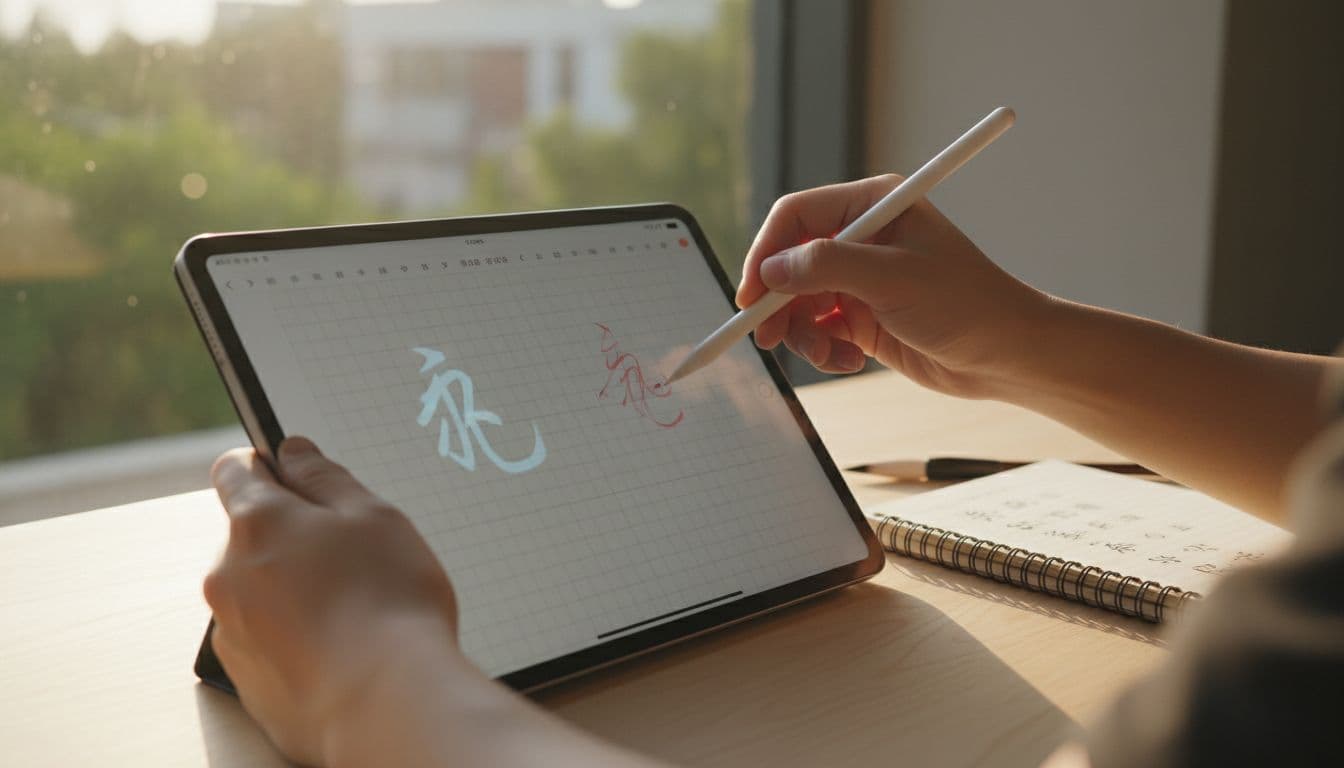
If your study routine already includes reading, listening, and conversation, Skritter fits in nicely as a focused drill tool. It is especially good for characters that look similar. That is where weak memory shows up fast.
The parts that limit it
Skritter also has a clear ceiling. It does not teach grammar well. It does not build speaking skill. It does not give you the broad reading volume you need for real fluency. So if you expect a full course, you will be disappointed.
Skritter helps most when handwriting is part of the target, not a bonus.
That sounds obvious, but many learners buy it for the wrong reason. If you only want reading comprehension, you may not need character writing at all; character recognition only can suffice. In that case, the time cost can be hard to justify.
Motivation is another mixed point. Skritter feels serious, and some learners like that. There is less fluff, less game feel, and fewer distractions compared to many flashcard apps. However, that also means it can feel dry. If you need badges and streaks to stay engaged, the app may not carry you far.
Retention is strong when you keep up with reviews. Its spaced learning method requires consistency, and it weakens when you fall behind. That is true of most SRS tools, but Skritter can feel harsher because each review asks for a hand-written answer. Miss a few days, and the pile of work becomes visible fast.
For a quick comparison of how different apps handle handwriting quality, the handwriting input app test is a useful benchmark. It helps you see whether an app gives real stroke feedback or only loose shape checking.
Customization is good, but not unlimited. You can use built-in lists, textbook decks, and custom decks, which is enough for most serious students. Still, it is not as open as Anki, where you can shape every detail of your review system. If you want total control, Anki’s 2026 review is the better comparison.
What changed in 2026
Skritter has improved in useful ways, and the current version feels more polished than older reviews suggest. The app added character insights powered by Outlier Linguistics in 2025, which break characters into parts and make their structure easier to study. That is a real gain for learners who want more than rote copying.
Recent updates also improved deck organization and the activity feed. You can see sync status more clearly now, with color coding for saved, pending, and error states. That sounds small, but it helps when you study across devices.
The app now tags items for HSK, TOCFL, and JLPT, and it marks example sentences so you can skip them if needed. That helps serious learners stay focused on the exact content they want. It also shows that Skritter is paying more attention to exam-driven study.
A useful quality-of-life change is the option to turn off swipe-up-to-erase and Raw Squigs. That matters for accessibility, and it also helps learners who want cleaner handwriting practice.
A recent Hacking Chinese update also points to better deck browsing, dark mode, and speech-synthesis fallback audio. Those are not headline features, but they make daily use smoother.
One larger change matters for Chinese learners in particular. The new HSK 3.0 syllabus starts rolling out in 2026, and the early levels put less weight on handwriting Chinese characters. That changes the value of Skritter. For lower HSK levels, it is less essential. For higher levels, especially once you need active production, it becomes more useful again.
Pricing, platforms, and trial access
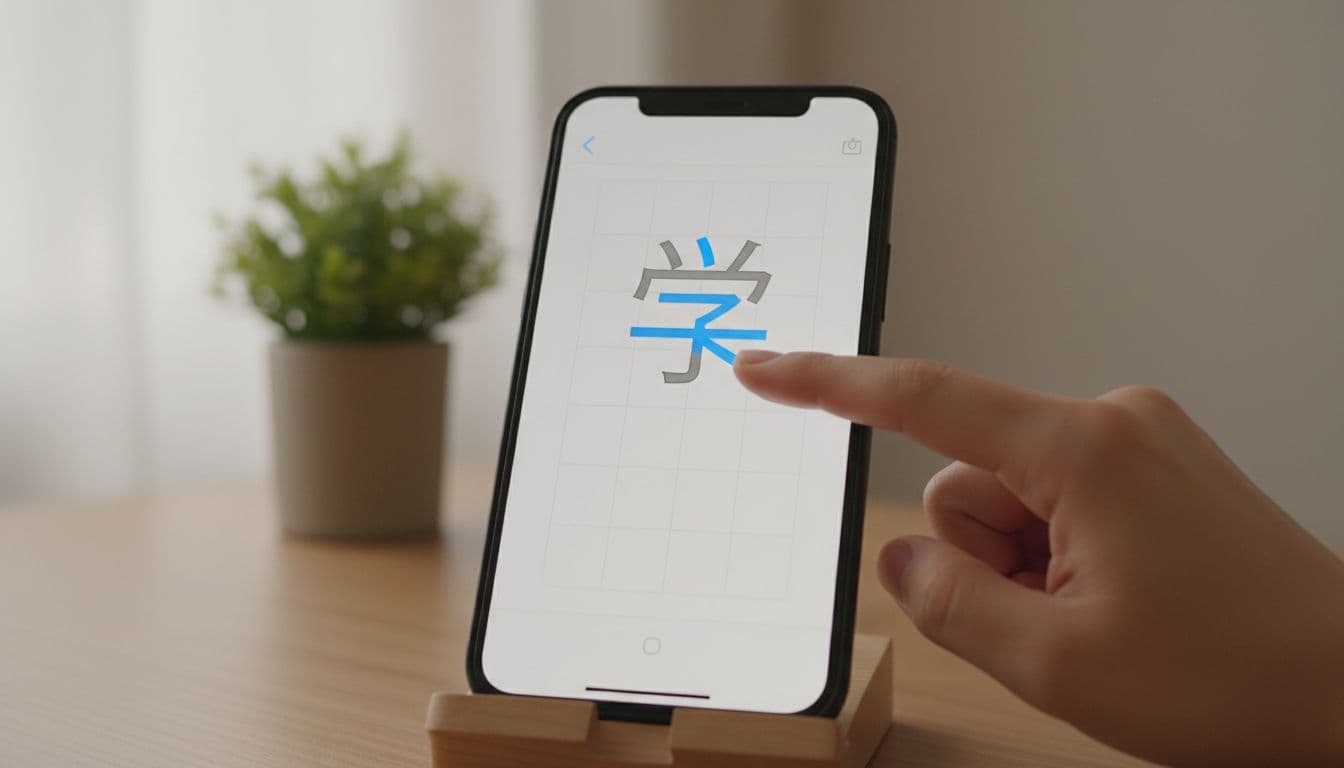
Skritter is available on web, iOS, and Android, so you can use it on a laptop, tablet, or phone. That flexibility helps a lot. Handwriting practice feels better on a larger screen, but quick reviews work fine on mobile.
The pricing is the part most learners will notice first. The monthly subscription ranges from $9.99 to $14.99, and public 2026 pricing sits in a fairly wide range overall, with the yearly plan as the only one that starts to feel reasonable for serious use.
| Plan | Typical 2026 price | Best for |
|---|---|---|
| Monthly | $9.99 to $14.99 | Short tests or light use |
| 6 months | $69.99 | Learners who want a middle option |
| Yearly | $99.99 to $119.99 | Regular users who will stay with it |
| Free trial | Free for some decks | Trying the app before paying |
The takeaway is straightforward. If you will use Skritter most days, the annual plan makes sense. If you only want to test whether handwriting study suits you, the free trial is a risk-free way to get a feel for the workflow.
For context on how long-term pricing has been viewed, this Skritter review from Hacking Chinese still reflects the same basic tradeoff, useful but not cheap.
Which learners get the most value
HSK learners
Skritter is strongest for HSK learners who care about Chinese characters production, not just recognition. It is especially useful once you move beyond the most basic levels and need stable recall under pressure, including tingxie dictation practice. With HSK 3.0 shifting some early emphasis away from handwriting, the app matters more for learners at the middle and upper levels, boosting retention rate through consistent handwriting drill.
If your goal is to pass reading-heavy exams with minimal writing, Skritter may be more than you need. If you want to write the characters cleanly and remember them long term, it fits well.
JLPT learners
Japanese learners get a different kind of value, especially after mastering hiragana and katakana. Japanese kanji study often gets stuck between recognition and actual writing, and Skritter fills that gap. That makes it a solid choice for people who still want handwriting ability, even if they type most of the time.
For a broader view of Japanese options, Japanese kanji apps 2026 is worth reading alongside this review. If you are deciding between a writing-focused app and a simpler kanji SRS, WaniKani review 2026 shows the tradeoff clearly.
Heritage learners
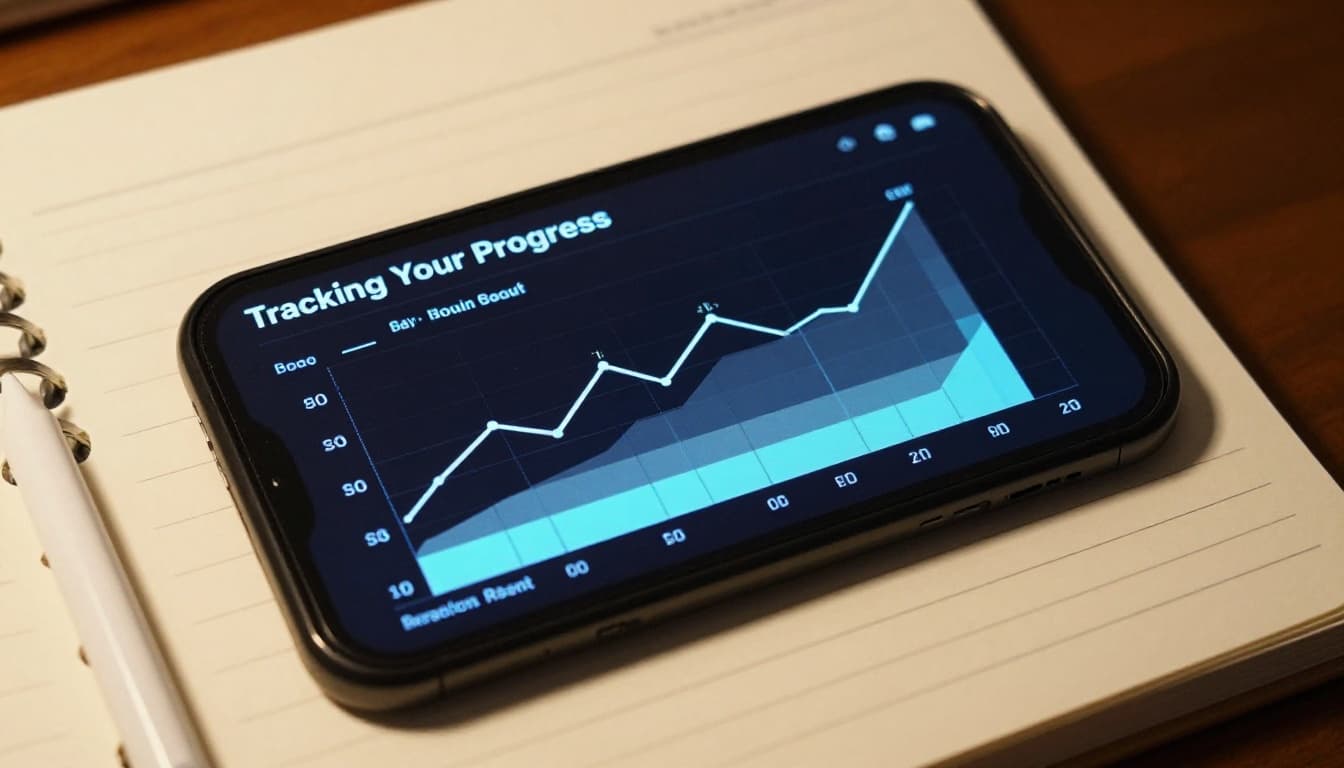
Heritage learners often benefit a lot from Skritter. Many already know the language orally or can read some characters, but their handwriting lags behind. Skritter gives structure to that missing skill, with progress tracking serving as a strong motivator.
It is especially useful if you want to connect spoken vocabulary to written form. That said, heritage learners who only want reading support may not need this much character drill. The app is useful, but only if writing is part of the goal.
Casual learners
Casual learners are the weakest fit. The subscription can feel high if you study now and then. The review load also gets less attractive when your routine is inconsistent, as Due Cards accumulate for dedicated students managing daily workloads.
For this group, a lighter app or a broader beginner course may be a better use of time. Skritter rewards steady habits. It does not hide the cost of missed days.
Advanced users
Advanced learners can still get value from it, but in a narrower way. It is good for cleaning up weak characters, keeping rare forms fresh, and building long-term stability. It is not the app that will push you toward wider reading or more natural sentence use.
If you already have a solid study system, Skritter can act like a precision tool. If you do not, it will not build the whole system for you.
How Skritter compares with other study tools
Skritter sits between a simple flashcard app and a full course. Compared with other flashcard apps like Anki and its customizable SRS algorithm, it is easier to start and better at handwriting feedback. Compared with WaniKani, which emphasizes mnemonics for recognition and readings, Skritter gives you actual writing practice. Compared with a broader app like LingoDeer, it covers far less language, but it goes much deeper on characters. If your focus is Chinese, the best Chinese writing apps guide compares Skritter against Pleco, HelloChinese, and SuperChinese.
That is the main decision point. If you want complete control, Anki’s review is still the stronger option. If you want an organized kanji routine with no setup, WaniKani may be enough. If you want character writing reinforced through Advanced SRS grading and gamified challenges like Time Attack mode, Skritter has the edge.
Frequently Asked Questions
Is Skritter worth it for HSK or JLPT preparation?
Skritter is strongest for middle- and upper-level HSK/JLPT learners who need handwriting production and stable character recall, especially for tingxie or exams requiring active writing. With HSK 3.0 reducing early handwriting emphasis, it matters more for higher levels. If your focus is reading recognition only, lighter apps may suffice.
How does Skritter compare to Anki or WaniKani?
Skritter offers easier setup and superior handwriting feedback compared to Anki’s full customization, making it better for stroke-precise practice without tinkering. Against WaniKani’s mnemonic-focused recognition, Skritter emphasizes actual writing production for kanji. Choose Skritter if handwriting is key; otherwise, Anki for control or WaniKani for organized mnemonics.
What are Skritter’s main limitations?
It lacks grammar, speaking, or broad reading tools, functioning only as a character drill app that can feel dry without gamification. Retention drops if you miss reviews due to accumulating handwritten tasks, and the subscription feels steep for casual or inconsistent use. It rewards steady habits but won’t build a complete language system.
What’s new in Skritter for 2026?
Updates include character decomposition via Outlier Linguistics, better deck browsing and activity feeds, HSK/TOCFL/JLPT tagging, and options like disabling swipe-erase for cleaner practice. Dark mode, speech synthesis, and clearer sync status improve daily use. These polish the app for exam-focused, cross-device study.
Conclusion
In this Skritter review, Skritter remains a serious tool in 2026, but only for the right kind of learner. It excels at writing practice for Chinese characters from memory, not as a broad language app.
For HSK and JLPT learners, it is worth the subscription if handwriting matters to your goals. For casual users, the price and narrow scope are harder to defend. The app does one job well, and that makes it useful for years, as long as you want that job done.
Ready to Take Your Language Learning Further?
Your favorite language-learning app is a great place to start. Rocket Languages can help you go further with interactive audio lessons, pronunciation practice, real-world conversations, and structured learning.
Explore Rocket Languages →Affiliate disclosure: We may earn a commission if you purchase through this link, at no additional cost to you.
