
Choosing between Pleco and Anki depends on where you want the work to happen: during lookup or during review. The Pleco vs Anki decision is less about finding a universal winner and more about choosing the amount of setup you can maintain.
Pleco keeps Chinese vocabulary building close to its dictionary, reader, and audio tools. Anki gives you more control over card design, scheduling, media, and study directions. Both can support long-term retention, but they reward different habits. Start with the differences that affect your daily study routine.
Key Takeaways
- Pleco is the faster, lower-maintenance choice for looking up Chinese words, saving them, and reviewing them in one connected workflow.
- Anki offers more control over card design, study directions, scheduling, media, and custom note types, but it requires more setup.
- Pleco works well for collecting vocabulary from reading and native content, while Anki is useful for targeted review and learners studying several subjects.
- You can use both apps together, but give each one a clear role to avoid duplicate cards and overlapping review queues.
- Keep flashcard decks accurate and manageable; consistently reviewing useful vocabulary matters more than collecting a large number of cards.
Pleco and Anki: Two Different Study Models
Pleco is a Chinese dictionary app first. Its flashcard system grows out of dictionary lookups, so you can save a word while reading, check its definition, and add it to a deck without leaving the same workflow.
That connection matters when you encounter words in graded readers, subtitles, textbook passages, or messages. The Pleco reader keeps lookup, audio, and card saving in one connected Chinese study workflow. Pleco can store simplified and traditional characters, pinyin, definitions, pronunciation, example sentences, and dictionary references. You can also organize words into lists based on a course, HSK level, reader, or personal topic.
Anki is a general-purpose flashcard program built around a spaced repetition system. It can handle Mandarin, Japanese, medical terminology, exam preparation, and almost any other subject. Its strength is the note and card model. One note can produce several cards, such as Chinese to English, English to Chinese, character recognition, and listening recall.

Pleco usually gets you to a useful card faster. Anki can produce a more carefully designed card, but you must decide how that card should work.
The official Pleco add-on store lists the flashcard system alongside dictionary, OCR, stroke order, and other optional features. Pleco’s flashcard add-on is a focused Chinese study tool. Anki is a flexible study platform that needs more configuration.
Pleco and Anki Compared at a Glance
The main differences become easier to judge when you compare the daily workflow rather than isolated features.
| Area | Pleco | Anki |
|---|---|---|
| Main role | Chinese dictionary with study tools | General-purpose SRS |
| Card creation | Fast dictionary lookups and saved words | Manual creation, imports, or shared decks |
| Chinese support | Characters, pinyin, definitions, audio, tone tools | Depends on your note types and deck setup |
| Customization | Strong, but centered on Chinese vocabulary | Very extensive, including templates and add-ons |
| Ready-made content | HSK lists and dictionary-based lists | Large community deck ecosystem |
| Platforms | iOS and Android | Desktop, web, Android, and iOS |
| Flashcard cost | Basic system available, enhanced system listed at $9.99 | Free on desktop, web, and Android; AnkiMobile for iOS is $24.99 one time |
For Chinese flashcards, Pleco is the simpler mobile app for saving words while reading. Anki is the better fit when you want more control or study multiple subjects.
Card Creation: Pleco Is Faster, Anki Is More Flexible
Pleco reduces the distance between seeing a word and reviewing it. Look up a character or phrase, confirm the meaning, and add it to a flashcard category. You don’t need to copy pinyin or paste a definition into separate fields.
The clipboard reader makes this workflow useful with real Chinese text. Copy a sentence into Pleco, tap an unfamiliar word, check the dictionary entry, and save it. Pleco Reader offers a similar process for supported documents. The Pleco App Store listing shows how the dictionary, reader, audio, and flashcard features work together in one app.
Anki requires more decisions. You might choose whether the front shows characters, audio, pinyin, or an English prompt. Then select the fields, write a definition, check the example sentence, and decide whether the card tests recognition or production.
That extra effort can support memory when it makes you process the word. Writing a useful sentence or choosing the precise meaning helps you notice how the word works. Still, manual card creation becomes a problem when each new word takes several minutes.
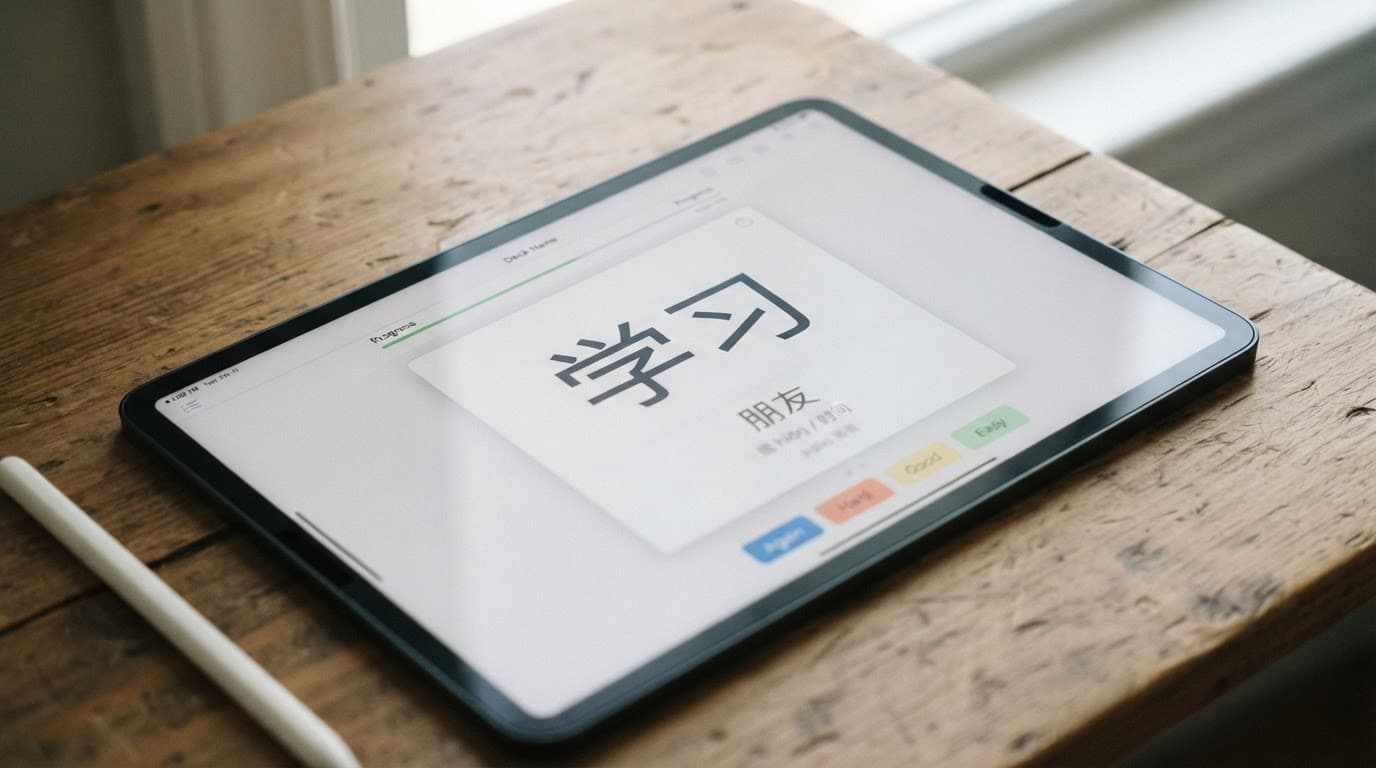
A practical setup keeps both systems focused:
- In Pleco, save words you meet in meaningful Chinese input instead of importing every unfamiliar entry.
- Add a short example sentence when the dictionary definition feels too broad.
- In Anki, create one basic recognition card first, then add listening or production cards only when needed.
- Use Pleco’s audio integration for words you often recognize but cannot understand in conversation.
- Tag cards by source, such as “HSK 4,” “work,” or the name of a reader.
The best Chinese flashcard apps vary in setup time and review control. Your best choice depends on whether creating cards feels like useful study or unwanted administration.
SRS and Long-Term Retention
Pleco’s built-in flashcard system includes basic review, while the paid SRS add-on expands the available testing options. The enhanced system adds spaced repetition testing, multiple-choice exercises, and fill-in-the-blank formats. It also supports Chinese-specific practice, such as tone and character writing review, depending on your configuration.
Anki’s spaced repetition system is more configurable. You can adjust new-card limits, learning steps, review intervals, lapses, tags, review schedule, card templates, and note types. That control helps intermediate learners who know which weaknesses they need to target.
However, more settings don’t automatically improve memory retention. A complicated card can test your ability to understand a crowded screen instead of your ability to recall Chinese. Keep the prompt clear, and make sure the answer contains only the information needed for that test.
During flashcard review, a large deck can create the appearance of progress while hiding weak recall. Review accuracy matters more than the number of cards collected.
Avoid downloading a huge shared deck before checking its quality. Community-shared flashcard decks in Anki may contain incorrect audio, awkward translations, duplicate entries, old vocabulary, or sentences without useful context. HSK flashcards can help you begin, but they shouldn’t replace vocabulary from the Chinese you actually read and hear.
Pleco has a similar risk when you add every lookup to one enormous list. Review categories should stay small enough to manage. If a word is rare, irrelevant, or already easy to understand, you may not need to keep reviewing it.
Cost, Platforms, and Add-On Trade-Offs
Pleco is available on iOS and Android. The app can be downloaded without buying its full collection of features. Its basic flashcard system is available, while the enhanced paid SRS add-on is listed at US$9.99. Additional dictionaries, OCR, document reading, audio, and stroke order tools can raise the total cost.
Anki is free on Windows, macOS, Linux, the web, and Android. The official Anki mobile app, AnkiMobile Flashcards, costs US$24.99 in the US App Store as a one-time purchase. It doesn’t use a recurring subscription model.
That pricing makes Anki especially attractive if you study with its desktop version or on Android. On iOS, Pleco’s paid feature costs less, although the two apps offer different feature sets. Pleco’s paid dictionaries can also become part of the decision if you want specialist reference works.
Features, add-ons, regional prices, and platform policies can change. Check the current store listing before buying, especially if you are comparing a single paid feature with a larger Pleco bundle.
Moving Cards Between Pleco and Anki
You can move vocabulary between the two apps, but migration works better for card content than for complete study history.
A common route is to export flashcards from Pleco as tab-delimited text or another supported format, then import decks into Anki as CSV or plain-text files. During import, map each column to the correct Anki field. A simple structure might include:
- Simplified characters
- Traditional characters
- Pinyin
- English definition
- Example sentence
- Audio or media reference
Test the process with five cards before importing your entire collection. Check character display, tone marks, line breaks, tags, and audio. Keep the original Pleco deck until the Anki version works correctly.
Formatting, media, tags, and review scores don’t always transfer cleanly. Anki templates also need to be rebuilt because Pleco’s card layouts and Anki’s note templates use different systems. Review history may not carry over, so imported cards can appear new.
For that reason, export a clean vocabulary list instead of recreating every past review. A smaller, verified deck is easier to repair than a large migration with duplicate or broken cards.
Which App Fits Your Mandarin Study Routine?
Choose Pleco if you are learning Mandarin through Chinese reading, want quick dictionary lookups, or prefer a low-maintenance review routine. It fits beginners who need definitions, pronunciation, and card creation in one place. It also works well for intermediate learners collecting vocabulary from native content.
Choose Anki if you want precise control over card fronts and backs. It suits a language learning routine when you study several languages. It also fits learners who need custom audio or images, or already understand their review system. Anki works well when you want to combine a shared foundation deck with cards from your own reading.
Using both can work when each app has a clear job. Pleco can collect and clarify new vocabulary. Anki can hold a smaller set of custom flashcards for difficult words or repeated listening practice. Avoid sending every Pleco lookup into Anki, because two overlapping review queues can make your study time harder to manage.
A simple beginner workflow is to use Pleco for the first few months. Once you know which card types help you remember, move selected words to Anki if you need more control. Intermediate learners can reverse that process and keep Pleco Reader as a reading dictionary while Anki handles targeted review.
Frequently Asked Questions
Is Pleco or Anki better for learning Chinese vocabulary?
Pleco is usually better for quick dictionary lookups and saving words from Chinese reading. Anki is better when you want detailed control over card design, scheduling, and study directions.
Can Pleco replace Anki?
Pleco can replace Anki for learners who want a focused Chinese dictionary and a simple flashcard workflow. Anki is a better choice if you need advanced customization, multiple subjects, or more control over your spaced repetition system.
Can I use Pleco and Anki together?
Yes, using both can work well when Pleco collects and explains new vocabulary while Anki handles selected custom cards. Avoid sending every Pleco lookup to Anki, since overlapping review queues can make your study routine harder to manage.
Is Anki free compared with Pleco?
Anki is free on desktop, web, and Android, while AnkiMobile for iOS requires a one-time purchase. Pleco’s basic flashcard system is available without charge, and its enhanced SRS add-on is listed at US$9.99, with other features and dictionaries costing extra.
Can I transfer flashcards from Pleco to Anki?
You can export vocabulary from Pleco and import it into Anki as a text or CSV file. Test a small batch first, because formatting, media, tags, templates, and review history may not transfer cleanly.
Conclusion
The Pleco vs Anki choice comes down to workflow. Pleco makes Chinese vocabulary collection quick and context-aware, while Anki gives you broader control over card design and scheduling.
If you want one Chinese dictionary app with practical flashcards, start with Pleco. If you want a customizable SRS that can support several subjects, choose Anki. Either way, keep decks accurate and limited to words that matter, because consistent review of useful vocabulary beats collecting cards faster than you can remember them.
Ready to Take Your Language Learning Further?
Your favorite language-learning app is a great place to start. Rocket Languages can help you go further with interactive audio lessons, pronunciation practice, real-world conversations, and structured learning.
Explore Rocket Languages →Affiliate disclosure: We may earn a commission if you purchase through this link, at no additional cost to you.
