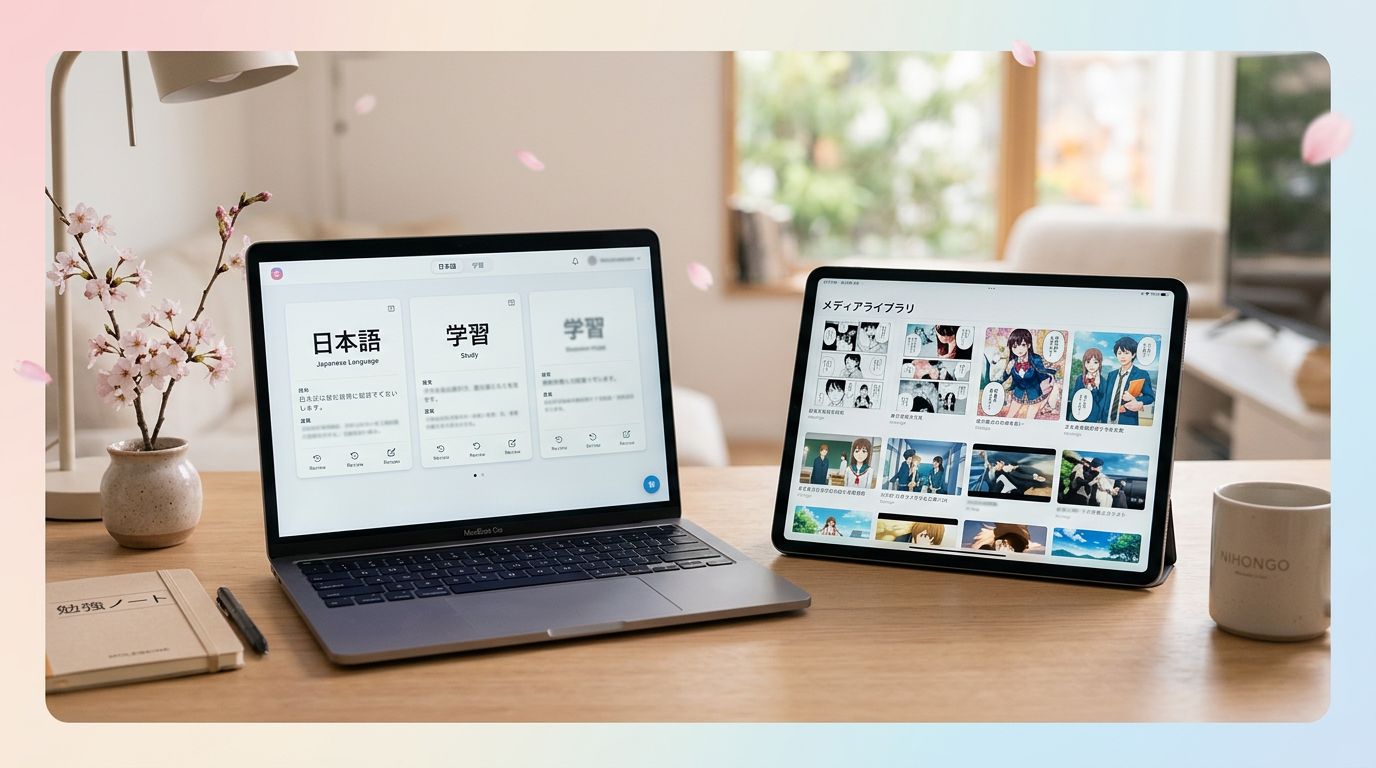
An SRS can help you remember Japanese vocabulary, but the wrong setup can turn study into card maintenance. JPDB and Anki both use spaced repetition, yet they support different learning habits.
JPDB connects vocabulary with Japanese media and automates much of the setup. Anki gives you control over card design, content, and scheduling. Your better choice depends on whether you want a guided immersion workflow or a customizable flashcard system.
Key Takeaways
- JPDB is built around Japanese vocabulary, frequency data, and native media decks.
- Anki is a flexible flashcard platform, not a Japanese course or vocabulary database.
- JPDB usually requires less card creation, while Anki offers more control.
- Community-made Anki decks and add-ons are separate from Anki’s official features.
- Many learners can use JPDB for discovery and Anki for carefully selected sentence cards.
JPDB and Anki Start With Different Assumptions
JPDB is a Japanese-focused vocabulary database with an integrated SRS. Its decks often connect to anime, visual novels, books, and other native content. You can study words from a title you want to read or watch, check their frequency, and see how much vocabulary you already know.
The system also uses information about word frequency and your known vocabulary when it organizes study. That can make a media-based deck more useful than a random list. If you know common words such as 食べる, 行く, and 見る, JPDB can help identify less familiar vocabulary that appears in your chosen material.
Anki takes a different approach. It is a general flashcard program that lets you create cards for almost anything. The official software provides card types, note fields, tags, media support, synchronization, and scheduling. It doesn’t provide a built-in Japanese curriculum or a single official Japanese vocabulary deck.
That difference matters. A beginner opening JPDB can start with Japanese vocabulary content already organized for study. An Anki beginner must choose a deck, install it, or create cards. Community decks such as Kaishi 1.5k and other shared Japanese resources may provide excellent material, but they are separate from Anki itself.
JPDB’s strength is reduced setup. Anki’s strength is ownership over the learning experience. One asks you to select useful content, while the other asks you to build or curate it.
JPDB vs Anki: Features at a Glance
The main differences become clearer when you compare the tools by daily use.
| Category | JPDB | Anki |
|---|---|---|
| Main purpose | Japanese vocabulary and media-based study | Custom flashcards for any subject |
| Content | Japanese database, frequency information, and available media decks | User-created cards and community decks |
| Setup | Choose decks and adjust study preferences | Install decks or create notes and templates |
| Context | Often connected to sentences and source material | Depends on the deck or card creator |
| Card design | More standardized | Highly customizable |
| Scheduling | Integrated JPDB scheduler | Configurable scheduler, including FSRS in current Anki versions |
| Add-ons | Smaller role in the core experience | Large add-on ecosystem, mainly on desktop |
| Best fit | Learners who want immersion-focused vocabulary | Learners who want detailed control and custom workflows |
JPDB’s automation saves time, but it can also feel less transparent. You work within its vocabulary records and card format. Anki takes longer to set up, yet you can decide whether a card shows kana, kanji, audio, an image, a translation, or a sentence.
For example, a JPDB card may help you study 落とす through a sentence connected to Japanese content. In Anki, you can build a card that shows:
昨日、駅で財布を落とした。
おとす, to drop or lose
You could add a recording, a screenshot, a pitch-accent field, or a note about the expression 財布を落とす. That level of control is useful, but every extra field adds work.
Neither scheduler removes the need for good judgment. A poorly chosen card will still waste review time, regardless of the algorithm.
Choose JPDB for Media-Based Japanese
JPDB fits learners who want vocabulary tied to material they already plan to consume. You might select a visual novel, find an anime deck, or study words associated with a book. The exact catalog changes over time, so availability depends on the title and its processing status.
This approach gives vocabulary a clear destination. Words such as 選択肢, 好感度, 攻略, and 分岐 are more memorable when they appear in a visual novel. Anime can add words such as 作戦, 変身, 魔法, or 逃げる. The value comes from recognizing those words later in the same type of content.
JPDB also works well when you want to measure readiness for a title. A learner may know enough common vocabulary to read simple manga but still lack the words needed for a mystery visual novel. JPDB’s frequency and deck information can help reveal that gap before several hours of frustrating reading.
The system is less appealing if you want every card to follow your own format. You may prefer a particular translation, a minimal pair, a cloze deletion, or an audio-first design. JPDB can support Japanese study, but it doesn’t offer Anki’s broad template system.
It also shouldn’t replace basic reading practice. If kana still slows you down, learn hiragana and katakana separately. A vocabulary SRS can reinforce たべる and 食べる, but it won’t teach reading fluency by itself.
JPDB is strongest when your question is, “What vocabulary will help me understand this Japanese content?”
The tool suits immersion learners who want a direct connection between reviews and the next anime episode, manga chapter, or visual novel scene.
Choose Anki for Control and Personal Card Design
Anki suits learners who want to decide exactly what enters their review queue. You can create a card after hearing a phrase in a YouTube video, reading a manga panel, or encountering a new expression in a game.
A strong sentence card might include:
- Front: 日本語が少しずつ聞き取れるようになった。
- Target: 少しずつ
- Back: すこしずつ, little by little
- Extra: audio, translation, and the source sentence
You can also separate recognition and production. One card may ask you to understand 聞き取る in context. Another may ask you to produce the right word from an English prompt. That flexibility helps advanced learners target a narrow weakness.
Anki is also useful for grammar-linked vocabulary. Suppose you meet わけではない in a sentence from a novel. You can create a card that tests the entire expression instead of treating わけ, では, and ない as unrelated items. The same method works with collocations such as 気にする, 間に合う, and 役に立つ.
However, Anki’s freedom creates common problems. Learners often add too many cards, copy long sentences, or spend more time adjusting templates than reviewing. Community-made decks can also vary in translation quality, audio, formatting, and duplicate vocabulary.
Add-ons expand Anki’s features, but they are third-party tools. Some improve mining, dictionaries, audio, or card styling. They may require desktop Anki, stop working after an update, or add another layer of setup. Treat each add-on and shared deck as an independent choice rather than part of Anki’s official package.
Anki is strongest when your question is, “What exact example will help me remember this word?”
What Daily Study Looks Like in Each App
A JPDB routine can be fairly direct. Choose a suitable deck, remove words you already know, and review the scheduled vocabulary. Then read or watch the related material. When a familiar word appears naturally, the review has a clear connection to comprehension.
You can also use JPDB before starting a new title. Previewing its vocabulary may show whether the material is reasonable for your current level. A beginner might begin with common words such as これ, それ, 大きい, and 分かる. An intermediate learner may focus on vocabulary specific to a fantasy series or a romance visual novel.
An Anki routine usually includes a content-gathering step. You read or watch something, select useful words, create cards, and review them later. The process takes longer, but you control what deserves a place in your deck.
For example, you may hear a character say:
そんなに急がなくてもいいよ。
そんなに, that much, so much
Instead of memorizing an isolated translation, you can save the full sentence and attach audio. Later, the phrase reminds you how そんなに works in real speech.
A practical Anki rule is to add words that are useful, repeated, or personally memorable. Don’t capture every unknown term in a difficult manga chapter. A small number of clear cards is easier to maintain than a large queue filled with rare names and one-off expressions.
JPDB reduces the capture burden. Anki rewards learners who enjoy selecting and shaping their material. Both routines can support immersion, but they place the work in different parts of the process.
Cost, Platforms, and Long-Term Maintenance
Anki’s desktop application and AnkiWeb synchronization are available without a recurring software fee. AnkiMobile is a paid iOS client, while AnkiDroid is a separate Android client. Check the current app listings before choosing a device-based setup, because platform details and pricing can change.
JPDB offers a web-based study experience and has a free entry point, with account options and limits subject to change. Its appeal is less about buying a large course and more about using a Japanese vocabulary database with built-in study tools.
The bigger cost is your time. Anki may require deck cleanup, note editing, media management, and troubleshooting. JPDB may require less maintenance, but you have less control over every part of the card.
Think about your likely study duration. If you want a stable personal archive of sentences, audio, and notes, Anki gives you more portability and customization. If you want to start reviewing Japanese vocabulary quickly, JPDB can remove several setup decisions.
Which One Should You Use in 2026?
Choose JPDB if you:
- Study Japanese through anime, manga, visual novels, or books.
- Want vocabulary organized around native content.
- Prefer automatic scheduling and less card creation.
- Want frequency information to guide your next words.
- Don’t need complete control over card templates.
Choose Anki if you:
- Want custom cards for exact sentences and expressions.
- Need audio, images, cloze cards, or production prompts.
- Already use a sentence-mining workflow.
- Want to combine Japanese with grammar, kanji, or writing practice.
- Are willing to manage decks, add-ons, and review settings.
You can also combine them without duplicating everything. Use JPDB to inspect vocabulary for a target title, then add only the most useful sentences to Anki. Another option is to keep JPDB as your main system and use Anki for personal notes that need special formatting.
The best choice is the one you can review consistently. A polished card system has little value if its daily workload becomes unpleasant.
Conclusion
The JPDB versus Anki decision comes down to where you want control. JPDB gives Japanese learners a media-focused database and a ready-made review path. Anki gives you a flexible card engine that can match almost any study method.
For immersion-based vocabulary, JPDB often reduces friction. For carefully selected sentence cards and long-term customization, Anki offers more room to build. If you keep abandoning reviews because setup takes too long, start with JPDB. If generic cards fail to capture what you hear and read, Anki may fit better.
Your vocabulary grows through repeated contact with meaningful Japanese, supported by an SRS that you can keep using.
Ready to Take Your Language Learning Further?
Your favorite language-learning app is a great place to start. Rocket Languages can help you go further with interactive audio lessons, pronunciation practice, real-world conversations, and structured learning.
Explore Rocket Languages →Affiliate disclosure: We may earn a commission if you purchase through this link, at no additional cost to you.
