
An app can say it teaches Spanish, French, or Arabic and still miss the variety you need. That’s the trap. Language app dialect coverage matters because broad labels often hide the voices, regions, and speech habits you’ll meet in real life.
If you want to talk with family in San Juan, work with clients in Montréal, or understand airport staff in Sydney, a fast check beats a polished app store page. Here’s the quickest way to test dialect and accent fit before you pay or commit.
Why broad language labels can mislead you
A language label is often like a map without street names. It shows the country, not the route.
As of March 2026, mainstream roundups such as PCMag’s best language learning apps for 2026 still help with pricing, teaching style, and platform choice. However, they rarely answer the question that matters most for listening comfort: which regional variety do you actually hear?
Spanish is the easiest example. Mexico, Spain, and Argentina can sound close to a beginner, then wildly different once speech speeds up. The same goes for Quebec French versus France French, or Australian English versus general American. Arabic makes the issue even sharper, because the gap between Modern Standard Arabic and daily spoken dialects can be huge.
If an app only says the language name, treat that as a starting point, not proof of fit.
This matters for more than advanced learners. Beginners copy the first sounds they hear. Heritage learners often want the home variety, not classroom-standard speech. Travelers need local listening more than textbook neatness. Professionals need calls, meetings, and fast replies they can follow under pressure.
Public app lists in 2026 often mention Lingopie, Memrise, Pimsleur, and Rosetta Stone for accent exposure. Still, catalogs change, speaker sets change, and regional lessons can appear or disappear after updates. So don’t trust last year’s screenshot. Test the app in front of you.
If you want more targeted comparisons, LanguaVibe’s guide to best regional accent learning apps is a useful next step after this quick screen.

Run the 15-minute language app dialect coverage check
Use one app, one target variety, and headphones. Don’t browse forever. You’re looking for evidence, not marketing copy.
This table keeps the check tight:
| Time | What to test | What counts as a good sign | | | — | — | | 0 to 3 min | Course labels, voice settings, sample lessons | Country, region, or accent labels appear clearly | | 4 to 8 min | Three audio clips from different lessons | More than one speaker, natural rhythm, local word choices | | 9 to 12 min | Speaking, dictation, or repeat-after-me tasks | Model audio matches your target variety | | 13 to 15 min | Search for real-life topics you need | Travel, family, school, or work scenes fit your goal |
Start with the labels. “Spanish” is weak. “Mexican Spanish” is better. “Rioplatense Spanish” or “Quebec French” is better still. If the app never names the variety, note that as a warning.
Next, test the audio. Play short lessons from different parts of the course. Listen for region-linked clues, such as vosotros in Spain, vos in parts of Argentina, or local vowel patterns in Canadian French. Also check whether every voice sounds polished in the same way. If it does, review these tests to spot fake native audio in apps.
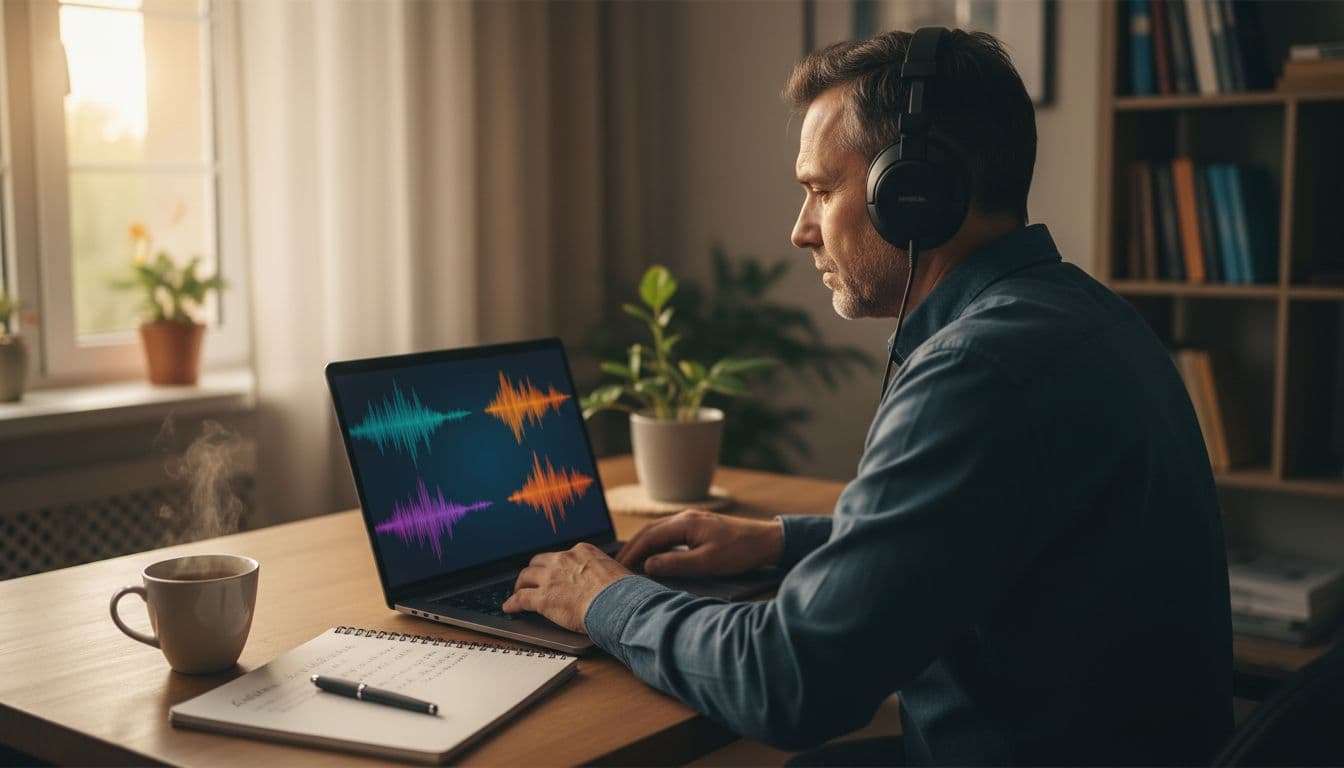
Then try the output side. If the app grades your speech, ask a simple question: what accent model is it scoring against? A speaking-first app may promise prosody or connected-speech analysis, as NativePal’s feature page does, but you still need to confirm the target accent. If feedback stays vague, pair your check with this pronunciation feedback test for apps.
Use this quick pass or fail checklist before you leave the app:
- Named variety: The app tells you the region, not only the language.
- Speaker range: You hear more than one voice, age, or speaking style.
- Local features: Vocabulary, rhythm, or pronunciation reflect the variety you need.
- Goal fit: The lessons match the situations you expect to face.
How to judge the result for your learning goal
A pass looks different depending on who you are.
Beginners can accept broader coverage at first, but only if the app labels audio clearly. Otherwise, you’ll build habits on fuzzy input. Pick transparency over polish.
Heritage learners should search for home-life speech fast. Test kinship words, food terms, and casual conversation. Formal standard speech may help literacy, but it won’t always match family talk.
Travelers need listening that works on the street. Search for taxi, hotel, food, and emergency content. If the app sounds like a classroom play, it may not help much when a local speaks quickly.
Professionals should test phone audio, service scenarios, and rapid back-and-forth dialogue. A slow narrator won’t prepare you for a meeting, clinic, or customer call. If region matters at work, broad “international” audio often isn’t enough.
Parents and educators should be picky too. Children copy sound patterns early, so the first accent model matters. Sample the kids’ track yourself before handing over the tablet.
No single app wins every dialect problem. Some apps are better for structured basics. Others give stronger real-world listening. The smart move is comparison, not brand loyalty.
A broad language label can waste months if the voices point you in the wrong direction. Spend 15 minutes checking the variety, the speakers, and the fit for your real life.
Open one app today and run the test. If it can’t show you which language you’re hearing, keep looking.

