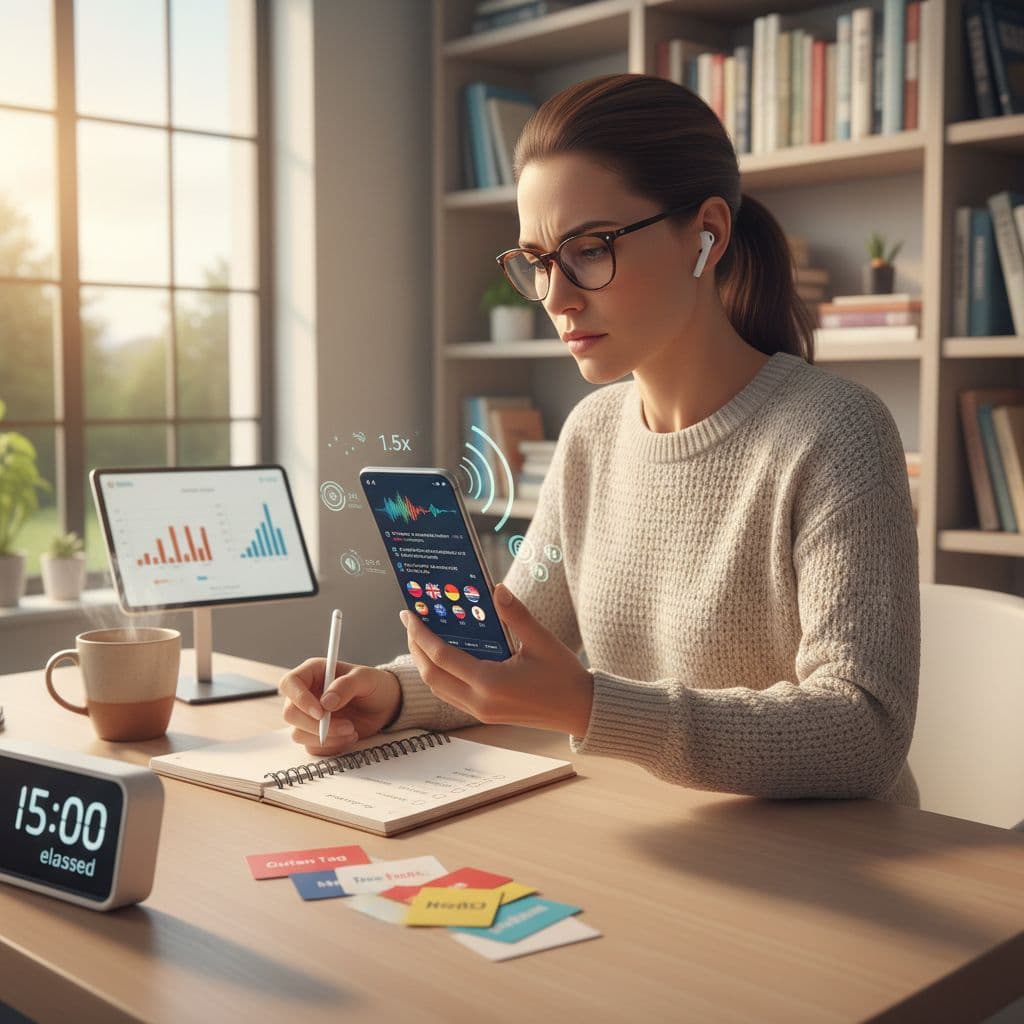
Two language apps can teach the same words, yet feel completely different in your ears. One sounds clean, clear, and human. The other feels muffled, rushed, or oddly robotic, and your brain works twice as hard.
If you’re comparing tools (or recommending one), you don’t need a full study to judge language app listening quality. You need a fast, repeatable check that tells you whether the audio features support real listening, or just “play sound and hope.”
This 15-minute audit focuses on three deal-breakers: speed control, transcripts, and accent coverage, plus a few quick sanity checks that catch most audio problems.
What “listening quality” means in language apps (clear definition)
Listening quality is how well an app helps you understand spoken language at your level, in realistic conditions, without unnecessary strain. It’s not only “nice audio.” It includes whether speech is clear and natural, whether pacing is adjustable, whether transcripts support learning (without giving away answers), and whether voices and accents prepare you for real people. Strong listening quality reduces cognitive load so you can focus on meaning, not decoding noise.
If you want a formal reference point for what listening skill measurement can include, ACTFL’s listening assessment materials give useful context on listening proficiency expectations: https://www.actfl.org/assessments/postsecondary-assessments/listening-proficiency-test-lpt
Before you start: the 60-second setup
Pick one listening-heavy lesson in the app (dialogue, story, mini-podcast, or conversation drill). Your goal is to test features, not finish a unit.
Do this in a typical setting:
- Phone speaker first (real life use case)
- Then, if you have them, try headphones for 2 minutes (advanced check)
Optional advanced checks (no special tools needed):
- Turn on your OS accessibility audio options for a moment (mono audio, left-right balance). Good apps still sound usable.
- If your device offers live captions, test once. Apps with clear speech tend to caption better, which is a practical proxy for clarity.
The 15-minute listening checklist (run it like a mini QA)
Use a timer and take quick notes. You’re looking for passable behavior, not perfection.
Minute 0 to 3: Audio clarity and comfort (baseline)
Play 20 to 40 seconds.
Test
- Keep volume at a normal level.
- Listen for crisp consonants (t, k, s) and clean vowels.
- Pause and replay the same line once.
Pass looks like
- Speech sounds clean without “swimming” or harsh hiss.
- You can replay without hunting for the button.
- Pauses don’t cut off the first syllable after you hit play.
Minute 3 to 6: Speed control that actually helps
Speed control is only useful when it’s predictable.
Test
- Find the speed setting fast (in 10 seconds).
- Switch from 1.0x to slower (0.75x or 0.8x).
- Play the same sentence at both speeds.
Pass looks like
- Slower audio stays natural, not warped or wobbly.
- The app remembers your last speed for the next clip.
- Speed changes don’t break the transcript sync (if shown).
Red flag
- Only “slow” and “fast” with no clear values.
- Slow mode turns voices metallic, which trains your ear on fake sound.
Minute 6 to 10: Transcript and caption controls (learning support)
Transcripts can support listening, or destroy it.
Test
- Start with transcript hidden, listen once.
- Reveal transcript and re-listen.
- Try a “line-by-line” view or tap-to-repeat (if available).
- Check whether you can copy a sentence, or at least see word boundaries clearly.
Pass looks like
- Transcript is easy to toggle, not permanently forced.
- Highlighting follows the audio closely enough to be usable.
- Unknown words can be tapped for meaning without losing your place.
A research-style look at how listening can be operationalized (and why task design matters) is summarized here: https://go.duolingo.com/listening-whitepaper
Red flag
- Transcript is always on with no hide option, so you end up reading.
- Transcript exists but is inaccurate (names wrong, endings missing), which causes mistrust and slows learning.
Minute 10 to 13: Accent and voice coverage (will this prepare you for people?)
Many apps sound fine until you meet one real speaker.
Test
- Hunt for voice options or speaker variety in the lesson.
- If it’s a dialogue, confirm two speakers sound meaningfully different.
- Look for at least one non-default accent (regional option, multiple narrators, or “varied speakers” mode).
Pass looks like
- More than one voice type (gender, age, tone).
- Natural rhythm, with some connected speech (not every word spaced evenly).
- If accents vary, the app labels them or introduces them clearly.
Red flag
- One identical voice for everything, across all units.
- Over-clean “textbook” spacing that never teaches reductions or linking.
Minute 13 to 15: Usability friction that ruins listening
This is where good content gets wasted.
Test
- Can you replay the last sentence with one tap?
- Can you jump back 5 to 10 seconds?
- Does the app buffer or stutter on normal Wi-Fi or cellular?
Pass looks like
- Rewind, replay, and slow speed take one or two taps.
- Audio starts quickly and doesn’t randomly drop quality.
- Offline mode is clear about what’s downloaded (if offered).
If you’re comparing broader app strengths beyond listening features, this side-by-side review is a useful reference point: https://languavibe.com/rosetta-stone-vs-duolingo-which-app-is-best-for-you/
Common listening-quality failure modes (and what they feel like)
Time-stretched “robot slow” audio: You understand more words, yet your ear learns unnatural sound patterns. Real speech still feels fast later.
Always-on transcript: You feel “successful” in-app, then freeze in real conversations because you practiced reading, not listening.
Poor speaker separation: Dialogues blur together, and you lose track of who said what. This often shows up as flat intonation or similar voices.
Unlabeled accent shifts: A new voice appears and you think you got worse. It’s not you, it’s a surprise accent with no ramp-up.
Clipped starts and harsh compression: You miss first syllables or hear pumping volume. It creates fatigue fast, like listening through a bad call.
Controls that fight you: Rewind takes four taps, speed resets every lesson, or replay is hidden. You practice patience, not listening.
Score it fast: a simple 12-point rubric
Give each category 0 to 2. Don’t overthink it.
| Category | 0 (Poor) | 1 (OK) | 2 (Strong) |
|---|---|---|---|
| Clarity and comfort | Fatiguing or muffled | Mostly clear | Clean and easy |
| Speed control | None or distorted | Basic but usable | Natural and sticky |
| Transcript handling | Forced or inaccurate | Works with quirks | Flexible and reliable |
| Accent and voice variety | Single voice only | Some variety | Intentional coverage |
| Replay and navigation | Frustrating | Acceptable | Effortless |
| Stability (start, buffer) | Stutters often | Occasional issues | Smooth and consistent |
Final decision guide: keep / maybe / skip
- Keep (10 to 12 points): Listening features support daily practice. You’ll likely improve faster with less fatigue.
- Maybe (7 to 9 points): Usable, but expect workarounds (extra replays, external audio, or selective lessons).
- Skip (0 to 6 points): The app makes listening harder than it should be. Your time is better spent elsewhere.
Copy template for comparing apps (paste into Notes)
Use this for each app you test:
App name:
Lesson tested (link or unit):
Clarity (0-2):
Speed control (0-2):
Transcript toggle and accuracy (0-2):
Accent and voice variety (0-2):
Replay and rewind controls (0-2):
Stability (0-2):
Total (0-12):
Biggest win:
Biggest problem:
Decision (keep/maybe/skip):
Listening shouldn’t feel like decoding a bad voicemail. Run this 15-minute audit on two or three apps, score them, then choose the one that supports real listening instead of fighting your ears.

