A language app doesn’t really teach reading if it keeps feeding you Latin letters long after the first lesson. That’s the point of the romanization dependency test. In 10 minutes, you can tell whether an app is using romanization as a short ramp, or as a permanent crutch.
Romanization can help at the start. It lowers the first shock of a new script and gets beginners moving. Still, if it stays glued to every screen, it often slows script learning, weakens pronunciation, and trains your eyes away from the real writing system.
Romanization is a bridge, not a home
Romanization means writing a language in Latin letters, like romaji for Japanese or Latin-letter support for Korean. Used well, it can calm the first five minutes. Used badly, it becomes like subtitles you never turn off.
That matters because scripts are not decoration. They carry sound patterns, word boundaries, and reading habits. If an app keeps showing only Latin letters, your brain builds the wrong shortcut. You stop reading the target script and start guessing through English spelling habits instead.
This hits pronunciation too. Korean is a clear example, because English letters map poorly to Hangul sounds, as explained in GO! Billy Korean’s guide to avoiding romanization. Japanese learners run into the same trap with romaji, which Unseen Japan also warns against. A learner may think they’re reading, but they’re really decoding an English-flavored substitute.
Training wheels help you start. They shouldn’t stay bolted on.
There’s one fair caveat. Some systems, including pinyin for Mandarin, have a broader teaching role than simple tourist support. Even then, an app that claims to teach reading should move you toward characters fast. If it also promises speaking help, pair this check with a 15-minute pronunciation feedback test so you can see whether transliteration is also muddying speech training.
How to run the 10-minute romanization dependency test
Set a timer and open a fresh lesson, review unit, or beginner module. The goal is not to prove your skill. The goal is to watch the app’s behavior.
-
Minutes 0 to 2, check the default
Look at the first three screens. Is romanization on by default? Can you hide it in one tap, or is it baked into every exercise? Healthy apps may show it once, then let it fade or stay optional.
-
Minutes 2 to 5, turn it off
Hide romanization if you can. Then keep going. A good app still gives you audio, character-by-character hints, slow playback, or small script lessons. A weak app suddenly feels unusable because it never built a path beyond Latin letters.
-
Minutes 5 to 8, try one real script task
Do one exercise that forces you to read or hear the actual script. That might be matching sound to characters, picking the right word in script, or typing a short answer. Watch for a key signal: does the app support the script itself, or does it rush back to romanization as soon as you hesitate?
-
Minutes 8 to 10, make two mistakes on purpose
Miss the same script item twice. Then see what happens. Strong apps respond with targeted script practice. Weak apps simply flash the romanized answer again, which feels helpful but teaches avoidance.
If you want one more check, see whether repeated script mistakes trigger smart review. That follows the same logic as this 10-minute adaptive learning test: a good app reacts to the pattern, not just the tap.
What healthy app behavior looks like
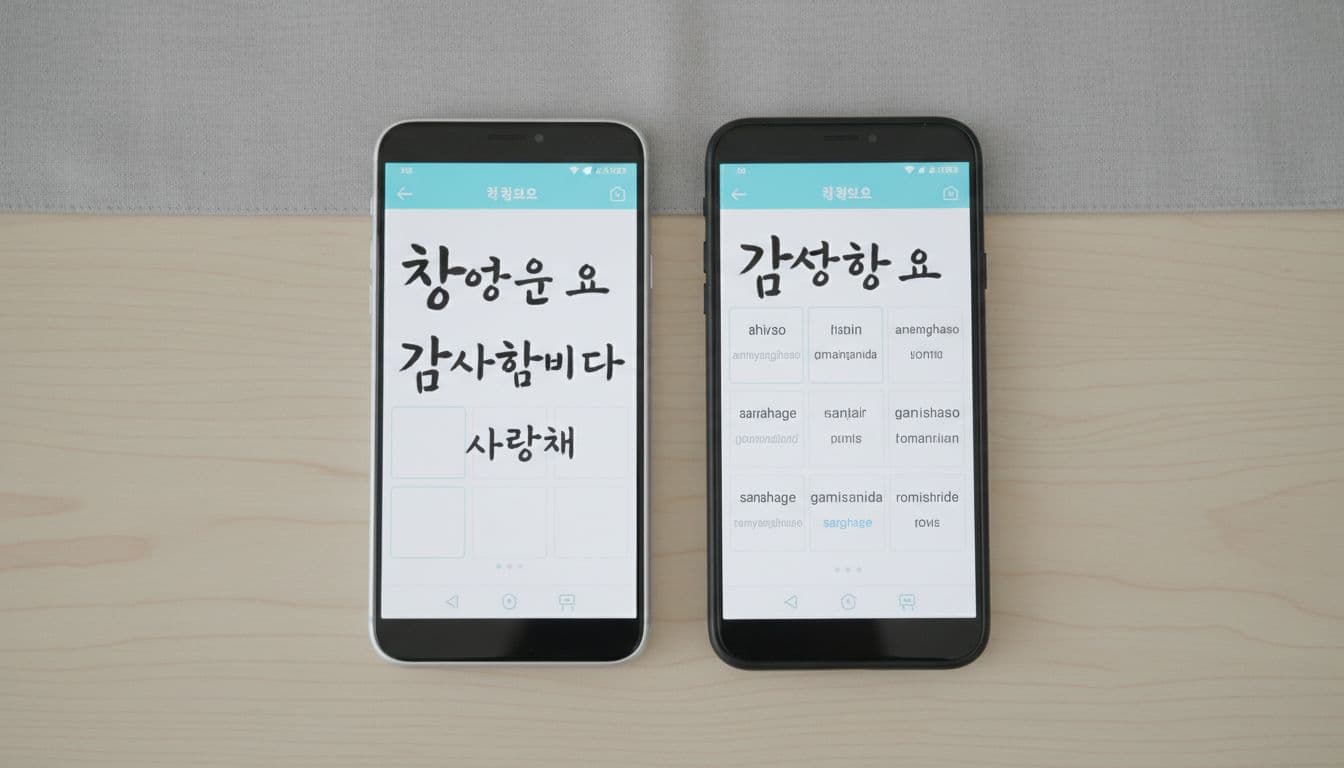
This quick comparison separates support from dependency.
| Healthy behavior | Problematic behavior | Why it matters |
|---|---|---|
| Romanization appears only during onboarding or as tap-to-reveal help | Romanization stays visible in every lesson | Constant exposure blocks script recognition |
| Audio pairs with the real script first | Audio pairs with Latin letters first | Your ear starts mapping sound to the wrong visual form |
| Mistakes trigger script drills, tracing, or character review | Mistakes trigger more romanized examples | The app treats avoidance as support |
| Settings let you reduce help over time | No toggle, or toggle resets often | You can’t build independence |
For most learners, visible romanization should fade within the first few sessions. After that, it should be optional backup, not the main display. If an app still leans on it after a week of normal use, that’s a warning sign.
Score your result: pass, caution, or fail
Give the app 1 point for each item below:
- Romanization is optional after onboarding.
- You can study with the real script still visible and usable.
- Audio, hints, or review tools support script learning without forcing Latin letters.
- Repeated mistakes trigger script-focused help.
- Romanization fades over time instead of staying fixed.
Now score it:
- Pass, 4 to 5 points: The app uses romanization as short-term support, then gets out of the way.
- Caution, 2 to 3 points: The app has some script support, but it still leans too hard on transliteration.
- Fail, 0 to 1 point: The app is training dependency, not reading.
If an app fails, that doesn’t make it useless. It may still work as a travel phrase tool or first-week sampler. It just shouldn’t be your main app for building real reading skill.
Choose apps that teach the script
The best apps don’t pretend the script can wait until later. They introduce it early, support it clearly, and then remove the crutch. In other words, they make the real writing system the main road, not the advanced setting.
Run this romanization dependency test before you pay for a subscription. Ten minutes is enough to spot the pattern, and that pattern will tell you whether the app is helping you read, or helping you avoid reading.

