
Ever had a learner repeat a word that was never spoken, because the captions told them to? That’s the quiet damage of bad transcripts in language apps. A small caption error can teach the wrong vocabulary, break trust, and ruin a listening exercise.
A transcript match test is a practical way to catch those issues before users do. It’s simple, repeatable, and works whether you’re QA, a PM, a localization manager, or a teacher checking materials.
What a transcript match test checks (and why language apps suffer)
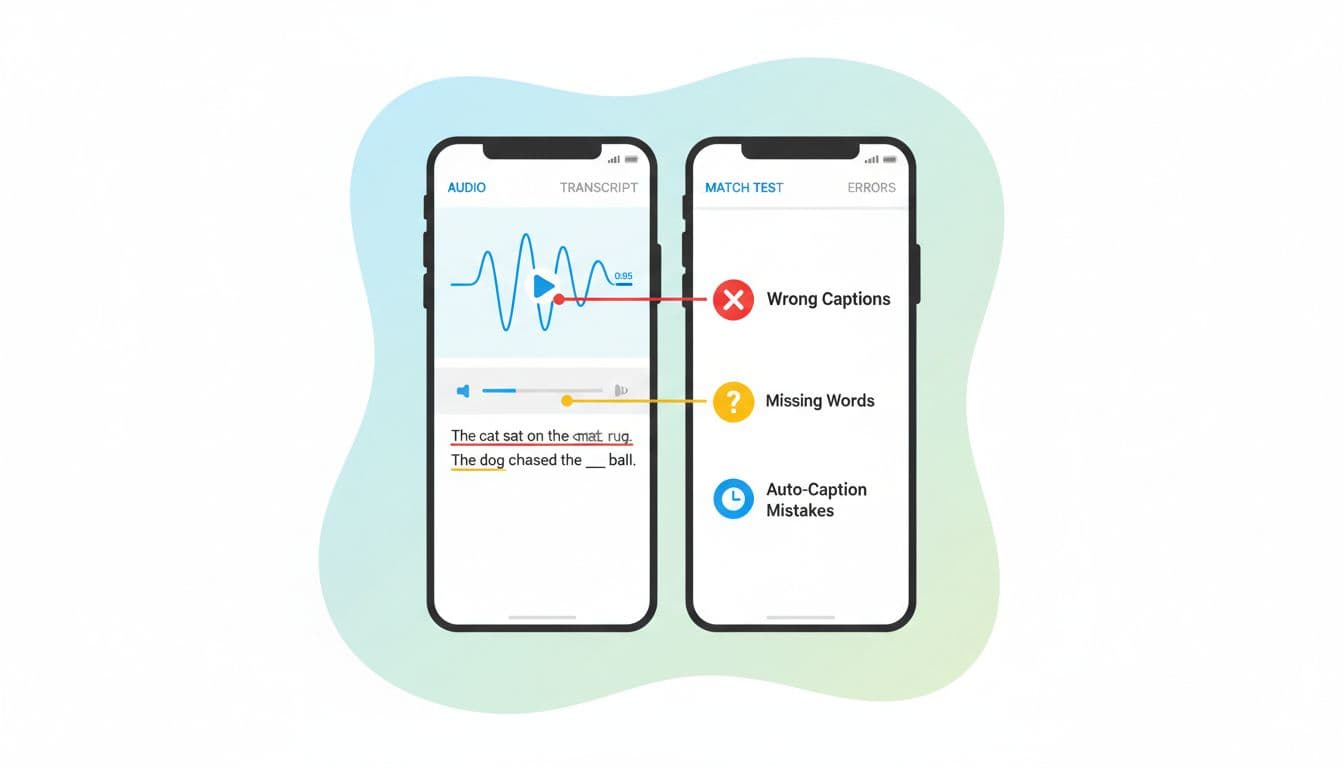
A transcript match test compares what’s spoken to what’s displayed. Think of captions as a map for the learner. If street names are wrong, they still arrive somewhere, just not where you meant.
In language learning, transcripts carry extra weight because learners copy what they see. They also replay short clips, so tiny defects get repeated until they stick.
Here are the core error types the test should flag:
- Wrong captions (substitutions): the transcript shows a different word than the audio (“ship” instead of “sheep”).
- Missing words (deletions): a word or short phrase is absent (“don’t” becomes “do”, which flips meaning).
- Extra words (insertions): the transcript adds words not spoken, often from model “guessing”.
- Timing drift: words are correct, but appear too early or too late, so learners can’t track audio.
- Normalization mistakes: punctuation, casing, numbers, contractions, and filler words get handled in a way that changes meaning or learning goals.
If your pipeline relies on automated captions, it helps to understand why they fail in the first place. This overview of AI caption accuracy and common failure causes is useful context when you’re deciding what to test most heavily.
A repeatable transcript match test workflow (with downloadable checklist)
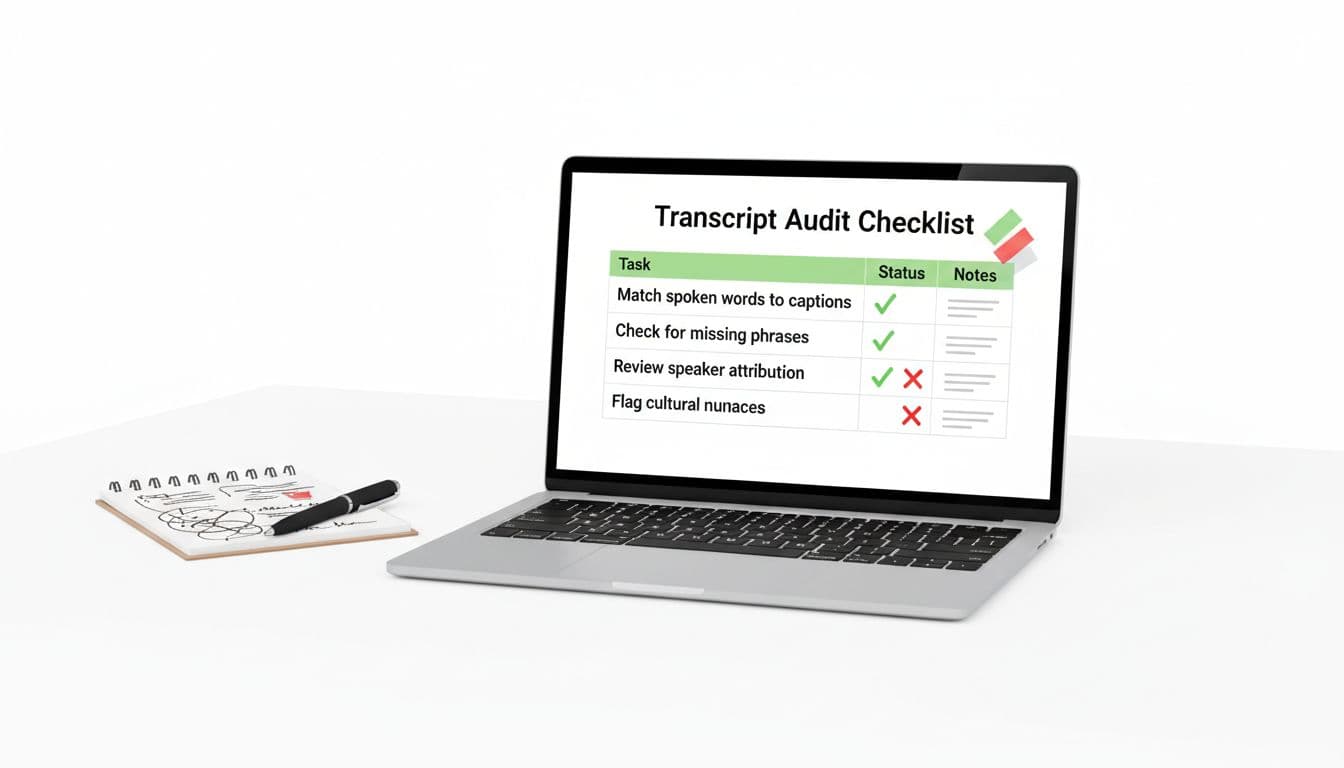
You don’t need a huge lab setup. You need a consistent method so results are comparable across releases, languages, and content types.
Step-by-step method (fast, but strict)
- Pick a representative sample. Mix easy and hard clips: clean studio audio, noisy street audio, fast speech, and dialogs.
- Create a “reference” transcript. Use a trusted human transcript (or at least a careful manual pass). This is your ground truth.
- Listen with intent. Play at 1.0x first, then 0.8x for tricky parts. Don’t “autocorrect in your head”.
- Mark errors with simple tags. Use S (substitution), D (deletion), I (insertion), and T (timing).
- Record timestamps. Log the time range where the issue occurs, not just the sentence.
- Score and triage. One score is not the whole story. Pair the score with severity notes.
Transcript match test checklist (copy-friendly)
| Checkpoint | How to test | What counts as a fail | Severity hint |
|---|---|---|---|
| Word matches audio | Listen and read line-by-line | Wrong word changes meaning | High if it teaches wrong vocab |
| Missing negations | Search for “not”, “don’t”, “can’t” | Negation dropped | High |
| Numbers and dates | Spot-check all numerals | “15” becomes “50”, or missing units | High |
| Names and places | Compare to lesson glossary | Proper noun mangled | Medium to high |
| Homophones | Focus on minimal pairs | “their/there”, “sheep/ship” | Medium |
| Contractions | Check lesson style rules | “can’t” turned into “can” | Medium (can be high) |
| Punctuation for meaning | Scan commas and question marks | Question becomes statement | Medium |
| Speaker changes | Listen for turn-taking | Speaker label wrong or missing | Medium |
| Timing alignment | Watch text while listening | Captions lag/lead enough to confuse | Medium |
| Hallucinated phrases | Look for extras not spoken | Added words or sentences | High |
Short bug report template (paste into your tracker)
- Title: Transcript mismatch, wrong caption (S), “closed” -> “close”
- Asset ID / lesson:
- Language pair:
- Device + OS + app build:
- Audio timestamp range: (start, end)
- Expected (reference):
- Actual (app transcript):
- Error type(s): S / D / I / T
- User impact: (meaning change, teaches wrong word, breaks exercise)
- Attachments: screenshot, screen recording, reference file link
Worked example: marking errors and computing a simple accuracy score
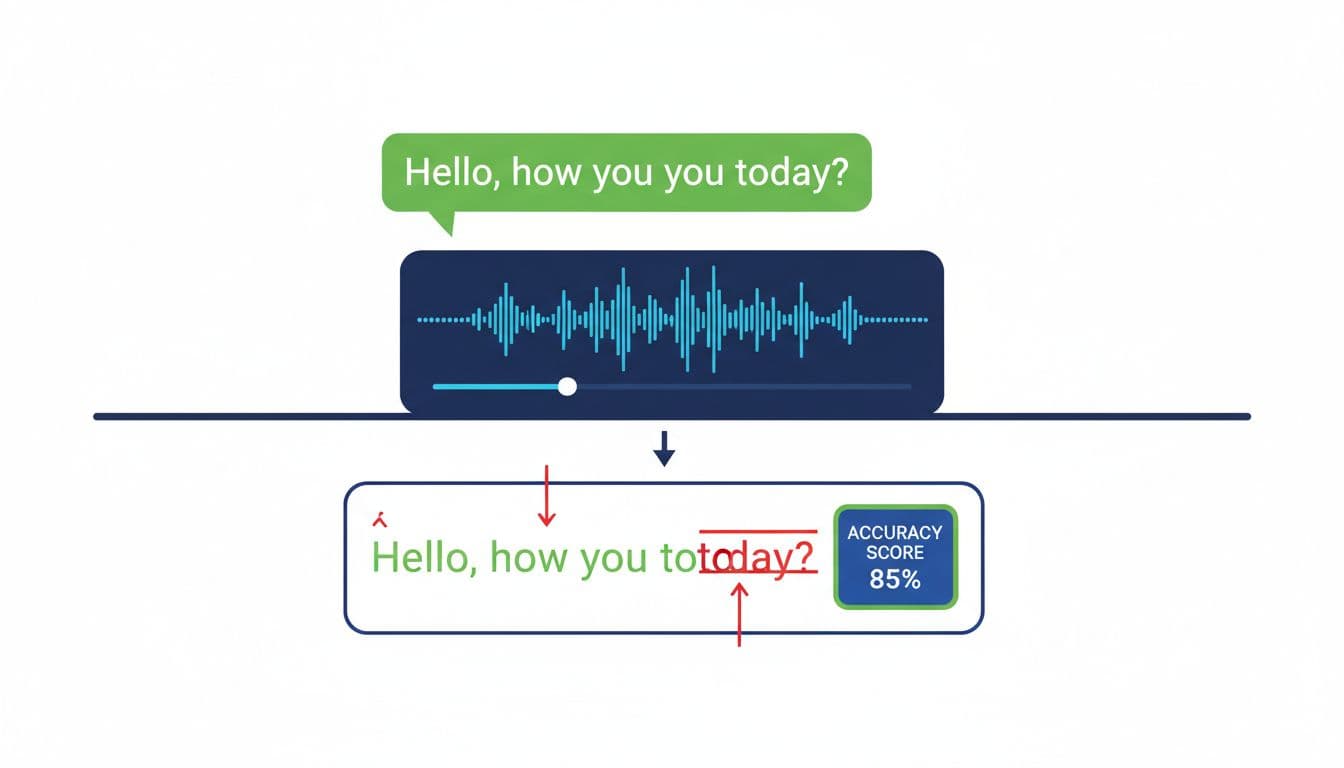
Use a tiny scoring rule that any tester can compute. One common approach is word-based: count how many edits it would take to turn the app transcript into the reference.
Reference (N = 20 words):
“I can’t join the lesson on Friday morning because the subway was closed, and my phone battery died early today.”
App transcript:
“I can join the lesson Friday morning because the subway was close, and my phone battery died early today.”
Mark the errors
- S1 (substitution): “can’t” -> “can”
- D1 (deletion): missing “on”
- S2 (substitution): “closed” -> “close”
So we have:
- S = 2, D = 1, I = 0, N = 20
Simple accuracy score
Accuracy = 1 – ((S + D + I) / N)
Accuracy = 1 – (3 / 20) = 0.85 (85%)
This is closely related to WER (word error rate). If you want the standard definition and variations (and why tokenization choices matter), this explainer on WER in speech-to-text is a solid reference.
Two practical notes:
- Always log the types of errors, not just the score. A single dropped “not” can matter more than three small typos.
- Keep the scoring unit consistent per language (words, characters, or syllable-like units), then compare like with like.
Spot hallucinations, timing drift, and multilingual or transliteration edge cases
Hallucinations are extra words or phrases that appear in captions but were never spoken. They often show up when the audio has noise, cross-talk, or trailing silence. A fast detection trick is to replay the same 3 to 5 seconds twice while looking only for “new” information. If the transcript contains details you can’t hear both times, treat it as suspect.
Timing drift is different. The words may be correct, but the captions slide out of sync over time. To catch it, check alignment at fixed points (0:15, 0:30, 1:00). If you see a steady offset growing, that’s drift, not a one-off timing glitch. Timing issues also break karaoke-style highlighting and word-tap exercises.
Multilingual and transliteration cases need extra rules up front:
- Code-switching: decide if borrowed words should keep original spelling or be adapted, then enforce it.
- Transliteration: lock a standard (and a glossary) so the same name doesn’t appear three ways.
- Non-spaced scripts: word-based scoring may not fit. Character-based scoring can be more stable.
- Diacritics: pick a policy (strict vs lenient). For beginners, missing diacritics can be a real learning error.
If you’re building a training set of common failure patterns, this list of common AI transcription mistakes is helpful for prioritizing what to search for first (names, numbers, negations, and repeated mis-hearings).
Conclusion
A transcript match test doesn’t need fancy tooling, it needs discipline: a reference, consistent tags, and a score you can compare over time. When you combine accuracy scoring with clear bug reports, you get faster fixes and fewer “but it sounds fine to me” debates. Run the test on every content batch or model change, and treat timing and meaning-changing errors as first-class issues. What would your learners repeat tomorrow if today’s captions are wrong?

