A language app transliteration feature can help, or it can quietly slow you down. The difference is simple: good apps use transliteration as a bridge, then move you toward the real script. Weak ones keep the bridge in place so long that you stop looking at the road.
That’s where the 15-minute transliteration fade-out test comes in. In one short session, you can see whether an app builds early confidence or trains long-term dependence.
What the test measures, and what transliteration is not
Transliteration converts one writing system into another, often into the Latin alphabet. Babbel’s explanation of transliteration gives a clear overview. In practice, it means seeing Russian “привет” as “privet,” or Japanese “こんにちは” as “konnichiwa.”
Still, people often lump several different tools together.
Romanization is a type of transliteration into Latin letters, often using a fixed system. Transcription tries to show how a word sounds. Phonetic aids can include IPA, slowed audio, syllable breaks, or voice playback. If you want a sound-focused example, this text-to-IPA transcriber overview shows how phonetic help differs from script conversion.
That distinction matters because each tool solves a different problem. Transliteration helps you read unfamiliar symbols at first. Transcription helps you hear sounds more accurately. Audio helps you connect sound to script. A strong app knows when to use each one.
Transliteration should act like training wheels, not a permanent crutch.
The 15-minute test checks exactly that. Open a new app, start a beginner lesson, and watch what happens. Does the native script appear right away? Can you hide the Latin letters? Does the app keep pushing your eyes back to the real script?
If the answer is no, be careful. You may be learning prompts, not reading.
How to run the 15-minute transliteration fade-out test
During your first 15 minutes, focus less on scores and more on design. This quick table shows what to watch.
| Criterion | Good sign | Red flag |
|---|---|---|
| Fade-out speed | Transliteration shrinks fast or disappears after first exposure | It stays on every screen |
| Optionality | You can turn it off | It’s always forced |
| Learner control | Toggle is easy to find and stays saved | Setting resets each lesson |
| Script exposure | Native script appears from minute one | Script is delayed for many units |
| Pronunciation support | Audio or phonetic help supports script | Latin letters do all the work |
| Progression design | App moves from support to recall | App keeps you in recognition mode |
The main goal is not instant discomfort. It’s productive support. A beginner in Arabic may need more help than a beginner in Russian, because connected letter forms take time to parse. On the other hand, a Russian course should usually reduce transliteration sooner because Cyrillic is finite, regular, and learnable early.
Watch the first lesson, then the review items. Good apps often show the native script first, add transliteration only when needed, and back it up with audio. Weak apps reverse that order. They make the Latin letters primary and the real script decorative.
That design choice shapes habits. If your eye lands on “Moskva” every time, “Москва” stays a blur. If your eye lands on “Москва” and you tap for help only when needed, reading grows.
For a broader way to test app claims before paying, LanguaVibe’s language apps reality check pairs well with this method.
Real-world examples, and why the fade-out pace changes by language
The best fade-out speed depends on the script, the language, and your goal.
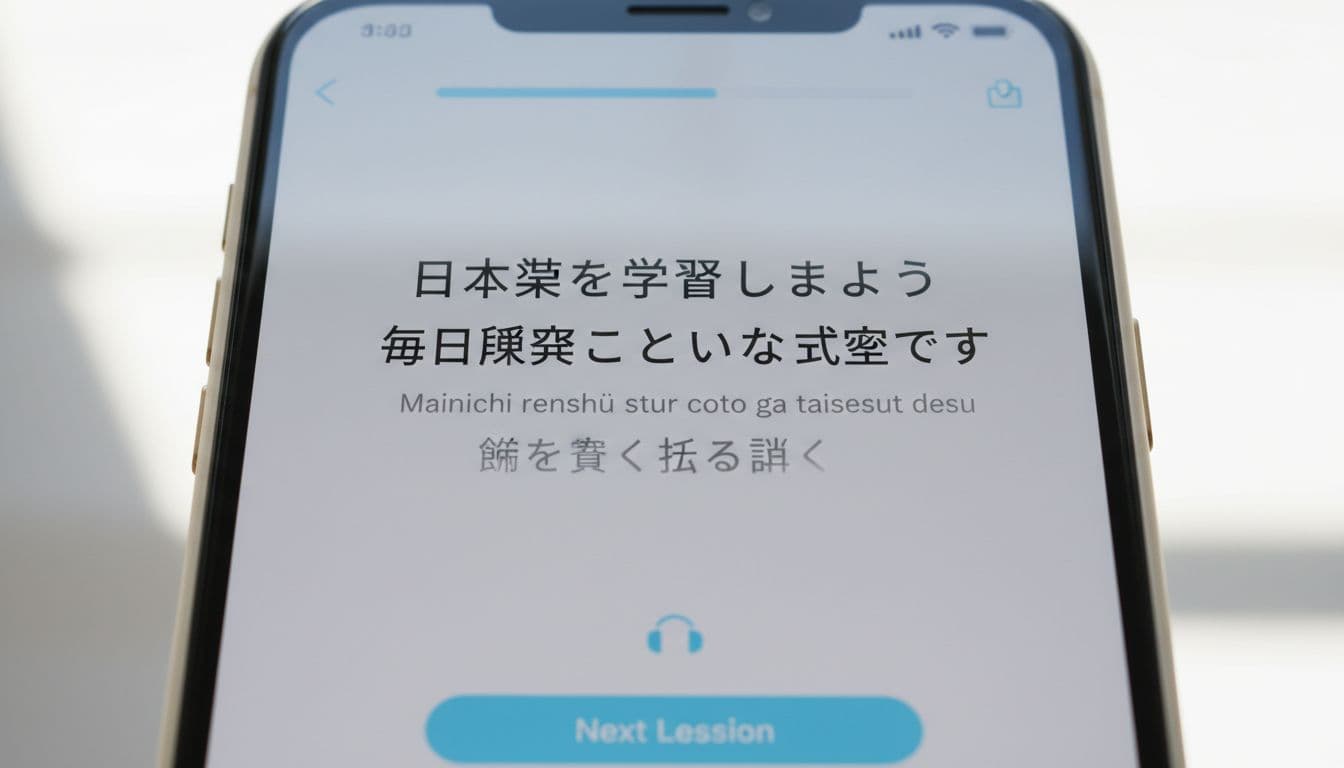
For Japanese, romaji helps on day one. However, it should fade quickly once hiragana and katakana appear. If every sentence still shows romaji after your first short session, the app may be protecting comfort more than building literacy.
For Russian, the fade-out can be faster. Learners usually benefit from seeing “спасибо” early and often, with audio as backup. If an app keeps “spasibo” front and center, it delays the moment when Cyrillic becomes normal.
For Arabic, a slower fade-out can make sense. The script is visually denser for many learners, and short vowels often stay unwritten. Yet even here, the app should expose you to Arabic script from the start, not hide it behind endless Latin text.
For Chinese, pinyin deserves special care. It is not just a rough helper. It’s a standard romanization system, and it carries real pronunciation value. So the ideal pace depends on your aim. If you want speaking first, pinyin may stay longer. If reading matters, characters should appear immediately and remain central.
Korean offers a useful contrast. Hangul is learnable quite quickly, so permanent romanization often becomes dead weight sooner than learners expect.

This is why pronunciation support matters. Audio, replay, and slow speech are usually better than constant transliteration. If you’re comparing structured courses, a detailed Babbel app review can help you think about how script support fits into overall lesson design. After that, combine the app with broader habits from these best ways to use language apps.
A quick checklist before you choose an app
Before you subscribe, run this short checklist:
- Fade-out speed: Does transliteration start fading within the first session?
- Optionality: Can you switch it off without digging through menus?
- Learner control: Does the app remember your setting?
- Script exposure: Do you see the real script right away?
- Pronunciation support: Is there clear audio when transliteration fades?
- Progression design: Does the app move you from help to independent reading?
A good app won’t throw you into the deep end on minute one. Still, it also won’t keep holding your hand forever. Run the test, trust what you see, and choose the app that helps support fade, not stick.

