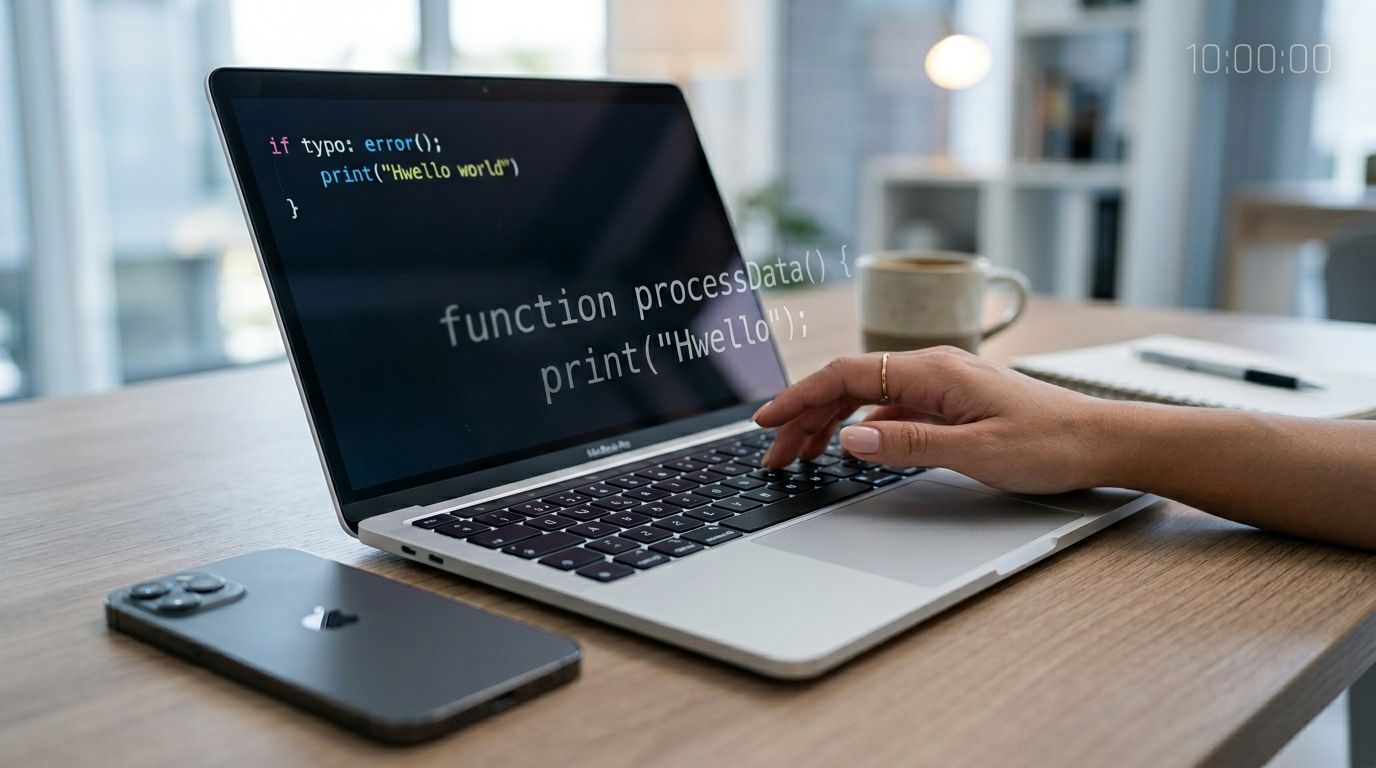
You type the right word, but your thumbs add an extra letter, a misspelling in your user input. The app marks you wrong anyway. That moment is the typo tolerance test for the app, testing its typo tolerance. It matters because it teaches a quiet lesson: “Be perfect, or fail,” and shows how such misspellings impact the learning experience.
A good typo tolerance test tells you whether an app can tell the difference between a harmless slip and a real language error. Better still, it gives reviewers, teachers, and QA teams a fast way to compare tools using the same inputs, on the same device, in the same 10 minutes.
Below is a repeatable script, a 0-5 scoring scale, and a copy/paste prompt set you can run today.
What “typo tolerance” should mean in learning, not search
Typo tolerance isn’t about being “nice.” It’s about being accurate in a human way.
In typing-based language exercises, an app usually checks your answer against an expected string using string similarity. If it checks too strictly, it punishes tiny slips (extra letters, swapped letters, missing accents) that don’t change meaning. If it checks too loosely, it may accept answers that are actually wrong.
A helpful mental model comes from search and spelling correction. Search engines treat misspellings as edits, like insertion, deletion, character substitution, and transpositions. That’s the core idea behind edit distance methods such as Levenshtein distance and Damerau-Levenshtein distance, explained clearly in Babbel’s overview of spelling correction. Platforms like fuzzy search also document common misspelling patterns and why typo tolerance needs limits, for example in Algolia’s typo tolerance guide. While a search engine focuses on relevant results based on query intent to enhance the search experience and search results for any search query, language apps have different pedagogical goals thanks to learning intent.
Sometimes you want strictness (spelling drills, gender endings, kana). Other times you want meaning-based acceptance (synonyms, punctuation, capitalization).
A strong app typically does three things:
- Forgives tiny slips when meaning stays the same (especially in early stages).
- Stays strict when meaning changes (wrong tense, wrong word, missing negation).
- Explains the “why” so the mistake teaches you something (for a related quality check, see this language app grammar audit checklist).
One more thing: keyboards cause “mistakes” that aren’t really spelling mistakes. Japanese IME conversion, Arabic autocorrect quirks, and diacritics can create near-misses that a fair checker should handle consistently. Even robust NLP systems can struggle across languages, which is why consistency matters more than perfection (see research on multilingual typographical errors).
The 10-minute typo tolerance test script (timed and repeatable)
Use this when you evaluate a new app, a new exercise type, or a new device build. Think of the app’s typing field like a search bar to make the tolerance testing more relatable.
Before you start, open a notes app or spreadsheet. You’ll record results fast, not perfectly.
Don’t confuse keyboard autocorrect with app tolerance. Run one pass with autocorrect off, then repeat with it on.
Minute 0–1: Lock the setup (so results are comparable)
Pick one device, one keyboard, one target language, and one exercise type that requires typing (not word banks). Turn off predictive text and autocorrect for the first run. Autocomplete suggestions can interfere with real-time performance of the test.
- iOS: Settings, General, Keyboard, toggle Auto-Correction and Predictive.
- Android: Settings, System (or General management), Keyboard, toggle Auto-correction and Text suggestions (labels vary by device).
Write down: device, OS, keyboard language, and whether autocorrect is off.
Minute 1–2: Find three typed-answer items
You need only three prompts inside the app, ideally short sentences (3–8 words, around the minimum word size that might trigger different levels of tolerance). If the app lets you retry, stay on the same item to test variants quickly, treating it like entering a search query.
If you’re doing QA, create three items that accept typed input. If you’re a reviewer, use a lesson that includes “type the answer.”
Minute 2–4: Baseline accuracy (control run)
Answer each of the three prompts with the expected matching words once.
Record:
- Did it accept instantly?
- Did it require exact punctuation or accents?
- Did it offer a “close enough” message?
This baseline tells you whether later failures come from your test, not the app.
Minute 4–6: Minor-typo run (meaning unchanged)
On the same three prompts, re-enter answers with one small typo each (missing letter, extra letter, transposition). Use the copy/paste set below if you can match the expected answer.
Record:
- Accepted as correct?
- Marked wrong but with a “typo” hint?
- Forced a full retry without guidance?
Minute 6–7: Meaning-changing run (should be rejected)
Now test errors that should fail:
- Remove a negation (no, not, ne…pas).
- Swap a key word for a different one.
- Change a verb ending that changes tense or person.
A good system rejects these, or at least flags them clearly.
Minute 7–8: Diacritics and punctuation run
Repeat one prompt with:
- Wrong accent or missing accent.
- Extra punctuation.
- Different capitalization.
Record whether the app treats these as:
- cosmetic (allowed),
- spelling-critical (rejected),
- inconsistent (sometimes allowed).
Minute 8–9: Input-method quirks (IME and script tests)
Switch to one non-Latin script scenario (Japanese IME or Arabic keyboard). Try one short answer and introduce a realistic IME mistake (wrong kana size, wrong long vowel mark, hamza omission, or a stray space).
Minute 9–10: Flip autocorrect on, re-test one item
Turn autocorrect back on and re-test a single prompt with a minor typo. If the keyboard fixes it, note that too. You’re measuring the full user experience, not just the grading algorithm.
If you also care about speaking tasks, pair this with a separate speech recognition accuracy test for apps.
Score it (0-5), then compare apps with the same yardstick
Here’s a simple 0-5 scoring scale you can reuse across tools and updates. Higher scores reflect a more sophisticated ranking formula, akin to an internal language model employing full-text search over a full-text index, much like BM25 scoring in a database schema:
| Score | What it means in practice |
|---|---|
| 0 | Unusable for typing, rejects correct answers due to trivial formatting or bugs |
| 1 | Very strict, rejects most minor typos, offers little or no guidance |
| 2 | Inconsistent, sometimes accepts minor errors, behavior changes across screens |
| 3 | Reasonable, forgives common slips, rejects meaning changes, feedback is basic |
| 4 | Learner-friendly, clear “typo vs error” handling, helpful feedback and retries |
| 5 | Excellent, consistent across languages and scripts, smart tolerance delivering relevant results with clear explanations |
Use this fill-in template to compare search results across apps side by side (one row per exercise type, because behavior can vary):
| App | Platform | Autocorrect (off/on) | Exercise type | Minor typos accepted (0-5) | Meaning-changing errors rejected (0-5) | Feedback quality (0-5) | Notes |
|---|
If you also track how “progress” metrics relate to real skills, this pairs well with a language app progress reports audit.
Copy/paste typo test set (24 prompts)
Use these as “expected answer” targets if you can find matching items, or as QA inputs when you control test content. Each row gives an intended correct form and a near-miss to type, simulating spell check.
| Error type | Intended text | Type this typo |
|---|---|---|
| Missing letter | gracias | gracas |
| Extra letter | bonjour | bonnj our |
| Transposition | friend | freind |
| Double-letter drop | coffee | cofee |
| Wrong vowel | pequeño | pequen o |
| Spacing | good night | goodnight |
| Hyphen | re-enter | reenter |
| Apostrophe | l’heure | lheure |
| Capitalization | Paris | paris |
| Punctuation | ¿Cómo estás? | Como estas |
| Near-synonym | quickly | fast |
| Near-synonym | purchase | buy |
| French diacritic | où | ou |
| French diacritic | élève | eleve |
| Spanish accent | sí | si |
| Spanish accent | año | ano |
| Spanish punctuation | ¡Hola! | Hola |
| Spanish diacritic | canción | cancion |
| Japanese small kana | きょう | きょお |
| Japanese small tsu | きって | きて |
| Japanese long mark | コーヒー | コヒー |
| Japanese conversion | はし | 端 |
| Arabic hamza | سؤال | سوال |
| Arabic ta marbuta | مدرسة | مدرسه |
Takeaway: you’re looking for consistent rules. For example, accepting “cancion” for “canción” might be fine early on, but accepting “ano” for “año” can be a meaning problem, so the app should handle that carefully.
Conclusion
Typing answers should feel like writing on paper with a smart teacher nearby, or using a helpful search engine that utilizes smart spell check, not like guessing a password. Run this typo tolerance test on any app trial, then score it the same way every time. When an app forgives harmless slips but stays strict on meaning, learners stay confident and still improve. Which app you test next, and which language will you run it in?

