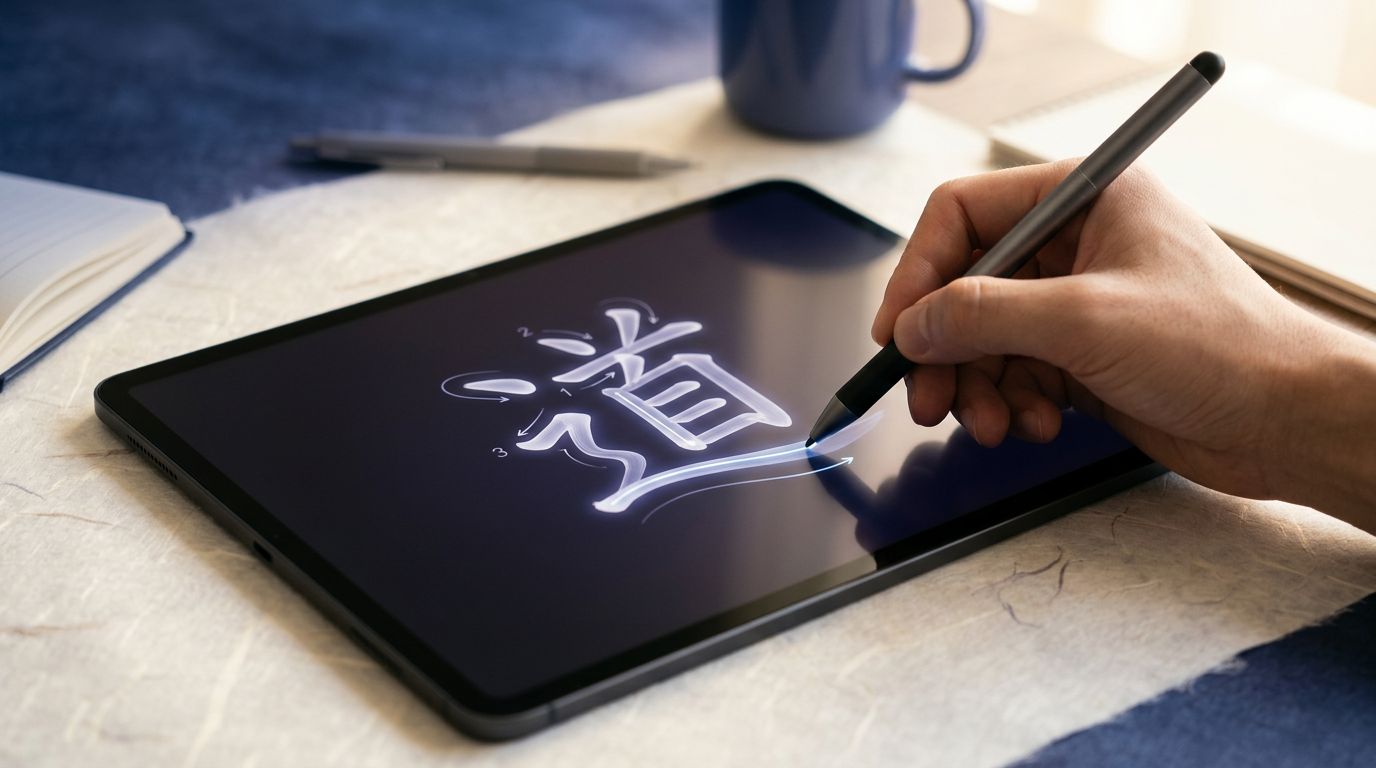
Serious Japanese learners run into the same wall sooner or later. Recognition gets easier, but writing still feels slow, shaky, or inconsistent.
The right Japanese writing apps fix different problems. Some teach stroke order. Some train kanji recall. A few help you produce full sentences without freezing up. The trick is knowing which kind of practice you need, because tracing kana is not the same as writing a paragraph from memory.
What a serious Japanese writing app should do
A real writing app should push you to produce the character, not just tap the right answer. That means three useful modes matter most.
First, handwriting practice helps with kana and basic kanji formation. Second, stroke-order training shows you the sequence, pressure, and direction. Third, active recall makes you write or type the character from memory after you’ve seen it before.
For a wider look at kanji tools, the Japanese kanji apps guide is a useful companion. It helps separate broad study apps from tools built for real writing practice.
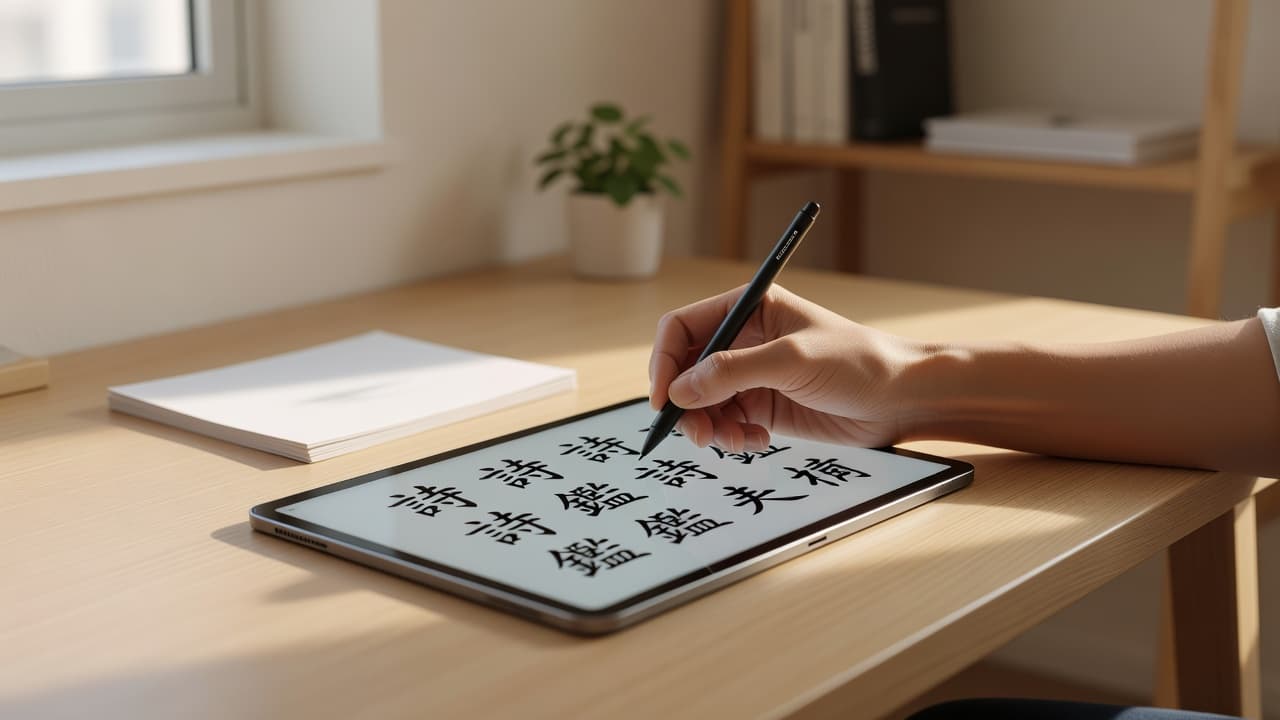
The best choice also depends on your device. Android users have more deep kanji options. iPhone users often lean toward Skritter or lighter mobile tools. If you want offline use, check that before you pay, because app policies change often.
If an app only lets you recognize kanji, it won’t fix shaky handwriting. You need recall, feedback, and repetition.
The strongest apps for kanji handwriting
The best writing apps for serious learners are the ones that make you miss, correct, and repeat. That sounds annoying. It works.
Here’s a quick comparison of the strongest options in 2026.
| App | Best for | Main caveat |
|---|---|---|
| Skritter | Kanji handwriting recall and stroke feedback | Subscription-based, so it’s a bigger commitment |
| Write It! Japanese | Quick kana and kanji stroke-order drills | Narrower focus, mobile-first, not a full study system |
| Kanji Study | Deep kanji control and custom practice on Android | Android-only, which rules out iPhone users |
| Renshuu | Broader study with writing built in | Writing is only one part of the app |
The table makes one thing clear. Skritter is the most serious handwriting tool if you want production, not passive review. The Skritter review for Japanese handwriting goes into its recall-based system in more detail.
Kanji Study is the best fit if you want control. Android users can drill readings, meanings, and writing with more detail than most competing apps. It is not as sleek as some newer apps, but it gives dedicated learners room to work.
Renshuu is broader. It covers grammar, vocab, JLPT paths, and writing practice, which makes it useful if you want one app for daily study. The Renshuu Japanese study app review shows why many learners keep it in their rotation. Still, it is not the sharpest choice if handwriting is your only goal.
Write It! Japanese is simpler, but that is the point. It focuses on kana and kanji stroke order, which makes it handy for beginners and for learners who want short drills between bigger study blocks. The official Write It! Japanese listing shows how tightly it stays on that task.
For learners who want the best overview of the field, Migaku’s Japanese app comparison is also worth a look. Even there, the pattern stays the same. The strongest apps make you produce Japanese, not just review it.
Stroke order training still matters more than most people think
Stroke order can feel old-fashioned until your handwriting starts to blur. Then it matters fast.
A good stroke-order app does more than flash the right answer. It slows the character down, shows the sequence clearly, and gives you enough repetition to build muscle memory. That is especially useful for kana, basic kanji, and any character you keep confusing under pressure.
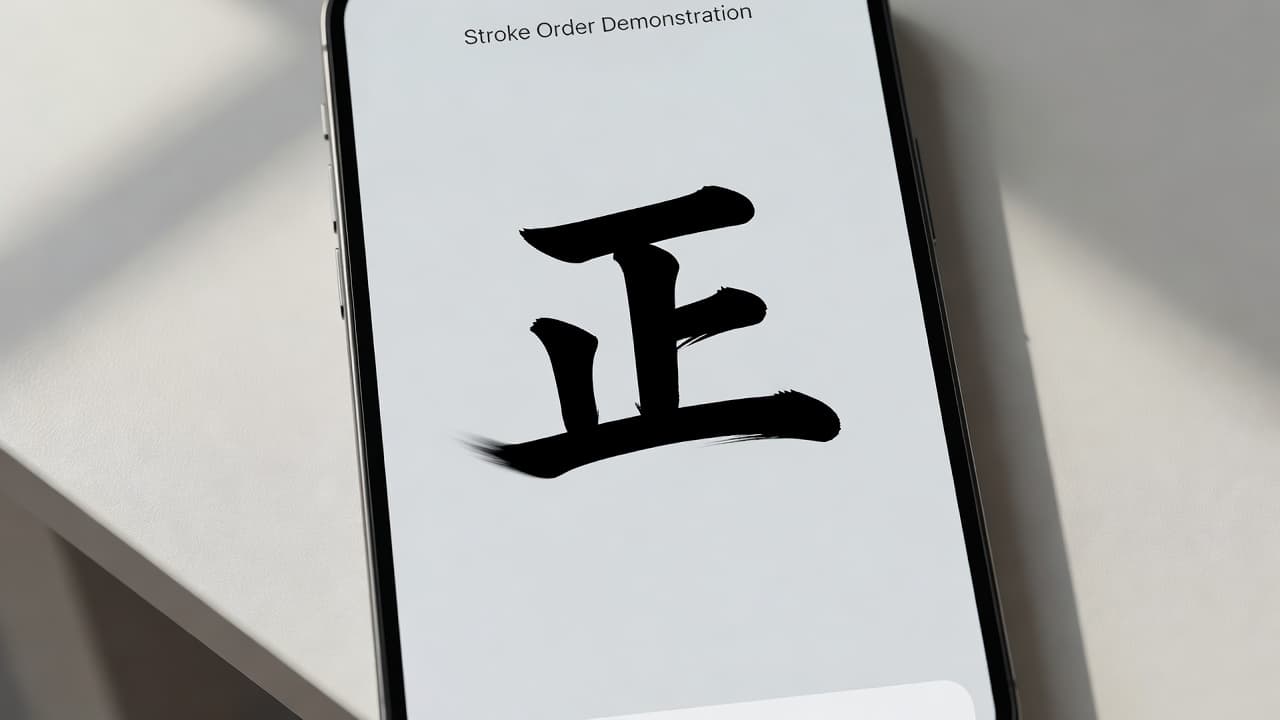
This is where Write It! Japanese earns its place. It is not trying to be your whole Japanese study system. Instead, it gives you a clear, repeatable path through the shapes. That makes it a good warm-up tool before a writing notebook session or a kanji review block.
If you are studying for the JLPT, stroke order still helps. You may type most answers in daily life, but hand-writing practice improves your recall. It also stops characters from turning into vague boxes in your head.
The limit is obvious, though. Stroke-order apps rarely teach context. They can show you how a character is built, but they do not always teach when you should use it, how it changes in compounds, or how it behaves in real sentences. That is where broader study tools, like Renshuu, help fill the gap.
Full Japanese writing output needs more than tracing
Writing one character at a time is useful. Writing actual Japanese is a different skill.
If you want to produce sentences, diary entries, or JLPT-style responses, you need a tool that makes you recall words in context. That is where Anki still matters for serious learners, even though it is not a writing app in the narrow sense. If you build cards that ask for Japanese answers, you train the habit of producing output instead of only recognizing it.
A sentence like “I went to the station yesterday” is more useful than a single kanji flashcard when your goal is active writing. You can still type your answer into the card, then compare it with a model sentence. That kind of practice is boring in the best way.
Some learners also use sentence-based tools such as Clozemaster-style drills to bridge the gap between recognition and output. The key is to keep the task active. If the app only asks you to tap the right choice, your hand will not learn much.
One practical rule helps here. Use handwriting apps for characters, then use typing or prompt-based review for sentences. That division keeps the work clear. It also stops you from expecting one app to do everything.
How to choose the right app for your level
Your best choice depends on where you are stuck.
- If you are a beginner, start with kana and basic stroke order. Write It! Japanese is simple and focused, which helps when you need confidence fast.
- If you are intermediate and serious, Skritter or Kanji Study will usually give you more long-term value. Both push recall harder than casual apps.
- If you want one app for many jobs, Renshuu makes sense because it mixes writing with grammar, vocabulary, and JLPT paths.
- If you are on iPhone and want deep handwriting work, Skritter is the safer pick. Android users have more room to shop around.
- If you mostly type Japanese, keep one handwriting app anyway. Even 10 minutes a day can steady your kanji memory.
Cost matters too. Subscription apps make sense when you use them daily. A cheap or free app is better if you only want light practice. Platform support matters just as much. An Android-only tool can be excellent and still useless if you live on iPhone.
The best setup is often a pair, not a single app. One app should handle handwriting or stroke order. Another should handle active recall and output.
Conclusion
The best Japanese writing app in 2026 depends on the exact skill you want to improve. If you need kanji handwriting recall, Skritter is the strongest serious option. If you want stroke-order drills, Write It! Japanese keeps things clean and direct. If you want deep Android control, Kanji Study deserves a close look.
The bigger lesson is simple. Writing Japanese improves fastest when you separate the job into parts, then train each part well. Start with the app that matches your current weak spot, and the rest of your writing will feel less like guesswork.

