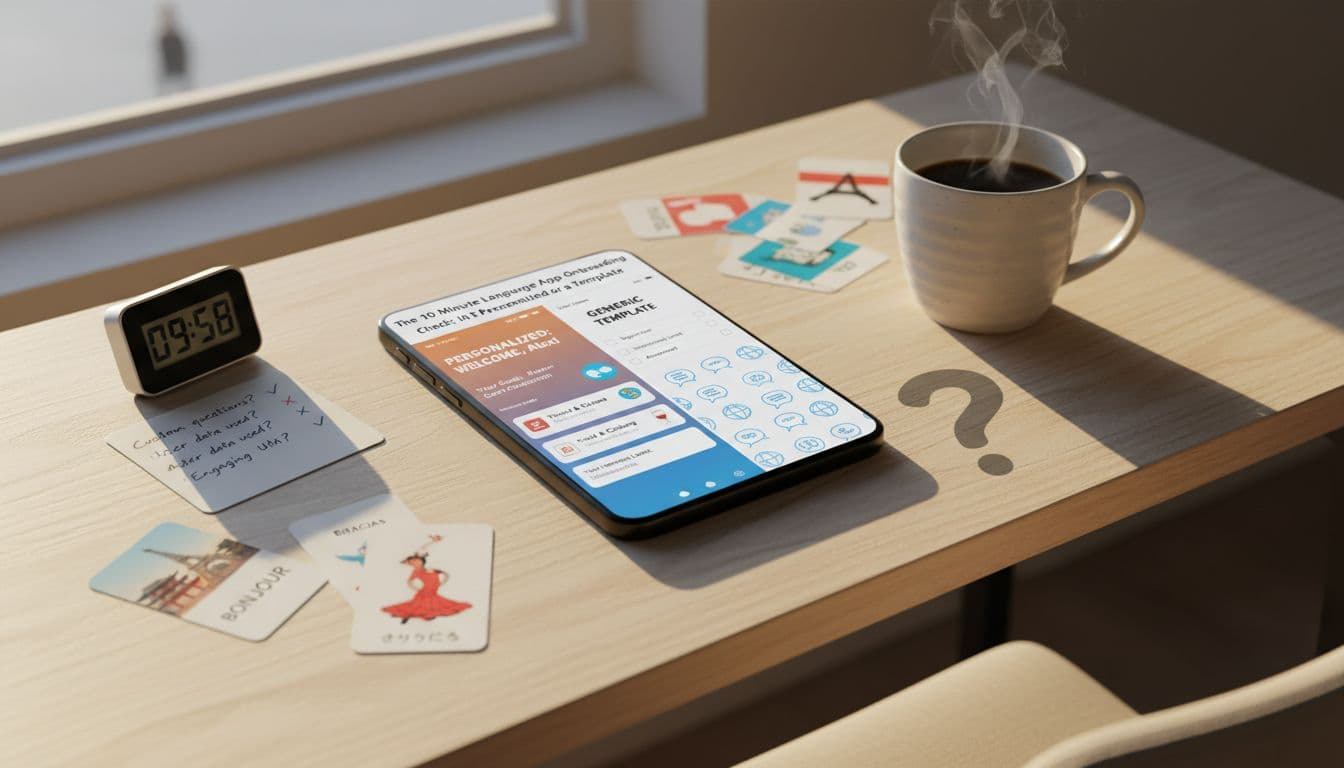
Most language apps promise a plan that “fits you.” In practice, many onboarding flows are a polite questionnaire that ends in the same path for everyone, just with your target language swapped in.
Understanding the nuances of language app onboarding is crucial for maximizing your learning experience.
Effective language app onboarding ensures that your learning is tailored to your needs and goals.
This quick language app onboarding check helps you tell the difference in about 10 minutes. You’ll look for signals that the app is actually using your answers to change what you learn, when you review, and how it reacts to your mistakes, not just collecting data to upsell you.
10-minute cheat sheet (fast signals)
During language app onboarding, look for a system that recognizes your preferences and adjusts accordingly.
| What you see in onboarding | Usually personalized | Usually a template |
|---|---|---|
| Questions about goals, timeline, and weekly time | Your plan changes right away (units, review cadence, lesson length) | You get a generic “daily goal” and the same Unit 1 |
| Placement or diagnostic | Explains what it measured, adjusts starting point and difficulty | “Beginner or advanced?” and a fixed starting lesson |
| Interest selection (work, travel, hobbies) | Early content uses your topics and keeps using them later | Interests disappear after onboarding |
| Error handling | Miss a concept and you see it again soon in a different form | Miss a concept and you just repeat the same drill |
| Privacy controls | Clear permissions, opt-outs, delete/export options | Vague language, many permissions, unclear retention |
The effectiveness of language app onboarding can significantly impact your overall progress.
Minute 0 to 3: What the app asks, and whether it earns that data
A real personalized plan starts with high-signal questions. Not “What’s your vibe?” but questions that change the learning path.
Look for prompts like:
- “Why are you learning?” (work, school, travel, family)
- “When do you need it?” (date, exam month, trip)
- “How much time per week is realistic?” (not aspirational)
- “What do you already know?” (self-rating plus a short diagnostic)
- “Which situations matter?” (meetings, texting, restaurants, healthcare)
Then watch what happens next. If you pick “work” and “10 minutes, 3x/week,” a personalized app should respond with shorter sessions, more review automation, and early phrases that match work contexts. If you still land on “Basics 1: Apple, Boy, Girl,” it’s likely a template.
The privacy and permission mini-audit (30 seconds)
During onboarding, many apps ask for access they do not need on day one. A cautious default is best.
During language app onboarding, apps should demonstrate their commitment to user privacy.
Common requests and what’s reasonable:
Don’t overlook privacy controls during language app onboarding; they are essential for your security.
Effective language app onboarding will clearly explain what data is collected and how it is used.
- Microphone: reasonable only if speaking practice is core and explained clearly.
- Notifications: reasonable if you can control reminders and quiet hours.
- Contacts or precise location: rarely needed for learning, treat as a red flag unless there’s a strong, clear reason.
Strong products usually explain onboarding as both learning and behavior design. If you’re curious how top apps shape habits with onboarding choices, this onboarding psychology case study gives useful context on what onboarding is trying to do beyond “setup.”
Minute 3 to 7: The first plan screen, how to spot real personalization
The moment of truth is the first plan summary, the screen that looks like “Here’s your path.” Personalized plans tend to show concrete adjustments, not motivational slogans.
Recognizing the importance of language app onboarding can lead to better personalized experiences.
What a personalized plan looks like on screen
You might see:
- “Start at: Unit 3 (based on your placement)”
- “Weekly plan: 3 sessions, 12 minutes each”
- “Review: scheduled on Day 1, Day 3, Day 7”
- “Focus: email writing + meeting small talk”
- “Skill mix: listening 40%, speaking 30%, reading 20%, writing 10%”
Template plans look like:
- “Set a daily goal” plus a streak counter
- One linear unit path for everyone
- A “placement test” that only changes the badge on your profile
A good diagnostic also tells you what it measured. If the app claims you are “A2” or “Intermediate,” verify what that means before paying. This guide can help you check CEFR alignment before buying a language app: https://languavibe.com/cefr-language-app-alignment/
Two quick stress tests you can do immediately
Make a controlled mistake. In the first lesson, intentionally miss a few items in the same skill (for example, past tense, word order, or gender). A personalized system should respond by re-teaching that idea in a new way, or scheduling it for near-term review. A template often just repeats the same exercise until you guess right.
Switch your stated goal and see if the plan changes. If onboarding lets you change “travel” to “work,” the next recommended lesson should change too. If nothing changes, the “personalization” is probably cosmetic.
For product teams benchmarking competitors, personalized onboarding often connects to broader adaptive path research. If you want an academic lens on how data can drive learning paths (and where it can go wrong), see personalized learning paths using data.
Minute 7 to 10 and the first week: Does the app adapt after onboarding?
Even good onboarding can be theater. The real question is whether personalization keeps working once you start learning and forgetting.
How personalization should evolve after day 1
A plan is truly personal if it updates based on three things:
1) Spaced repetition that changes with your memory
It’s not enough to “review sometimes.” The app should bring back items right before you forget, and adjust timing if you struggle. If your review queue feels random, you can still protect yourself with a simple off-app routine. This 10-minute offline vocabulary review guide is a practical fallback: https://languavibe.com/offline-vocabulary-review-system/
2) Error-based difficulty, not just harder levels
After a few sessions, your weak spots should become obvious in the plan. You should see “practice recommended” for patterns you miss, with varied prompts (not the same question repeated). If the app only advances when you tap enough correct answers, it may be tracking completion, not learning.
3) Interest-based content that actually shows up
If you chose “music” or “healthcare,” you should see that vocabulary and those scenarios reappear in listening, reading, and speaking, not only as a one-time themed lesson. Interests should steer examples, dialogues, and writing prompts.
Accessibility checks that belong in onboarding
A personalized plan should also respect how you access content:
- Captions or transcripts for audio
- Adjustable speaking speed and replay controls
- High-contrast mode and readable fonts
- Alternatives to voice input if speech is hard on some days
Privacy controls you should find in settings (early)
Look for plain-language options to delete voice recordings, clear chat history, and manage whether data is used to improve models. If the app nudges you to record speech, it should also explain storage and retention. Many onboarding analyses focus on conversion and retention mechanics, for example what’s stuck in Duolingo’s onboarding testing, but as a user you’re allowed to prioritize data control over growth tactics.
An effective language app onboarding experience should continue beyond initial interactions.
Conclusion: When a template is fine, and when personalization really matters
Remember that language app onboarding is just the beginning of your personalized learning journey.
Emphasizing personalized content during language app onboarding can enhance your learning experience.
A template plan is fine if your goal is basic exposure, a fun habit, or a travel phrase refresh. Real personalization matters when you have deadlines, limited time, anxiety about speaking, or a need for job-specific language.
Ultimately, quality language app onboarding plays a pivotal role in your overall learning success.
During any free trial, watch for three behaviors: the plan changes after your placement, your mistakes reshape tomorrow’s practice, and your interests keep showing up after the first day. If those don’t happen, treat onboarding as a marketing quiz and choose the app for its content quality, then add your own review and speaking routines to make it work.
Accessible features should be a standard part of language app onboarding.
Evaluating privacy controls during language app onboarding is crucial for user confidence.
Continue to assess the effectiveness of language app onboarding as you engage with the content.

