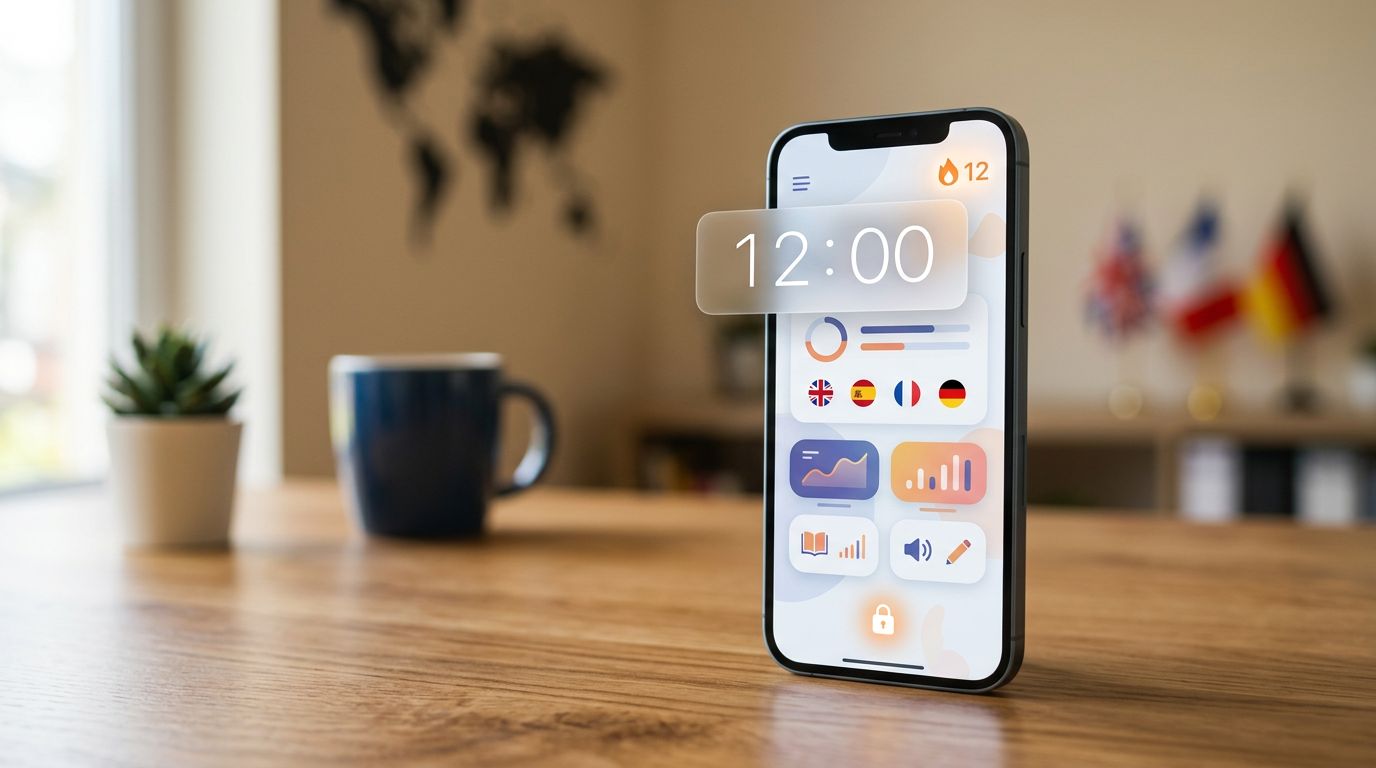
If you lost your phone tonight, could you get back into your language app before your streak resets? That’s not paranoia, it’s basic planning.
A good account recovery test checks one thing: how quickly a real user can regain access without opening doors for scammers. For language learners, recovery matters because the account often holds years of progress, paid subscriptions, and sometimes classroom rosters.
Set a timer for 12 minutes and treat this like a fire drill. If the drill fails, fix it now, not after you’re locked out.
What you’re really testing (access, proof, and “time to recovery”)
Account recovery has three moving parts: how you sign in, how you prove it’s you, and how fast support can help when automation fails.
Language learning apps add a few twists:
- Streaks and daily goals create pressure. Under stress, people choose weaker recovery options.
- Freemium subscriptions create money risk. A locked account can still renew.
- Shared devices are common for families and classrooms, which raises the chance of lost passwords and mixed logins.
- Low-stakes data isn’t really low-stakes. Even if lessons feel harmless, the account can contain email, billing history, and messages.
Before you time anything, do a quick security scan. It often reveals the same weak points that later break recovery. If you want a focused companion audit, use this internal guide: language app security audit.
The goal isn’t “maximum security.” It’s recovery that works for you without turning your phone number into a master key.
Run the 12-minute account recovery test (timer, steps, and scoring)
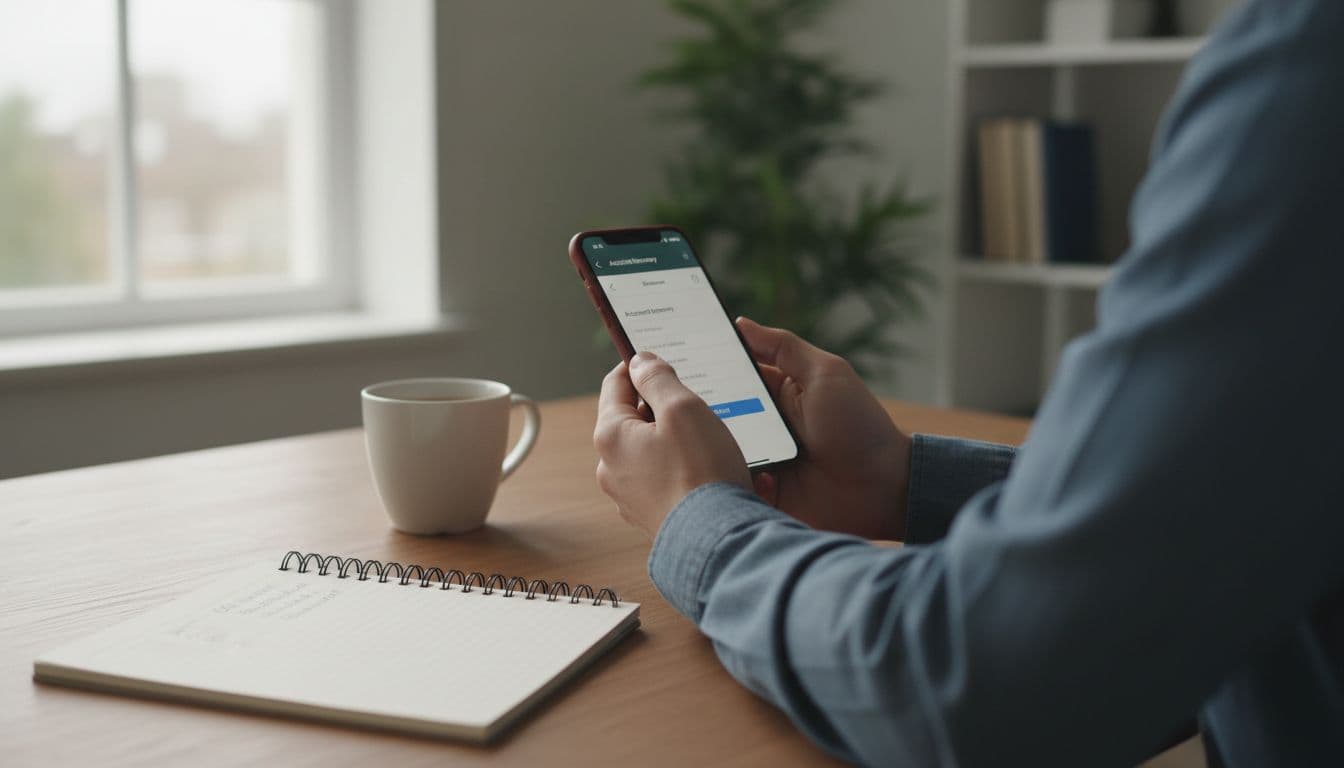
Use a calm moment. Don’t do this in a checkout line. You’ll need your email inbox and, if you use it, your authenticator app.
The 12-minute flow (do it in order)
- Minute 0 to 2: Find the recovery entry point
Log out (or use the web login if available). Locate “Forgot password?” or “Can’t log in?” - Minute 2 to 4: Confirm your recovery email is reachable
Trigger a reset email. Check spam and “Promotions.” Time how long it takes to arrive. - Minute 4 to 6: Check for recovery friction
Does the reset link open smoothly on mobile? Does it force an in-app browser that breaks the flow? - Minute 6 to 8: Inspect anti-lockout protections
Look for device/session management, “log out of all devices,” or alerts for new logins. - Minute 8 to 10: Verify strong sign-in options
Look for passkeys, authenticator-based 2FA, and backup codes. If you see only SMS, note the risk. - Minute 10 to 12: Find human support paths
Can you reach a real contact form, not just a chatbot loop? Save the link or in-app path.
Printable checklist (quick pass/fail)
Use this as a one-page printout for each app you care about:
- Recovery email works (reset email arrives fast, link opens correctly)
- Email address is current (no old school email, no deactivated provider)
- 2FA exists (prefer authenticator or passkey over SMS)
- Backup codes exist (and you can store them safely)
- Trusted devices or sessions list exists (and you can revoke access)
- Account change alerts exist (email alerts for password or email changes)
- Support contact exists (form or email you can find in under 2 minutes)
Now score it so you can compare apps without vibes.
Here’s a simple 10-point scorecard:
| Check | What “pass” looks like | Points |
|---|---|---|
| Reset email arrives | Under 2 minutes, not buried | 2 |
| Reset link works on mobile | No broken in-app browser loop | 1 |
| Strong 2FA option | Passkey or authenticator | 2 |
| Backup codes | Available and re-generatable | 1 |
| Session/device management | You can view and revoke | 2 |
| Human support path | Findable, not hidden | 2 |
Safeguards that make recovery safer (and less annoying)
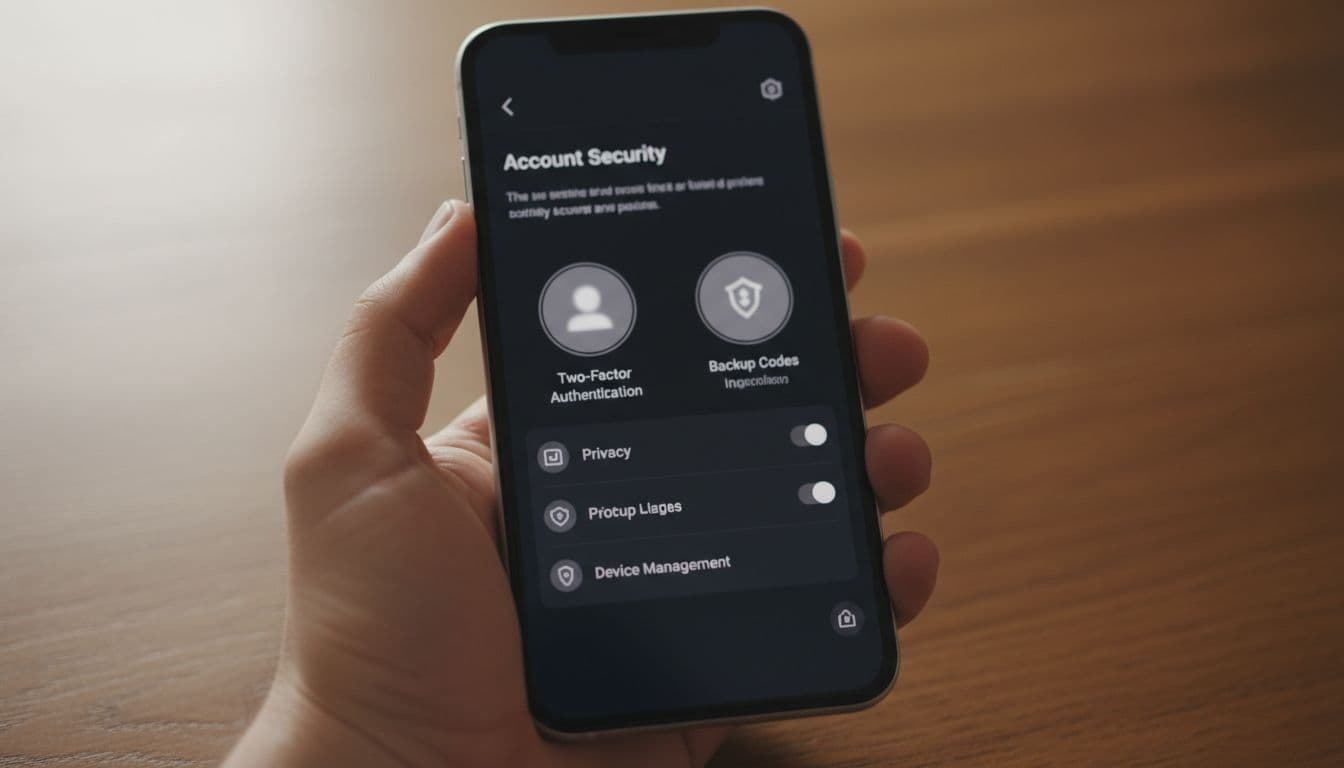
Recovery can fail for honest reasons, like a lost phone. It can also fail because attackers weaponize the recovery process. In 2026, the safest setups share the same habits.
Prefer passkeys when available. Passkeys reduce phishing risk because there’s nothing to type into a fake page. If passkeys aren’t offered, use an authenticator app for 2FA.
Treat backup codes like spare keys. Store them in a password manager, or print them and keep them at home. Don’t screenshot them. Photo backups spread farther than you think.
Be cautious with phone number recovery. SMS can work, but it has a known weak spot: SIM-swap attacks. If an app pushes SMS as the main recovery method, that’s a downgrade for serious learners.
Use a password manager for every app login. Unique passwords stop “one breach ruins everything.” They also reduce lockouts because autofill removes typing errors.
If you want to understand why recovery design matters, LogRocket’s explanation of 2FA methods and recovery strategies is a helpful reference for what “good” flows usually include.
If recovery fails: protect your progress, your privacy, and your money
Even a solid account recovery test can fail if your email is compromised, your old number is gone, or support is slow. When that happens, act like an auditor, not a gambler.
First, preserve evidence and progress. Take screenshots of your username, streak, subscription status, and any receipts. If the app offers any export option (some don’t), use it. Also save App Store or Google Play subscription screenshots.
Next, contact support with a tight packet. Include your account email, approximate creation date, last successful login, device model, and receipts. Avoid oversharing IDs unless the company clearly explains why it’s needed.
For an example of what an official reset flow looks like, Babbel documents it here: Babbel’s password reset steps. Use your app’s own help center for its exact steps, since menus change.
Then handle subscriptions. Cancel renewal through the platform you paid through (Apple, Google, or direct web billing). If billing feels unclear, this internal guide helps you keep your receipts straight: language app paywalls honesty check.
Only consider chargebacks as a last resort. A chargeback can trigger account limits or bans. Start with the app’s support and the store refund tools first.
Quick decision guide: what score is “good enough”?
| Score (out of 10) | Who it fits | What to do next |
|---|---|---|
| 9 to 10 | Serious learners, teachers, parents | Keep it, store backup codes, enable strongest 2FA |
| 7 to 8 | Casual learners | Acceptable, but fix weak spots (email, sessions, 2FA) |
| 5 to 6 | Anyone paying | Think twice, weak recovery becomes expensive |
| Below 5 | Streak builders, classrooms | Avoid as a primary app, risk is too high |
Conclusion
A language app can teach you daily, yet still fail you on the day you need access most. Run the account recovery test on your top two apps, then fix the single weakest link you found. Most of the time, that’s turning on stronger 2FA and saving backup codes. Your future self will thank you the next time a phone disappears or an email provider changes.
Ready to Take Your Language Learning Further?
Your favorite language-learning app is a great place to start. Rocket Languages can help you go further with interactive audio lessons, pronunciation practice, real-world conversations, and structured learning.
Explore Rocket Languages →Affiliate disclosure: We may earn a commission if you purchase through this link, at no additional cost to you.
