You shouldn’t need to hand over your email, contacts, and patience just to see if an app can help you learn a new language with basic phrases. A good language app free trial should feel like a test drive for a mobile app, not a paperwork desk.
This quick check for language learning is built for busy learners, parents, and privacy-conscious app shoppers. In 10 minutes, you’ll confirm three things: whether the app teaches well, whether it nags you into paying, and whether it asks for more data than it needs.
The goal isn’t to “finish a lesson.” It’s to spot quality and friction fast, before you create an account.
Why a no-account trial tells you more than a promo page
A store page can promise you’ll learn a new language in weeks. The first two minutes inside the app show the truth. When you try an app without signing up, you see the product the way a cautious newcomer sees it: minimal trust, minimal commitment.
As of March 2026, some popular language apps often let you start learning without an account (or at least let you preview bite-sized lessons and interactive lessons), including Duolingo, Busuu, and Mondly. Others may push login early. That’s not always “bad,” but it is a signal: the app values data capture or cross-device sync early, sometimes more than letting you evaluate language learning quality.
If you want a wider shortlist before you even install, compare categories and free options in PCMag’s best free language learning apps for 2026.
When an account is unavoidable, pick the lowest-friction option, especially since a mobile app often asks for a user’s proficiency level or promises real conversations early on:
- “Continue with Apple” or “Continue with Google”: fewer new passwords to manage.
- Hide My Email (iOS) or an email alias: reduces long-term marketing spam.
- Skip profile extras (photo, contacts, interests) unless they clearly change your lesson plan.
If onboarding claims feel “personal,” verify it. This language app onboarding check helps you tell personalization from a template in minutes.
If an app won’t let you see a single exercise without login, count that as part of the trial result, not a detour.
The 10-minute no-account trial check (iOS and Android)
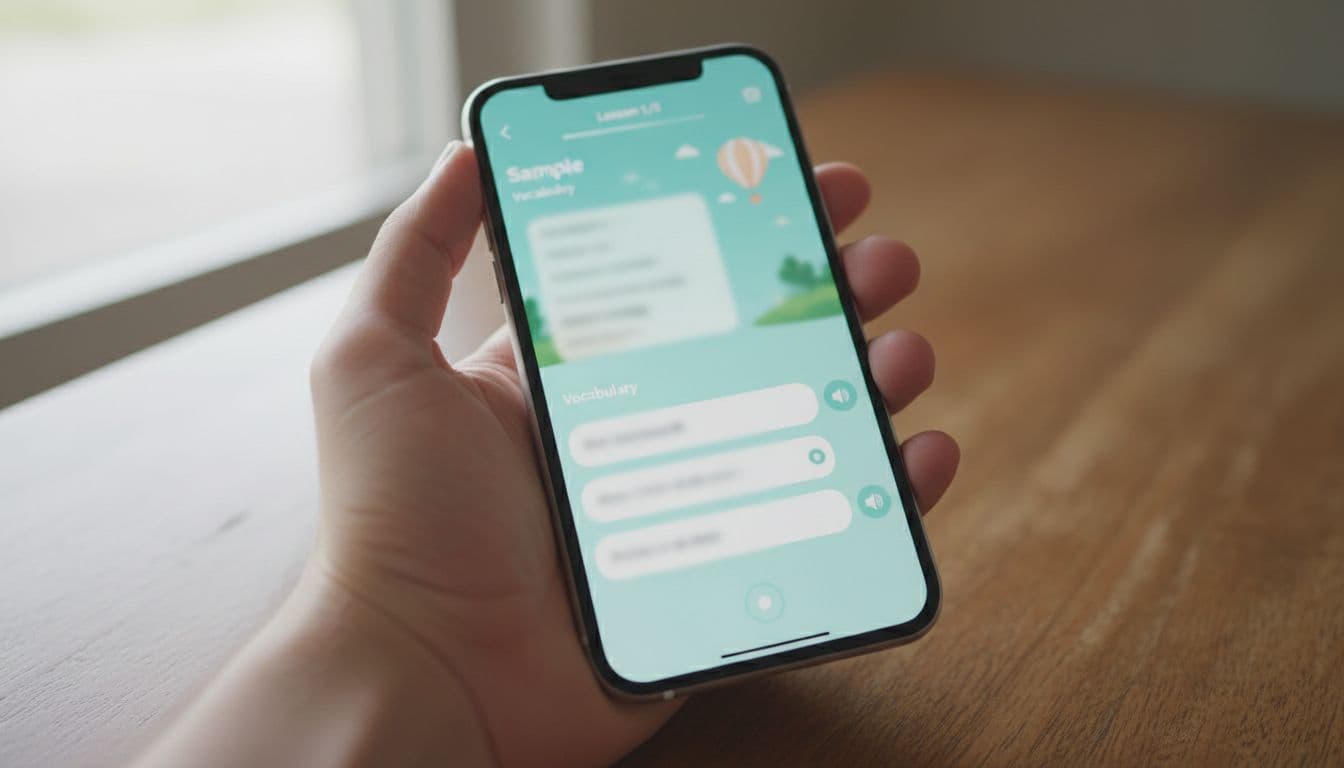
Set a timer for 10 minutes. Keep it strict. You’re testing the app, not your motivation.
Minute 0 to 1: Store-page reality scan (before opening)
On iOS (App Store), scroll the listing and glance at:
- In-App Purchases (do prices look clear or scattered?)
- App Privacy (does it mention tracking or lots of linked data?)
On Android (Google Play), scroll and find:
- Data safety
- About this app (look for ads, IAPs, subscription)
This isn’t a deep education app audit yet. You’re checking whether the business model is upfront.
Minute 1 to 3: Try to enter as a guest
Open the app and look for one of these paths:
- “Try a lesson“
- “Continue as guest“
- “Maybe later“
- “Skip“
If the app blocks you with a forced signup wall, tap through only if there’s a low-friction option (Apple/Google sign-in). Avoid phone-number signups for a simple trial unless you truly need it.
Minute 3 to 6: Run one micro-lesson, but watch the teaching
Choose a beginner lesson or a placement snippet. While you answer, notice:
- Does it explain mistakes, or just mark wrong? Pay attention to vocabulary and grammar handling.
- Does it require recall (typing or speaking with speech recognition and pronunciation tools), or only tapping tiles? Check listening comprehension too.
- Do hints teach, or do they simply reveal answers?
If you want a focused way to judge whether hints train learning or dependency, use the language app hints quality test.
Minute 6 to 8: Stress test the paywall and the “nag”
Now intentionally do two things:
- Exit the lesson and try to start a second one.
- Tap one premium-looking feature (speaking, AI chat, downloads, grammar).
You’re looking for tone and tactics, including how the app presents its premium features and subscription plan. A fair trial says “locked” and explains why. A pushy trial tries to confuse you into subscribing.
Minute 8 to 10: Quick skill signal (the “can I produce it?” check)
Do a tiny output test using the same content:
- Test speaking skills by saying two sentences out loud without looking.
- Test writing skills by typing one sentence in Notes (or on paper) from memory. This also reveals reliance on reading skills.
If you can’t produce anything, the app may be too recognition-heavy, or simply too fast. That’s when a pacing check helps, like this difficulty ramp test for apps.
Score it with a simple rubric (and a filled example)
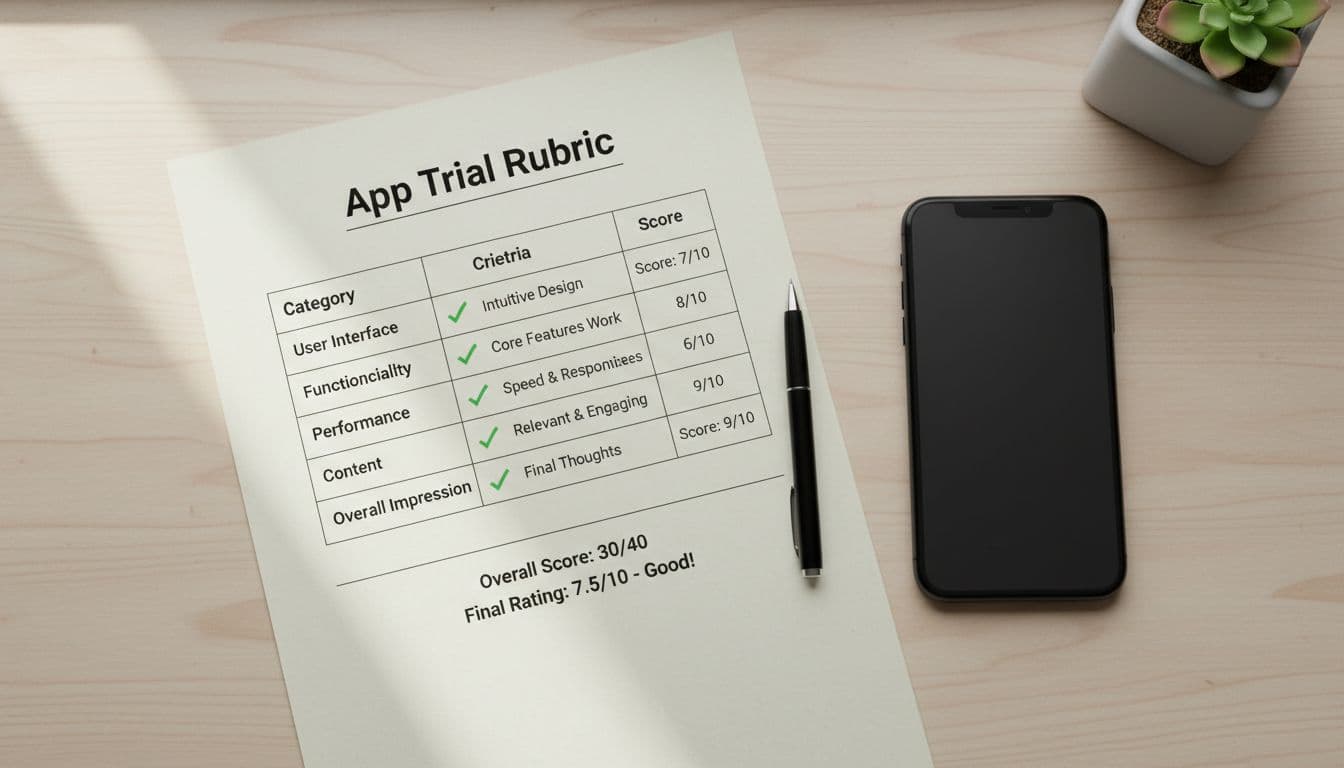
Use this quick rubric so your decision doesn’t depend on vibes. Score each item 0 to 2, then total out of 10.
| Category (0 to 2) | What to look for in 10 minutes |
|---|---|
| No-account access | Guest mode exists, or signup is skippable until after a real lesson |
| Teaching quality | Clear feedback from language experts, helpful examples with tailored learning, mistakes trigger guidance |
| Output support | At least one moment of speaking or typing, not only tapping |
| Upsell pressure | Pay prompts are clear and respectful, not constant or tricky |
| Transparency | Pricing and limits are easy to find, no bait-and-switch |
Takeaway: 8 to 10 means “worth a longer trial.” 5 to 7 means “only if it matches your exact goal.” Under 5 means “move on.”
Example score (hypothetical app: “LingoLift”)
Here’s a realistic sample you might write after a first run:
| Category | Score | Notes |
|---|---|---|
| No-account access | 1 | Guest entry exists, but it’s easy to miss |
| Teaching quality | 2 | Explains two errors with short, clear tips and game-like features to track progress |
| Output support | 1 | Speaking skills practice is optional, typing is limited |
| Upsell pressure | 1 | Two subscription plan popups in 10 minutes |
| Transparency | 2 | Prices and plan length shown before checkout |
| Total | 7/10 | Good teaching, but sales pressure is noticeable |
If you’re worried about getting tricked by “free” that isn’t really free, pair this with a broader language apps 10-minute reality check.
Red flags and a privacy mini-audit (fast, but meaningful)
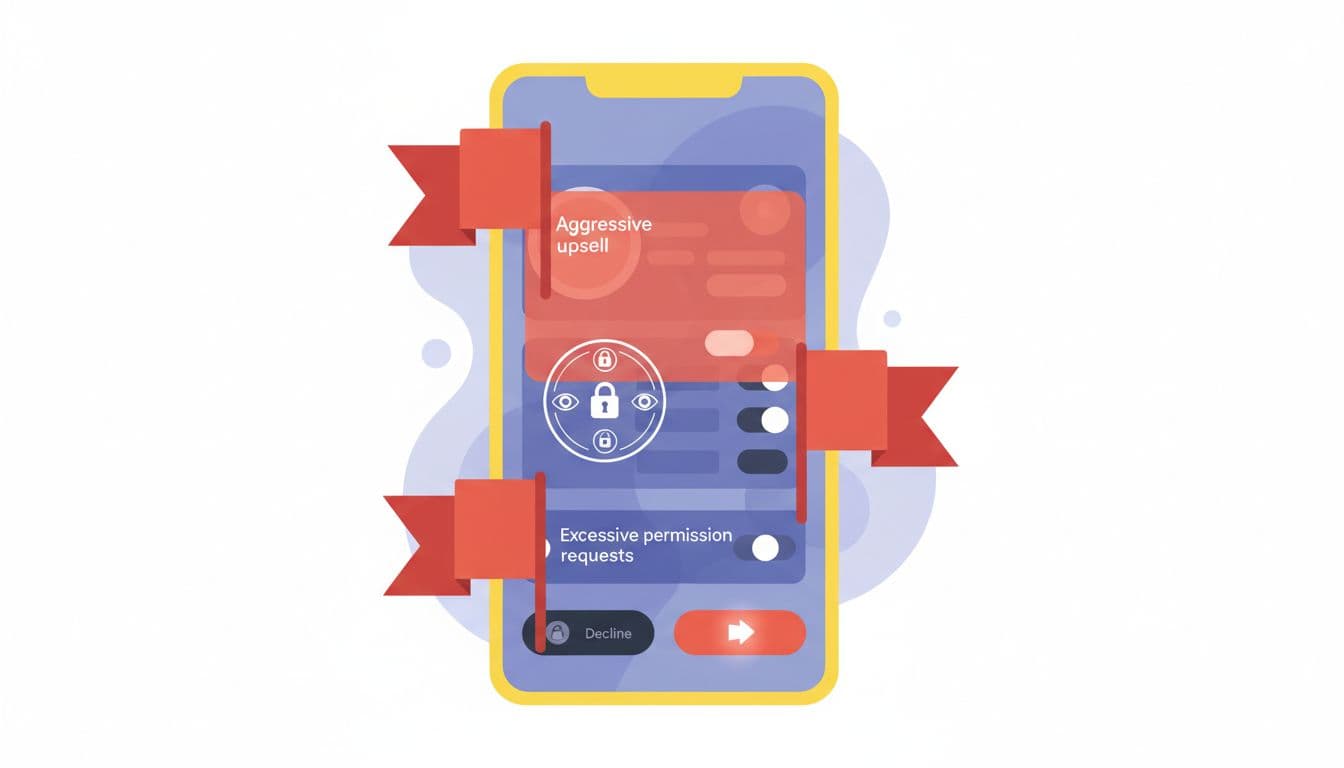
Some app problems aren’t “features you don’t like.” They’re trust issues.
Red flags to treat as deal-breakers (or at least “not today”)
Aggressive upsells can cross into dark-pattern behavior, like hiding the close button or making “No thanks” hard to see. Users should look for a clear “cancel anytime” policy and a “money-back guarantee” on subscription buttons. For background on common tactics, read dark patterns and tricks in mobile apps. You can also see how users describe “sneaky” ad experiences in this report on iPhone app ads and complaints.
Watch for:
- Countdown timers on discounts the moment you open the app
- Multiple paywalls before you complete one lesson
- Buttons with confusing labels, like “Continue” that actually starts a subscription
- Guilt prompts urging a daily habit, especially in kids-focused flows
Privacy mini-audit: what to check in under 2 minutes
On iOS, learn what those labels mean using Apple’s explanation of Privacy Labels (and the deeper breakdown in App Store privacy details). On Android, the closest equivalent is the Play listing’s Data safety section, backed by Android Developers guidance on declaring data use. Perform these checks on the mobile app listing and settings.
Then do two quick checks:
- Store listing checks
- Look for “Data linked to you” or “Data used to track you” on iOS.
- On Android, scan whether data is collected for advertising or shared.
- Permission sanity check (inside the OS)
- If the app asks for contacts or precise location on day one, that’s rarely needed for language practice.
- Microphone access can be reasonable for features like offline mode or practicing with native speakers if speaking is core, but the app should explain why.
As a simple rule, don’t grant permissions until you hit a feature that truly needs them.
Conclusion
A language app free trial is the best way to determine if a platform can realistically lead to fluency. A quick 10-minute check during the free trial period won’t predict full fluency, but it will protect your time and privacy. Focus on guest access, teaching quality, output practice, upsell pressure, and data transparency. If the app earns your trust fast, then a longer trial makes sense. If it fights you for an account, permissions, and payment, your answer is already there.

