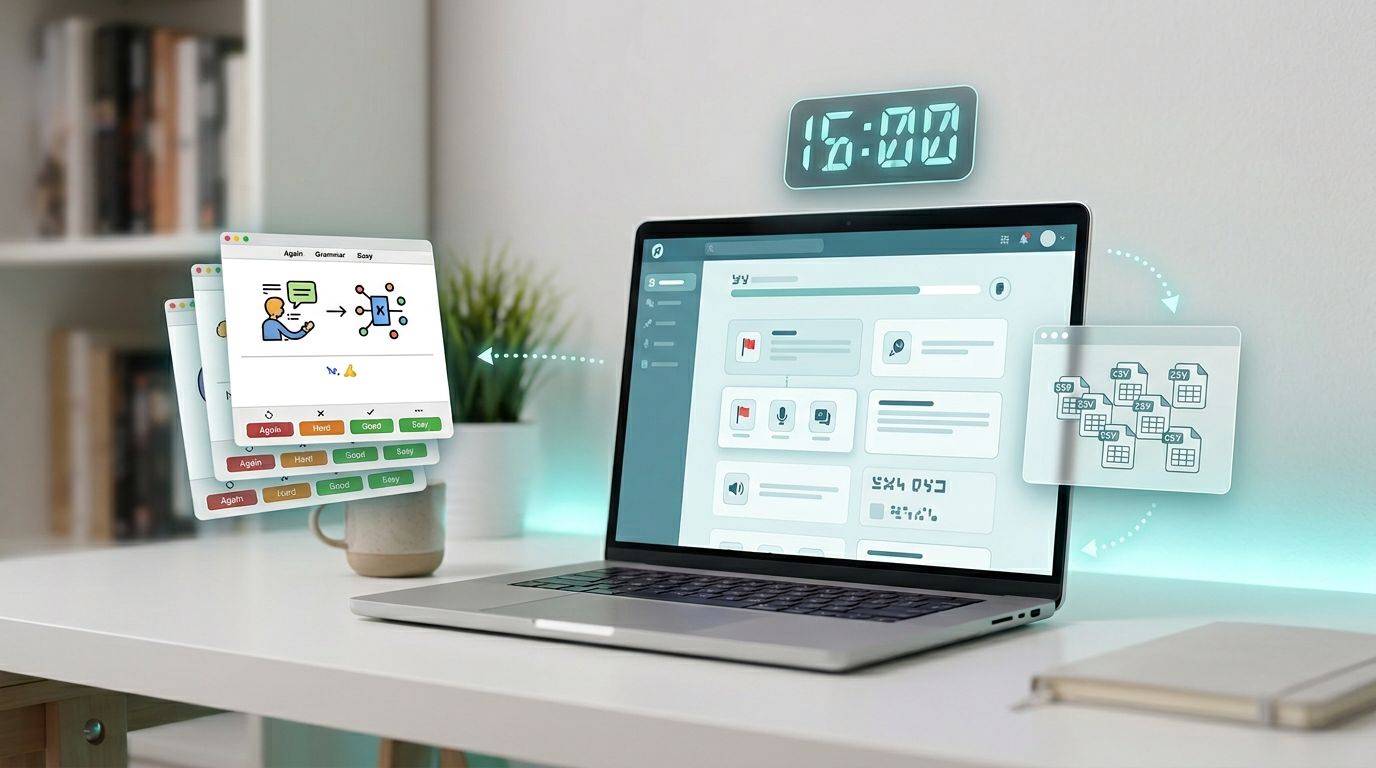
If you’re saving words and sentences inside a language app, you’re building a personal library. The catch is that many apps store that library like a walled garden. When you want to review in Anki, or move to a new tool, you may find the gate is locked.
This quick anki export check takes 15 minutes, a timer, and a test set of items. You’ll end with proof, not vibes: either the app can produce Anki-ready data, or it can’t.
The goal isn’t to “hack” anything. It’s to verify export options that exist, without breaking any terms.
What counts as a real Anki export (and what doesn’t)
A real anki export is any output you can reliably turn into Anki notes without manual retyping. That usually means CSV, TSV, JSON, or an Anki package. It should include at least the text you studied, and ideally the context (example sentence, source, audio).
On the other hand, a PDF “progress report” isn’t an anki export. Screenshots aren’t either. They’re readable, but not reusable.
In March 2026, many mainstream language apps still don’t offer a built-in Anki or CSV export button for vocab and sentences. So your check should look for three “honest paths”:
- In-app export or download (best case)
- Official API or data download (common in privacy tools)
- Supported sharing (copy, email, or “export to file” that stays structured)
If you want a wider view of what good portability looks like beyond flashcards, use LanguaVibe’s data portability check for language apps. It helps you spot “PDF-only” exports fast.
If an app can’t give you your own study data in a reusable format, you’re renting your progress.
The 15-minute Anki export check (Minute 0–5, 5–10, 10–15)
Minute 0–5: Find the export path and capture evidence
Start with a clean test set. Save 10 items inside the app (mix of words and full sentences). Add a tag or label like “Test” if the app allows it.
Now hunt for export where a normal user would look:
- Settings, account, privacy, “download my data”
- Saved words, phrasebook, notebook, vocabulary list
- Desktop web app settings (many apps hide exports on web only)
Capture evidence as you go. Two screenshots usually do the job: the export entry screen and the format options (or lack of them). If the app generates a file, save it with the app name and date.

One more thing: write down whether export is self-serve or “email support.” Support-only export can work, but it’s slower and harder to repeat.
Minute 5–10: Open the export and test “Anki readiness”
Don’t judge by the download button. Judge by the file.
Open the export in a spreadsheet app and also in a plain text editor. You’re checking if the structure survives contact with real tools.
Look for these signals:
- One row per item (word or sentence)
- Separate columns for meaning, example, reading, notes
- A consistent delimiter (commas or tabs)
- Stable identifiers or timestamps (helpful later)
Also sample 3 rows and ask a blunt question: “Could I import this to Anki in under 10 minutes?”
If your app is known for locking down data, you may find community-built exporters. For example, LingQ users sometimes rely on tools like LingQ sentence and vocabulary CSV exporters, and some Duolingo users discuss workarounds in threads like exporting Duolingo vocabulary for Anki review. Treat these as optional paths, and double-check app terms before using anything that scrapes.
Minute 10–15: Map fields to an Anki note type (and run a tiny import)
This is the make-or-break step. You’re not trying to import everything yet. Import 5 rows into a test deck, then inspect the notes.
Check:
- Do accents and non-Latin scripts display correctly?
- Do line breaks stay inside fields, not across rows?
- If there’s audio, does it import as media or just a dead link?
- Are examples attached to the right word?
If the app supports notes or bookmarking, it’s worth running LanguaVibe’s language app note-taking test too. Strong note features often predict a cleaner anki export later.
A “gold standard” Anki note schema (and a minimal fallback)
A good export isn’t just “term, translation.” Context is the difference between a flashcard that sticks and one that slides off your brain.
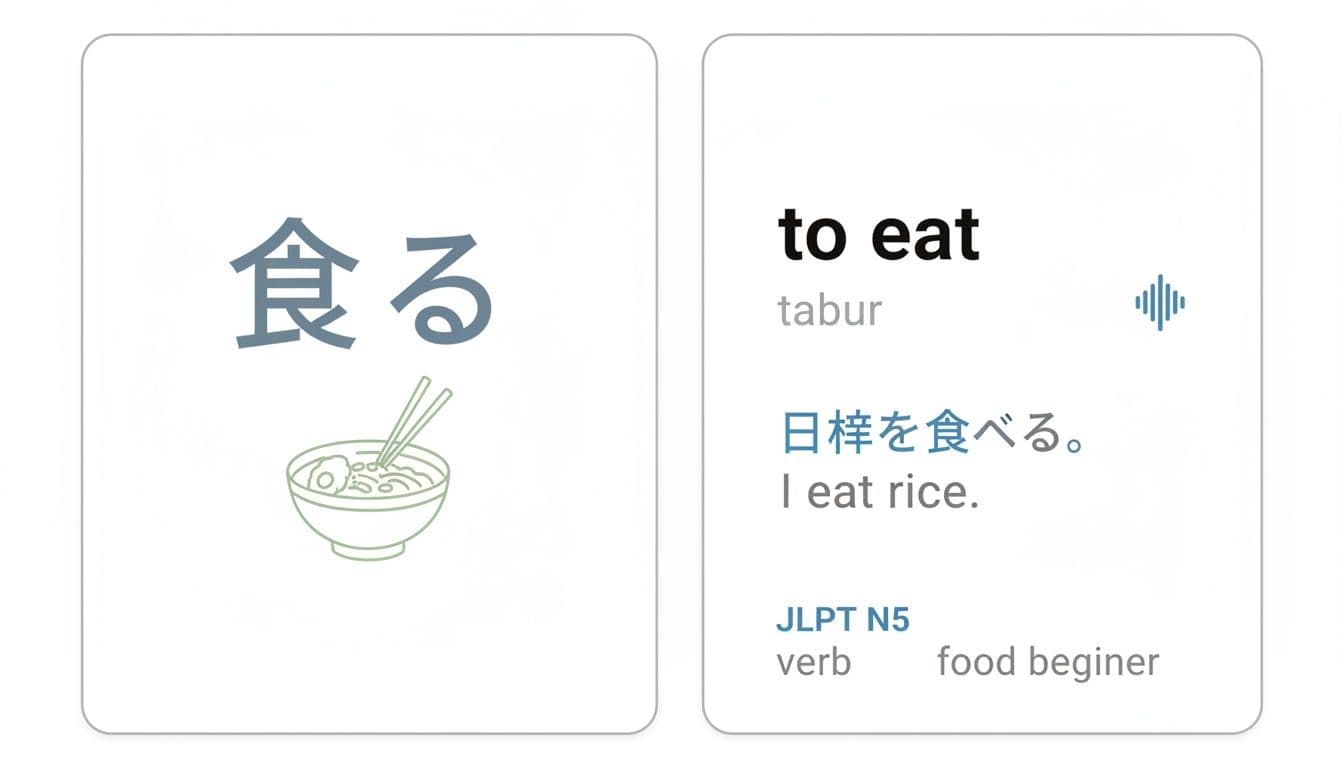
Use this as your target when judging an anki export:
| Schema | Fields | Best for |
|---|---|---|
| Gold standard | Front, Back, Reading, Audio, Example, Source, Tags | Long-term study, sentence mining, clean searching |
| Minimal | Front, Back, Tags | Fast imports when the app gives you little |
A practical mapping example:
- Front: the word or full sentence in your target language
- Back: translation, or a short meaning
- Reading: pronunciation, transliteration, or IPA (if you use it)
- Audio: a local file import is best; links can work but often break
- Example: one real sentence, not a template
- Source: lesson name, article title, or app name plus unit number
- Tags: language, topic, app, and difficulty (keep tags boring and consistent)
If an app only exports “word + translation,” you can still build a good deck. Add your own Example and Source later, but at least start with clean Front and Back.
Troubleshooting common export problems before they ruin your import
Most anki export failures aren’t dramatic. They’re small formatting issues that multiply.
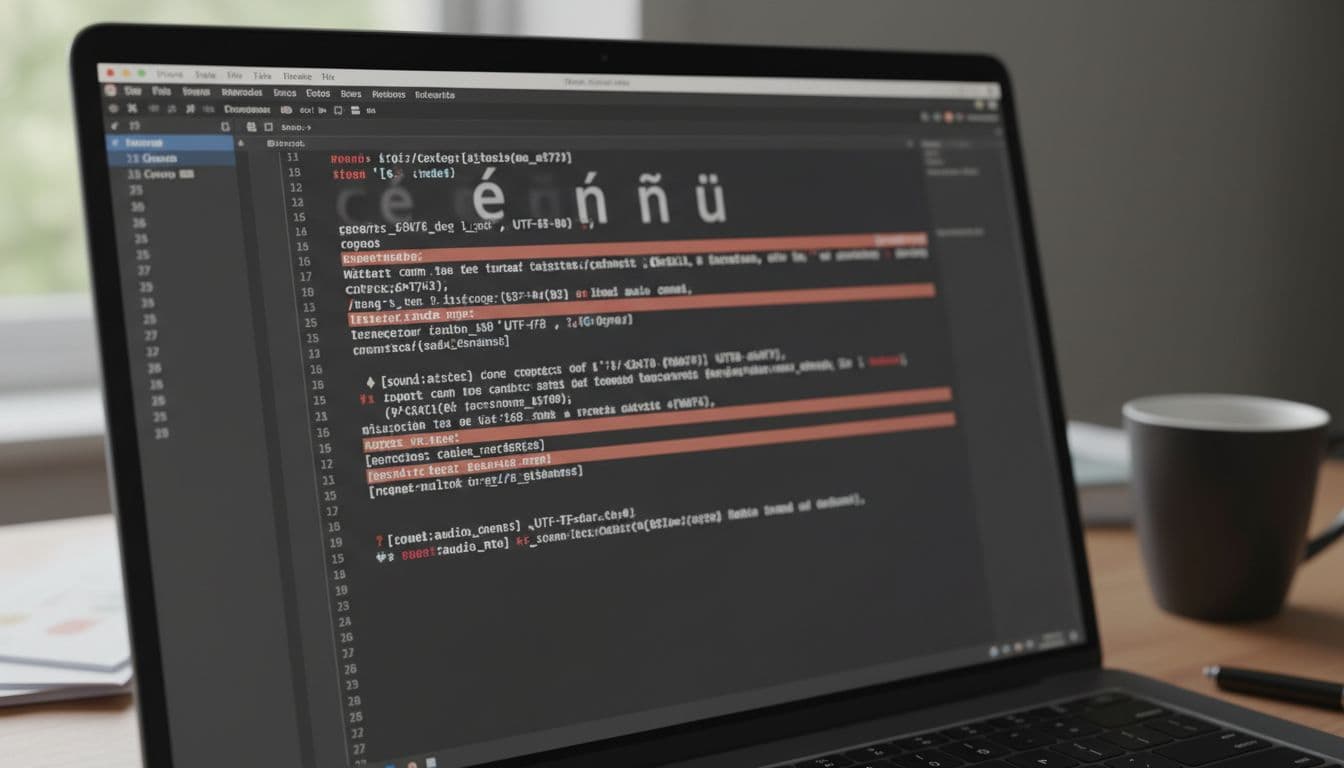
Here are the problems that show up most often, plus fixes that don’t require advanced skills:
- Comma-delimited CSV breaks mid-sentence: If an example contains commas, a CSV may split columns wrong. Export as TSV if possible, or choose an option like “quote fields.” In a pinch, open the file in a spreadsheet and re-export as CSV with quoting enabled.
- UTF-8 issues (accents, Chinese, Arabic): If characters become boxes or question marks, the file encoding is wrong. Re-save the file as UTF-8 in a text editor that supports encoding choice.
- Line breaks create “extra rows”: Multi-line notes can turn one card into three rows. Prefer exports that wrap fields in quotes, or remove line breaks inside the source app before exporting.
- Audio is a link, not media: Many exports include URLs instead of attached audio. Some links expire, and some require login. If you can, download audio files and import them as media. If the app only offers streaming links, consider skipping audio or using a different source for pronunciation.
- HTML clutter: Exports sometimes include
<br>tags or copied formatting. Clean it by pasting into a plain text editor first, or remove tags with a basic “strip formatting” option. Then re-import a small sample.
If you need a reference point for third-party conversion tools (again, only if they follow terms), projects like duolingo-to-anki show what an Anki-friendly output usually looks like (simple rows, stable fields).
If there’s no export: what to do next (without breaking terms)
When an app has no export button, don’t jump straight to scraping. First, try the paths the company already supports:
- Official data download: Look for “download my data” in privacy settings. Even if it’s messy, it’s legitimate evidence and often includes JSON.
- Official API: Some services expose limited endpoints for user data or integrations. If it exists, it’s usually documented and safer to rely on.
- Switch tools for capture: If exporting matters to you, choose an app that treats your saved content like something you own.
Also capture your “no export” proof. Save a screenshot of the settings area where export should be, plus a help page search result if one exists. For LingQ, for example, learners discuss expectations and limits in threads like LingQ forum requests about exporting to Anki. That kind of link can support your decision when you compare apps.
Conclusion
A 15-minute anki export check protects future-you. You’ll know whether your favorite app can produce reusable study data, or whether it locks everything inside.
Run the timer once per app, save the evidence, and import five rows as a test. After that, your choice gets simpler: keep the app, use an official export path, or move to a tool that lets your learning travel.
Ready to Take Your Language Learning Further?
Your favorite language-learning app is a great place to start. Rocket Languages can help you go further with interactive audio lessons, pronunciation practice, real-world conversations, and structured learning.
Explore Rocket Languages →Affiliate disclosure: We may earn a commission if you purchase through this link, at no additional cost to you.
