
Some language learning apps feel effective because they keep you busy. You tap, swipe, pass lessons, and watch numbers rise. Still, activity isn’t the same as balanced progress.
A good app should train more than memory and pattern matching. It should help you hear, say, read, write, remember, and correct the language. This 15-minute check helps you spot that balance fast, before you sink months into the wrong tool.
What balanced support looks like in a language app
Think of language study like a wheel. If one spoke is weak, the ride gets rough. The same thing happens when an app trains only easy skills.
Many language learning apps are strong in vocabulary recognition and weak in output. Others have nice speaking buttons, but poor review systems. A balanced app doesn’t need to be perfect, but it should support all eight core areas in a usable way.

Use these quick definitions while you test:
- Speaking: You must say words or sentences, not just tap choices.
- Listening: You answer from audio, not from reading alone.
- Reading: You work with phrases, dialogs, or short passages.
- Writing: You type or build full answers from memory.
- Vocabulary: New words return later and appear in context.
- Grammar: The app explains patterns briefly, then makes you use them.
- Pronunciation: You get feedback on sounds, stress, or rhythm.
- Review and retention: Old mistakes come back through planned practice.
If two or three of these are missing, the app may still be useful, but it’s not a full study base. That’s common, and it’s fine, as long as you know the gap.
Run the 15-minute skill balance check
Set a timer for 15 minutes. Pick one lesson or unit that feels slightly easy, not brand-new and not too hard. That gives you a fair read on the app’s design, not just your current level.
Follow this simple test:
- 0:00 to 2:00, scan the lesson types. Look for speaking, typing, listening, reading, and review options. If the app offers only matching and multiple choice, mark an early warning.
- 2:00 to 5:00, complete one lesson normally. Watch whether you recall answers or just recognize them. Recognition can hide weak training.
- 5:00 to 7:00, test output. Try one speaking or typing task. If there isn’t one, score speaking or writing low right away.
- 7:00 to 9:00, test audio. Replay one prompt once, then answer from sound alone. Good listening tasks don’t depend on text sitting on the screen.
- 9:00 to 12:00, check grammar and vocabulary support. Make one mistake on purpose. See whether the app explains the pattern or only reveals the answer. If you want a closer look, try this language app hints quality test.
- 12:00 to 15:00, open review or practice mode. Look for recent mistakes, weak-word queues, or spaced review. If review feels random, use this 10-minute adaptive learning test for language apps.
Here is the scorecard. Give each skill 2 points for strong support, 1 point for partial support, and 0 points if it’s absent or too weak to matter.
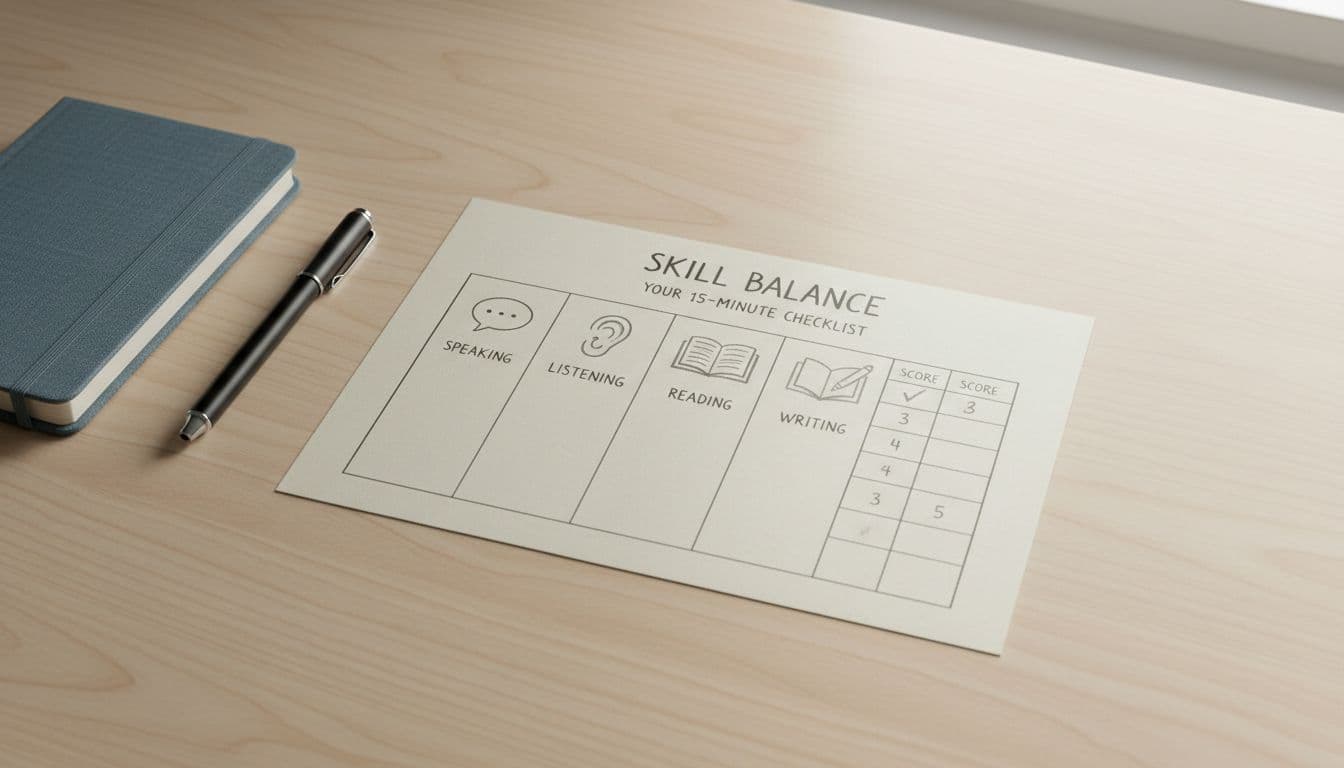
| Skill | Strong support looks like | Score |
|---|---|---|
| Speaking | You produce answers aloud, not just repeat one word | 0, 1, 2 |
| Listening | You answer from clear audio without reading first | 0, 1, 2 |
| Reading | You read connected language, not only isolated words | 0, 1, 2 |
| Writing | You type or build full sentences from memory | 0, 1, 2 |
| Vocabulary | Words reappear later and inside useful contexts | 0, 1, 2 |
| Grammar | Short explanations connect to real practice | 0, 1, 2 |
| Pronunciation | The app checks sounds or stress with feedback | 0, 1, 2 |
| Review | Mistakes return through spaced, targeted practice | 0, 1, 2 |
A perfect score is 16. Most apps won’t hit 16, and they don’t need to. What matters is whether the weak areas are small gaps or giant holes.
If an app never asks you to recall, it’s measuring comfort, not growth.
How to read your results without fooling yourself
Your total score matters, but the pattern matters more.
A score of 13 to 16 usually means the app supports rounded progress. You may still want real conversation practice, but the base is solid.
A score of 8 to 12 means mixed support. Often, these apps do vocabulary and reading well, then go thin on speaking, writing, or review. That’s not a deal-breaker, but you should patch the missing skills elsewhere.
A score of 0 to 7 means the app is narrow. It may still work as a flashcard tool, a travel phrase trainer, or a listening booster. It just shouldn’t be your whole plan.
Watch for four common traps:
- Recognition-only lessons: You feel fast because the app feeds you the answer shape.
- Fake speaking practice: You repeat a word once, then get no useful feedback.
- Grammar without use: The app shows rules, but never asks you to apply them.
- Review that means random repeat: Old items return, but not because of your mistakes or timing.
Also, don’t punish a specialist tool for being specialized. A pronunciation app can still be great if it clearly does pronunciation well. The problem starts when a general app claims to teach everything, yet barely trains half the wheel.
Conclusion
A short test beats a long guess. In 15 minutes, you can see whether an app builds a broad skill set or keeps you in the easy lanes. Use the scorecard on two language learning apps, compare the weak spots, and choose the one that supports balanced progress. If the score comes back lopsided, keep the app if you want, but fix the missing skills on purpose.

