
If a language app marks good answers wrong, it trains you to please the app, not use the language. That’s the point of this language app test. In 15 minutes, you can check whether an app accepts reasonable wording changes, explains differences, and rewards real recall instead of pattern matching.
This matters more in 2026 because many apps now add AI chat and speaking tools. Still, the graded lesson often decides whether learning feels fair. A fast test helps you see that before a subscription locks you in.
Why alternate correct answers matter more than most reviews admit
Real language is flexible. “I am ready” and “I’m ready” often mean the same thing. In many cases, “I would like coffee” and “I’d like a coffee” are both fine. A good app doesn’t need to accept every possible wording, but it should handle common valid variants or explain the gap clearly.
That is why this test works. It checks whether the app teaches meaning and form, or just one approved script. Rigid answer matching can feed the plateau many learners feel after the beginner stage. Current app trends also show a wider shift toward real conversation and AI-powered practice, because games alone rarely carry learners very far. For a broader view of what different platforms are trying to solve, see this language learning apps comparison.
If a valid answer keeps failing, the app may be grading its template, not your language.
Of course, this isn’t a full review. It won’t tell you about speed, search, or long-term retention. For that wider check, pair it with this 10-minute reality check for apps.
How to run the 15-minute language app test
Use the same device, same target language, and similar lesson level across apps. Pick a lesson with short translations, sentence building, or typed responses. Then set a 15-minute timer.
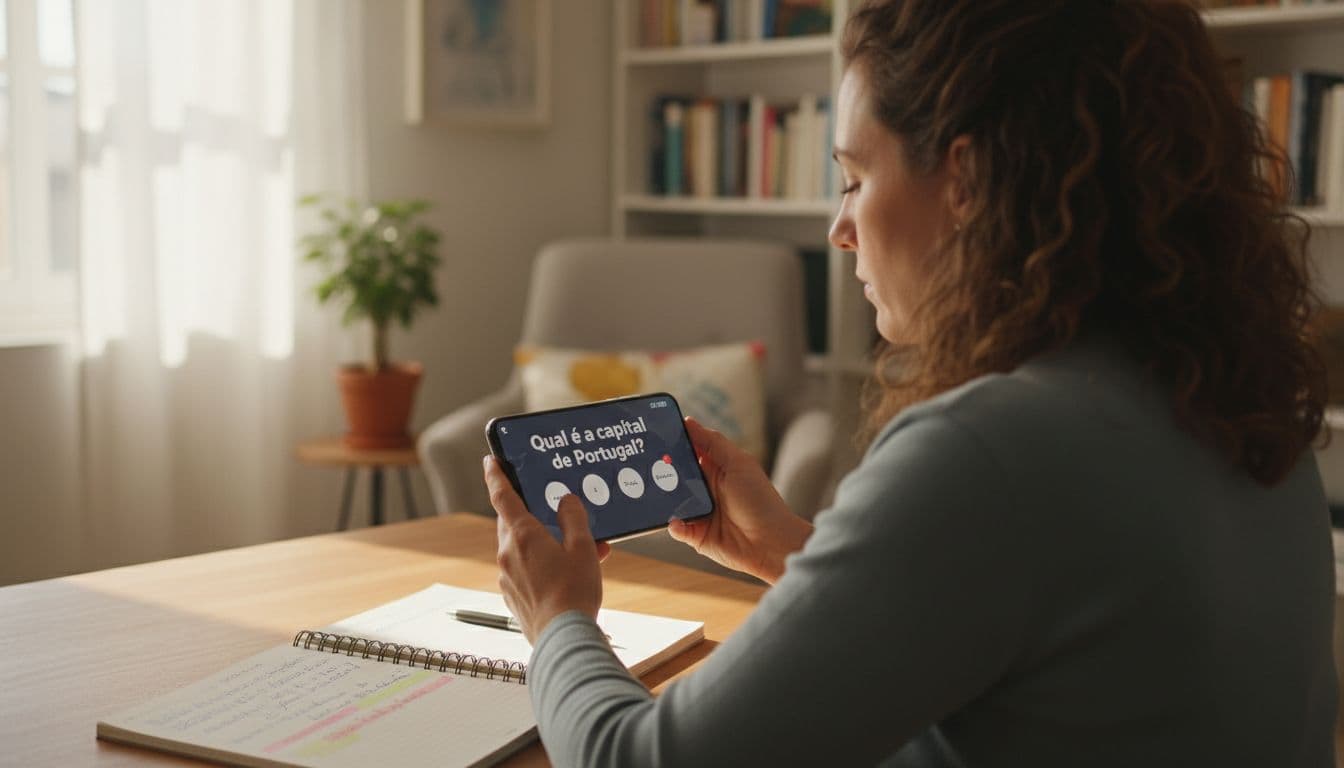
- Warm up for two minutes: Complete a few items normally so you understand the lesson pattern.
- Find five answerable prompts: Use prompts where more than one standard answer could work.
- Submit valid alternatives: Try contractions, common synonyms, or normal word order changes. Stay grammatical and stay close to the lesson goal.
- Record the app’s reaction: Note whether it accepts the answer, rejects it with a useful explanation, or rejects it with no help.
- Repeat in another app: Run the same type of prompt in a second tool so the result means something.
Use this simple scoring guide while you test.
| App response | Score | What it means |
|---|---|---|
| Accepts the answer cleanly | 3 | Flexible and learner-friendly |
| Rejects it, but explains the difference well | 2 | Strict, but still teaches |
| Rejects it and only shows one expected answer | 1 | Rigid feedback |
| Rejects it with weak or confusing feedback | 0 | High friction |
Five prompts give you a total out of 15. A score of 12 to 15 is strong. Nine to 11 is usable, but a bit stiff. Anything below nine means the app may punish normal language variation too often.
Because answer flexibility is only one piece of quality, it helps to follow this with a 10-minute lesson retention test. An app can be fair in grading and still teach forgettable material.
What the test looks like in Duolingo, Babbel, Memrise, and similar apps
The method stays the same, but the prompt type changes. In Duolingo, many learners use this test on short translation items. A clean check is a contraction, such as answering “I’m tired” when the prompt could also allow “I am tired.” If the app rejects it, ask whether grammar was really wrong, or whether the app wanted its house style.
With Babbel, use dialogue or sentence-production exercises when they appear. Try a neutral synonym that fits the same grammar target. Memrise works well when a phrase has clear meaning but more than one natural wording. Rosetta Stone can be tested in any task that asks you to produce language rather than just match images. In other words, don’t force the test into a multiple-choice item that allows only one slot.
This test also helps because 2026 apps increasingly mix fixed lessons with AI chat or speaking tools. Often, the open conversation mode is more forgiving than the graded course. If the app feels smart in chat but rigid in lessons, you’ll still feel friction during daily study. A March 2026 Duolingo vs Babbel review can help you build a shortlist first.
How to read your score without fooling yourself
A high score means the app handles normal variation well. It does not mean the course is deep, the audio is strong, or the review system will carry you past A2. On the other hand, a low score is hard to excuse, because answer checking sits at the center of daily practice.
Repeat the test once. Some apps accept one alternate form in one lesson, then reject the same idea later. Also watch for false alarms. A rejected answer may differ in register, spelling standard, punctuation, or article use. British and American English can trip some apps, and accent marks can change meaning in many languages.
If two apps score closely, use a second filter. Check how fast you can find the right lesson, because a fair app that hides content still wastes time. This language app search test in 10 minutes pairs well with the alternate correct answer test for that reason.
In short, the best result is not “the app accepted my guess.” The best result is, “the app treated a valid answer fairly, or taught me why it wasn’t valid.”
The bottom line
A good language app should feel like a patient teacher, not a locked answer key. This 15-minute test gives you a quick, repeatable way to spot that difference. Run it on two or three apps, compare the scores, and keep the one that handles real language with the most fairness. If an app can’t deal with small valid variations, it may not deserve your daily time.

