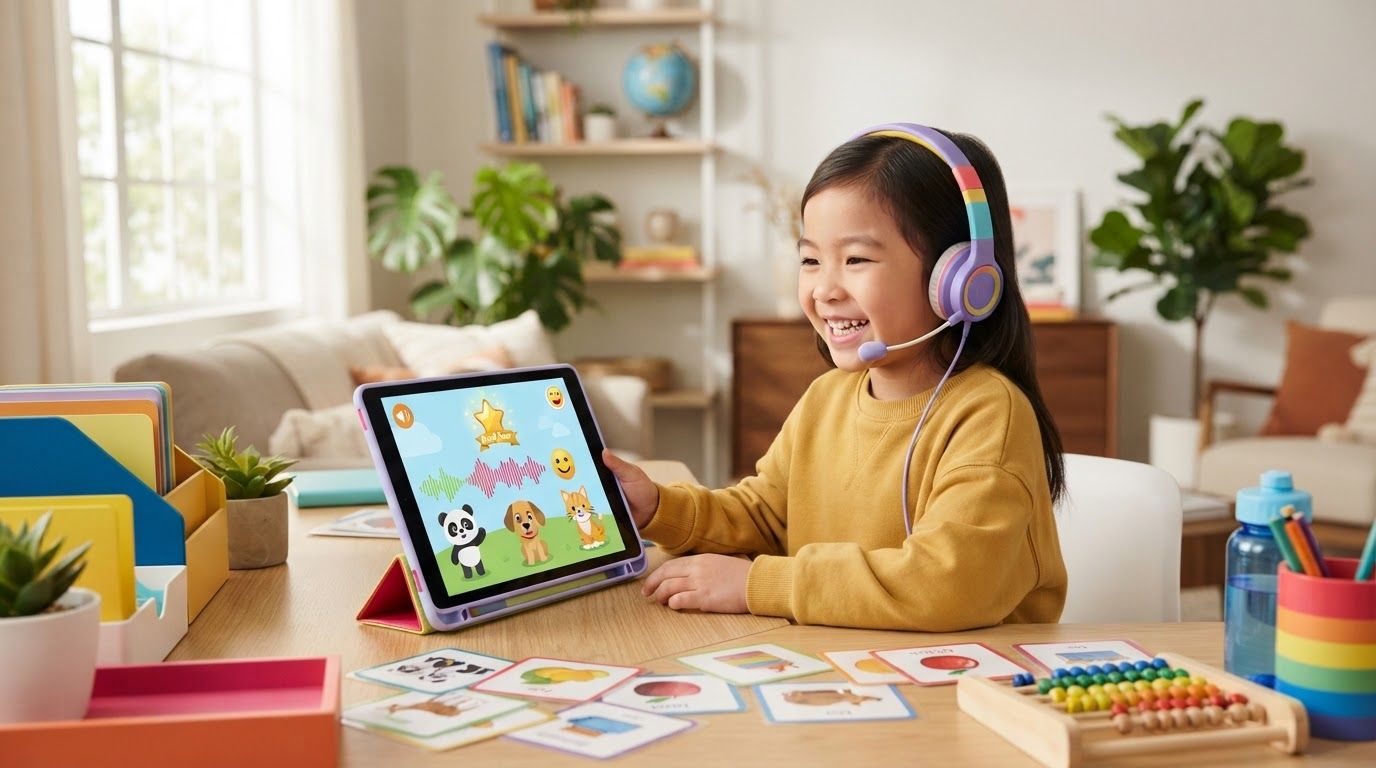
Many children’s Mandarin apps assume a child can read menus, instructions, or Chinese characters. For families starting from zero, the best Mandarin apps for kids should work through audio, pictures, gestures, and repetition before reading becomes part of the lesson.
The three strongest choices in 2026 are Dinolingo Chinese, Gus on the Go: Mandarin, and HelloChinese for older children. They suit different ages and goals, so start by matching the app to your child’s independence, attention span, and exposure to spoken Mandarin.
What a Non-Reader Needs From a Mandarin App
A child who cannot read Chinese characters can still build useful listening and speaking skills. The app must make the first steps clear without depending on written instructions.
Look for picture-led movement
Young children should be able to tap a picture, hear a word, and repeat it without decoding a menu. Large illustrations, spoken prompts, songs, and visual rewards work better than text-heavy lesson screens.
Parents should test the first lesson themselves. Check whether a child can return to the home screen, replay audio, and start the next activity without reading Chinese or English.
Treat pinyin as support, not a requirement
Pinyin can help older children connect sounds with written pronunciation. However, a preschooler doesn’t need to read pinyin before learning words such as māma, māo (cat), or shuǐ (water).
An app is a better fit when pinyin can remain in the background. Listening, tone imitation, and picture recognition should carry the first months of learning.
Best Mandarin Apps for Kids: Dinolingo Chinese
Dinolingo is the most complete choice for families who want a child-focused platform with many activity types. Its Chinese program for kids uses cartoon videos, songs, games, flashcards, audiobooks, quizzes, and printable worksheets.
How a non-reader uses Dinolingo
The picture-and-song-first design gives a young child a reasonable path through basic vocabulary. A child can select visual activities and hear words before encountering reading and writing tasks.
Still, Dinolingo’s public information doesn’t confirm that every menu is completely character-free. It also doesn’t clearly state whether pinyin is required, optional, or hidden in each activity. Set up the account first, then watch your child use one lesson without help.
The program develops listening and vocabulary first, then introduces speaking, reading, writing, and sentences. That makes it more suitable for gradual progress than an app limited to isolated flashcards.
Age, cost, strengths, and controls
Dinolingo presents its wider platform for ages 2 to 14, while some Chinese-specific material gives a range of 2 to 12. For a child who cannot read, the best fit is usually preschool through early primary school. Older beginners can use it if they enjoy short games and videos.
The published family price is $19.99 per month or $199 per year, with a seven-day trial. Plans can include up to six child profiles. However, pricing pages and regional app stores can show different offers, so check the final price before subscribing through the Dinolingo pricing page.
Dinolingo is marketed as ad-free and kid-safe. App listings mention parental controls and in-app purchases, while progress reports give adults a way to check activity. Parents should still protect the account with device-level purchase approval and screen-time settings.
Gus on the Go: Mandarin for a Low-Cost First Step
Gus on the Go: Mandarin is a simpler option for introducing spoken vocabulary. The app focuses on a small, manageable course instead of a large subscription library.
How children use it without reading
Gus uses visual and auditory lessons about topics such as numbers, colors, food, and animals. Children tap images, hear Mandarin words, and practise through vocabulary games. The official Gus on the Go Mandarin page describes nearly 90 vocabulary words across 10 interactive lessons and reviews.
Pinyin isn’t needed to tap through audio activities. However, current listings don’t clearly confirm whether pinyin can be switched off or whether every screen avoids Chinese characters. Some character exposure may appear in reviews, so parents should treat Gus as a spoken-vocabulary starter, not a fully character-free course.
It builds word recognition and listening confidence, but it offers less grammar, sentence building, and open-ended speaking practice than a full course.
Age, price, limitations, and parental controls
The Apple listing gives Gus on the Go: Mandarin a 4+ rating and lists it at US$3.99 at the time of research. The official site lists availability across the App Store, Google Play, and Amazon. Prices and platform availability may change, so confirm the current Gus on the Go App Store listing.
Its practical age range is preschool and early primary school, although the publisher doesn’t provide a detailed Mandarin-specific age guide. It works best for children who enjoy tapping, repeating, and revisiting familiar picture sets.
The low one-time price is its main strength. Current store information doesn’t show a subscription, ads, or in-app purchases, and no dedicated parent dashboard was verified. Use device restrictions if you want to block purchases or limit session length.
HelloChinese for Older Beginners and Heritage Learners
HelloChinese is a useful conditional pick, but it isn’t a preschool app. It suits an older child who can follow English instructions, work with pinyin, and practise with an adult nearby.
What the app teaches
HelloChinese combines pinyin, tones, listening, speaking, basic grammar, and character practice in short lessons. Its Google Play listing describes it as a beginner Mandarin app with a structured pinyin course and authentic-speaker audio.
A child can tap audio answers and repeat phrases, but the lesson flow often includes pinyin, characters, written instructions, and grammar explanations. Therefore, a child who cannot read characters may use the audio portions, yet probably won’t move through the course independently.
Pinyin is central to the early course, rather than an optional extra. That makes HelloChinese helpful for older beginners and heritage learners who want to connect familiar spoken words with pronunciation and reading.
Age fit, cost, and adult supervision
HelloChinese has no clearly verified kids-specific age range. In practice, it fits roughly upper primary school through the teen years, depending on reading ability and willingness to study. It is a poor match for a toddler who needs picture-only interaction.
The app offers a free tier and paid premium access. Subscription prices, trials, and included lessons can vary by country, platform, and promotion. LanguaVibe’s HelloChinese app review gives a closer look at its beginner course and limits.
Its strengths are structure, tone practice, and early speaking work. Its limitations are the adult-oriented interface and the amount of text. No dedicated child profile or parent dashboard was verified, so parents should use Apple Screen Time, Google Family Link, or equivalent purchase controls.
Match the App to the Child’s Mandarin Background
The right choice changes when a child already understands spoken Chinese.
Chinese-speaking children need a different course
A child raised with Mandarin may understand everyday speech but still be unable to read characters. A beginner app can feel slow because it teaches words the child already knows.
That child needs a Chinese-first literacy program with character recognition, handwriting, stories, and age-appropriate classroom language. Check that the app’s instructions, explanations, and activities match the child’s strongest language. Products designed for Chinese-speaking children may not offer English support or beginner audio in the same way.
Heritage learners and complete beginners need more support
Heritage learners often benefit from a bridge between family speech and formal study. HelloChinese can fit older children who need pinyin, tones, characters, and sentence patterns in one course.
Complete beginners usually need more repetition and less text. Dinolingo is the strongest broad platform, while Gus offers a cheaper first test. In both cases, parents should listen for clear pronunciation and check whether the child can use the app without guessing what each button does.
Quick Comparison
| App | Best fit | Pinyin | Cost model | Parent support |
|---|---|---|---|---|
| Dinolingo Chinese | Ages 2-14, especially young beginners | Not clearly documented as required | Subscription, family profiles | Parental controls and progress reports listed |
| Gus on the Go: Mandarin | Preschool and early primary beginners | Not required for audio use, display controls unclear | About US$3.99 one-time listing | No dedicated dashboard verified |
| HelloChinese | Older children, teens, and heritage learners | Central to the course | Free tier plus premium subscription | Use device-level controls |
For a child who cannot read characters, Dinolingo gives the broadest learning path. Gus costs less and is easier to trial. HelloChinese becomes more useful when the child can handle written support.
Make the App Work at Home
Even a well-designed app won’t create progress if the child only taps through games. Keep sessions short and repeat useful words outside the app.
Use a predictable audio routine
Start with 5 to 10 minutes, three or four times a week. Play the same lesson more than once, then use two or three words during meals, bath time, or car rides.
Ask the child to point, repeat, or respond with an action. Don’t turn every session into a test. The first goal is to make Mandarin sounds familiar and enjoyable.
Keep account settings with an adult
Create the account yourself, disable purchases where possible, and review the app’s privacy and subscription screens. Check whether audio continues after the lesson and whether the child can open external links or store pages.
Watch one session each week. If the child guesses randomly, gets stuck on text, or only repeats game sounds, switch activities or choose a simpler app.
Final Recommendation by Child Profile
- Preschool beginner with no Chinese: Start with Gus on the Go for a low-cost vocabulary introduction. Choose Dinolingo if you want songs, videos, worksheets, and ongoing variety.
- Young beginner in a family with several children: Dinolingo is the better fit because its family plan can support multiple child profiles.
- Older child who wants a clear course: Try HelloChinese with parent support, especially when pinyin and early reading are useful.
- Heritage learner who already speaks Mandarin: Use a Chinese-first literacy app or an older-learner course rather than repeating basic picture vocabulary.
Conclusion
The best Mandarin apps for kids who cannot read characters begin with sound and meaning, not written symbols. Dinolingo offers the fullest child-focused program, Gus on the Go keeps the first purchase simple, and HelloChinese suits older learners who can manage pinyin and text.
Check one lesson before subscribing, confirm the current price, and watch how independently your child uses the screens. A short audio routine with the right level will help more than an advanced app that the child cannot use alone.