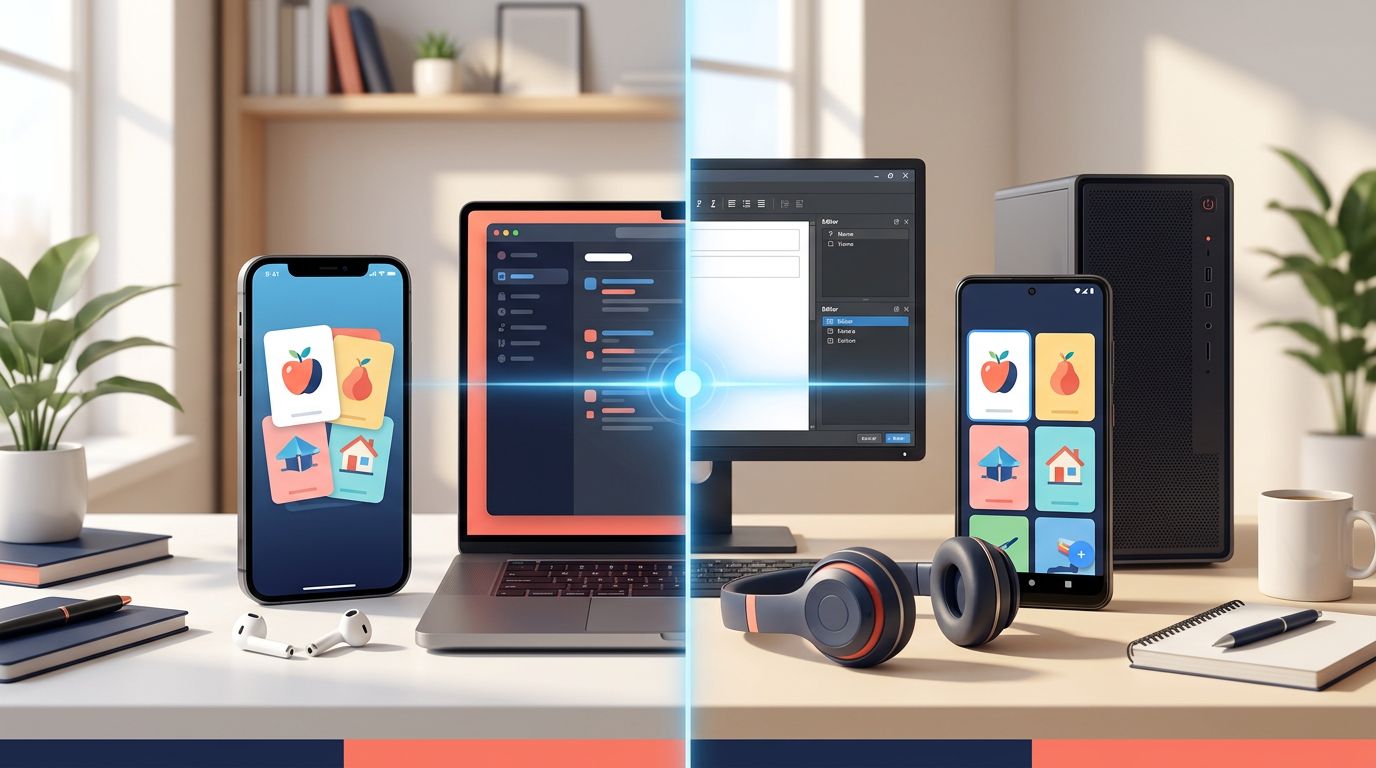
Your flashcard app can support a serious language habit or turn every review into phone maintenance. The AnkiMobile vs AnkiDroid decision usually starts with your phone, but cost, audio, pronunciation, sync, and desktop setup matter more once your collection reaches thousands of cards.
Both apps use Anki’s spaced-repetition system and connect with AnkiWeb. The main difference is practical: AnkiMobile is the paid iPhone and iPad client, while AnkiDroid is the free Android client. Your best choice depends on your device, budget, and how much of your workflow happens on desktop.
AnkiMobile vs AnkiDroid: What Actually Differs?
At the scheduling level, the two apps are much closer than many comparisons suggest. They can review the same collection, show cards with custom fields and media, and keep review history synchronized through AnkiWeb. The official Anki app overview lists the desktop app, AnkiWeb, AnkiMobile, and AnkiDroid as connected parts of the wider Anki setup.
AnkiMobile is the direct iOS choice
AnkiMobile is the official Anki client for iPhone and iPad. If you use iOS and want to review on your phone, this is the standard route.
The app fits learners who already build decks on a Mac or Windows computer, then need dependable mobile reviews during commutes, breaks, or travel. It also supports iPad study, which can suit learners who edit cards or review longer sentence decks on a larger screen.
The main barrier is price. Unlike AnkiDroid, AnkiMobile requires a one-time purchase.
AnkiDroid is the practical Android choice
AnkiDroid is free and available through the official AnkiDroid Google Play listing. It is developed by a separate volunteer community, so it isn’t the official Android app created by the Anki desktop team.
That distinction affects support channels and release details, but AnkiDroid remains compatible with Anki collections and AnkiWeb synchronization. For Android users, the decision is rarely about whether the app can handle serious study. It is usually about whether its interface and settings suit your daily routine.
Cost, platforms, and AnkiWeb synchronization
The price difference is easy to understand, but the long-term workflow deserves more attention. A free app is useful only if it makes you willing to complete reviews every day.
AnkiMobile costs more, but only once
In the United States, AnkiMobile costs $24.99 in the App Store. Storefront prices vary by country, with current listings showing ¥4,000 in Japan and 29.99 euros in France. The purchase helps fund AnkiMobile development.
AnkiDroid is free. The desktop version of Anki and AnkiWeb are also free, so Android learners can build a complete Anki setup without paying for the mobile client.
| Factor | AnkiMobile | AnkiDroid |
|---|---|---|
| Mobile platform | iPhone and iPad | Android phones and tablets |
| Current US price | $24.99, one-time purchase | Free |
| Desktop connection | AnkiWeb sync | AnkiWeb sync |
| Best fit | iOS learners | Android learners |
If you study for years, the iOS purchase is small compared with tutoring, courses, or language subscriptions. Still, Android has the clear advantage for learners who need a zero-cost setup.
Both apps depend on the same sync habit
AnkiWeb lets you move cards, review history, and collection changes between desktop and mobile. Sync on one device before switching to another, especially if you edit cards in both places.
AnkiMobile’s documentation says sounds and images sync through AnkiWeb by default. Its one-way sync setting changes how cards, notes, and review history move, but it doesn’t change how sounds and images sync. You can find the current settings and account details in the AnkiMobile manual.
A reliable routine is simple: sync before reviewing on a second device, then sync again after finishing. Don’t make major edits on two devices before either one has uploaded its changes.
Language features that matter in daily review
Serious language learners rarely need a prettier flashcard screen. They need cards that play audio quickly, display useful context, and follow a schedule they can maintain.
Audio, images, text-to-speech, and pronunciation
Both apps can review cards containing sound and image files. That supports useful language cards such as a Mandarin sentence with native audio, a Japanese sentence with furigana, or a Korean phrase with a pronunciation recording.
AnkiMobile’s current documentation supports TTS tags in card templates on version 2.0.56 and later. Its text-to-speech documentation explains how templates can generate spoken text. Voice quality still depends on the selected iOS voice and the language code in the template.
AnkiMobile also includes a temporary Record Voice study tool. The official study-tools documentation describes recording your voice so you can compare it with audio on the card. This is useful for checking rhythm, vowel length, and tone production, although it isn’t a pronunciation scoring system.
AnkiDroid can play media stored in the same collection. Its TTS results depend on your Android device, installed speech engine, language voice, and card template. Test a few cards on your actual phone before building hundreds of TTS-dependent notes.
Scheduling, FSRS, and card control
Both clients support the standard Anki review process. Current versions also fit the FSRS era of Anki scheduling, provided your deck preset and app versions support the settings you configured. Serious users should set up scheduling on desktop Anki, then confirm that the mobile app displays the expected due cards.
Filtered decks and Custom Study can help when you need targeted practice, such as reviewing only Japanese verbs or cards tagged for an upcoming exam. However, filtered reviews can behave differently from your normal daily queue. Test the workflow before using it as your main study system.
Custom note types and card templates are also central to language study. You might create separate fields for the sentence, translation, reading, audio, image, grammar note, and source. Build complex templates on desktop, where editing and troubleshooting are easier. Both mobile apps can then review the resulting cards.
Desktop add-ons are a separate issue. Tools such as browser dictionary integrations and AnkiConnect workflows generally run on desktop, not inside AnkiMobile or AnkiDroid. A mobile client can review the finished cards, but it doesn’t replace the computer-based capture process.
Building a language workflow that survives daily use
The strongest setup treats Anki as the review engine, not the entire language course. You still need understandable input, listening practice, and opportunities to produce language.
Listening cards work on either mobile platform
Audio cards are especially useful when the front shows a sentence and the back reveals the translation or explanation. You can listen before reading, replay difficult sections, and answer from memory instead of recognizing the sentence immediately.
Keep cards short enough to review without losing attention. A full paragraph from a drama may contain useful context, but a single sentence usually creates a cleaner prompt. For Mandarin, include tone-marked pinyin only when it supports a real pronunciation problem. For Japanese, add furigana selectively rather than displaying every reading automatically.
Anki review works better when cards come from material you already understand. The Anki review for long-term language retention covers why sentence cards, audio cards, and cloze cards often work better than isolated word pairs.
Sentence mining still starts on a computer
Many serious learners capture sentences with desktop tools such as Yomitan, Migaku, or other browser integrations. These tools can collect a word, sentence, definition, reading, audio, and source while you read or watch content.
The mobile comparison matters after that capture step. Once the notes enter your Anki collection, either app can become the place where you complete reviews. Your choice of phone won’t fix poor card design or missing audio.
For Japanese learners, the Japanese sentence mining tools comparison shows how capture tools can feed a carefully structured Anki workflow. Before syncing a large import, check that fields, tags, examples, and audio files arrived correctly with an Anki export quality check.
Daily reliability, privacy, and backups
A serious study app needs to work when you have five minutes, not only when you have time to troubleshoot settings. Small differences in review speed, media playback, and device access can matter more than a long feature list.
Pick the app that matches your primary phone
AnkiMobile makes sense when your main study device is an iPhone or iPad. Paying once gives you access to the official iOS client, and your collection can still move through AnkiWeb to a desktop computer.
AnkiDroid is the clear fit for Android users, especially when cost matters. It also makes sense for learners who already keep their language files and study tools within an Android-centered setup.
If you own both platforms, choose one as your primary review device. Switching between them is possible, but every additional device creates another chance to review before syncing or edit an outdated copy.
Treat media backups differently from collection sync
AnkiWeb synchronization is useful, but it shouldn’t be your only backup plan. Keep a periodic collection backup that includes media, preferably created and tested on desktop Anki.
AnkiDroid’s automatic backups include cards and statistics but don’t include sounds or images. If your deck depends on downloaded pronunciation files, a phone backup alone may leave you with playable text but missing audio after a device failure.
Both apps can support local review, which helps during travel or when your connection is poor. Sync still requires an AnkiWeb connection, so upload your collection before leaving home and confirm that media plays on the device you plan to use.
Which app fits your study setup?
Choose based on your actual habits rather than a universal feature ranking.
- Choose AnkiMobile if you use an iPhone or iPad and want the official iOS option. The $24.99 purchase is reasonable for learners who expect years of daily reviews.
- Choose AnkiDroid if you use Android or need a free mobile client. It supports the same broad Anki workflow and connects to AnkiWeb.
- Choose either app if your cards are built on desktop and your main need is reliable review. The scheduling and collection differences are smaller than the difference between good and overloaded cards.
- Use desktop Anki as your home base if you rely on sentence mining, custom templates, bulk edits, FSRS configuration, or desktop add-ons. Mobile is best for reviewing and making occasional small edits.
- Test your media workflow if pronunciation is central to your goal. Confirm that audio, TTS, readings, and images work on your exact device before committing to a large deck.
- Keep privacy expectations realistic. Local review reduces dependence on a network, but AnkiWeb sync puts collection data in a cloud account. The same principle applies to both clients when you use synchronization.
Conclusion
For most learners, the AnkiMobile vs AnkiDroid decision is settled by the phone they already use. AnkiMobile is the paid official iOS route, while AnkiDroid offers a free Android alternative with the same AnkiWeb-centered study model.
Serious progress depends more on clean sentence cards, useful audio, sensible FSRS settings, and consistent syncing than on a minor interface difference. Build and organize your collection on desktop, test your media, then choose the mobile client that makes daily review easiest to complete.
Ready to Take Your Language Learning Further?
Your favorite language-learning app is a great place to start. Rocket Languages can help you go further with interactive audio lessons, pronunciation practice, real-world conversations, and structured learning.
Explore Rocket Languages →Affiliate disclosure: We may earn a commission if you purchase through this link, at no additional cost to you.
