
Choosing between Anki vs RemNote depends less on which app has more features and more on how you study. Anki focuses on flashcard review and recall, while RemNote combines spaced repetition with connected notes, documents, and annotations.
Both can help you retain vocabulary for years. Neither app will automatically teach you pronunciation, listening, grammar, or conversation. Your cards, source materials, and daily habits matter more than the brand name. Start by comparing their study models, then match one to your language-learning workflow.
Anki vs RemNote: Two Different Study Models
Anki is a dedicated flashcard system. You create or import notes, turn them into cards, and review them according to a scheduling algorithm. Its strength is control. You can decide what appears on each card, how it tests you, and how quickly new material enters your queue.
RemNote begins with notes. You write information in an outliner, then convert lines into flashcards or cloze deletions. A grammar explanation, vocabulary list, and review card can live in the same document.
Anki is built for deliberate recall
Anki works well when you already have a clear study plan. You might use a textbook, graded reader, class, or language course as your main source. Then you create cards from words and sentences that you actually need.
Its note and card model is useful for language study. One note can produce several cards, such as recognition, production, listening, and cloze cards. You can also add audio, images, tags, example sentences, and custom fields.
The trade-off is setup time. Anki doesn’t provide a complete language curriculum. Shared decks can save time, but their accuracy, audio quality, and card design vary.
RemNote connects learning material to review
RemNote suits learners who keep extensive notes. You can write a grammar explanation, link a word to a related concept, and create a flashcard without leaving the document.
That structure is convenient for university students, teachers, and self-directed learners who study from PDFs or long-form materials. RemNote also supports document annotation and AI-assisted study features on eligible plans.
RemNote’s official product page describes the combination of notes, flashcards, and spaced repetition. The system feels closer to a digital notebook with built-in review than to a pure flashcard program.

How Spaced Repetition Affects Language Retention
Spaced repetition, often called SRS, schedules reviews at increasing intervals. A new card may return within minutes, then days, weeks, or months after successful recalls.
The goal is active recall, which means producing an answer before seeing it. This usually creates stronger memory than rereading a word list. However, the scheduler only manages timing. It cannot fix an unclear translation or an unnatural example sentence.
SRS terms beginners should know
A new card is material you haven’t studied yet. A learning card is still moving through its first short review steps. A review card has graduated into longer intervals.
A lapse happens when you forget a mature card. The app then reduces its interval or returns it to relearning. Your daily workload depends on how many new cards you add, how often you review, and how difficult your cards are.
Both apps can support recognition and production. Recognition asks you to understand a word when you see or hear it. Production asks you to retrieve it when you need to speak or write.
Scheduling is less important than card quality
Anki supports FSRS, a modern scheduling option that estimates when you may forget a card. You can read the FSRS setup documentation before changing scheduling settings.
RemNote also spaces reviews according to your recall history. For most learners, the default settings are sufficient at first. Spending an hour adjusting intervals won’t compensate for adding 40 poorly written cards each day.
Use the scheduler as a timing assistant. Keep your daily new-card count low enough that reviews remain manageable.
Anki vs RemNote for Vocabulary Retention
Vocabulary is where the comparison becomes most practical. Both apps can remember word meanings, but they encourage different ways to collect and organize them.
Anki is stronger when you want precise testing. RemNote is more convenient when vocabulary comes from notes, readings, or structured study documents.
A practical Anki vocabulary setup
Create a note with fields for the target word, meaning, example sentence, pronunciation, audio, and source. Then make only the cards that match your goal.
For Japanese, one note might generate a kanji-to-reading card and a sentence comprehension card. For Mandarin, you might add characters, pinyin, tone audio, and a sentence with the word hidden. For Korean, a sentence card can show the ending or particle in context.
Avoid making every word test both directions. English-to-target-language cards can be useful for speaking, but they also create extra reviews. If reading is your immediate goal, target-language-to-meaning cards may be enough.
The Anki review guide covers sentence, audio, and cloze card choices in more detail. The main rule is simple: add words because you encountered or need them, not because a giant deck contains them.
A practical RemNote vocabulary setup
Create a page for each lesson, article, or textbook chapter. Write the target word with its meaning and an example sentence. You can turn the definition into a flashcard using a basic prompt-answer format.
Cloze cards work well in RemNote. For example, write a sentence with the new word hidden, then ask yourself to recall it from context. You can also link a word to a grammar page, register note, or related expression.
This approach reduces friction. You don’t have to switch from a note-taking app to a separate card editor. However, linked information can become cluttered if every line turns into a card.
RemNote suits vocabulary learners who want review attached to their study notes. Anki suits learners who want a carefully designed vocabulary database.
Grammar, Sentence Cards, and Context
Flashcards can support grammar, but they don’t replace explanation or meaningful exposure. A card may help you remember a conjugation or pattern. It won’t teach you when native speakers choose one expression over another.
Both apps work best when grammar cards contain complete sentences. Isolated rules are easy to recognize and hard to use.
Anki for grammar patterns
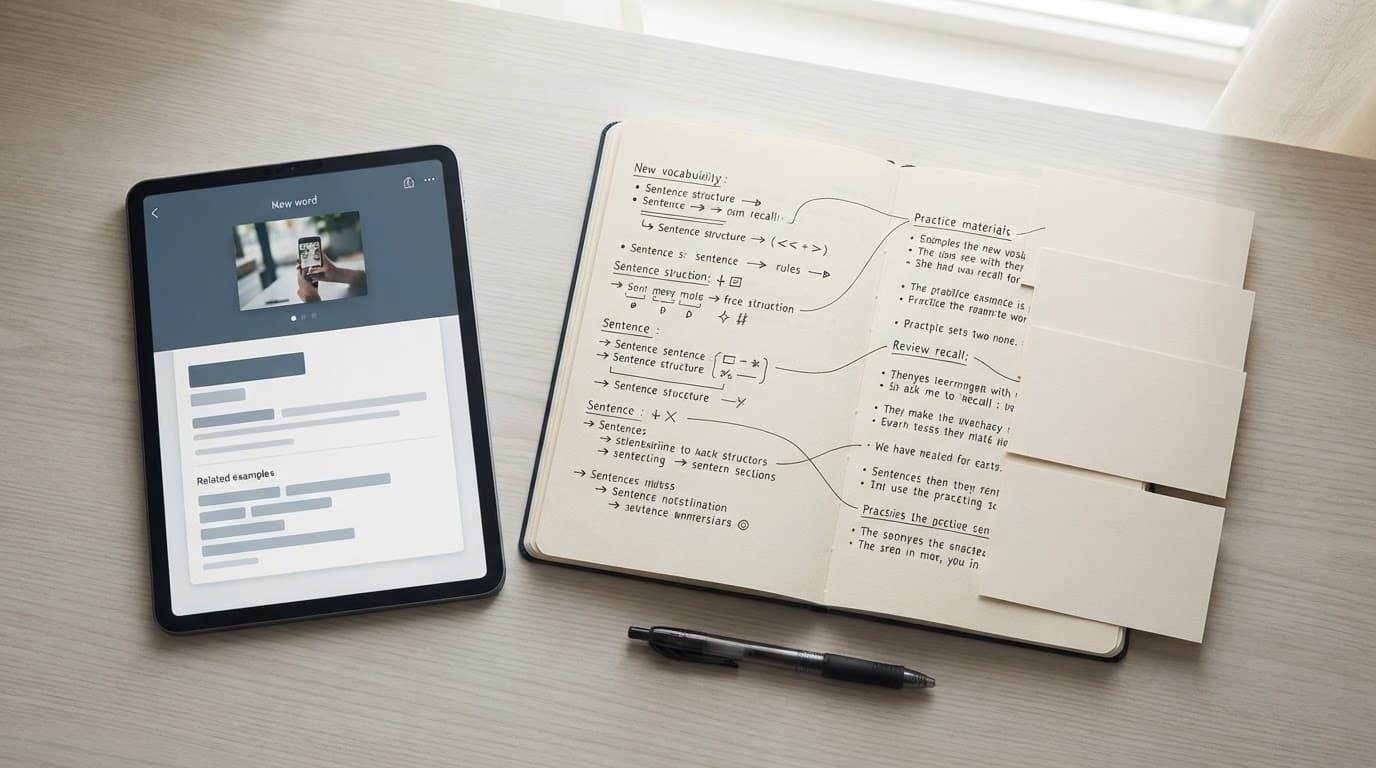
Anki gives you fine control over grammar card design. You can create a sentence with one missing element, add audio, and test either comprehension or production.
Suppose you’re learning Japanese expressions such as わけではない or 気にする. A useful card tests the expression inside a sentence rather than asking for a disconnected translation.
You can also build separate cards for reading, listening, and production. That flexibility helps experienced learners, but it requires judgment. Too many card types multiply your workload.
For Chinese, include tone-bearing audio and sentences that distinguish similar words. For Korean, keep honorifics, particles, and sentence endings visible in context. Grammar becomes easier to use when the card resembles real language.
RemNote for grammar notes
RemNote has an advantage when you need to understand a rule before reviewing it. You can write a short explanation, add several examples, and place cloze cards directly below the explanation.
This organization works well for verb systems, case marking, word order, and sentence patterns. When a card feels confusing, the supporting note remains nearby.
The limitation is less about memory and more about structure. A large note tree can make it hard to see which cards need attention. RemNote also doesn’t guarantee that your explanation is correct. Check grammar against a reliable course, teacher, dictionary, or reference.
Learners focused on Japanese grammar may also compare Anki with dedicated tools in these Japanese grammar study tools. A dedicated grammar app may explain and sequence material better than either general-purpose SRS platform.
Daily Workflow and Review Load
The best system is the one you can maintain when your schedule becomes busy. A beautiful card setup fails if reviews pile up faster than you can complete them.
Anki rewards control and consistency
Anki lets you set new-card limits, learning steps, review settings, tags, card templates, and deck presets. The Anki deck options documentation explains how these settings affect scheduling.
That control helps advanced users manage several languages or separate reading, listening, and production goals. It can also overwhelm beginners. Changing settings without understanding them may produce confusing intervals and uneven workloads.
A sensible beginner setup is one language deck, a small daily new-card limit, and sentence cards from current study material. Add audio when it supports your goal. Leave advanced settings alone until you have enough review history to identify a real problem.
RemNote reduces switching between study tasks
RemNote makes it easy to move from reading notes to creating cards. That saves time for learners who review class material, annotate PDFs, or write detailed explanations.
The same convenience can encourage overproduction. If every note becomes a flashcard, your review queue grows without a clear connection to your language goals.
Keep one page for active material and archive old notes. Create cards only for facts you expect to use or recognize often. Review the note itself when you need explanation, and review the card when you need retrieval practice.
Platforms, Sync, and Pricing in 2026
Platform access can affect the real cost of either app. The desktop experience, mobile experience, and browser experience aren’t always identical.
| Area | Anki | RemNote |
|---|---|---|
| Desktop | Free on Windows, macOS, and Linux | Available as a cross-platform notes and flashcards app |
| Web access | AnkiWeb supports syncing and browser review | Web access is part of the main product |
| Android | AnkiDroid is free and volunteer-developed | Mobile app with free and paid options |
| iPhone and iPad | AnkiMobile is a one-time paid app | Free app with in-app subscriptions |
| Free plan | Desktop, AnkiWeb, and AnkiDroid are free | Free plan includes unlimited notes, flashcards, and synced devices |
| Paid plans | AnkiMobile costs vary by current App Store listing | Web pricing lists Pro at $8 monthly or $96 yearly, and Pro with AI at $18 monthly or $216 yearly |
Anki’s full feature set is on desktop. Add-ons are also mainly a desktop feature, so mobile users shouldn’t expect complete parity. AnkiWeb is useful for syncing and basic review, but it isn’t a replacement for the desktop application.
RemNote’s free plan is unusually broad. Still, advanced tools, AI access, and some purchase options depend on the plan. RemNote’s Pro FAQ also lists a one-time Life-Long Learner option.
Prices can change, and Apple or Google may show different local prices from the web checkout. Check the current store listing before paying. RemNote’s AI study tools may generate cards or quizzes from uploaded material, but generated cards still need human review for translation, context, and accuracy.
Which App Fits Your Language-Learning Style?
Choose Anki if you want maximum control over card formats, review limits, media, and scheduling. It is also the better choice for learners building specialized systems for Japanese, Mandarin, Korean, Cantonese, or multiple languages.
Choose RemNote if your study begins with notes, PDFs, lectures, grammar explanations, or research. Its linked structure is useful when you want to keep the explanation beside the cards.
Anki is usually the better long-term home for a carefully maintained personal deck. RemNote is often easier to start when you don’t want to design a separate card database.
Use both only when each has a distinct job. For example, keep grammar notes and source reading in RemNote, then export selected sentence cards to Anki. That setup adds maintenance, so it makes sense mainly for experienced SRS users.
A concise decision guide:
- Pick Anki for precise recall practice, custom card types, large personal decks, and detailed workload control.
- Pick RemNote for note-linked learning, PDF study, grammar explanations, and low-friction card creation.
- Pick neither as your only tool for speaking, listening, or pronunciation. Add comprehensible input and active conversation.
- Stay with your current app if it already supports consistent reviews. Switching tools rarely fixes an overloaded deck or weak card design.
Conclusion
Anki vs RemNote is a choice between a flashcard-first workflow and a notes-first workflow. Both can support long-term vocabulary and grammar retention when cards require active recall and reviews stay manageable.
Anki fits learners who want control and a durable personal database. RemNote fits learners who want study notes and spaced repetition in one place. Choose the workflow you can maintain, then spend your saved time reading, listening, writing, and speaking the language.
Ready to Take Your Language Learning Further?
Your favorite language-learning app is a great place to start. Rocket Languages can help you go further with interactive audio lessons, pronunciation practice, real-world conversations, and structured learning.
Explore Rocket Languages →Affiliate disclosure: We may earn a commission if you purchase through this link, at no additional cost to you.
