
You can know every word in a Japanese sentence and still sound as if you’re reading it one piece at a time. Shadowing helps you close that gap by following a speaker’s timing, pitch, and pauses while the audio plays.
The best Japanese shadowing apps don’t all do the same job. Some help you inspect pitch accent, while others give you sentences to imitate or let you compare recordings. Choosing the right one starts with the part of your speech you want to change.
What to listen for when you shadow Japanese
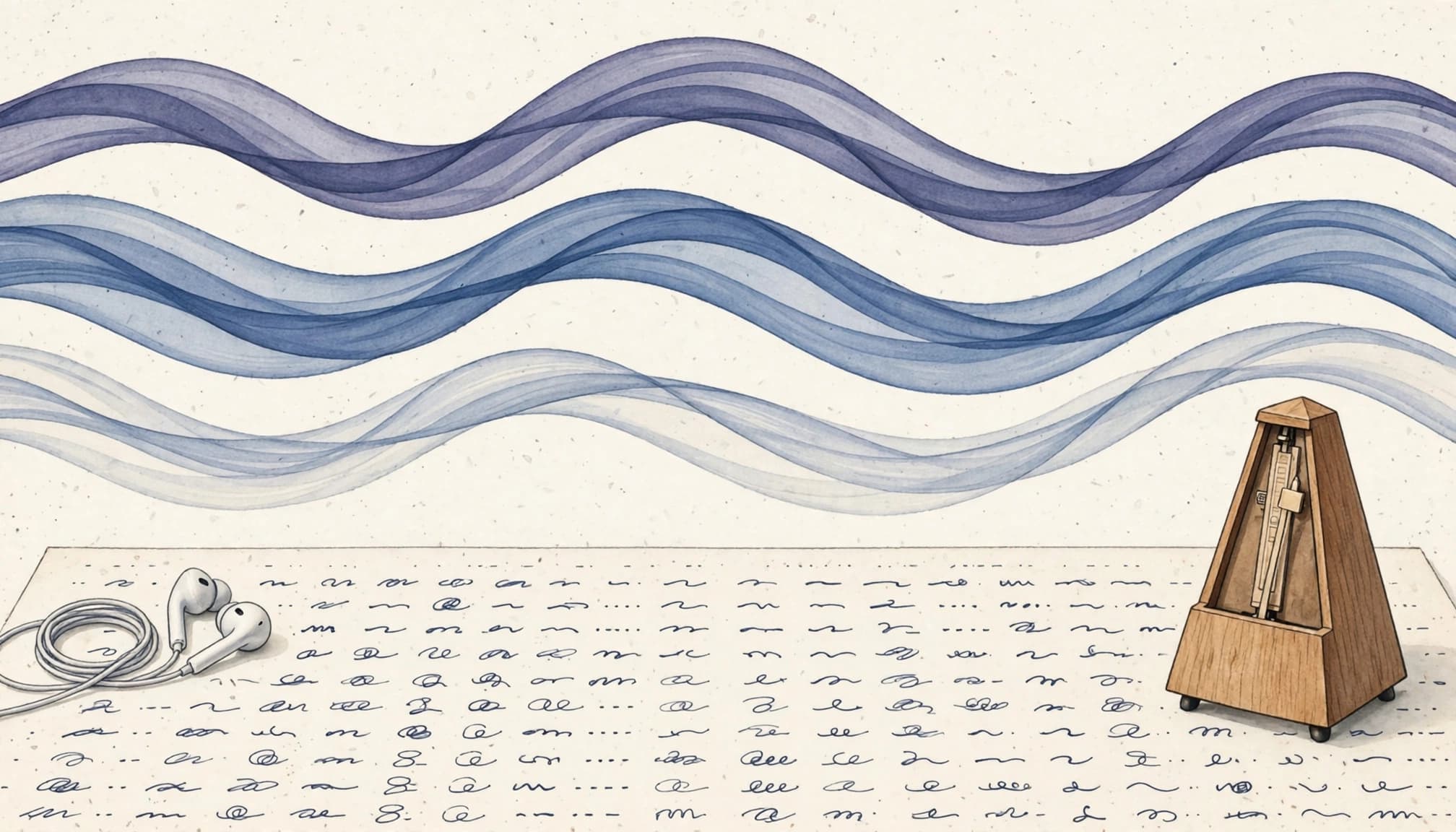
Shadowing means speaking along with a recording, slightly behind the speaker. For Japanese, matching the words is only the beginning. Listen for the length of each sound, where the voice rises or drops, and which parts of a sentence run together.
Rhythm depends on sound length
Japanese timing is often described in morae, or short units of sound. The small pause in kitte (きって) occupies time that kite (きて) doesn’t. Long vowels matter too: obāsan (おばあさん, grandmother) has an extra vowel beat compared with obasan (おばさん, aunt).
When you shadow, give those beats their full space. Rushing through a small っ or shortening a long vowel can change the word a listener hears.
Pitch accent isn’t the whole sentence
Pitch accent describes a word’s pattern of high and low pitch. Intonation also changes across a sentence as the speaker groups ideas, asks a question, or reacts. A pitch diagram can help you notice a word-level pattern, but it won’t tell you how an entire reply should sound.
Start with a consistent speaker you can understand. Once you can follow that voice comfortably, add other speakers and varieties of Japanese. Your goal is clear, flexible speech, not an exact copy of one recording.
Japanese shadowing apps at a glance
These tools offer different ways to listen, imitate, and check your speech.
| App | Best use | Main limitation |
|---|---|---|
| Aomi Japanese: Speaking | Seeing and practicing pitch-accent patterns | Pitch feedback isn’t full conversation feedback |
| Speechling | Comparing recordings and getting coach comments | Prepared sentences can’t replace spontaneous replies |
| JapanesePod101 | Finding guided dialogues to shadow | Its main focus is lessons, not pitch analysis |
| Satori Reader | Replaying narrated Japanese with reading support | It isn’t a dedicated speaking trainer |
| Migaku | Revisiting audio from sentences you study | You must choose and manage useful material |
If you want direct correction, start with Aomi or Speechling. If finding suitable audio is the harder part, JapanesePod101 or Satori Reader may help more. Migaku suits learners who already study with Japanese media.
Best apps for pitch accent and pronunciation feedback
A pitch display and a human comment answer different questions. The first can draw your attention to a pattern; the second can identify what another listener hears when you speak.
Aomi Japanese: Speaking for visible pitch patterns
Aomi focuses on Japanese speaking practice with pitch-accent recognition and visualization. Its U.S. App Store listing describes those features and shows that full access requires a subscription. That makes it a useful choice when you can hear that your pronunciation differs from the model but struggle to locate the pitch change.
Use its feedback as a reason to listen again, not as a final verdict on your accent. A pitch display won’t judge every pause, vowel length, or choice of phrasing in a conversation. Aomi is available on iOS and Google Play for Android, so check the current access terms on your device before paying.
Speechling for recording and coach feedback
Speechling lets you hear a model sentence, record your version, and compare the two side by side. Its Japanese offering also includes feedback from human coaches on eligible recordings. For learners who repeatedly miss the same pause or rush a long vowel, a specific comment can be more useful than another automated score.
The free tier lists the full curriculum, voice comparison, and up to 10 coaching sessions per month. Unlimited coaching starts at $19.99 per month. Coaching means feedback on submitted speech, not a live lesson. LanguaVibe’s Speechling pronunciation coaching review explains where that listen-record-feedback routine fits alongside broader speaking practice.
A recording you can compare with a native model often tells you more about your timing than a single pronunciation score.
Best sources of sentences to shadow
Good shadowing audio is short enough to repeat and understandable enough to imitate. The following options supply that material, although none should be mistaken for a dedicated pitch-accent coach.
JapanesePod101 for guided dialogue
JapanesePod101 has a large collection of audio and video lessons, including dialogues and speaking activities. It suits a beginner who wants a predictable topic and enough context to understand a line before repeating it. Pick one brief exchange, listen to both speakers, then shadow a single role.
Its lesson explanations can draw you into studying vocabulary instead of speaking. Save those notes until after your first listening attempts. The JapanesePod101 review covers its recording and lesson tools in more detail.
Satori Reader for audio with reading support
Satori Reader pairs Japanese reading material with narration and sentence-level study support. That combination works well when you can follow written Japanese but lose the thread as soon as you hear it. Listen without looking first, then use the text to check what you missed.
Choose a short passage rather than shadowing a whole story. Satori Reader’s strength is supported reading and listening; you’ll need to organize your own recording and comparison practice.
Migaku for sentences from media
Migaku is a better fit for learners who already collect sentences from subtitled Japanese content. Reported features include audio on saved sentence cards and pitch-accent information, which can help you revisit a line after watching it.
The work of selecting material remains yours. Choose clear speech with enough context to know who is speaking and why. A dramatic line delivered in anger may be memorable, but it isn’t necessarily a good model for everyday conversation. Migaku’s pricing and purchase options vary, so check the current plan before subscribing.
Build a 10-minute shadowing routine
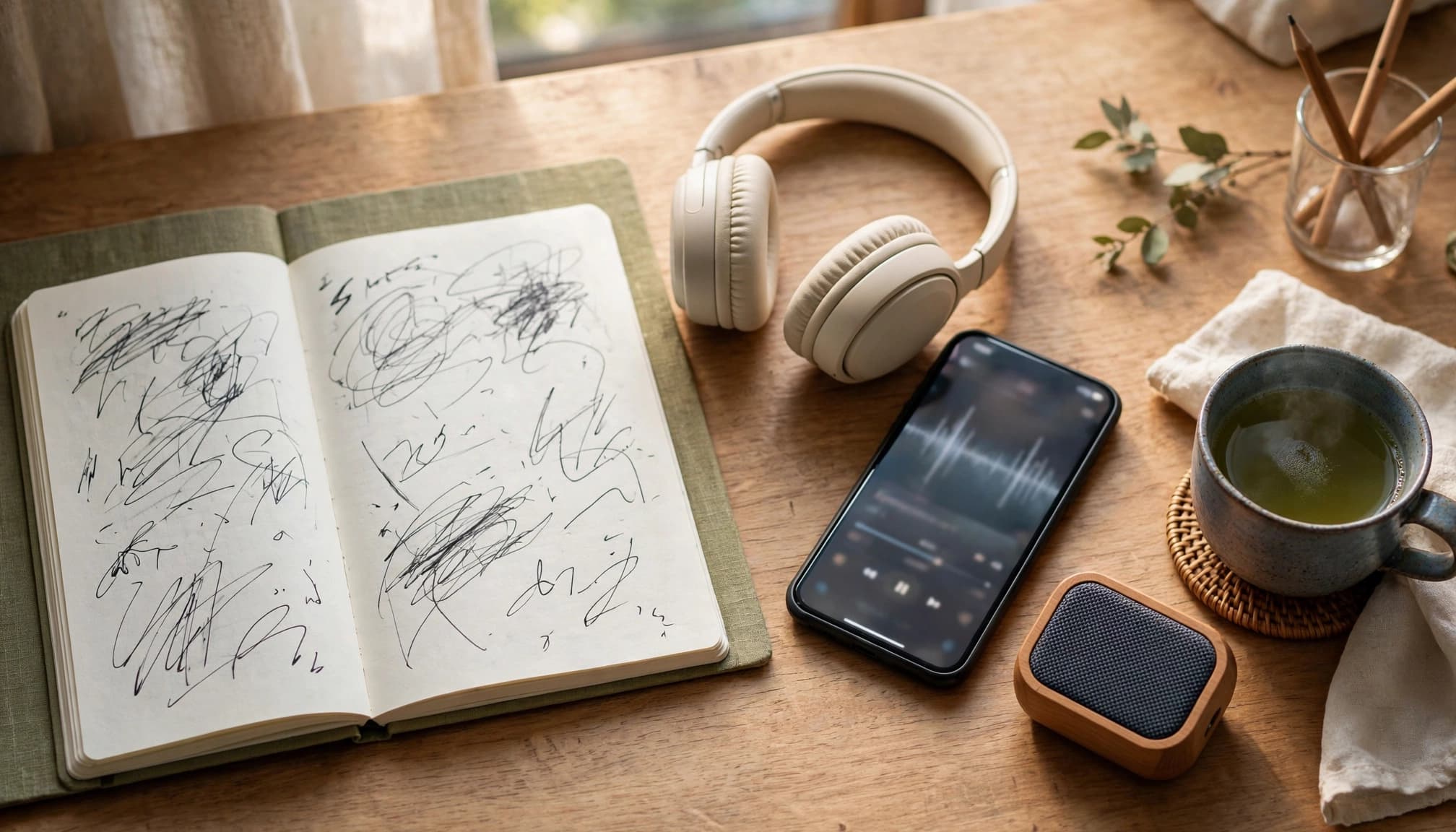
A short clip you repeat carefully beats a long lesson you mostly listen to. Use one speaker and a sentence you understand. Then work through it in two passes.
Listen before speaking
Play a five- to ten-second clip a few times without reading. Notice where the speaker pauses, how long vowels last, and whether the pitch rises or falls near the end. Check the transcript afterward if you need it.
Next, speak along with the recording. Stay close to its pace without forcing speed. If a phrase keeps slipping away, repeat just that phrase before returning to the full line. LanguaVibe’s guide to shadowing practice with app audio offers a longer version of this routine.
Record, compare, and reuse
Record the same line without the model playing. Listen to both versions and identify one difference you can act on, such as a missing pause or a shortened vowel. Try again, then keep the clearer recording for comparison later.
Finally, say the phrase in a new context or use it in a conversation. Copying a sentence builds control; recalling it without a prompt tests whether that control carries into speech. For more varied input, browse Japanese listening apps that let you move beyond familiar lesson voices.
Know what pronunciation feedback can miss
Treat recognition as a prompt, not a judge
Aomi’s pitch visualization can point you toward a word to examine. Yet an automated response can’t fully assess how you sound across a natural exchange. Even a recognized sentence may contain an odd pause, an unclear long vowel, or intonation that doesn’t fit your meaning.
Listen back before you chase a better result. If you can’t hear the difference between your version and the model, spend another session listening closely instead of speaking faster.
Bring recurring problems to a person
Speechling’s coach feedback can address prepared recordings, but those sentences don’t test how you handle an unexpected reply. A tutor or conversation partner can notice hesitation, word choice, and whether your pronunciation affects understanding in context.
This matters most when you keep making a sound differently without knowing why. A teacher can check mouth position or explain whether the issue is vowel length, timing, or a regional variation. For that next step, compare Japanese speaking apps for live practice.
Choose one app that fixes your current bottleneck
If pitch patterns confuse you, try Aomi first. If you hear the pattern but can’t reproduce it consistently, Speechling offers recording comparison and coach feedback. For a steady supply of beginner dialogue, JapanesePod101 is the easier starting point. Satori Reader suits learners who need narration alongside text, while Migaku rewards those willing to curate their own media clips.
Compare the cost with the work you’ll do. Aomi’s U.S. App Store listing shows options including $2.99 monthly and $24.99 yearly. Satori Reader lists a free tier and Pro at $9 monthly or $89 yearly. Speechling has a free tier, while its Unlimited plan starts at $19.99 monthly. JapanesePod101 lists multiple lesson tiers, with promotional pricing that can change. Confirm checkout terms before committing to any plan.
Most learners need one main audio source and, if necessary, one feedback tool. Paying for several libraries won’t improve your rhythm if you never replay the same sentence.
Key takeaways
- Pick Aomi when seeing pitch patterns helps you hear them; pick Speechling when you need to compare your voice with a model.
- Use JapanesePod101 or Satori Reader for manageable audio. Migaku fits learners who prefer selecting sentences from media.
- Shadow short, understood clips. Check vowel length, pauses, and pitch movement before increasing speed.
- Keep app feedback in perspective. Use a person to check problems that persist in conversation.
Frequently asked questions
Can beginners start Japanese shadowing?
Yes. Start with a short line from a clear, guided dialogue and learn what it means first. Follow one speaker rather than trying to imitate an entire exchange. If speaking along is too difficult, listen and repeat after the recording until its timing feels familiar.
Do I need pitch-accent diagrams?
No. They’re useful when you can’t hear where a word’s pitch changes, but native audio should remain your main reference. Shadow whole phrases as well as individual words so you practice sentence intonation and timing.
How often should I record myself?
A brief recording during each practice session gives you something concrete to compare. Keep an older version of the same sentence, too. After a week or two, listen for changes in vowel length and pauses rather than judging progress by a score alone.
The right app gives you a repeatable practice loop
Sounding less like you’re reading word by word takes careful listening and repeated speaking. Choose audio you can follow, shadow one short line, and compare your recording with the model.
Consistent comparison matters more than collecting apps. When a problem persists, bring that recording to a coach, tutor, or conversation partner who can hear what the app missed.
Ready to Take Your Language Learning Further?
Your favorite language-learning app is a great place to start. Rocket Languages can help you go further with interactive audio lessons, pronunciation practice, real-world conversations, and structured learning.
Explore Rocket Languages →Affiliate disclosure: We may earn a commission if you purchase through this link, at no additional cost to you.
