Before you pay for a language-learning app, ask one simple question: do they explain what changes when the app updates?
Most learners only notice updates when something breaks, a streak disappears, or a “new” AI feature suddenly shows up. Parents and educators have an extra worry, because “small updates” can also change data collection, content filters, or classroom fit.
This 15-minute app transparency checklist helps you judge whether an app treats users like partners or like passive subscribers. You won’t need special tools, just your phone and a notes app.
Why changelog transparency matters more than feature lists
A good changelog is like a food label. It doesn’t tell you whether you’ll love the taste, but it helps you avoid surprises.
Transparent update notes matter because language apps are not static products. They can change:
- Pricing rules (trial length, renewal flow, new tiers)
- Learning structure (paths, levels, review systems)
- AI behavior (chat tutors, answer explanations, voice scoring)
- Data handling (new permissions, new analytics, new sharing settings)
If you want an example of a company describing product changes in plain language outside the app stores, Duolingo publishes periodic roundups like its 2025 product highlights post. That kind of communication doesn’t prove perfection, but it shows a habit of explaining what shipped.
On the other hand, vague notes like “Bug fixes and improvements” make it hard to judge risk. For educators, that vagueness can be a dealbreaker. For parents, it can mean you miss a change that affects a child’s account experience.
If your main concern is data collection (not just update clarity), pair this article with LanguaVibe’s app privacy audit for language apps. A changelog can be honest and the app can still over-collect.
A trustworthy changelog answers: “What changed, who will notice, and what should I do next?”
Where to find changelogs on iOS, Android, and the web (fast)
Different platforms hide release notes in different places. The goal is to check all the places the developer controls, not just one.
iOS (App Store)
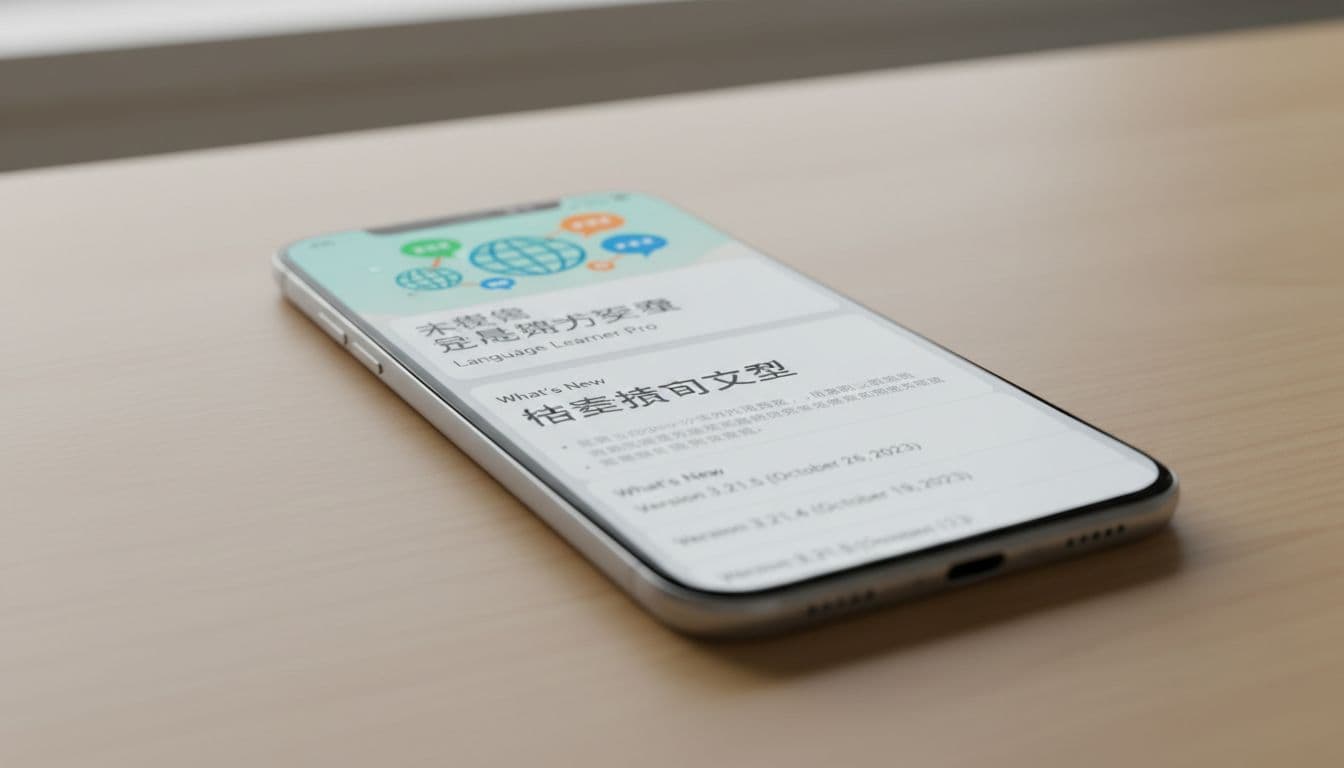
Open the app’s App Store page, then scroll to What’s New. Tap Version History (when available). Don’t stop at the latest note. You’re looking for patterns across time.
Android (Google Play)
Open the app’s Play Store listing. Scroll to the What’s new section. Some listings show only a short note, so also check the “About this app” area for update related details.
Web (release notes, blog, help center)
Many apps post better explanations on the web than in the stores. Check the company blog, help center, or release notes page if they have one. For example, smaller apps sometimes publish straightforward monthly updates like Memolli’s March 2026 updates post, which is often more specific than store text.
What to capture (screenshots you’ll actually use)
Take 3 screenshots and one short note:
- Latest update note (store page)
- Version history list (as far back as you can quickly scroll)
- Current subscription screen or in-app purchase list (so you can compare later)
- In your notes: app name, app version, date, device OS
Those four items let you prove what you saw, even if the text changes later.
The 15-minute app transparency checklist (what to check and how to score it)
Set a timer and treat this like a quick inspection, not a deep investigation.
Here’s a simple 3-pass routine to keep you moving:
| Time | What you do | What you’re trying to learn |
|---|---|---|
| 0 to 5 minutes | Read the latest update note and scan the last 5 to 10 entries | Is the team specific, or do they hide changes behind vague words? |
| 5 to 10 minutes | Compare notes against what you care about (pricing, AI, speaking, kids use) | Do they mention user-impacting changes, or only marketing wins? |
| 10 to 15 minutes | Look for disclosure signals (known issues, rollbacks, experiments) | Do they admit problems and explain fixes like adults? |
Next, use this mini score table. You’re not scoring “good app vs bad app.” You’re scoring whether the app communicates clearly.
| Transparency signal | What it looks like | What you should do |
|---|---|---|
| Deep version history | Many months of notes, not just recent weeks | Trust improves when history is easy to review |
| Specific change details | Mentions features touched (sync, audio, review, lessons) | Safer to subscribe because surprises drop |
| Rollback notes | “Reverted X due to crashes” or “Temporarily disabled Y” | Wait to update if the reverted area matters to you |
| Known issues section | Lists current bugs and workarounds | Screenshot it, then decide if it blocks your routine |
| Pricing or plan disclosure | Notes mention tier changes, limits, or trial updates | Cross-check with LanguaVibe’s language app paywall honesty check before buying |
| Experiment or A/B language | “Rolling out,” “test,” “experiment,” “small % of users” | Assume your experience may differ from reviews |
One practical tip: compare the app’s “What’s New” notes to public-facing posts about the product category, like HelloTalk’s comparison of popular English-learning apps. You’re not looking for agreement. You’re checking whether the app’s promises match how it talks about change.
What to do when the changelog fails the transparency test
If you only see “improvements” every week, don’t shrug. Treat that as missing information and protect yourself.
First, reduce risk with your purchase choice. Monthly plans and shorter trials limit the cost of surprises. Next, delay major updates if you rely on the app for class or a child’s daily routine, especially when notes are unclear.
Then validate your concerns in the real world. Search recent store reviews for “update,” “changed,” “pricing,” “AI,” and “privacy.” After that, run a fast outside check using LanguaVibe’s community quality check for language apps to see whether update-related complaints repeat.
Finally, message support with evidence. Include your screenshots, app version, and one direct question (for example, “Did you change AI message limits in version X?”). Clear apps answer clearly.
FAQ: quick changelog transparency questions
What if a language app has no changelog?
Treat it as a warning sign. If they won’t describe changes, assume you’ll learn about them the hard way. Stick to free use, or choose a shorter billing period.
How far back should I look in version history?
Aim for at least 3 months of entries, and ideally 6 to 12. You’re looking for patterns, not ancient history.
Should I trust a blog post more than store update notes?
Use both. Store notes affect everyone, while blogs can be selective. When both match in tone and detail, trust usually improves.
Conclusion
You don’t need a detective board to judge update honesty. A repeatable 15-minute app transparency checklist can show whether a language app explains changes, admits issues, and warns you about pricing or AI shifts. Run the check before you subscribe, then repeat it after major updates. The best outcome is simple: fewer surprises, fewer regrets, and more time spent learning.
Ready to Take Your Language Learning Further?
Your favorite language-learning app is a great place to start. Rocket Languages can help you go further with interactive audio lessons, pronunciation practice, real-world conversations, and structured learning.
Explore Rocket Languages →Affiliate disclosure: We may earn a commission if you purchase through this link, at no additional cost to you.
