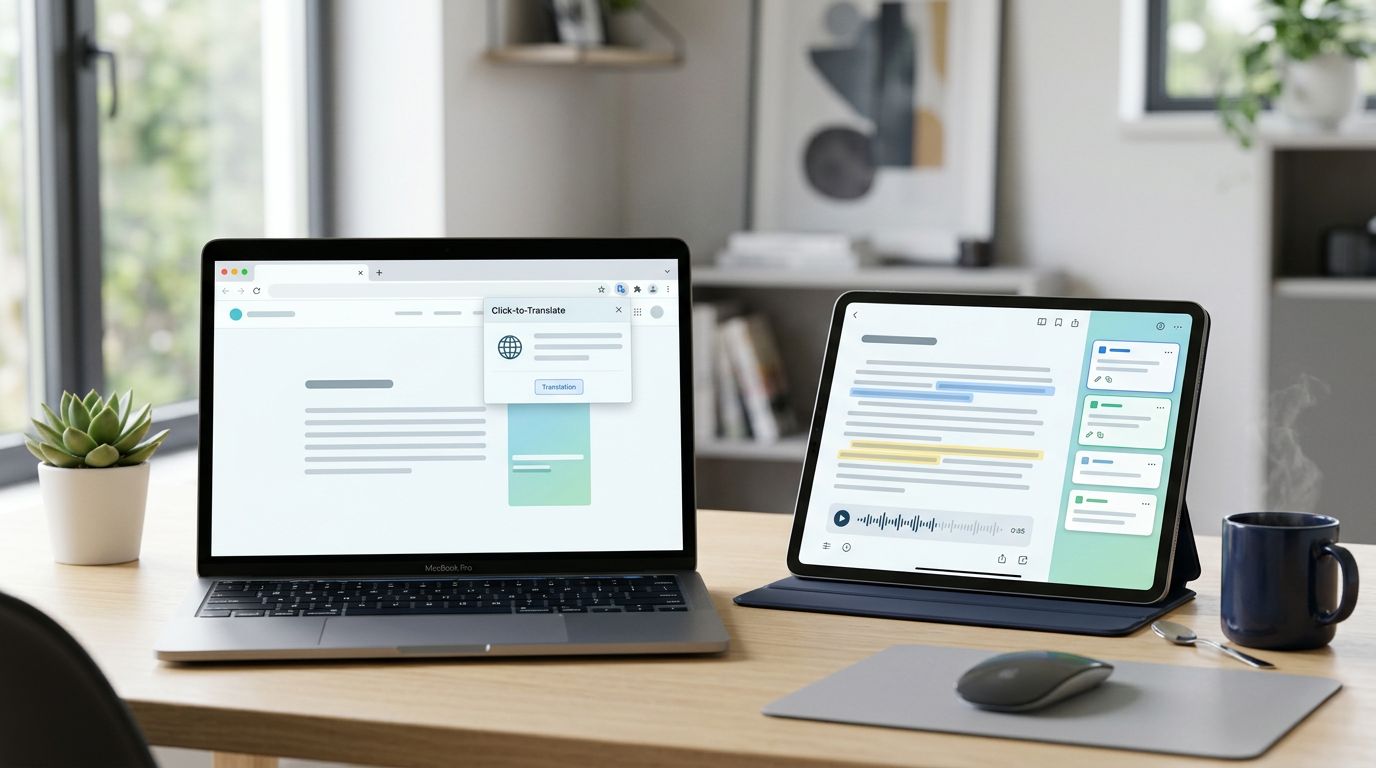
Reading practice falls apart when the app gets in the way. If you spend more time setting up lessons than reading, the habit fades fast.
That is why LingQ vs Readlang in 2026 is less about feature lists and more about workflow. LingQ gives you a full reading system with imports, audio, and tracking. Readlang keeps things light, so you can open a page and start translating right away.
LingQ and Readlang at a glance
The clearest way to compare them is side by side.
| Area | LingQ | Readlang |
|---|---|---|
| Onboarding | More menus, more setup, richer workflow | Very quick, install the extension and read |
| Content import | Strong imports for web pages, ebooks, podcasts, and video transcripts | Best for web pages and simple text imports |
| In-text translation | Multiple dictionary views, custom notes, and AI help | Fast click-to-translate with examples |
| Saving words | Color-coded known, learning, and new system | Simpler saved-word list and notes |
| Review workflow | Strong stats and spaced-repetition-style review | Lighter flashcards and practice |
| Library | Large built-in library, many lessons with audio | Smaller library, more web-first |
| Ease of use | Powerful, but busier | Clean and low friction |
| Pricing | Free tier is limited, paid plans cost more | Free tier is more generous, paid tier is cheaper |
| Best for | Intermediate and advanced learners | Beginners and web readers |
That is the core trade-off. LingQ builds a bigger study stack, while Readlang keeps the reading flow simple.

LingQ rewards longer sessions and bigger goals. Readlang rewards daily reading with almost no setup.
Onboarding and the first reading session
Readlang makes a strong first impression because it stays out of your way. You install the browser extension, open a page in your target language, and click on words as you read. That is enough to get started with news articles, blog posts, and forum threads.
LingQ asks for a little more effort on day one. You choose a language, pick or import content, and get used to its color system for words. The setup is not hard, but it does ask for attention. If you like structure, that feels useful. If you want instant reading, it can feel busy.
For beginners, that difference matters. A tool that feels simple is easier to return to the next day. Readlang does that well. LingQ feels better once you know what you want from your study time.
That same split shows up in SaaSHub’s LingQ vs Readlang comparison, where the lighter workflow is a clear strength for casual reading.
Importing content and building a personal library
LingQ is the stronger choice when you want to turn many sources into one reading library. You can bring in web pages, ebooks, podcasts, YouTube content, and other long-form material. In 2026, the import process is cleaner than it used to be, and transcription tools make audio-based reading more practical than before.

That matters if you like reading the same way serious listeners like playlists. You can collect content, keep it in one place, and return to it later. A single article can become a lesson, a review item, and a listening exercise.
Readlang works best when the source already lives on the open web. It is excellent for reading articles in place, because it does not ask you to move content around. For many learners, that is enough. If your main habit is reading foreign-language news or blogs, Readlang feels natural.
If you want a deeper breakdown of LingQ’s import tools and audio workflow, LingQ review for serious learners covers that side in more detail. Wider comparisons like LingQ Review: Is It Actually Good For Learning? also keep coming back to the same point, LingQ is strongest when you want one place for many kinds of input.
Translation, saving words, and review
The translation step is where the apps feel most different during real reading. LingQ gives you multiple dictionary entries, custom definitions, and context help for tricky words. That makes it better when you are reading harder material and need more than a quick gloss.
Readlang is faster. Click a word, see the meaning, and keep going. It is built for momentum. If your goal is to stay inside the text, that speed helps a lot.
Saving words works differently too. LingQ uses a color system that separates new, learning, and known words. That visual feedback is useful because it shows progress at a glance. Over time, a page can look less intimidating simply because more words change status.
Readlang saves words into a personal list and adds flashcards for review. The system is simpler, but it still works well for vocabulary you meet in context. You do not get the same visual progress map that LingQ offers, yet you do get less friction.
Review is where LingQ pulls ahead for dedicated learners. Its built-in review tools, lesson stats, and progress tracking make it feel more complete. Readlang’s review is lighter, which suits people who want a small daily vocab routine rather than a full study dashboard.
Ease of use, pricing, and who should pick what
Ease of use matters because reading practice only works when you keep doing it. LingQ is powerful, but that power comes with more buttons, more settings, and more choices. It is better when you plan to spend real time in the app.
Readlang feels cleaner. It asks less of you, and that makes it easier to turn random reading time into study time. If you mostly read on a laptop or desktop browser, it feels close to the original web page. That is a big advantage for casual learners.
Pricing pushes the decision in the same direction. LingQ’s free tier is limited, so serious use usually means paying for a plan. In 2026, the main paid plan sits roughly around the low double digits per month, depending on billing length and promotions, while higher tiers cost much more because they include tutoring credits. Readlang’s core use is more generous for free, and its paid tier is usually cheaper.
If you are deciding by learner type, the split is clear:
- Beginners usually do better with Readlang, because it is easier to understand on day one.
- Intermediate learners often prefer LingQ, especially if they want more structure and a larger content library.
- Advanced learners get the most from LingQ when they import books, podcasts, or transcripts.
- Budget-conscious readers will probably stick with Readlang unless they need the extra depth.
A lot of self-study learners end up using both. Readlang handles quick browsing, while LingQ handles deeper sessions. That pairing makes sense if you read in short bursts during the week and study more seriously on weekends.
Final Verdict for Reading Practice
If your reading practice is built around articles, news, and casual web browsing, Readlang is the easier win. It keeps the process light, the price lower, and the setup almost invisible.
If you want imported content, audio support, stronger review tools, and a more complete study system, LingQ is the better long-term choice. It asks for more effort, but it gives you more to work with.
For most self-study learners, the right answer is simple. Pick the app that makes you read again tomorrow, because consistency beats features when you are learning through input.

