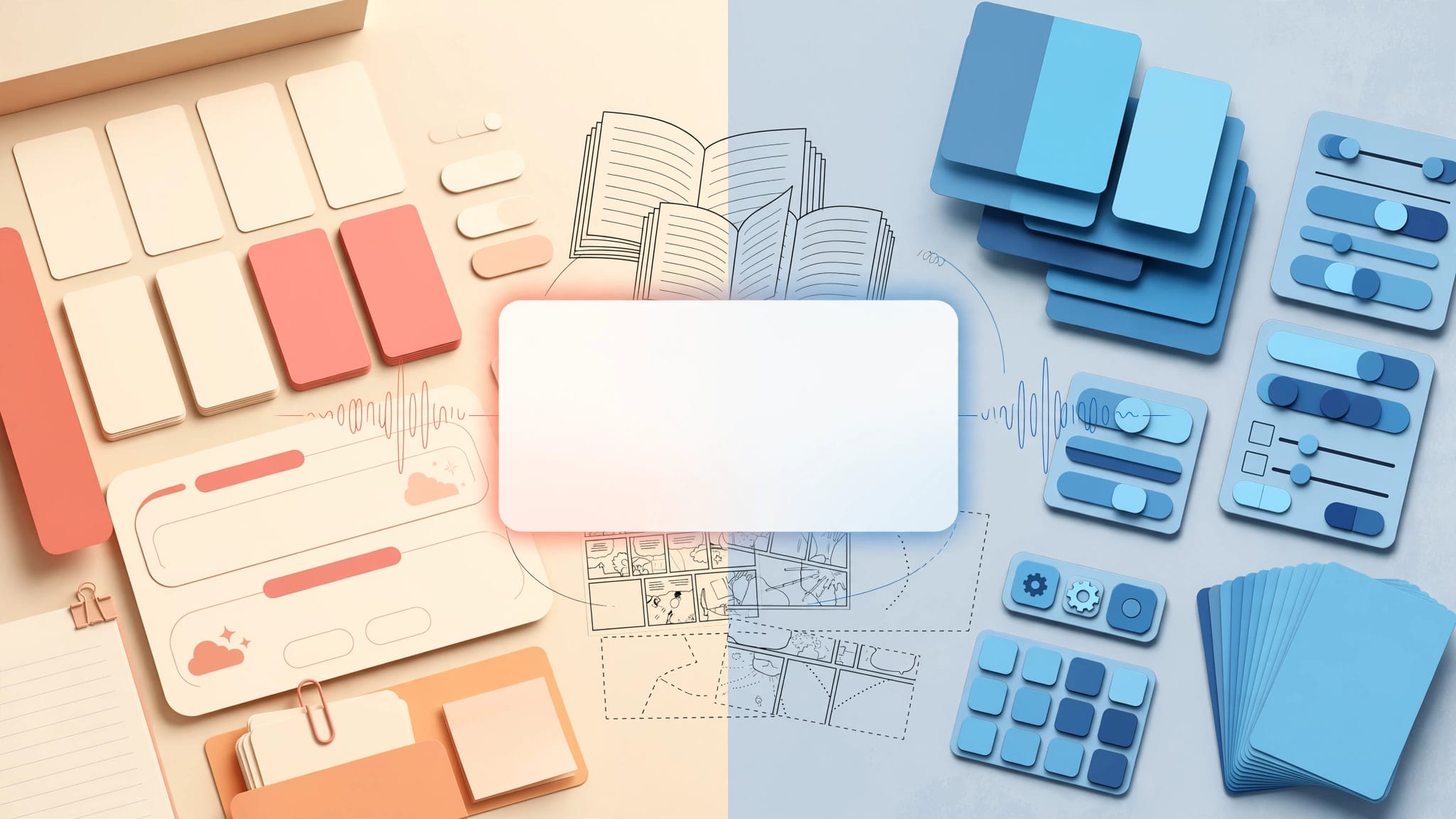
A good mined sentence can bring a word back to the moment you first heard it, read it, or needed it. A bad card becomes another review you dread opening.
The Mochi vs Anki choice matters because sentence mining is a long-term habit, not a weekend project. Mochi keeps the review experience calm and direct. Anki gives you more control, but it also gives you more ways to build a system that is harder than your language study.
Your better option depends on how you collect sentences, how much setup you tolerate, and whether you need advanced card behavior.
What Sentence Mining Needs From a Flashcard App
Sentence mining means saving useful language from material made for native speakers. That might be a line from a podcast, a manga panel, a news article, or a conversation with a friend.
The target word should make sense because of the surrounding words. A card such as “He finally gave in after an hour of arguing” teaches more than an isolated translation of “give in.”
Choose sentences with a clear job
A useful mining sentence usually has one new word, grammar point, or fixed expression. You should already understand the rest without much help.
Save sentences that recur in your input or match things you want to say. A rare literary phrase may be interesting, but it doesn’t deserve daily reviews if it won’t return for years.
Audio adds a second layer for languages where pronunciation, pitch, or connected speech carries meaning. For Japanese, Korean, Mandarin, Cantonese, and French, a short native recording can turn a reading card into a listening prompt.
Recall matters more than collecting
Mining can feel productive because saving a sentence is quick. However, your deck only helps if you can review it for months.
A sentence-mining app should make it easy to find cards, add audio or images when needed, and schedule reviews without creating a heavy daily load. Both Mochi and Anki can do that. Their difference lies in how much structure they expect from you.
Mochi vs Anki for Sentence Mining: The Main Difference
Mochi is built around an uncluttered card-writing and review experience. Its binary review choice, “Remembered” or “Forgot,” reduces each decision to a simple judgment.
Anki is a more open-ended flashcard system. You can build note types, add fields, write templates, use tags, install add-ons, and choose detailed review settings. That freedom is valuable when your cards need it. It can also delay the moment you return to your novel or video.

Where Mochi feels easier
Mochi suits learners who want to write a sentence, add a translation or note, then move on. Its flexible cards and Markdown-friendly writing style make a personal deck feel closer to a study notebook than a database.
As of August 2026, Mochi offers a free plan. Its Pro plan is listed at $5 per month and includes cross-device sync, among other features. Mochi also supports FSRS as an optional scheduling algorithm, and it can import Anki .apkg files with review history.
That makes Mochi appealing if Anki has become cluttered or intimidating. You can keep sentence cards readable without spending evenings changing templates.
Where Anki gives you more control
Anki fits learners who want their card structure to remain consistent across thousands of notes. One note can generate several card types, such as recognition, listening, production, and cloze deletion cards.
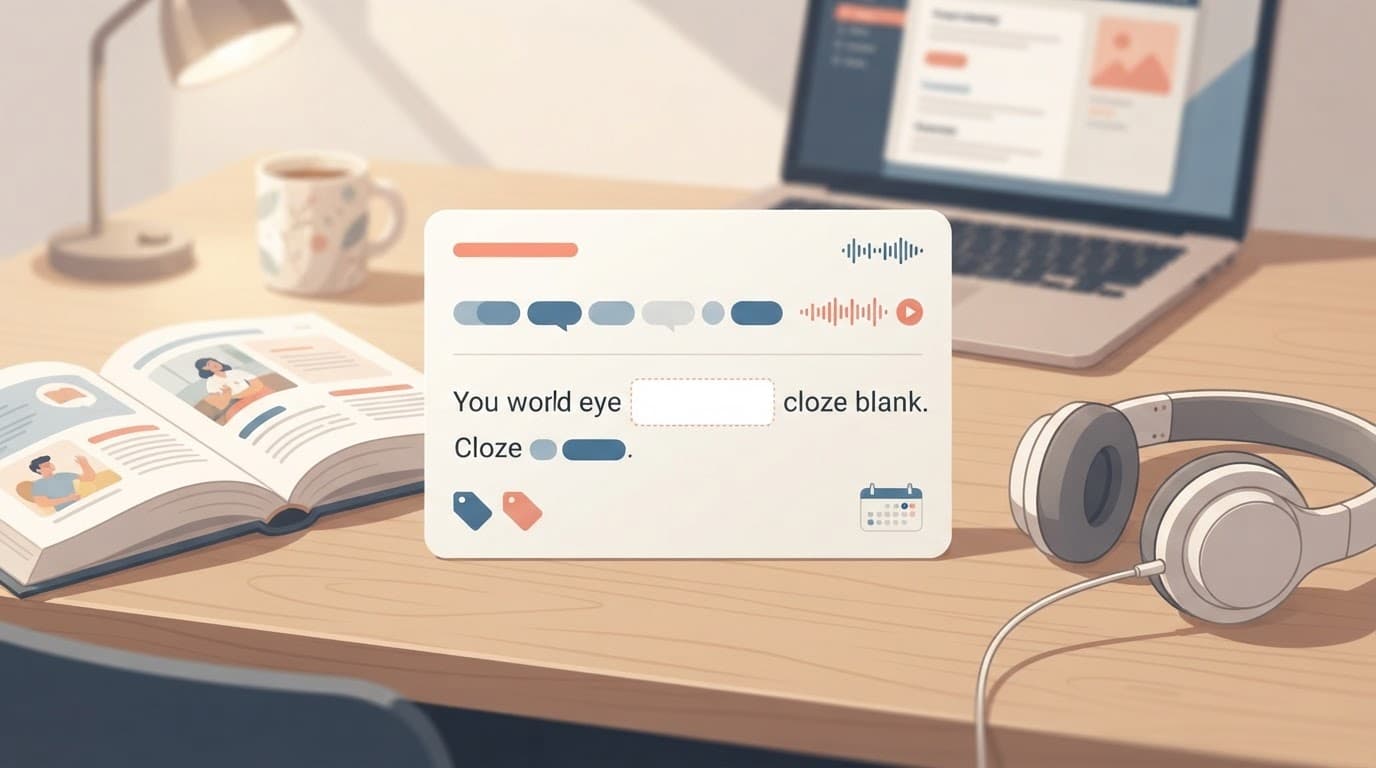
A cloze card hides one word or phrase inside a sentence. For example: “I need to ___ a reservation before Friday.” You recall “make” from context, rather than translating a standalone word.
Anki includes a dedicated cloze note type, described in Anki’s cloze note guide. Its native apps cover Windows, macOS, Linux, iPhone, Android, and the web through AnkiWeb. AnkiWeb sync is free, although app pricing can vary by platform.
Review Scheduling and FSRS
Spaced repetition schedules a card shortly before you are likely to forget it. The schedule does not create knowledge on its own. It only makes repeated retrieval more likely.
Both apps can use FSRS in 2026. FSRS is a scheduling algorithm that uses your review history to estimate when a card needs another look. It is often more flexible than older fixed-interval approaches, especially after a deck has accumulated enough review data.
Binary choices versus detailed grades
Mochi asks whether you remembered a card. That works well when your standard is simple: you either understood the sentence promptly or you did not.
Anki normally gives four ratings: Again, Hard, Good, and Easy. Those buttons allow closer control over how you rate partial recall. Yet they can invite overthinking. If you regularly pause to debate Hard versus Good, a supposedly efficient session becomes tiring.
Anki’s manual includes tools for searching cards, tags, and FSRS-related options. This depth is useful when you need to audit mature decks. It is unnecessary for a learner who only wants ten clean reviews after breakfast.
A scheduling algorithm cannot rescue cards that are confusing, oversized, or disconnected from input you care about.
Keep your grading standard stable
Pick a rule and follow it. If a card asks for a target word, mark it wrong when you cannot recall that word without a long pause. If it is a comprehension card, mark it correct when the meaning arrives naturally.
Changing the rule every day damages the value of your review history. It also creates false confidence, especially with cards you recognize but cannot use in speech.
Build Cards That Test One Useful Memory
The best sentence card is small enough to review quickly and rich enough to trigger the original meaning. It should not become a grammar lecture, dictionary entry, and pronunciation exercise at once.
For a passive recognition card, place the full target-language sentence on the front. On the back, add a concise meaning, the target expression, and native audio if available.
Use cloze cards with restraint
Cloze deletions work especially well for common verbs, connectors, collocations, and grammar patterns. They can test whether you can retrieve a word in the sentence where it belongs.
Avoid hiding several unrelated terms in one sentence. You may recognize the scene but fail because one blank depends on another. One deletion per card is usually enough.
Mochi can handle sentence prompts through its card templates and fields, but its current documentation does not clearly describe a first-class cloze note type equivalent to Anki’s. If cloze cards are central to your routine, check Mochi’s current editor before moving a large deck.
Don’t build cards for every direction
A recognition card asks you to understand a sentence. A production card asks you to produce a missing word, phrase, or whole response. Production is harder, so it should serve a real goal.
Create reverse or production cards for language you want to say often. Otherwise, use recognition cards for less frequent words and let extensive listening and reading do the rest. Too many card directions can multiply reviews without multiplying learning.
Capture, Organize, and Protect Your Deck
Anki has the larger sentence-mining ecosystem. Browser dictionary tools, subtitle tools, scripts, shared note types, and add-ons can connect reading or video to card creation. That flexibility is attractive for Japanese learners using Yomitan or people who want subtitle timestamps and audio.
For a closer look at tools that turn Japanese immersion into cards, compare Migaku and Anki for Japanese sentence mining. Anki works best as the review home when another tool handles capture.
Tags help when they answer a real question
A tag is a label attached to a note. Tags can identify a source, topic, grammar pattern, language level, or card status.
Useful examples include podcast, novel, keigo, HSK4, or needs-audio. However, a tag system with dozens of labels often becomes maintenance work. Use tags only if you expect to search or filter with them later.
Anki is strong here because it can search across tags, fields, and card states. Mochi also preserves tags and metadata in its native .mochi export format.
Export before a major change
Mochi’s native export can preserve cards, attachments, tags, templates, and review history. Markdown and CSV exports are less complete, so they may not retain that study data.
Backups matter most before bulk imports, template edits, or a migration. Keep one dated copy outside the app. Your sentence deck records years of contact with a language, so treat it as study material worth protecting.
A Sustainable Setup for Each App
Start with one deck per target language. Add only a small number of new sentences each day, then raise the limit after your review habit feels steady.
For Mochi, use a basic structure: the sentence on the front, then meaning, target expression, and audio on the back. Choose FSRS if you want it, but do not change settings every week. Pro sync makes sense if you study across several devices.
For Anki, make one sentence note type with fields for sentence, meaning, target, audio, source, and tags. Begin with one recognition card and add a cloze card only for high-value language. The broader Anki review for language learners has more guidance on avoiding review overload.
Avoid the common sentence-mining mistakes
These habits cause more trouble than either app’s interface:
- Mine fewer than you want to save. A small deck of memorable sentences beats a backlog of 800 unfamiliar lines.
- Skip sentences that need five dictionary lookups. Return to them after more input makes them clearer.
- Keep translations brief. Long explanations turn a five-second review into a reading assignment.
- Add audio when sound is the reason you saved the sentence, not as decoration on every card.
- Review before adding new cards. New material should never hide a growing due count.
Incremental reading can also create too much work. This method breaks long texts into smaller future prompts, then gradually turns selected pieces into cards. It suits learners who enjoy managing a large reading archive. Most sentence miners progress faster by reading normally and saving only the lines that earn a place in review.
Choose the App You Will Still Open Next Year
Mochi is a strong choice when simple reviews, readable cards, and a low-maintenance deck matter most. It is also a reasonable landing place for an existing Anki collection because it can import .apkg files with review history.
Anki is the better fit when you depend on cloze cards, detailed grading, powerful searching, external capture tools, or custom note types. Its ecosystem rewards curiosity, but only when you set limits on how much you customize.
The best Mochi vs Anki decision is the one that protects time for native input. Your flashcards should bring you back to the language, not replace it.
Ready to Take Your Language Learning Further?
Your favorite language-learning app is a great place to start. Rocket Languages can help you go further with interactive audio lessons, pronunciation practice, real-world conversations, and structured learning.
Explore Rocket Languages →Affiliate disclosure: We may earn a commission if you purchase through this link, at no additional cost to you.
