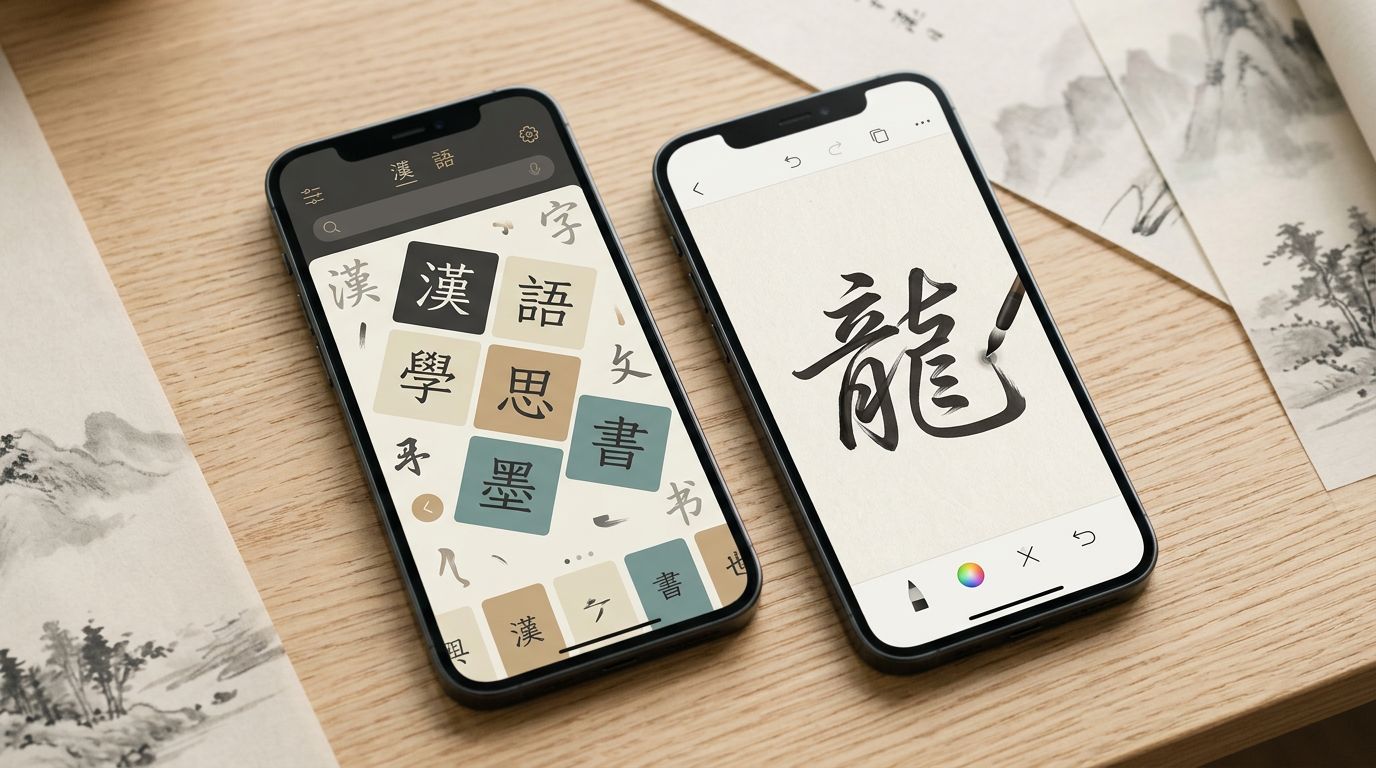
If Chinese characters keep slowing you down, Pleco vs Skritter is really a question about the kind of help you need. One app helps you identify characters fast, the other helps you write and remember them.
That difference matters in 2026. Pleco is still the broad Chinese study toolkit, while Skritter stays focused on handwriting and spaced repetition. If you only want one app, the right choice depends on whether your weak spot is recognition, recall, or stroke order.
For a wider look at where these tools sit among other study apps, top-rated Chinese learning apps gives useful context. For character work alone, though, the comparison comes down to a few clear differences.
Key Takeaways
- Pleco is the stronger all-purpose Chinese reference app, with dictionary search, OCR, handwriting input, and offline use.
- Skritter is the better choice for character writing, stroke order, and spaced repetition.
- Pleco uses a free core plus one-time add-ons, while Skritter uses a subscription model.
- If you read more than you write, Pleco usually gives better value.
- If handwriting is your bottleneck, Skritter gives you more structure.
Pleco and Skritter solve different problems
Pleco is a Chinese study toolbox first and a dictionary second. It is the app many learners open when they see a character they do not know, need a translation from a menu, or want to search a word without leaving their reading flow.
Skritter is narrower by design. It focuses on producing characters from memory, checking stroke order, and spacing reviews so the material comes back at the right time. That makes it less of a reference library and more of a coach.
| Area | Pleco | Skritter |
|---|---|---|
| Main job | Dictionary, OCR, reading support | Handwriting practice, SRS review |
| Best for | Recognition and lookup | Writing and recall |
| Weak spot | More manual setup for deeper review | Less useful as a general reference tool |
| Pricing model | Free core, one-time add-ons | Subscription |
| Platforms | iOS, Android | iOS, Android, web |
The table makes the split obvious. Pleco answers questions. Skritter drills answers into your memory.
If you want a deeper breakdown of Pleco’s feature set, the Pleco dictionary app review covers OCR, flashcards, and offline reading in more detail.
If you want to recognize a character quickly, Pleco is the better tool. If you want to write it from memory, Skritter is the stronger drill partner.
How they handle Chinese characters day to day
Pleco is built for fast recognition
Pleco shines when you are stuck on a character and need an answer now. Its OCR camera lookup is useful for menus, signs, worksheets, and textbook pages. Handwriting input also helps when you know a character by shape but not by keyboard input.
That speed matters because it keeps study momentum intact. You can scan, look up, save, and move on. For many learners, that is the difference between continuing a reading session and abandoning it.
Pleco also works well offline after you download what you need. That makes it handy on planes, in subways, or anywhere you do not want to depend on a signal. It is the kind of app that gets out of your way.
Skritter is built for writing memory
Skritter goes slower, and that is the point. You write a character stroke by stroke, get immediate correction, and see how the character should look in your own hand. The app uses spaced repetition, so hard items return more often.
That approach helps when recognition is fine but recall is weak. Many learners can read characters long before they can write them. Skritter targets that gap directly.
Its newer in-app courses also make the experience feel less barebones than older drill apps. Still, the core appeal remains the same: repeated active recall with handwriting feedback. Hacking Chinese’s Skritter review describes that focus well.

Pleco reduces friction. Skritter adds friction on purpose, then turns that effort into memory.
Pricing, platforms, and what you pay for in 2026
Pleco still has the friendliest entry point. The base app is free on iOS and Android, and that free version already covers dictionary lookup, handwriting input, and OCR. Paid features come as one-time add-ons, not subscriptions.
In practice, many serious users land somewhere around the basic or professional bundle. Current pricing information in 2026 puts the basic bundle at about $30 and the professional bundle at about $60, while the full setup can run higher if you add more dictionaries, flashcards, or premium content. A flashcard add-on is around $10, and the full P1 deck has been listed at $99.
Skritter uses the opposite model. In 2026, the main plans are $14.99 per month, $59.99 for six months, and $99.99 for a year. It also includes a 7-day free trial and a 30-day money-back guarantee. The guest tier is limited to seven beginner decks, and full study requires an account.
That difference changes the buying decision. Pleco feels like buying a tool you keep. Skritter feels like paying for ongoing coaching. If you study Chinese characters for years, the total cost can matter as much as the feature list.
Pleco’s value is especially strong if you want a high-quality Chinese reference app without a recurring fee. Skritter still makes sense if you want guided practice, because the subscription pays for daily structure rather than raw lookup power.
Which app fits your study style
Choose Pleco if you read more than you write
Pleco is the safer pick for beginners who are still decoding characters, intermediate learners who read textbooks or graded readers, and self-studiers who need a dependable dictionary at hand. It is also the better choice if you care about offline use or need to scan Chinese text often.
Readers who spend a lot of time with menus, screenshots, and vocabulary mining usually get more from Pleco than from a handwriting app. It is practical, quick, and broad enough to support the rest of your study.
Choose Skritter if writing is your bottleneck
Skritter fits learners who recognize characters but cannot reproduce them from memory. It is also a good match if you want a daily review system that forces active recall instead of passive review.
That makes it especially useful for HSK learners, classroom students, and anyone who wants stronger stroke-order habits. The app is narrower than Pleco, but its narrow focus is exactly why it works.
Use both if you want a balanced character routine
The strongest setup for many learners is Pleco for lookup and Skritter for review. Pleco handles the moment of confusion, then Skritter handles the moment of retention.
If you want help choosing a broader app stack, best Chinese learning apps shows how character tools compare with lesson-based platforms and reading apps. For a wider 2026 market view, this Chinese app roundup also places Pleco and Skritter in context.
That combination is hard to beat if you are serious about characters. One app keeps you moving, the other keeps the characters from slipping away.
Conclusion
Pleco wins when you want speed, flexibility, and value. Skritter wins when you need structured practice that pushes characters into long-term memory.
The real choice in 2026 is not about which app is better in the abstract. It is about whether your main problem is finding characters or producing them.
For most learners, Pleco is the daily companion and Skritter is the training tool. If Chinese characters are your bottleneck, start with the one that fixes your biggest gap first.