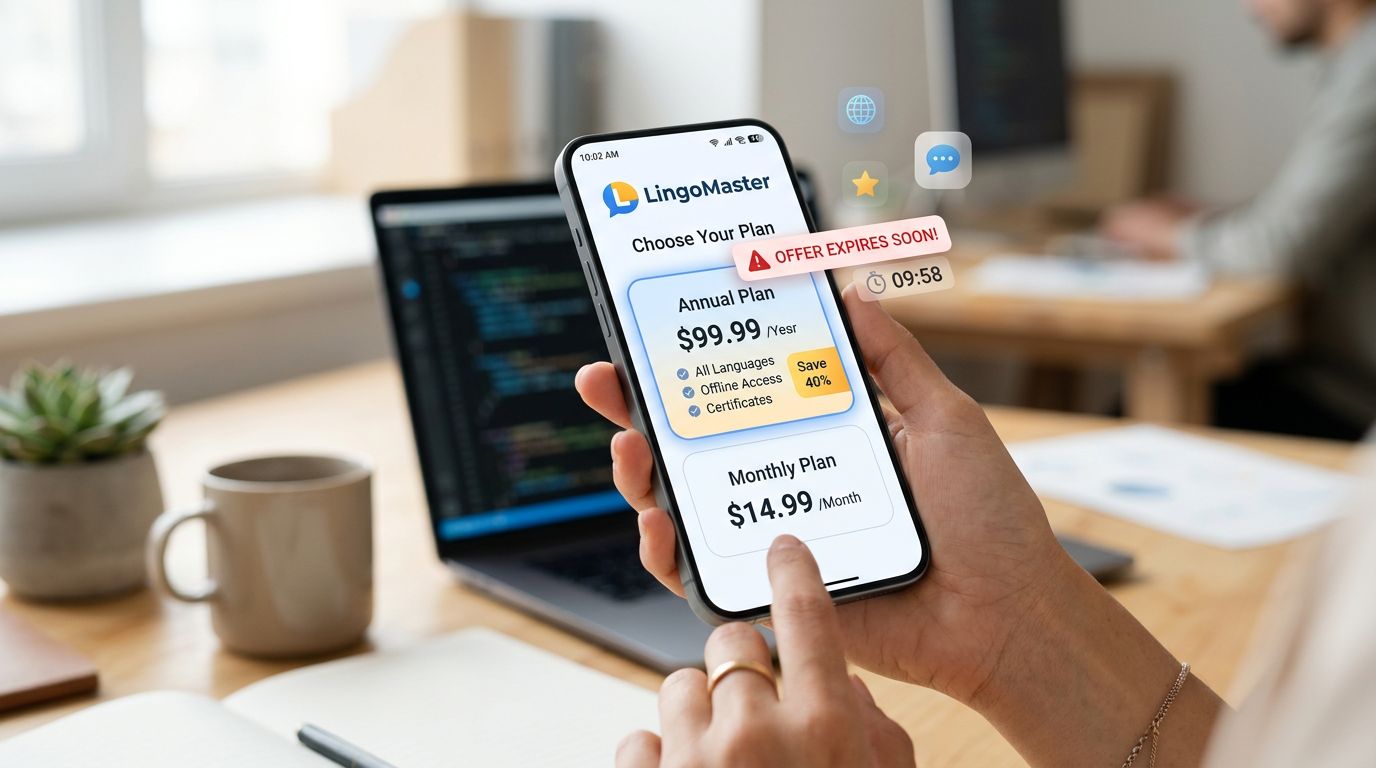
That “$4.99” button can feel harmless, like tossing a snack into your cart. Then your bank alert hits and it’s $59.99, or worse, it renews quietly every year.
The good news is you can catch most subscription price traps in about 10 minutes, before you commit. This guide shows what to look for, how to do the quick math, and how to cancel and confirm you’re safe on iOS or Android.
Small disclaimer: pricing, tiers, and trial terms change often, sometimes by region, so always verify the current details in your Apple or Google subscription screen before you buy.
Where language app subscription pricing traps usually hide
Most language app subscriptions aren’t “scams,” but the pricing is often built to make the expensive choice feel normal. Think of it like a menu that lists a burger price in tiny print, but the “meal” price is loud and bright.
Here are the patterns that cause surprise charges most often:
1) “Per month” labels that are billed yearly
You’ll see “$7.99/month,” but the charge today is $95.88. That might still be a fair deal, but only if you meant to prepay a full year.
2) Weekly plans that look cheap
A weekly plan is easy to start, and easy to forget. It also inflates the true monthly cost.
3) Trials that convert to a different tier
Some trials are for the top plan, then auto-convert to a paid plan with a different name or feature set. You think you’re continuing “what you tested,” but you’re not.
4) Feature gates inside paid plans
Even after you pay, key tools can sit behind “Pro,” “Max,” “AI,” “Premium Plus,” or add-ons. If speaking practice or offline mode is why you’re paying, verify those are included in the tier you’ll renew on.
5) Family plans with seat rules
“Family” might mean 4 seats, or it might mean 1 account shared on multiple devices. Those are very different.
If you want a faster way to judge whether paid really adds value, use this internal guide on comparing language app subscriptions before you focus on price. Also, it helps to start from your goal first (travel, work, exams) using this language app selection checklist, because the “best deal” is often the plan you won’t use.
For broader context on what good language apps tend to include at different price points, Wirecutter’s roundups can help you calibrate expectations, see Wirecutter’s language app recommendations.
If you can’t clearly explain what you’re buying (billing period, renewal price, tier name), you’re not ready to subscribe.
The 10-minute subscription price trap check (do this before you pay)
Set a timer for 10 minutes. Your goal is simple: confirm the billing period, compute the real monthly cost, and check what happens if you cancel.
A quick price conversion table (use the math, not the marketing)
Here’s the kind of math that exposes traps in seconds:
| Price shown | Example | Effective monthly cost | Fast rule |
|---|---|---|---|
| Weekly | $4.99/week | $4.99 × 4.33 = $21.61/mo | Multiply by 4.33 |
| Yearly (shown as monthly) | $7.99/month, billed yearly | $95.88 ÷ 12 = $7.99/mo | Confirm the “billed yearly” line |
| Annual total | $119.99/year | $119.99 ÷ 12 = $10.00/mo | Divide by 12 |
| 3-month bundle | $29.99/quarter | $29.99 ÷ 3 = $10.00/mo | Divide by months covered |
Takeaway: weekly pricing is often the most expensive “monthly” plan once you convert it.
The 10-minute checklist (start here)
- Find who bills you.
Look for “Apple,” “Google Play,” or a direct card charge inside the app. This decides where cancellation and refunds must happen. - Open the subscription screen in your store account.
Don’t rely on the app’s paywall page. The store view usually shows the cleanest billing period and renewal info. - Read three lines only (don’t skim).
- Billing period (weekly, monthly, yearly)
- Renewal price (after any promo)
- Trial conversion timing (for example, “renews on…”)
- Convert to an effective monthly cost.
Do the quick math above. Write the monthly number in your notes app. - Check the tier name you will renew on.
Trials sometimes show “Premium,” but renewal might say “Premium Annual” or a different tier label. Match the names. - Verify your must-have features inside the tier description.
Don’t assume “paid” means unlimited. Look for caps on AI chat, speaking checks, offline downloads, or review tools. - Look for account sharing and device limits.
If you use phone plus tablet, confirm syncing and device rules. If it’s for a child, confirm profile rules. - Screenshot the offer page and the renewal terms.
If support pushes back later, screenshots shorten the back-and-forth. - Set a cancellation reminder now (even if you plan to keep it).
Set it for 48 hours before renewal. Then you decide with a clear head. - Only then start the trial or subscription.
If anything is unclear, pause. Confusion is a cost.
How to cancel on iOS and Android (and how to confirm it really ended)
Canceling a subscription should feel like turning off a light. In practice, it’s more like canceling a gym membership, you need proof.
iOS (iPhone and iPad) cancellation and confirmation
On iOS, Apple controls most language app subscriptions bought in-app. After you cancel, you usually keep access until the end of the current period.
- Open Settings.
- Tap your Apple Account name.
- Tap Subscriptions.
- Select the language app.
- Tap Cancel Subscription (or “Cancel Free Trial”).
To confirm cancellation, go back into Subscriptions and check that it shows an expiration date and not a future renewal. Also, save a screenshot of that page.
Android (Google Play) cancellation and confirmation
On Android, Google Play manages most in-app subscriptions.
- Open Google Play Store.
- Tap your profile icon.
- Tap Payments & subscriptions.
- Tap Subscriptions.
- Select the language app and cancel.
To confirm, return to Subscriptions and make sure it shows Canceled or an ends on date. If you still see “renews on,” you’re not done.
Mini scripts to request a refund or downgrade (copy, paste, edit)
Keep it short, polite, and specific. Include your screenshot dates.
Refund request (unexpected renewal)
“Hi, I was charged on (date) for (plan name). I didn’t intend to renew. I canceled as soon as I noticed. Please confirm the subscription is canceled and help with a refund for this renewal. Screenshots attached showing the renewal terms and my cancellation.”
Downgrade request (wrong tier)
“Hi, I subscribed to (tier shown during trial), but my account renewed on (different tier name). I want to downgrade to (target tier) effective immediately, or at the next renewal, without losing my progress. Please confirm the price and renewal date after the change.”
Feature missing (paid but locked tools)
“Hi, I’m on (plan name). The paywall says it includes (feature), but it’s locked in my app. I’ve restarted and updated. Please confirm whether (feature) is included in my plan, and unlock it or advise how to switch to the correct plan.”
Finally, if you’re trying to stop “subscription creep” across many apps, tracking helps. Tools like Bobby subscription tracker can make renewals harder to miss.
Conclusion
Language learning should cost effort, not surprise charges. Run the 10-minute check, convert prices to a true monthly number, and screenshot the terms before you tap pay. If something feels fuzzy, wait and verify, because language app subscriptions are easy to start and annoying to unwind. Next time you see “$7.99/month,” ask one calm question: “How much am I actually paying today, and when does it renew?”
Ready to Take Your Language Learning Further?
Your favorite language-learning app is a great place to start. Rocket Languages can help you go further with interactive audio lessons, pronunciation practice, real-world conversations, and structured learning.
Explore Rocket Languages →Affiliate disclosure: We may earn a commission if you purchase through this link, at no additional cost to you.
