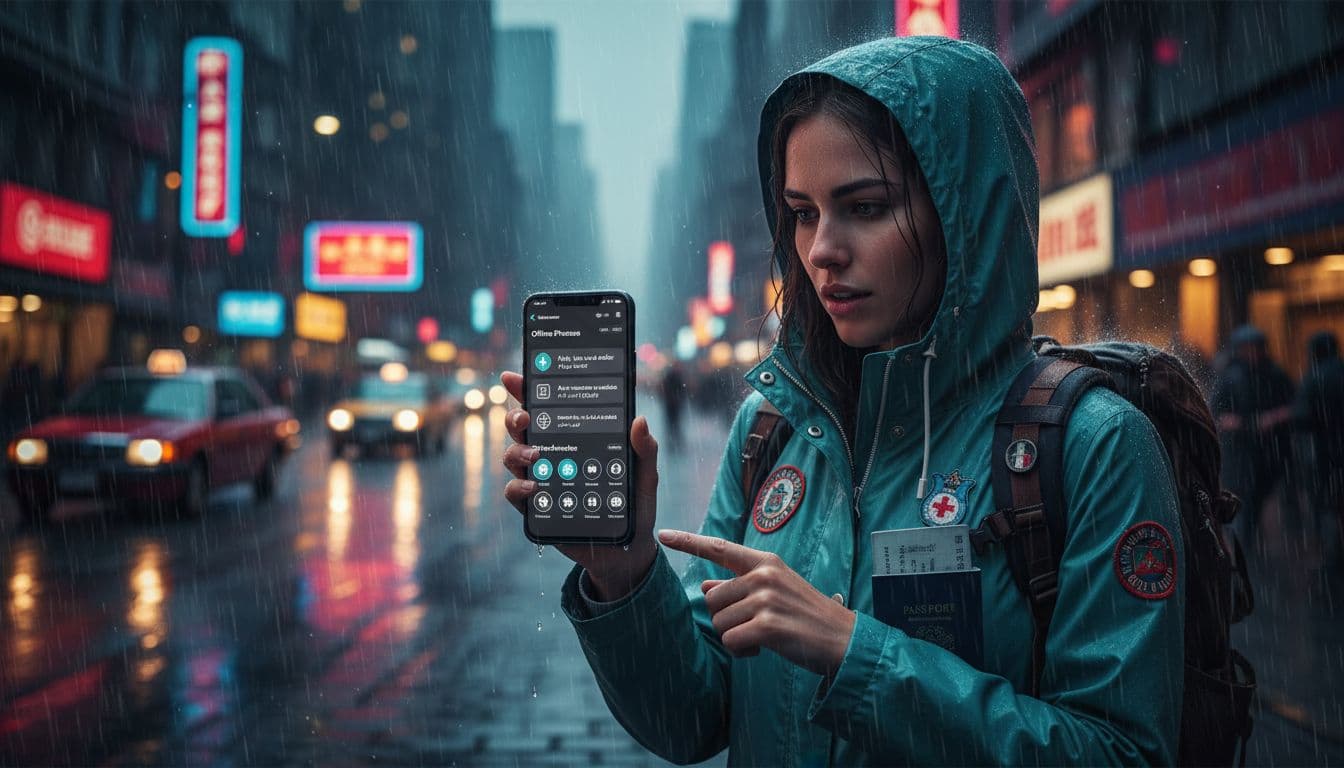
Your phone can be your best help on a trip, right up until you’re stressed, offline, and can’t find the one screen you need.
A good travel emergency app isn’t the one with the most features. It’s the one that still works in airplane mode, gets you to the right action in seconds, and stores a few essential phrases in a way you can reach fast with shaky hands.
This guide shows how to pick the right app, set it up with a minimum emergency kit, and build a quick bookmark system for phrases you can actually retrieve under pressure.
What a travel emergency app should do (when your brain isn’t cooperating)

Photo by Kamaji Ogino
In a real emergency, most people don’t “browse.” They tap the first thing that looks right. Your app needs to support that.
Look for three core jobs:
1) Get help quickly
That can mean local emergency numbers, a one-tap SOS, or a way to share your location fast. Some safety apps focus on calling and sharing details, not medical advice.
2) Work offline by design
Offline maps, offline phrasebooks, and saved numbers matter more than fancy features. If an app needs a login, test it offline after you sign in.
3) Surface the right words
Translation is great, but in panic, you want a saved phrase you can point to. A fast “favorites” or “bookmarks” screen beats searching every time.
For broader app ideas, this roundup of offline travel apps can help you spot categories you may be missing.
A simple scoring rubric (and a decision checklist you can use in 5 minutes)
Don’t pick an app by star ratings alone. Use a quick score, then test the winners in airplane mode.
0 to 3 scoring rubric
| Criterion | 0 | 1 | 2 | 3 |
|---|---|---|---|---|
| Offline (0–3) | Useless offline | Some content offline | Key features offline | Strong offline mode, clear downloads |
| Speed (0–3) | Hard to find actions | 4+ taps to key screen | 2–3 taps | 1–2 taps, clear emergency button |
| Privacy (0–3) | Unclear data use | Heavy permissions | Reasonable controls | Strong controls, clear settings |
| Phrasebook (0–3) | No phrases | Basic list | Favorites available | Favorites plus quick search and big text |
Aim for 9+ total if you want one primary app. If no app hits that, plan a two-app setup (one safety app, one language tool).
Decision checklist (yes or no)
- Offline downloads are obvious (maps, language packs, phrase lists).
- Favorites/bookmarks exist and are easy to use.
- ICE contacts can be added or referenced fast.
- Emergency numbers can be saved and shown clearly.
- Location sharing is simple (copy address, share GPS link, or send to a contact).
- Low friction: minimal sign-ins, no cluttered home screen.
- Works under poor signal (test in airplane mode, then with Wi-Fi off).
If you also want a structured language app for travel prep, compare options before your trip (not during it). This guide can help: https://languavibe.com/rosetta-stone-vs-duolingo-which-app-is-best-for-you/
The minimum viable setup (do this before you leave)
A travel emergency app is only as good as its setup. Set aside 10 minutes and do the boring steps once.
Here’s a minimum setup that works for most travelers:
Download offline packs and maps
- Download offline language data for your translator or phrasebook.
- Save offline maps for your key areas (airport, hotel neighborhood, day-trip zones).
- Open them once offline to confirm they load.
Add ICE and health basics
- Add at least one ICE contact in your phone contacts.
- Put a short note in your Medical ID or lock-screen emergency info (allergies, key meds).
Save critical numbers (and make them visible)
- Embassy or consulate number for your citizenship.
- Travel insurance hotline.
- A trusted contact at home.
- Your accommodation front desk.
Create a Favorites list inside the app
Make one folder or tag called “Emergency.” Add phrases, addresses, and numbers you’ll need when you can’t think.
Build a 10-second retrieval flow (your bookmark system under stress)
Speed is a design choice. You’re building a tiny “path” your thumb can follow without decision fatigue.
Use at least two of these:
Home-screen access
Put the app on your first home screen. If the app supports widgets or shortcuts, add a one-tap button that opens Favorites.
Pinned note backup
Create a pinned note named “Emergency” with your key numbers, hotel address in local language, and the top 10 phrases. Notes apps often open faster than most travel apps.
Lock-screen access (when available)
Set up Medical ID and emergency contacts for your phone. Some devices also allow emergency call shortcuts from the lock screen.
A simple 10-second flow to practice twice: Unlock phone → tap Emergency folder → tap “Need help” phrase → show screen or play audio.
Practice once at home, once after you land. Stress reveals friction.
Essential emergency phrases to bookmark (grouped for quick use)
Save these as Favorites so you never have to search. Add the local-language version and a phonetic spelling you can read out loud.
Urgency and getting attention
- Help!
- I need help.
- Please call an ambulance.
- Please call the police.
- Fire!
- I’m lost.
Medical and symptoms
- I’m injured.
- I feel sick.
- I have severe pain.
- I can’t breathe well.
- I’m allergic to (food/medicine).
- I have (diabetes/asthma).
- I need a doctor.
- Where is the nearest hospital?
Safety and crime
- I’ve been robbed.
- My phone was stolen.
- My passport was stolen.
- I feel unsafe.
- Please stay with me.
- I want to report this.
Location and directions
- Where am I?
- Can you show me on the map?
- I need to go to this address.
- Please take me to the embassy/consulate.
- I need a taxi.
- Stop here, please.
Money and documents
- I lost my wallet.
- I need to cancel my card.
- I need a cash machine (ATM).
- I need a replacement passport.
- I have travel insurance.
Communication basics
- I don’t speak (language).
- Do you speak English?
- Please speak slowly.
- Please write it down.
- Can you repeat that?
If you want more guidance on translation app features (voice, offline, accuracy), this overview is a useful reference: https://www.yaraku.com/en/news/honyakuapp/
Picking app types that work well together (instead of hunting for one perfect app)
In January 2026, many travelers do best with a small stack:
1) Emergency numbers and country coverage
Apps like TripWhistle Global SOS are known for helping you find local police, fire, and ambulance numbers by country (set it up before you need it).
2) Personal safety SOS
Options like Noonlight or bSafe focus on discreet alerts and location sharing. They’re designed for fast action, not language support.
3) Offline translation or phrasebook
Use a translator that supports offline downloads, then rely on bookmarked phrases for the most stressful moments.
For more safety app ideas and what they’re built for, this list is a helpful scan: https://sisterhoodtravels.com/best-safety-apps-for-solo-female-travelers/
A quick safety disclaimer (small but important)
Emergency numbers vary by country, and some regions use different services. Verify local emergency numbers for your destination before you go. For medical, legal, or insurance decisions, contact qualified professionals and your insurer’s hotline when possible.
Conclusion
A strong travel emergency app setup is simple: offline downloads, saved contacts, a Favorites list, and a retrieval path you can do on autopilot. Once that’s in place, your phone stops being a distraction and starts acting like a plan.
Set it up today, then test it in airplane mode. Your future self will thank you when seconds matter.

