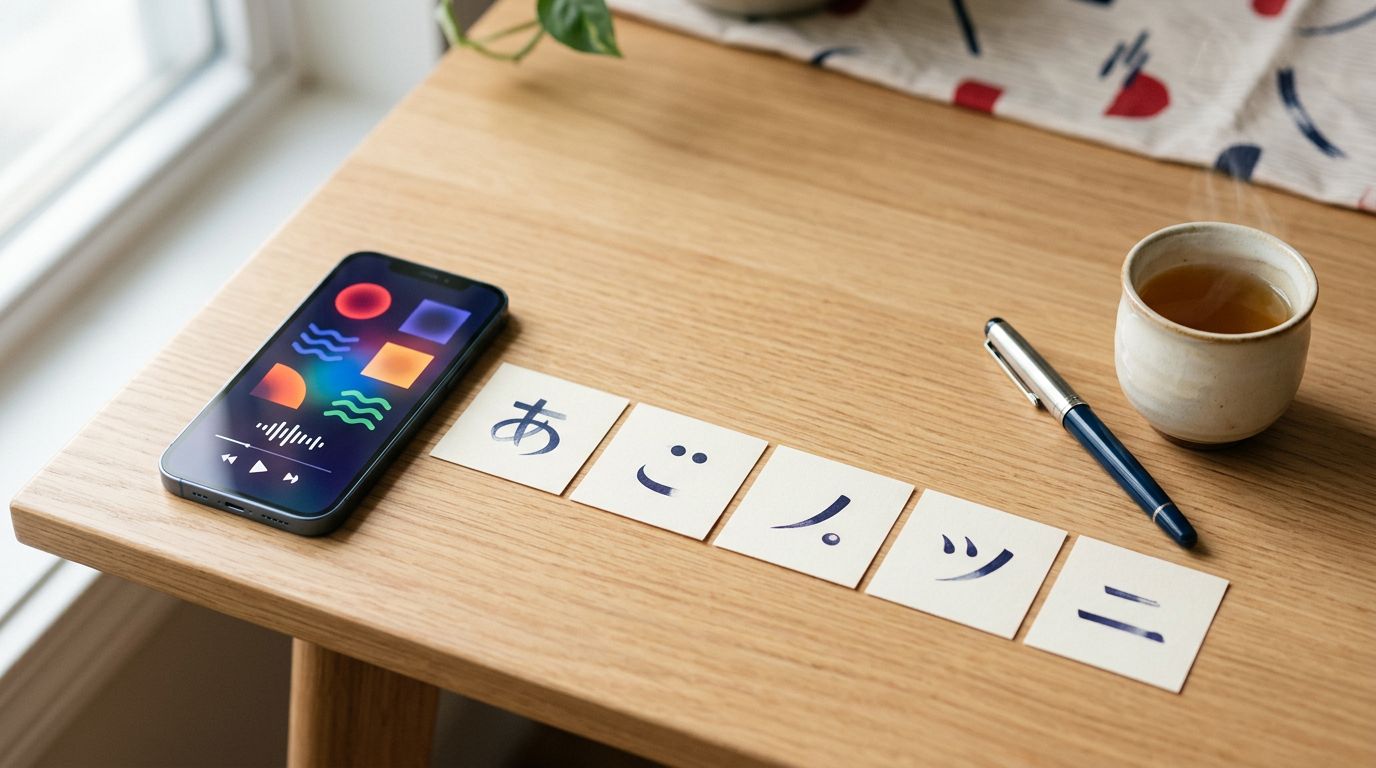
A Japanese menu can look impossible until a few familiar symbols begin to stand out. The best Japanese kana apps help you recognize hiragana and katakana quickly, then reinforce each character with sound, recall, and writing practice.
The strongest choice depends on your learning style. Some Japanese kana apps use pictures and memory tricks, while others add vocabulary, quizzes, grammar, and longer-term Japanese study. As of August 2026, these are the most useful options for beginners comparing free and paid tools on iOS and Android.
What beginners need from Japanese kana apps
Kana refers to Japan’s two phonetic scripts: hiragana and katakana. Each script represents the same basic sounds, but they appear in different situations.
Hiragana usually appears in grammar endings and common Japanese words. Katakana is common in loanwords, foreign names, brand names, and emphasis. You need both, although learning them at the same time can create unnecessary confusion.
Start with recognition, then add handwriting
A good app should make you recall a character rather than recognize it only after seeing a multiple-choice answer. Look for quizzes that show the sound and ask you to produce the symbol, along with audio that confirms pronunciation.
Handwriting practice still matters, even if you plan to type Japanese. Writing each character helps you notice its shape and stroke order. You don’t need to fill notebooks for hours, but writing difficult symbols several times can prevent similar characters from blending together.
Keep sound, shape, and meaning together
Kana itself doesn’t carry the same kind of meaning as a kanji character. However, learning a symbol alongside a real word gives it a useful context.
For example, learning ね as part of ねこ (neko, cat) is more memorable than reviewing ね in isolation. The best Japanese kana apps make this connection through audio, pictures, example words, or short vocabulary exercises.
Best Japanese kana apps compared
This table gives you a quick starting point. Storefront access and prices can vary by country, device, and app version.
| App | Best for | Access and pricing | Main limitation |
|---|---|---|---|
| Hiragana Memory Hint | Free hiragana practice | Free app in listings checked, availability varies | Covers hiragana only |
| Katakana Memory Hint | Free katakana practice | Free app in listings checked, availability varies | Separate companion app |
| Dr. Moku | Mnemonics and paid expansion | Free download with one-time in-app purchases | Less suitable as a full course |
| Kana Town | Short themed drills | Free download with optional paid bundles | Lighter review system |
| Renshuu | Kana plus wider Japanese study | Generous free access with optional premium features | Broader interface can feel busy |
For most complete beginners, Hiragana Memory Hint is the simplest free starting point. Dr. Moku is a strong paid choice for visual learners, while Kana Town suits people who prefer short vocabulary-based sessions.
Kana Town is best for light, themed practice
Kana Town’s App Store listing describes an app for learning hiragana, katakana, and vocabulary through short practice activities. The current listing shows a free download with in-app purchases.
Why Kana Town works for beginners
Kana Town is easy to approach because it doesn’t demand a long daily lesson. You can review a small group of symbols, test your recall, and return later without losing a complicated course position.
The themed vocabulary bundles also give the characters more context. Current storefront information shows optional bundles covering topics such as places and activities, people, nature, colors, and counters. Public prices observed in 2026 included $2.99 bundles and a $1.99 counters bundle, although your local store may display different prices.
This makes Kana Town a good fit if you want a simple kana app with light vocabulary support. It can also work well for children or adults who lose interest during long flashcard sessions.
Where Kana Town falls short
Kana Town is better as a focused practice tool than as your complete Japanese course. You may still need another resource for detailed stroke-order instruction, structured grammar, longer vocabulary review, and spaced repetition.
It also appears primarily through iOS listings in the sources checked. Android users should search their local Google Play store before building a study plan around it.
Dr. Moku suits visual learners who like mnemonics
Dr. Moku teaches Japanese kana with visual memory tricks. The method connects a character’s shape with an image or short story, which can help when the symbols initially seem random.
The strongest choice for memory-aid learners
Dr. Moku is especially useful during the first week of study. A mnemonic gives you a mental route back to a character when direct memorization fails.
The app includes hiragana and katakana content, plus quizzes and additional Japanese material. You can use the iOS version of Dr. Moku, while the Android version on Google Play provides the same general app family on Android.
Mnemonics won’t replace repeated recall, but they can shorten the time needed to form an initial memory. After you recognize a symbol reliably, gradually answer without looking back at the picture.
A paid option without a recurring subscription
Dr. Moku’s website states that it doesn’t use a subscription model and instead offers one-time content purchases. That structure may appeal to learners who want to pay once for a limited beginner goal.
Current US App Store information shows prices for individual hiragana and katakana packs, all Japanese content, and larger bundles. One listing displayed $4.99 for individual kana content, $12.99 for all Japanese content, and $24.99 for a complete bundle. Other App Store pages show different bundle pricing, so treat these as storefront examples rather than universal prices.
Check the purchase screen before paying. A paid bundle can be good value if you want visual memory support, but you shouldn’t buy every language pack when Japanese kana is your only goal.
The Japan Foundation’s Memory Hint apps are strong free options
The Japan Foundation publishes separate HIRAGANA and KATAKANA Memory Hint apps. They use illustrated memory aids and quizzes to help beginners connect each character with its sound.
Hiragana Memory Hint is the easiest place to start
Hiragana Memory Hint is a practical choice if you want a free, focused introduction without advertisements for a large paid course. The app keeps attention on hiragana, which helps beginners avoid mixing the two scripts during the first few sessions.
The Japan Foundation’s resource pages describe the app as a way to learn hiragana with mnemonic pictures and quizzes. Android storefront listings identify THE JAPAN FOUNDATION as the developer. The app was also released for iOS, though current availability can depend on your regional store and device.
Use it to learn the basic hiragana set, then test yourself with the characters in a random order. Random review matters because recognizing the standard chart sequence can create false confidence.
Katakana Memory Hint fills the second gap
Katakana Memory Hint works as a companion for the second script. It is particularly useful for learners who need to read menus, product names, travel information, or Japanese versions of foreign words.
The Android listing identifies THE JAPAN FOUNDATION as the developer. Current evidence for iOS access is less consistent across storefronts, so iPhone users should verify the listing in their region before starting.
A separate katakana app may seem less convenient than an all-in-one tool, but the separation has one advantage: you can finish hiragana first and add katakana when the first script feels stable.
A free app that teaches one script well can be more useful than a larger app that scatters your attention across five subjects.
Renshuu makes sense when kana is only the first step
Specialist Japanese kana apps are often best for your first two weeks. However, some learners want their kana practice to connect immediately with vocabulary, kanji, grammar, reading, and Japanese audio.
Renshuu’s Japanese study app covers those areas alongside hiragana and katakana. Its free access is generous, and it includes daily review, writing practice, vocabulary, grammar, reading, and JLPT-related study paths.
Choose Renshuu for a longer study plan
Renshuu suits independent learners who want one app to remain useful after kana becomes familiar. You can begin with script practice, then add vocabulary and kanji without changing platforms.
The tradeoff is focus. A complete beginner may find the number of options distracting when the immediate task is learning 46 basic hiragana characters. Start with one kana course or review list, then hide or ignore features you don’t need yet.
LingoDeer is another option for learners who want a guided Japanese course with beginner lessons, native audio, and planned progression. The best Japanese learning apps for serious learners comparison can help you decide whether a broader course fits better than a kana specialist.
How to choose the right app in 2026
Feature lists can make every app look similar. Your decision should rest on the kind of practice you will repeat each day.
Pick feedback that matches your weakness
Choose a mnemonic app if you forget character shapes. Pick a quiz-heavy app if you recognize kana on a chart but fail to recall it in random order. Select a broader study app if you want to read words and begin grammar as soon as possible.
Writing feedback deserves attention too. Some apps ask you to trace characters, while others only test recognition. Tracing helps with stroke direction, but freehand writing on paper gives you a better test of actual memory.
Check local availability and pricing first
App Store and Google Play pages can show different prices, bundles, currencies, and availability. Kana Town’s public pages vary by country, and Dr. Moku’s bundle prices differ between listings. The Japan Foundation’s companion apps can also appear differently across regional storefronts.
Before you commit, confirm all of the following:
- The app is available for your device and country.
- The free version includes enough kana for your goal.
- A paid purchase is one-time or recurring.
- The app supports audio and your preferred interface language.
- You can reset or randomize review sessions.
A free download doesn’t always mean the full kana set is free. Read the current in-app purchase details before paying.
A simple 14-day routine for mastering kana
Use one primary app for instruction and one optional tool for extra recall. Switching between several Japanese kana apps every day often creates more setup than progress.
Days 1 to 4: build the hiragana base
Study for 10 to 15 minutes daily. Learn roughly eight to ten new hiragana characters per session, then review all previous characters in random order.
Say each sound aloud. Write the new symbols on paper, and use the app’s quiz before checking the answer. If a character repeatedly causes mistakes, leave it in a small handwritten review group.
Days 5 to 9: strengthen recall and add katakana
Spend the first few days consolidating hiragana. Read short words such as ねこ and すし, even if you don’t know many meanings yet. The goal is to see kana inside a word rather than only on a quiz card.
Next, begin katakana with the same daily limit. Practice familiar loanwords such as アニメ (anime), ホテル (hoteru), and コーヒー (koohii). Keep hiragana in your review queue so the second script doesn’t push it aside.
Days 10 to 14: mix both scripts
Use mixed quizzes without relying on the chart order. Add five minutes of handwriting and read simple labels, learner sentences, or vocabulary cards.
By the final days, test yourself in three ways: recognize the symbol, produce it from its sound, and write it from memory. When you can do all three with few errors, move into basic vocabulary and grammar while keeping a short kana review session each day.
Conclusion
The right app depends on what blocks your progress. Hiragana Memory Hint and Katakana Memory Hint offer focused free practice, Dr. Moku gives visual learners a one-time paid path, and Kana Town keeps sessions short and themed. Renshuu fits learners who want kana connected to a larger Japanese course.
Start with one app, practice daily, and verify availability and pricing in your local store before purchasing. Once the symbols stop looking like a wall of unfamiliar shapes, kana becomes a reading tool, not the main obstacle to Japanese study.
Ready to Take Your Language Learning Further?
Your favorite language-learning app is a great place to start. Rocket Languages can help you go further with interactive audio lessons, pronunciation practice, real-world conversations, and structured learning.
Explore Rocket Languages →Affiliate disclosure: We may earn a commission if you purchase through this link, at no additional cost to you.
