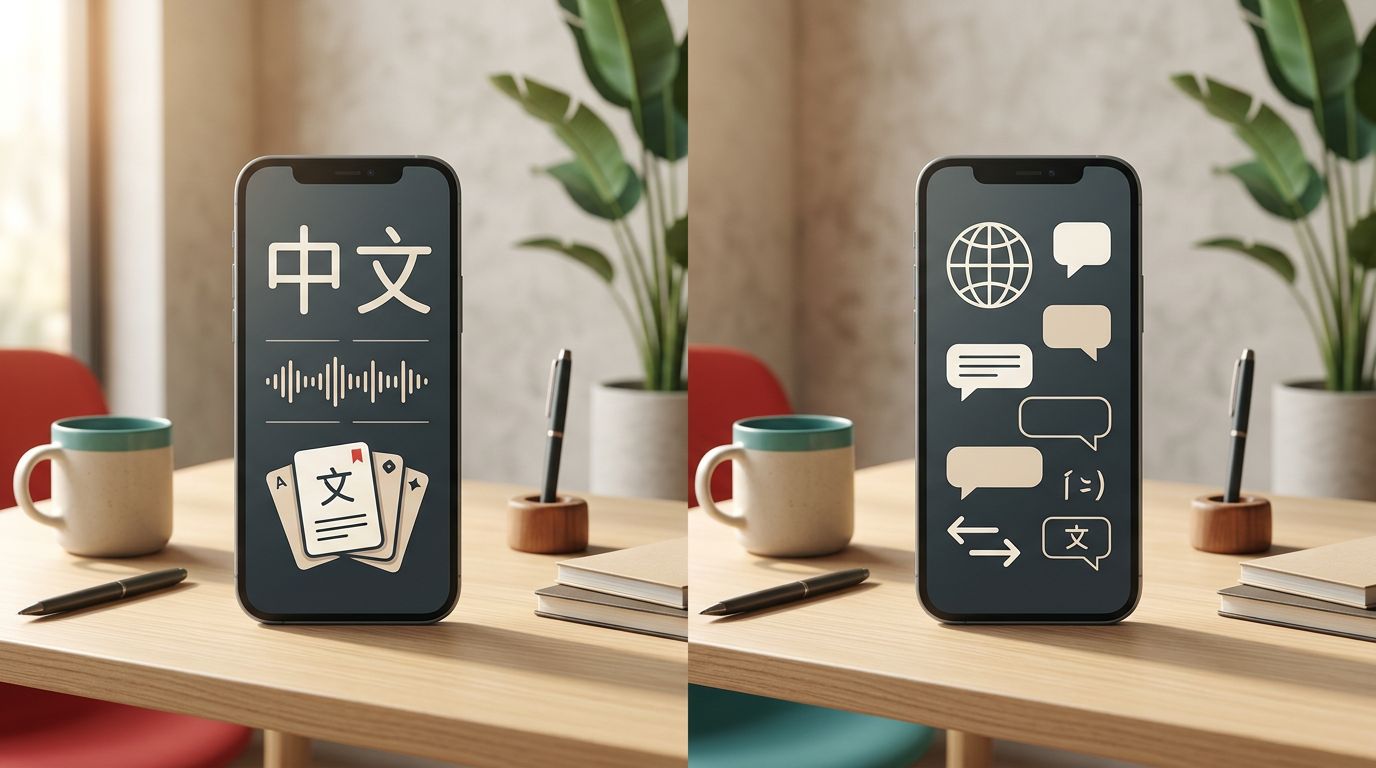
An unknown Chinese character can stop a reading session before you even understand the sentence around it. The Pleco vs Google Translate choice becomes easier when you separate two jobs: looking up Chinese accurately and translating a full sentence quickly.
Pleco is built for learners who want definitions, pronunciation, example sentences, and study tools. Google Translate is built for fast communication across many languages. Both are useful for Mandarin, but they solve different problems. The difference starts with how each app handles a single word.
What Pleco and Google Translate actually do
Pleco is primarily a Chinese dictionary and reference app. Its free core includes the CC-CEDICT and PLC dictionaries, with around 130,000 words and 20,000 example sentences with Pinyin. You can search with characters, Pinyin, English, tones, handwriting, radicals, and partial spellings.
That matters when you meet a word such as 方便. Pleco can show the pronunciation fāngbiàn, meanings such as “convenient” or “to facilitate,” example sentences, and related entries. You can study the word instead of accepting one translation and moving on.

Google Translate takes a different approach. You enter Chinese, English, speech, handwriting, or an image, and it produces a translation. Its camera, photo, conversation, and offline functions make it useful when you need to understand a menu, message, sign, or short exchange immediately.
Pleco can translate individual words within a sentence, but it isn’t designed to replace a full-sentence translation service. Google Translate can explain the broad meaning of a sentence, but it usually gives you less information about grammar, word choice, and usage.
Learners comparing dictionary apps often raise this exact difference in Chinese dictionary recommendations from learners. A dictionary supports study decisions; machine translation supports communication.
Pleco vs Google Translate: Which Tool Fits Chinese Study?
The core comparison looks like this:
| Feature | Pleco | Google Translate |
|---|---|---|
| Main purpose | Chinese dictionary and study reference | Full-sentence and conversation translation |
| Single-word lookup | Excellent, with detailed entries | Fast, but often less explanatory |
| Pinyin and tones | Strong learner-focused support | Available in translation results |
| Handwriting input | Available | Available, depending on device and mode |
| Camera OCR | Paid Pleco add-on | Built into camera and photo translation |
| Flashcards | Available with paid feature | No dedicated SRS system |
| Stroke order | Available with paid feature | Not a main study function |
| Offline use | Dictionary data works well offline | Requires downloaded language packs |
| Cost | Free core, paid one-time add-ons | Free consumer app |
Pleco is the better fit when your goal is understanding and remembering Chinese. Google Translate is the better fit when your goal is getting the meaning of a message or object quickly.
Neither app teaches Mandarin in a complete, structured way. You still need lessons, graded reading, listening practice, and a review system. For reading practice, tools such as Du Chinese and Mandarin Bean may fit better because they provide organized texts and learner-level support.
Where Pleco is stronger for Mandarin learners
Pleco’s main advantage is context around a word. A typical entry can show multiple meanings, word parts, pronunciation, example sentences, and links to related vocabulary. That helps you decide which meaning fits the sentence instead of memorizing the first English equivalent.
The search system is also forgiving. You don’t need to know every character before finding an entry. Handwriting input helps when you can recognize a character but cannot type it. Radical and component searches help when the character is unfamiliar. Pinyin searches work when you heard a word but haven’t seen its written form.
Pleco becomes more useful as your reading improves. The document reader lets you work through longer Chinese text, while OCR can identify printed characters through your camera. Stroke-order diagrams help you check how a character is written. The flashcard system lets you save words from dictionary entries and review them later.
The paid tools aren’t required on day one. However, serious learners may find the OCR, flashcards, audio, and document reader worth adding. The Pleco Chinese dictionary app review covers those learning features in greater detail.
Pleco’s greatest strength is not that it translates more sentences. It is that it gives you reasons for choosing one meaning over another.
Pleco also supports a more deliberate habit. You can look up 解决, notice its example sentences, compare it with 处理, and save both for later review. Google Translate may give you “solve” or “handle,” but it won’t automatically teach the difference between those choices.
For learners who study characters, Pleco’s offline dictionary access is especially practical. You can read on a train, in a classroom, or while traveling without waiting for a network response.
Where Google Translate has the advantage
Google Translate wins when the input is longer, messier, or connected to a real-world task. A traveler can point the camera at a restaurant menu. A learner can paste a message from a Chinese friend. Someone preparing for a trip can download an offline Chinese and English language pack before leaving.
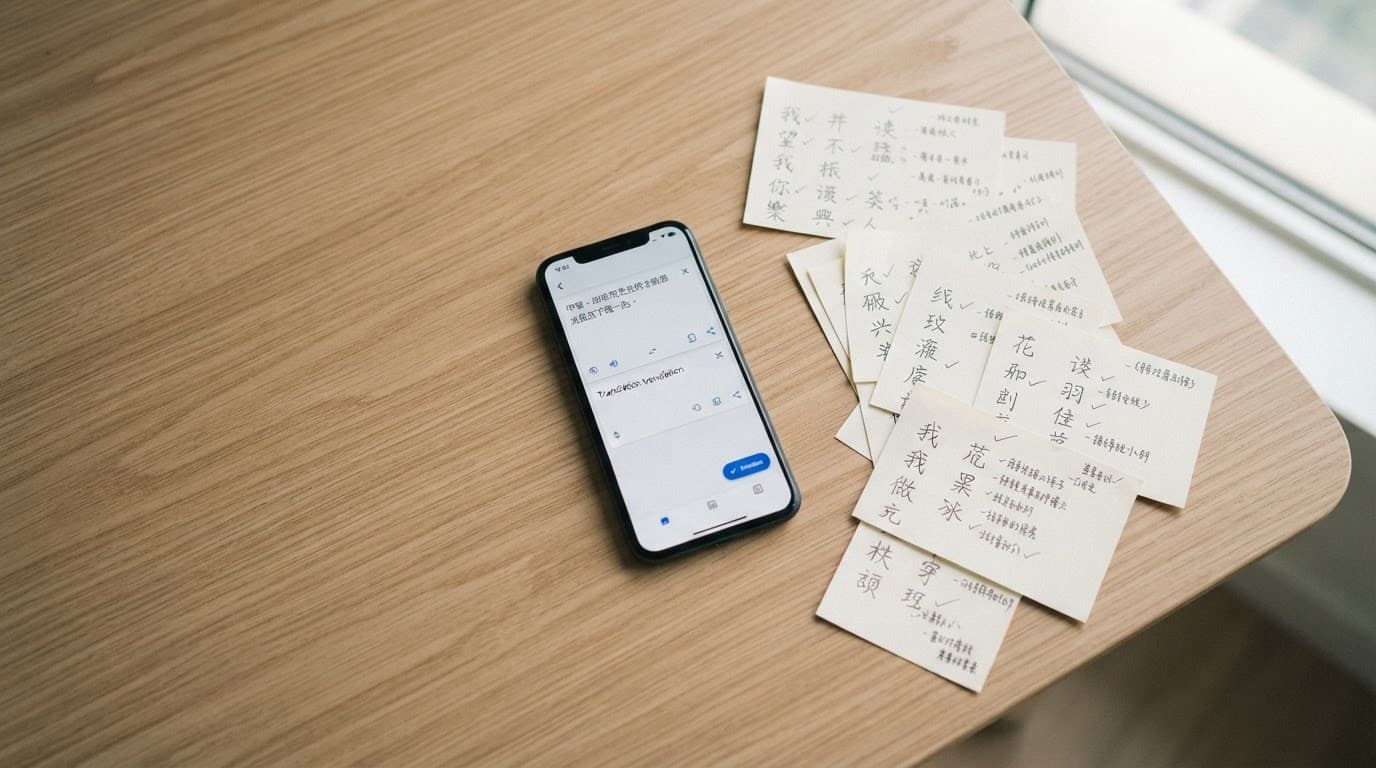
The app supports typed text, voice input, handwriting, camera translation, saved phrases, and conversation features. Availability can vary by operating system, region, language pair, and app version, so check the current options on your device.
Google Translate is also faster for a complete sentence. Consider a message such as 我昨天把书放在桌子上了. A translation can quickly tell you that the speaker put the book on the table yesterday. Pleco can help you inspect 昨天, 把, 放, 桌子, and 了, but it won’t replace the sentence-level output as efficiently.
This speed makes Google Translate useful for checking your general understanding after reading a sentence yourself. First attempt your own translation. Then compare it with Google’s result and investigate any major difference in Pleco.
The risk appears when learners copy the translated sentence without examining it. A smooth English sentence can hide word order, omitted subjects, aspect markers, or a tone that sounds too formal or too blunt.
Pricing, platform differences, and limitations
Pleco has a free core, but several of its strongest study features cost extra. Current Pleco pricing pages list bundles at different amounts, including a Basic Bundle around US $29.99 and a Professional Bundle around US $59.99. Another store page has shown lower bundle prices, such as $24.99 and $49.99.
Individual add-ons may include OCR, flashcards, stroke-order diagrams, document reading, audio, fonts, and premium dictionaries. The Oxford Chinese Dictionary is also available as a separate purchase in some listings. These are generally one-time purchases, not recurring subscriptions.
Google Translate’s consumer app is free for its core translation features. However, free access doesn’t guarantee identical functionality everywhere. Camera modes, offline language packs, conversation tools, and handwriting support can differ by platform, country, language pair, or app version.
Feature access and pricing can also change by storefront, region, and subscription tier when a related service offers paid extras. Check the current iOS App Store or Google Play listing before paying, especially if you switch between Android and Apple devices. Pleco add-ons may also have platform-specific limits, such as certain font features being available only on iOS.
Google Translate has another practical limitation for travelers in mainland China. Online features may not work on a local network without additional access arrangements. Downloading the required offline pack before travel can help with typed translation and some camera functions, but offline results are more limited than online tools.
A study workflow that uses both apps
The most effective Pleco vs Google Translate setup is often a division of labor:
- Read the Chinese sentence first and mark the words you recognize.
- Use Pleco to look up unfamiliar words, pronunciation, meanings, and examples.
- Save useful vocabulary to Pleco’s flashcards or another spaced-repetition system.
- Use Google Translate to check the full sentence, especially when the grammar is unfamiliar.
This order protects you from becoming dependent on translation. You make an interpretation before seeing the machine-generated answer, then use both apps to identify what you missed.
For example, if Google Translate gives you a fluent sentence that doesn’t match your reading, inspect the grammar in a textbook or lesson. Pleco can clarify vocabulary, but neither app fully explains every pattern in Mandarin.
Learner conversations about Chinese study tools on Reddit also show why many students keep a dictionary beside their main course or reading app. The dictionary answers immediate questions, while structured materials provide progression.
Which app should you use?
Beginners
Start with Pleco as your everyday Chinese dictionary. Its free core is enough for character lookup, Pinyin, pronunciation, and basic examples. Add Google Translate when you need to understand a complete sentence or message.
Beginners should avoid using Google Translate as their only source of Chinese. It can reveal meaning quickly, but it doesn’t build reliable vocabulary or grammar knowledge by itself.
Travelers
Choose Google Translate as your primary travel tool. Camera translation, voice input, conversation mode, and offline packs are more relevant when you need to order food, read signs, or communicate under time pressure.
Install Pleco as a backup for checking individual characters and confirming pronunciation. Download offline resources before departure, then test them in airplane mode.
Serious students
Choose Pleco first, including paid tools if you read regularly. OCR, flashcards, audio, stroke order, and the document reader support a stronger daily study routine than a general translation app.
Keep Google Translate for long messages and quick sentence checks. It works best as a second opinion, not as the center of your Mandarin study system.
Advanced readers
Use Pleco for detailed lookup, rare words, character analysis, and reading documents. Premium dictionaries can provide more precise definitions and usage information when a basic English gloss is too broad.
Google Translate can help you form a rough understanding of a long article. Still, verify important wording with Pleco, a reliable bilingual dictionary, or a human translation when accuracy matters.
Conclusion
Pleco and Google Translate are not direct substitutes. Pleco explains Chinese words and supports long-term study, while Google Translate handles full sentences and real-world communication with less effort.
For most Mandarin learners, the best choice is Pleco as the core dictionary and Google Translate as a practical backup. When an unknown character interrupts your reading, use Pleco to learn what it means, then use translation only when you need the sentence around it.