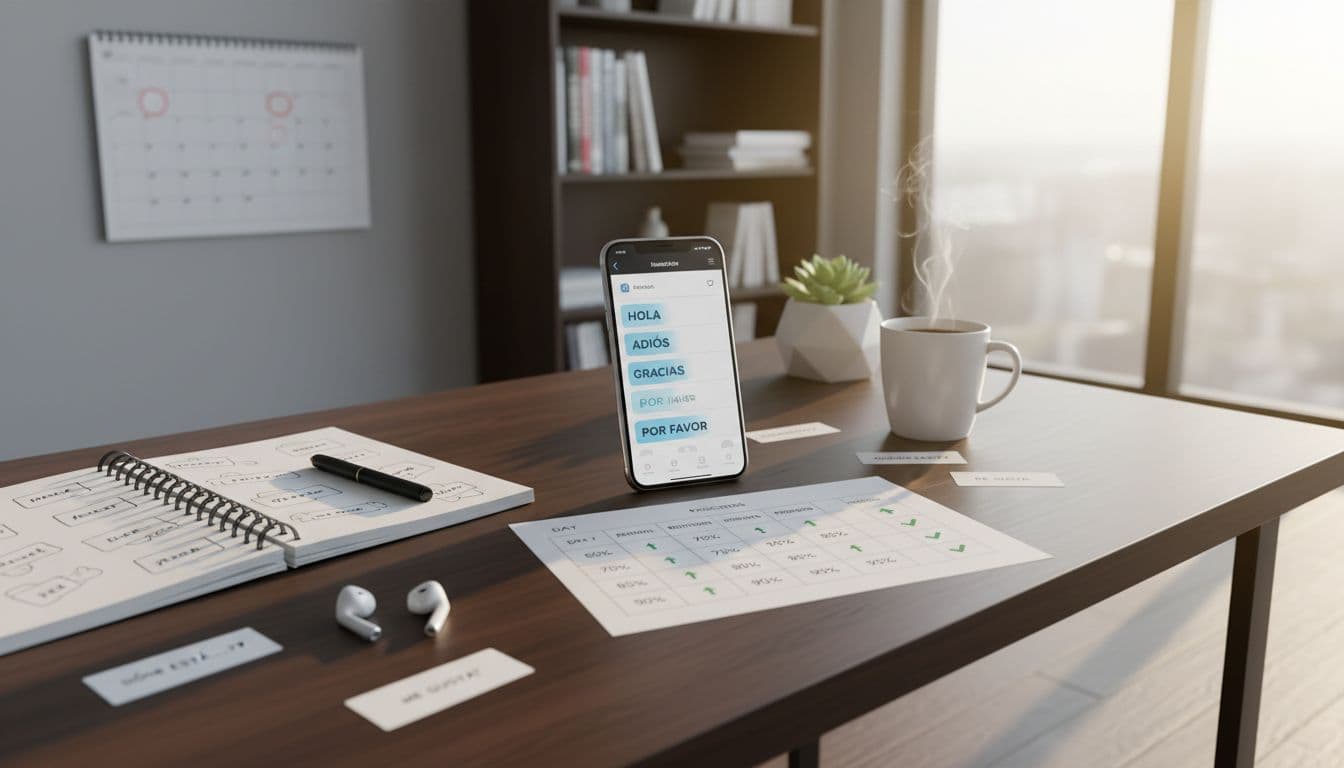
You download a new language app, do a few lessons, and it feels good. Then day 6 hits and half the words seem to vanish. Was it you, or the app’s review system?
A spaced repetition test fixes that problem fast. In one week, you can see whether an app’s scheduling actually supports memory, or just keeps you busy.
This 7-day method is app-agnostic (Anki-style decks, Memrise-like reviews, Duolingo-like practice loops). You’ll track a few numbers, compute a simple score, and write a clean verdict you can compare across apps.
What you’re really testing (and what “good SRS” looks like)
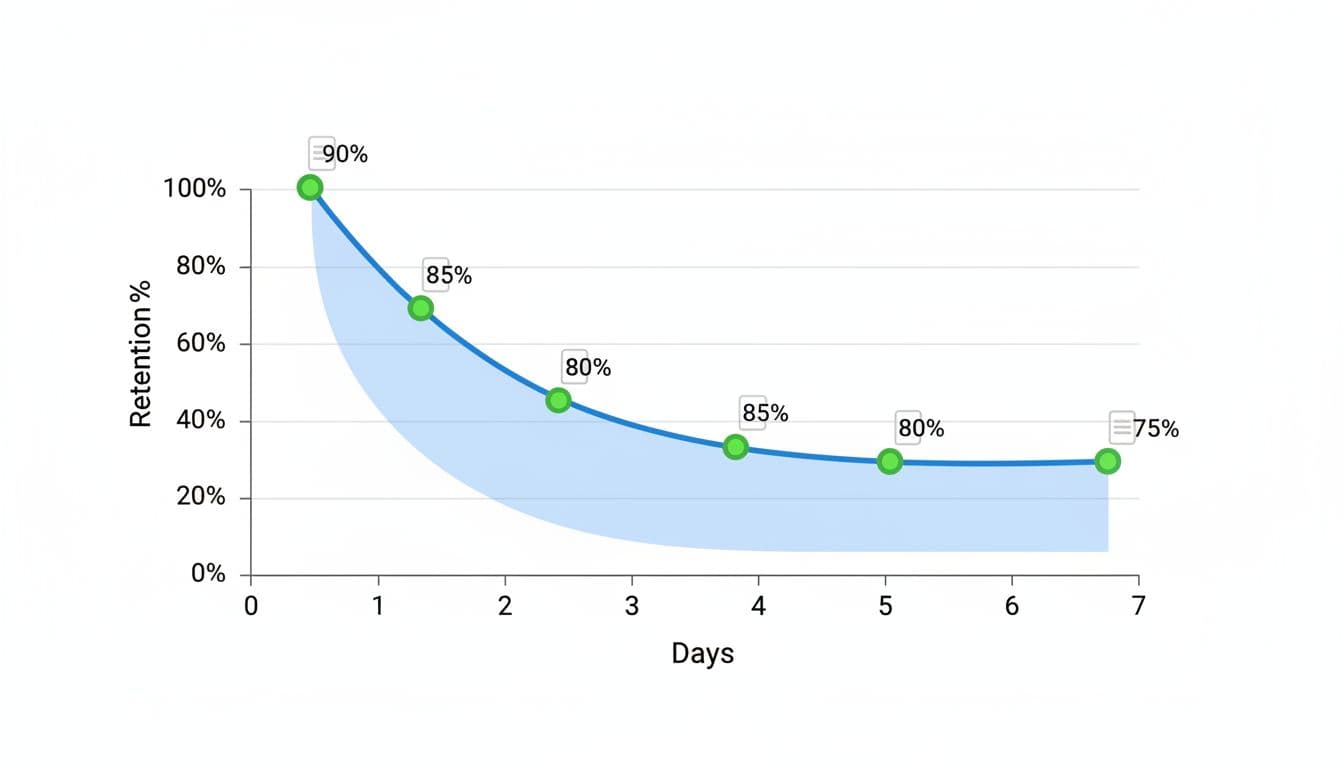
Spaced repetition works because memory drops, then rebounds when you review right before you forget. If you want a quick refresher on the concept, this overview of spaced repetition for language learning gives a clear explanation.
A strong SRS inside a language app tends to show three signs within a week:
- Predictable review pressure: you get enough reviews to reinforce items, but not so many that you can’t finish.
- Stable accuracy: after day 3, your percent correct should stop swinging wildly.
- Clear feedback loops: you can tell what will be reviewed next, and why.
This test is not about “how fun” the app is. It’s about whether the review engine is helping you remember tomorrow.
Day 0 setup: make the test fair (10 minutes)
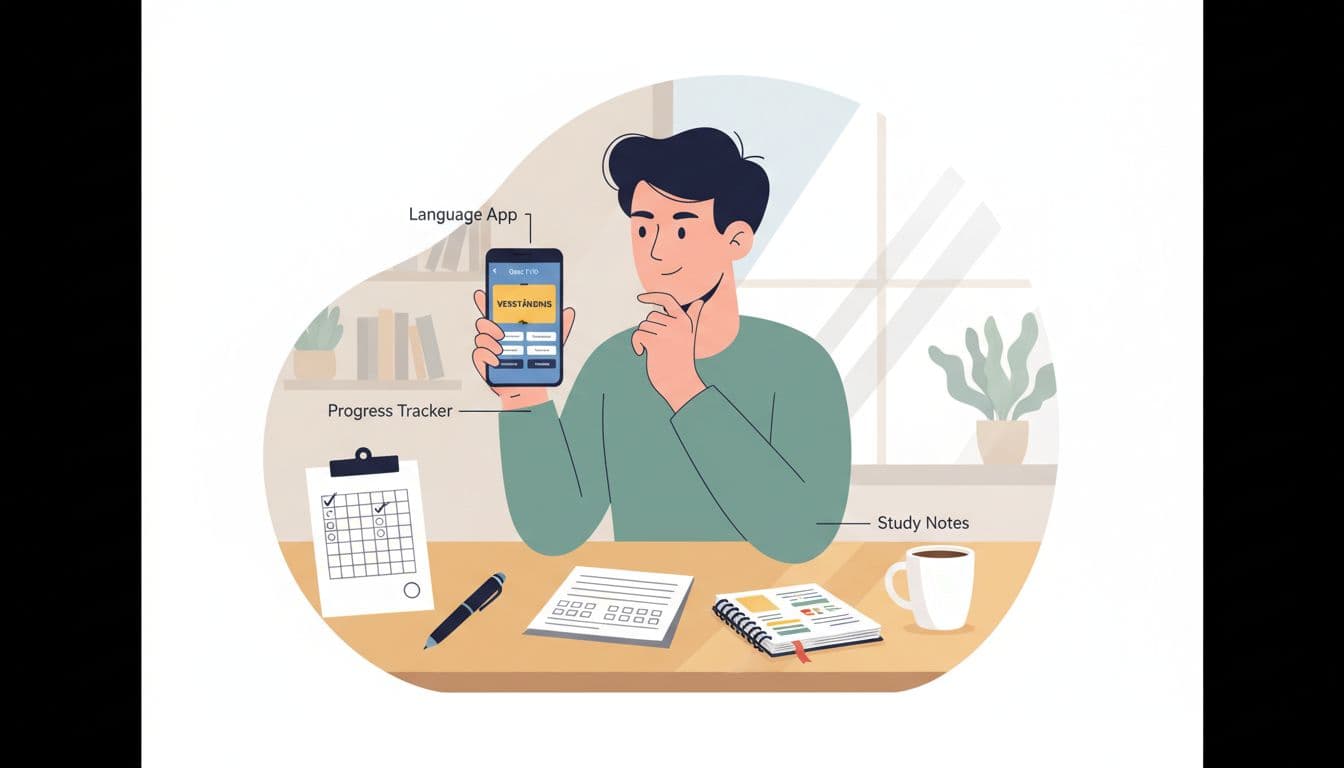
Before you start Day 1, lock down a few basics so your results mean something.
Choose one content slice. Pick one deck, one course unit, or one vocabulary set. Don’t mix “travel phrases” with “grammar drills.”
Pick one daily time. Same time, same device. Consistency matters more than intensity.
Set a fixed input size. If the app allows it, set “new items” to a steady number (10–20 per day is enough). If it doesn’t, you’ll still track what it gives you.
Avoid extra exposure. Don’t re-study the same words outside the app during the 7 days. You’re testing the app’s scheduling, not your extra practice.
If you’re comparing big-name apps, it helps to understand their learning styles first. This Rosetta Stone vs Duolingo comparison is a useful example of how two popular approaches can feel very different before you even look at SRS behavior.
The 7-day spaced repetition test (what to do each day)
Each day has the same structure:
1) Do all reviews the app says are due.
If there’s a cap (max reviews/day), note it. A cap can hide overload by pushing reviews into the future.
2) Add new items only after reviews.
This keeps the test focused on retention, not novelty.
3) Record numbers immediately.
Don’t estimate later. Memory lies, and so do “I think it was about 30.”
4) Keep session length similar.
If day 4 is a 5-minute speed run and day 5 is 45 minutes, your response time and accuracy won’t compare well.
Tip: If your app doesn’t show “reviews due,” approximate it by counting the review queue at the start of your session, or take a quick screenshot and count.
Copy-ready 7-day memory scorecard (plus a print-friendly version)
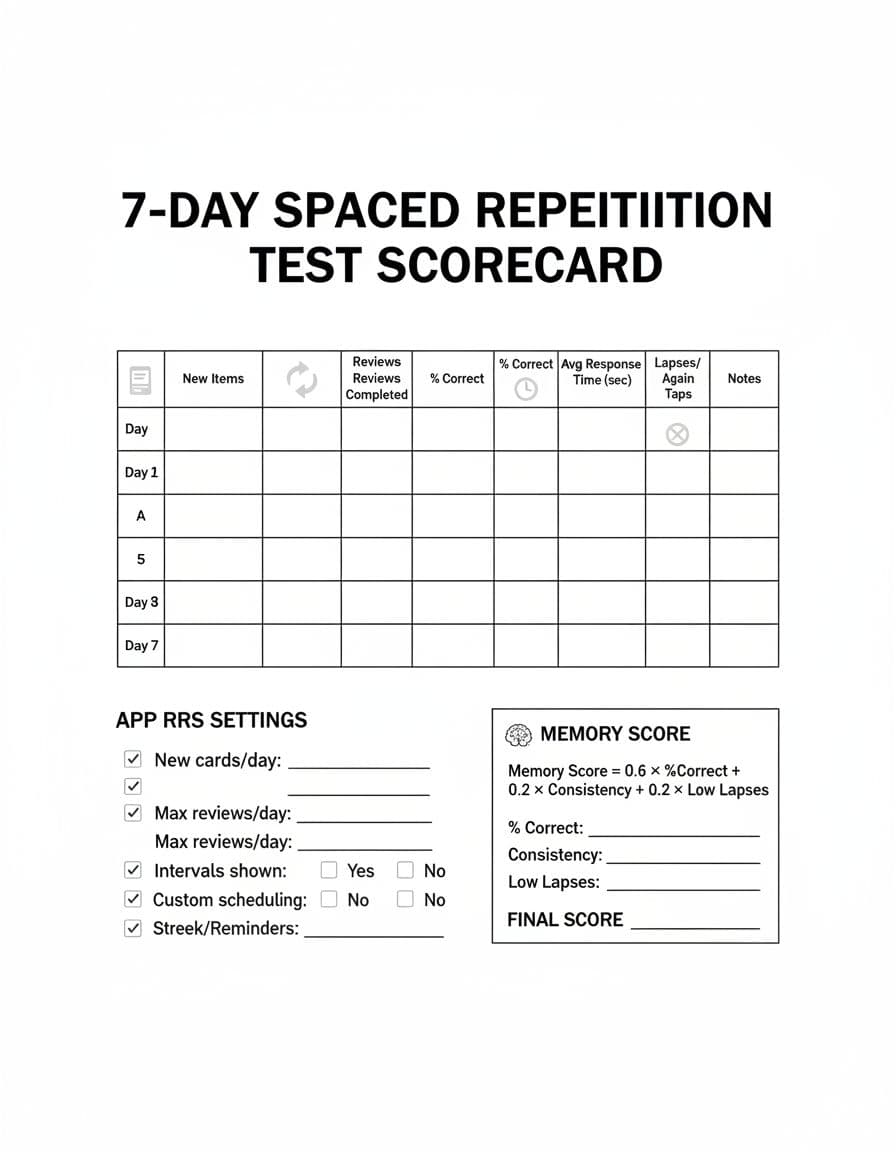
Use the table below as your daily log. It’s designed to work even when an app hides some SRS details.
| Day | New items | Reviews due | Reviews completed | % correct | Avg response time (sec) | Lapses/Again taps | Notes |
|---|---|---|---|---|---|---|---|
| Day 1 | |||||||
| Day 2 | |||||||
| Day 3 | |||||||
| Day 4 | |||||||
| Day 5 | |||||||
| Day 6 | |||||||
| Day 7 |
Printable-friendly version (fast): copy this page into a notes app or document, then print at 100% scale on Letter or A4. Keep it one page by using narrow margins and a standard font size (10–11 pt). If you prefer paper tracking, print two copies: one for daily logs, one for calculations and your final verdict.
Also capture these “SRS settings” once on Day 1:
- New items/day: _______
- Max reviews/day (if any): _______
- Intervals shown (yes/no): _______
- Custom scheduling options (yes/no): _______
- Streaks/reminders affecting behavior (yes/no): _______
What each metric means (and how to calculate it)
% correct: correct answers divided by total attempts for the session. Use the app’s number if it provides one. If not, approximate with: correct ÷ (correct + incorrect).
Lapses (Again taps): count how often you hit “Again,” “Incorrect,” or the lowest grade. Lapses matter because they show true forgetting, not slow recall.
Avg response time (sec): your average seconds per prompt. Many apps don’t show this, so use a simple method: time the whole review block and divide by items answered. If a timer feels annoying, do it on Days 1, 4, and 7 only, and write “estimated” in Notes.
Overdue rate (write it in Notes): percent of reviews you completed late. If the app shows due times, calculate: overdue reviews ÷ reviews completed. If the app hides due times, use a simpler signal: did the review count pile up from missed days? Mark “low/medium/high overdue.”
Interval transparency (write it in Notes): can you see when an item will return (next review time or interval length)? Mark “clear,” “partial,” or “hidden.” Hidden intervals are not always bad, but they make it harder to trust the system.
If you want more examples of SRS-based products to compare against, this list of language learning apps with spaced repetition can help you pick candidates for the same test.
Memory Score (0–100): a simple rubric that reveals weak SRS fast
Use this scoring model after Day 7. It’s simple on purpose.
Step 1: Compute three sub-scores
A) Accuracy score (0–60)
Average your % correct for Days 3–7, then multiply by 0.6.
Example: 82% average → 82 × 0.6 = 49.2 points.
B) Consistency score (0–20)
(Reviews completed days ÷ 7) × 20.
If you reviewed 6 of 7 days: 6/7 × 20 = 17.1 points.
C) Forgetting control score (0–20)
Start at 20, subtract 1 point for every 2 lapses per 100 reviews (Days 3–7).
If you had 18 lapses across 250 reviews: lapses per 100 = 7.2, subtract 3.6 → 16.4 points.
Memory Score = A + B + C (round to the nearest whole number)
How to interpret your score
- 85–100 (Strong SRS): reviews feel “just in time,” accuracy holds, lapses stay controlled.
- 70–84 (Good, with quirks): works, but you may see overload days, hidden intervals, or awkward review pacing.
- 50–69 (Unstable): accuracy swings, lapses rise, or missed days create a backlog you can’t recover from.
- Below 50 (Weak SRS fit): the system isn’t protecting memory well, or it’s not transparent enough to manage.
FAQ: quick fixes and common traps
Do I need exactly 7 days?
Seven is long enough to see early intervals. Longer tests help, but this is a fast filter.
What if the app won’t show “reviews due” or intervals?
That’s data too. Mark interval transparency as “hidden” and rely on accuracy, lapses, and backlog behavior.
Is lower response time always better?
No. Very fast answers with low accuracy can mean guessing. Look for reasonable speed with stable accuracy.
Can I compare two apps at once?
You can, but it’s cleaner to run the spaced repetition test separately. Split attention can change results.
For a broader overview of SRS formats people use (beyond language apps), this roundup of spaced repetition systems can help you name what you’re seeing.
Your 7-day verdict template (fill this in)
App tested: _______
Content set used: _______
Daily new items target (actual average): _______
Memory Score (0–100): _______
What worked: _______
What broke (overload, hidden intervals, backlog, etc.): _______
Best feature for memory: _______
Biggest risk if I keep using it: _______
Final verdict: I will / won’t keep this app because _______.
Conclusion
A language app can feel smooth and still waste your time if its reviews arrive at the wrong moments. This 7-day method turns that fuzzy feeling into numbers you can compare.
Run the spaced repetition test, compute your Memory Score, and keep the app only if it protects recall without burying you in overdue reviews. The best SRS is the one you can finish daily, and still remember what you learned last week.
Ready to Take Your Language Learning Further?
Your favorite language-learning app is a great place to start. Rocket Languages can help you go further with interactive audio lessons, pronunciation practice, real-world conversations, and structured learning.
Explore Rocket Languages →Affiliate disclosure: We may earn a commission if you purchase through this link, at no additional cost to you.
