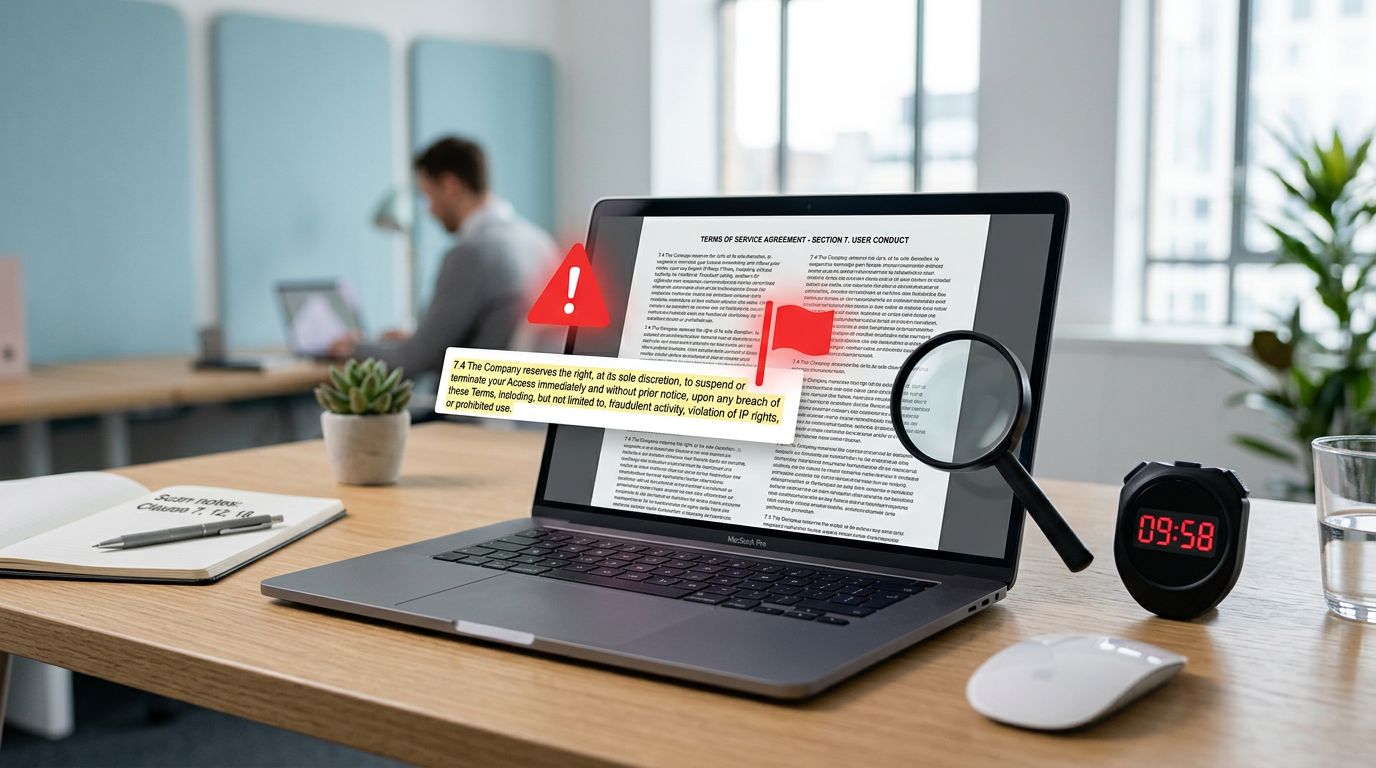
Signing up for a SaaS tool or app can feel like grabbing a coffee, quick, cheap, harmless. Then the bill shows up later, in the form of surprise renewals, lost data, or a dispute you can’t take to court.
This 10-minute scan helps you spot terms of service red flags before you click “I agree.” It’s built for consumers and small teams who need speed, not a law degree.
Identifying Terms of Service Red Flags
Disclaimer: This article is for education only and is not legal advice. If the risk is high (money, customer data, student data, or a long contract), talk to a qualified lawyer.
Set a timer: how to scan a Terms of Service in 10 minutes
Don’t read every line. Scan like you’re checking a used car for rust. You’re looking for the parts that can hurt you later.
Minute 1: Gather the “contract stack.”
Find the Terms of Service (ToS), Privacy Policy, and any “Acceptable Use,” “Refund,” or “Subscription” pages. Many risky promises hide outside the ToS. (If you want an example of what a clear privacy page looks like, compare it with our detailed privacy policy.)
Minutes 2 to 8: Use Ctrl/⌘+F with the right keywords.
Search for words like “arbitration,” “renewal,” “terminate,” “indemnify,” “liability,” “as is,” “change,” “affiliate,” “transfer,” “AI,” and “training.” If you’re buying for a team, add “customer data,” “confidential,” “security,” and “breach.”
Minutes 9 to 10: Ask one question: “What happens on a bad day?”
Picture three bad days: you want to cancel, the service breaks, or the vendor closes your account. If the ToS says you lose money, access, and rights in all three, don’t rationalize it.
If you’re doing vendor reviews often, keep a simple clause list in your notes. Guides like this SaaS contract review overview can help you learn what “normal” looks like.
The red flag table: what to search, why it’s risky, what to request instead
Use the table below as a fast map. The “clause keywords” column is written for Ctrl/⌘+F scanning.
| Red flag | Clause keywords to search (Ctrl/⌘+F) | Why it’s risky | Safer alternative language | Next step |
|---|---|---|---|---|
| Data used for AI training (or “model improvement”) | ai, training, machine learning, improve, analytics, content | Your inputs may become vendor training data. That can expose confidential info. | “No training on Customer Content without opt-in, data minimized.” | Negotiate |
| Forced arbitration and class-action waiver (plus venue) | arbitration, class action, waiver, venue, jurisdiction, governing law | Limits court options, raises costs, reduces leverage in disputes. | “Either party may sue in local courts, no class waiver.” | Ask counsel |
| Unilateral changes with “continued use = acceptance” | modify, change, update, effective immediately, continued use | Vendor can worsen terms after you commit, sometimes without notice. | “Material changes require notice, right to cancel before effective date.” | Negotiate |
| Auto-renewal, cancellation friction, refund limits, chargebacks blocked | auto-renew, renewal, cancel, notice, refund, chargeback, trial | Easy to start, hard to stop, little money back, bank disputes restricted. | “Clear cancel path, prorated refunds, no penalty for good-faith chargebacks.” | Avoid |
| Low liability cap plus broad disclaimer | limitation of liability, cap, indirect, consequential, as is | If they cause harm, you may recover little or nothing. | “Liability cap tied to fees paid, carve-outs for data breach and gross negligence.” | Ask counsel |
| Broad indemnity (you cover their risks) | indemnify, hold harmless, defend | You could pay their legal bills for third-party claims, even from small mistakes. | “Mutual indemnity, limited to IP infringement or proven misuse.” | Negotiate |
| IP or license grab over your content (UGC) | license, royalty-free, perpetual, irrevocable, user content | They may reuse your uploads, notes, audio, or classroom materials forever. | “License only to operate service, ends on deletion, no marketing use.” | Negotiate |
| Privacy/data sharing too open-ended | share, partners, affiliates, service providers, transfer | Data can spread to ad partners or affiliates with weak limits. | “No sale, limited processors, clear purposes, opt-out for marketing.” | Avoid |
| Termination “for any reason” and weak data access/export | terminate, suspend, sole discretion, access, delete, export | You can lose access, progress, or customer records without a clean exit. | “Notice and cure, export window, read-only access after termination.” | Negotiate |
| Security incident notice is missing or vague | security, breach, incident, notice, notify | You may not learn about a breach in time to act. | “Notice within X days, details, and remediation steps.” | Ask counsel |
| “No warranties,” “as-is,” and no uptime promises | no warranties, as is, uninterrupted, errors | You pay while they promise nothing about reliability or accuracy. | “Basic uptime target, support response times, limited warranties.” | Accept (low risk) |
A quick reality check: as of March 2026, many consumer apps still include “as-is” language, broad termination rights, and tough cancellation terms. Those aren’t rare edge cases, they’re common defaults. For more clause examples in plain English, this SaaS contract red flags breakdown is a helpful comparison point.
Also remember that ToS promises should match app behavior. If the product asks for heavy device access (like microphone permissions), verify your settings and reduce exposure. This microphone permissions audit pairs well with the ToS scan.
Three real-world style examples (hypothetical) of how clauses can hurt
Example 1: The “free trial” that turns into a quarterly bill.
A founder signs up for a team plan during a sprint. The ToS requires cancellation 30 days before renewal, and the cancel button sits behind support email. Two months later, the renewal hits. The refund policy says “no refunds,” and the chargeback clause threatens account termination.
Example 2: Your uploads become “training data.”
A teacher uploads custom worksheets and student writing samples. The terms allow “content” to improve AI systems. Even if names aren’t included, the text can still be sensitive. When the school asks to opt out, the vendor says it’s not possible on the current plan.
Example 3: Account terminated, progress gone.
A user complains to support about a bug. The vendor cites “abusive behavior” under a broad conduct clause and closes the account. The ToS says they can terminate “at sole discretion,” with no appeal and no duty to preserve data. Years of learning notes disappear overnight.
If you want a negotiation-oriented view (useful for small businesses), this SaaS red flags and negotiation strategies guide offers practical language patterns to watch for.
Printable 10-minute scan checklist and a short email template
Print this, or paste it into your team’s vendor review doc.
10-minute Terms of Service scan (Ctrl/⌘+F):
- Find ToS, Privacy Policy, Subscription, and Refund pages.
- Search: arbitration, class, waiver, venue, jurisdiction.
- Search: renew, auto-renew, cancel, notice, trial.
- Search: terminate, suspend, sole discretion, delete, export.
- Search: as is, no warranties, uninterrupted, errors.
- Search: limitation of liability, cap, indirect, consequential.
- Search: indemnify, defend, hold harmless.
- Search: license, user content, royalty-free, perpetual.
- Search: AI, training, model, improve, analytics.
- Search: breach, incident, security, notify, notice.
Template email to request clarification or amendments
Subject: Terms clarification request (account, data, renewal)
Hi [Support or Legal Team Name],
We’re evaluating [Product] for [personal use / our team]. Before we accept the Terms, can you confirm the following in writing (or point to the exact clause)?
- Whether our content or usage data is used for AI training, and how to opt out.
- Your cancellation path (exact steps) and whether you offer prorated refunds.
- What happens if you suspend or terminate an account, including data export and access window.
- Your security incident notice timing and method.
If these aren’t covered, we’d like an updated term (or addendum) that addresses them.
Thanks,
[Name]
[Company, if any]
[Account email]
Conclusion: fewer surprises, better choices
A fast scan won’t replace a full review, but it catches the most costly surprises. When you spot terms of service red flags early, you can negotiate, pick a safer plan, or walk away before you’re locked in. Set a timer, search the right words, and treat vague promises as a warning sign, not fine print.
Ready to Take Your Language Learning Further?
Your favorite language-learning app is a great place to start. Rocket Languages can help you go further with interactive audio lessons, pronunciation practice, real-world conversations, and structured learning.
Explore Rocket Languages →Affiliate disclosure: We may earn a commission if you purchase through this link, at no additional cost to you.
